

sanal mağaza
Randevu
etkinlikler
Pop-up

Booking Caps: Capacity Limits
Sunan:
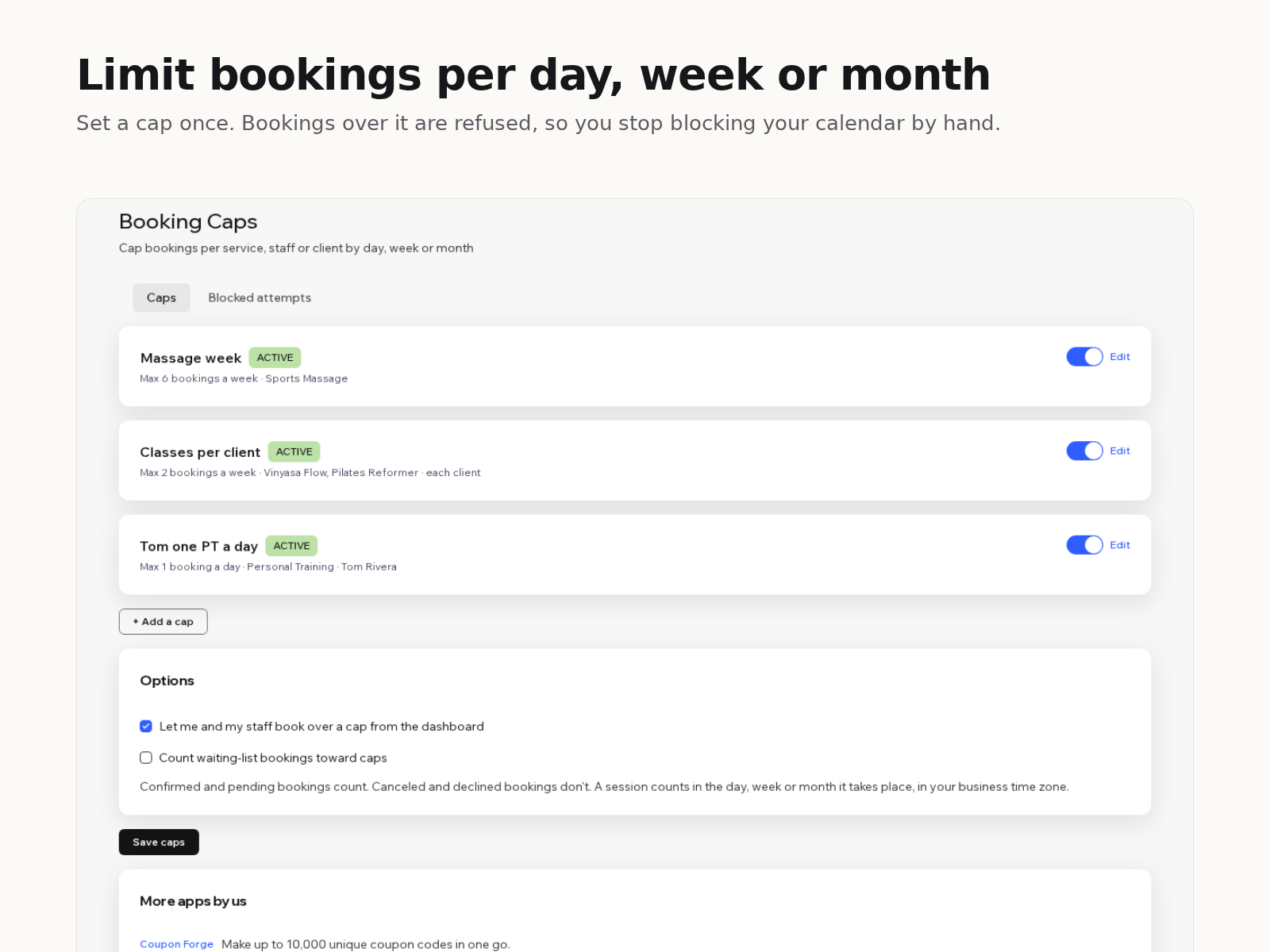
Stop overbooking: cap per day, week or month
Henüz değerlendirme yok
Ücretsiz paket mevcut

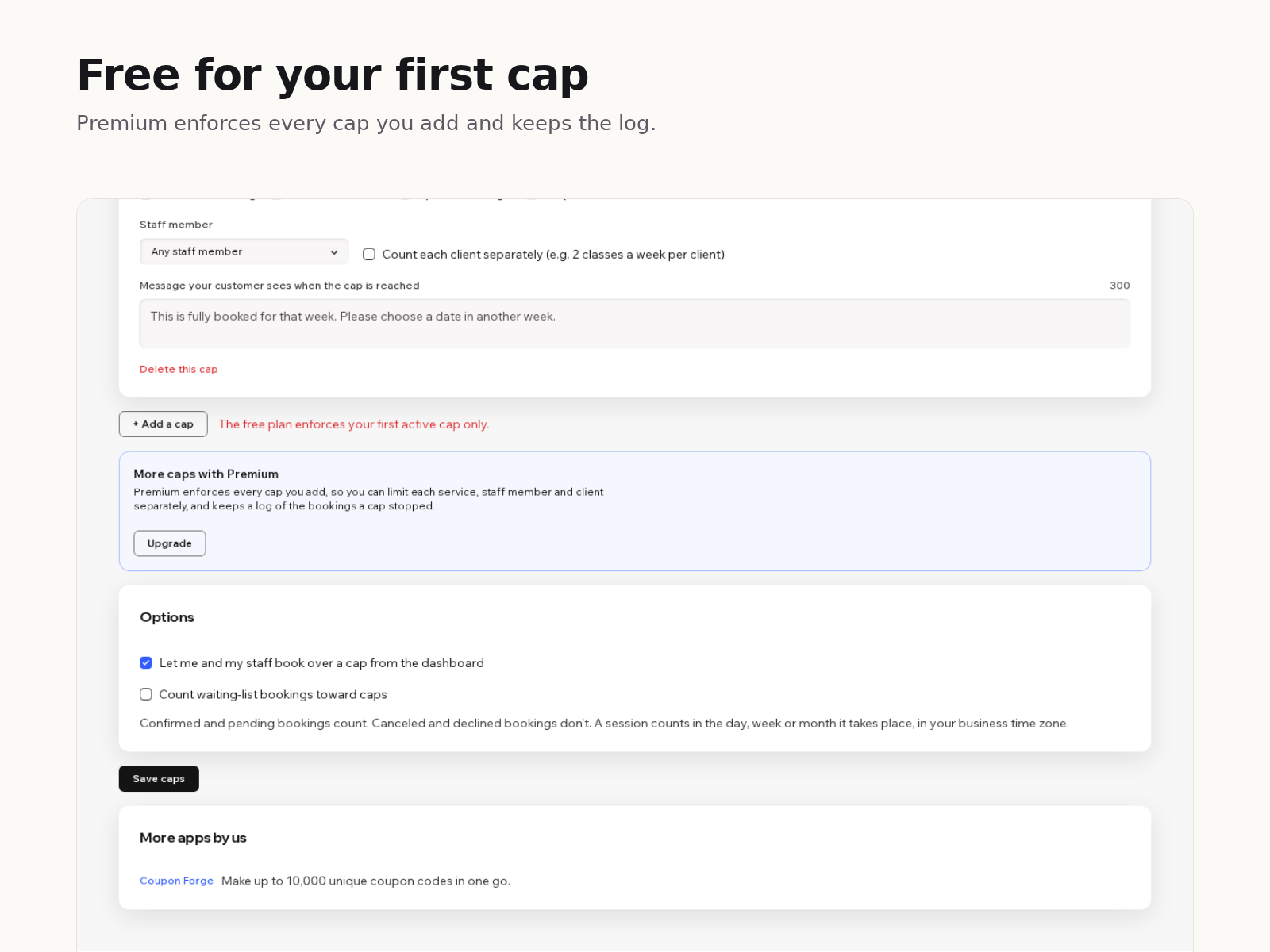
Booking Caps: Capacity Limits uygulamasına genel bakış
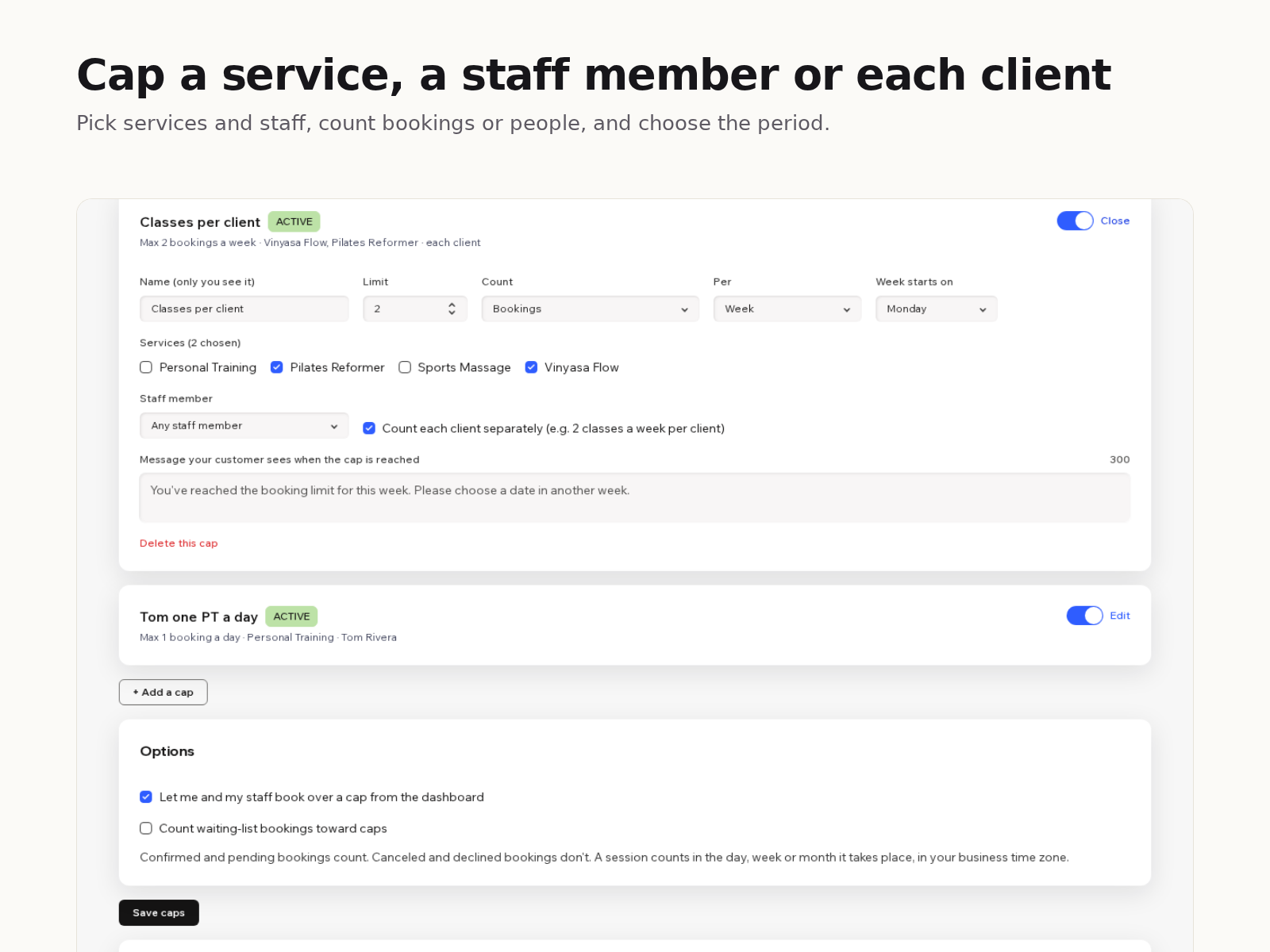
- Cap a service, a staff member or each client
- Daily, weekly or calendar-month limits
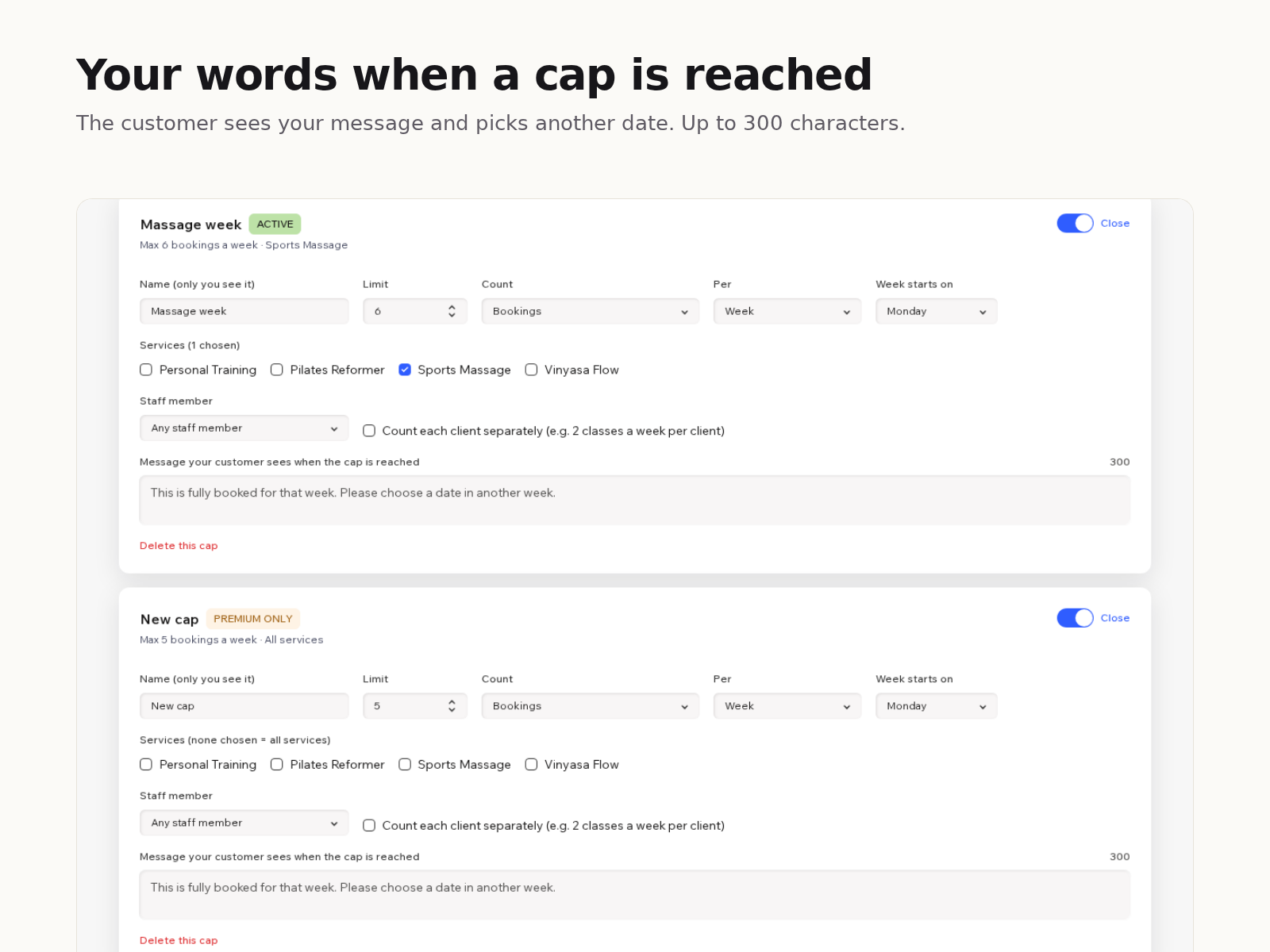
- Your own message when a limit is reached
- Checked on every new booking, not just online
Değerlendirme ve yorumlar
Bu uygulama henüz değerlendirme almamış. İlk değerlendiren siz olun.Fiyatlandırma ve ücretli abonelikler
Basic Paketi
Ücretsiz
1 active cap of any type
Daily, weekly and monthly limits
Custom message for customers
Premium Paketi
$
6
67
/ay
Unlimited caps
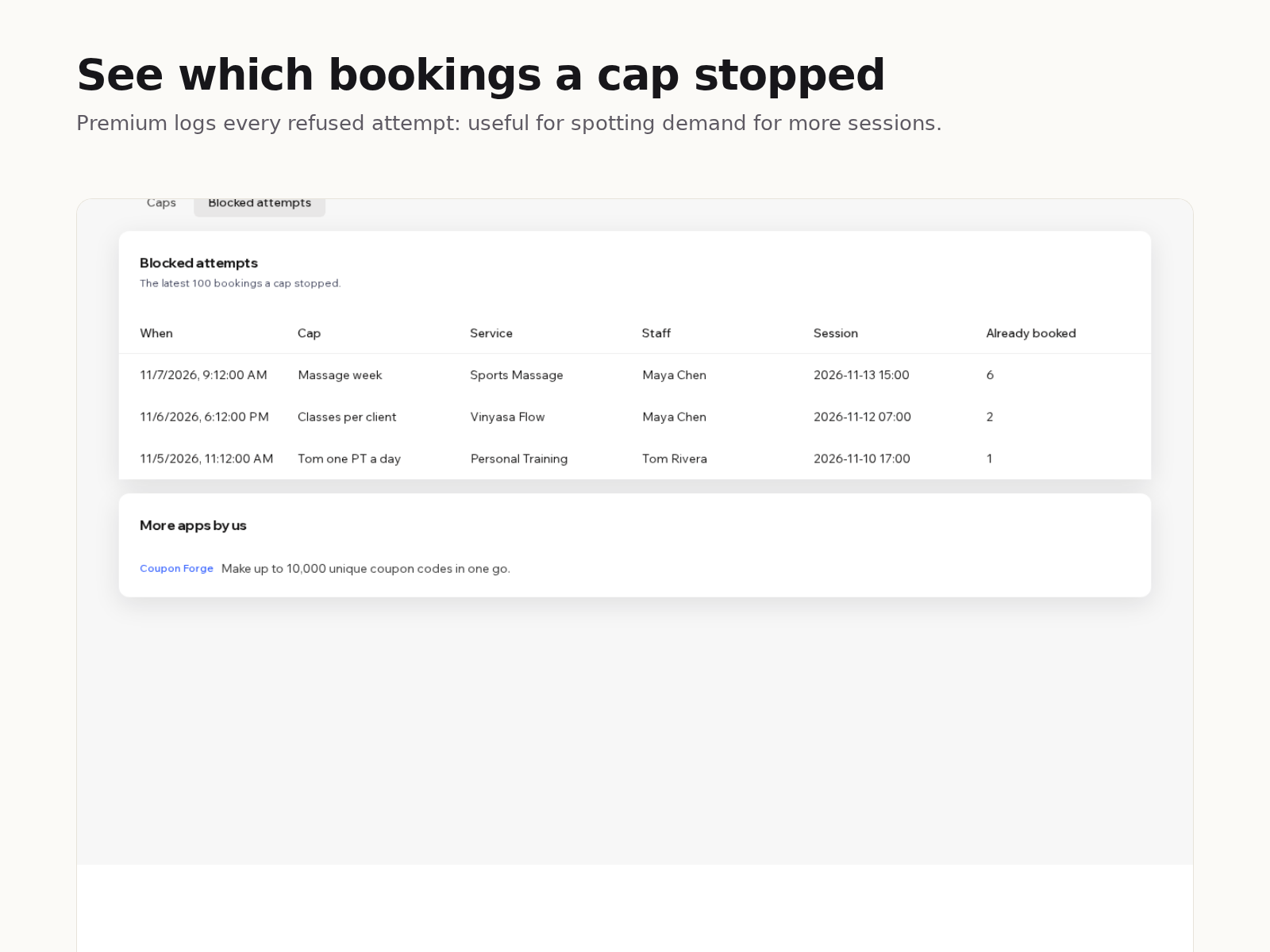
Log of blocked booking attempts
Per-client and staff caps
Everything in the free plan
* Fiyat USD cinsindendir.