

sanal mağaza
Randevu
etkinlikler
Pop-up
MT: Stocktake, Count & History
Sunan:
Barcode scan stocktake · free up to 500 variants
Henüz değerlendirme yok
Ücretsiz paket mevcut

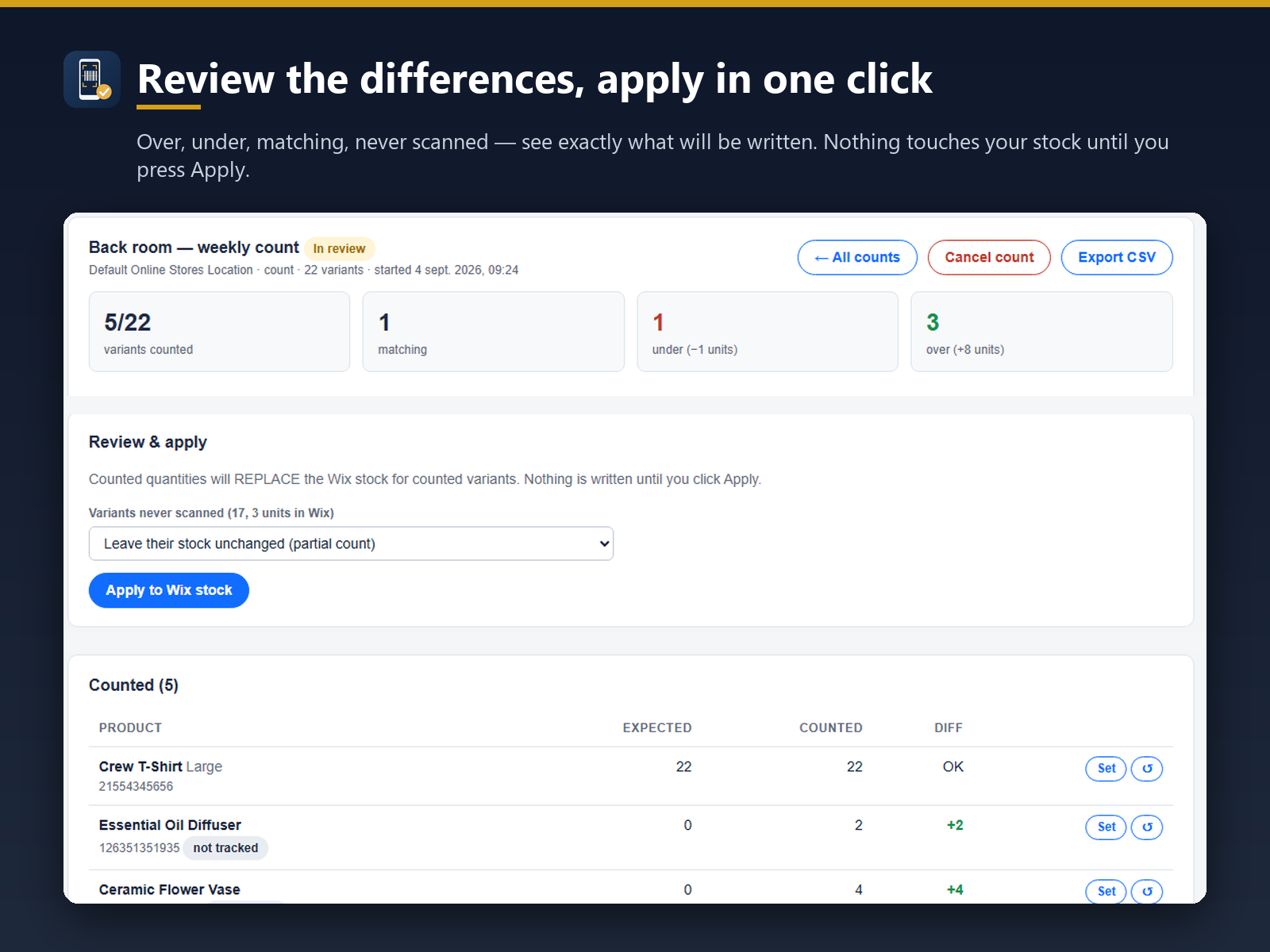
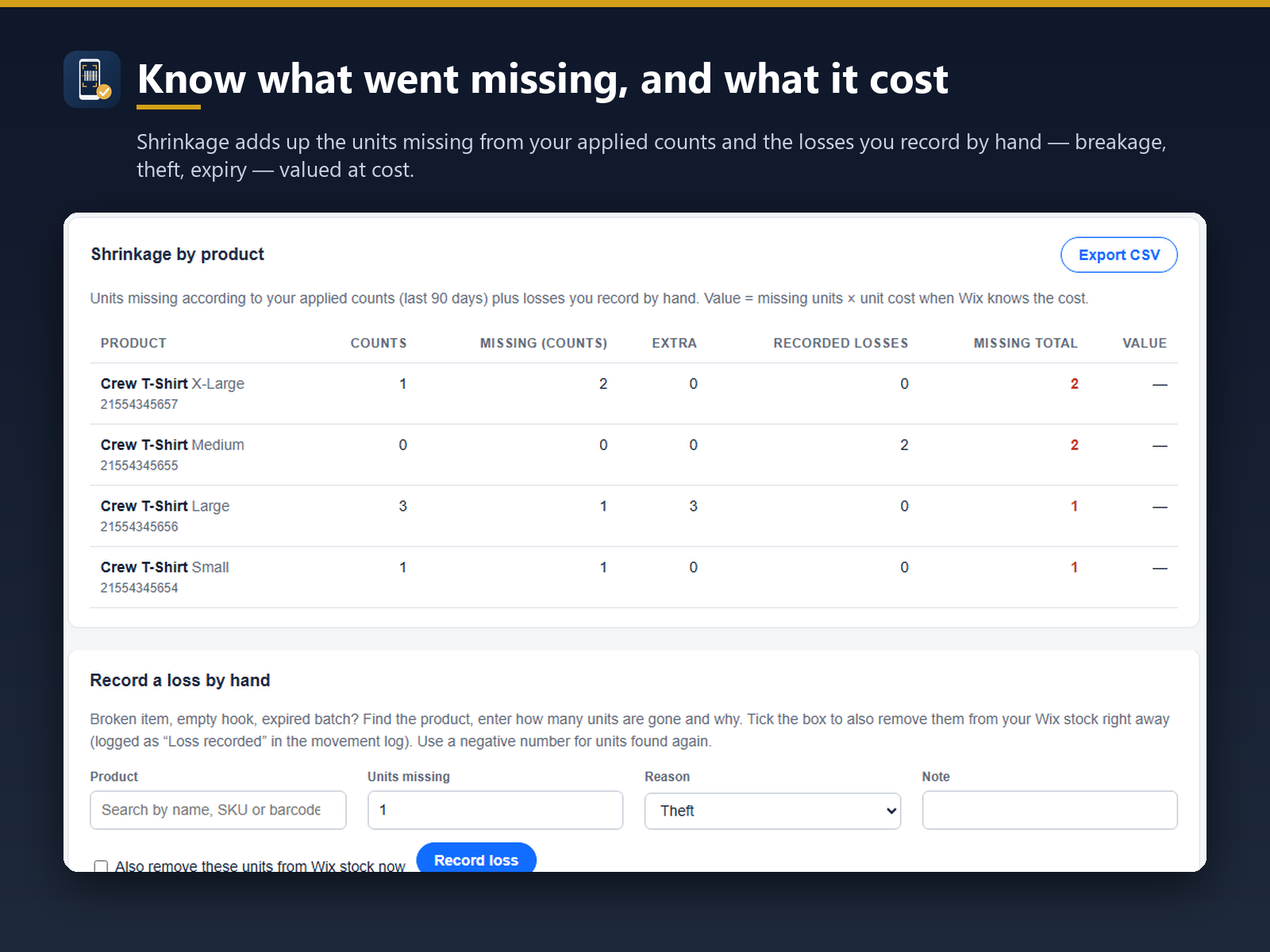
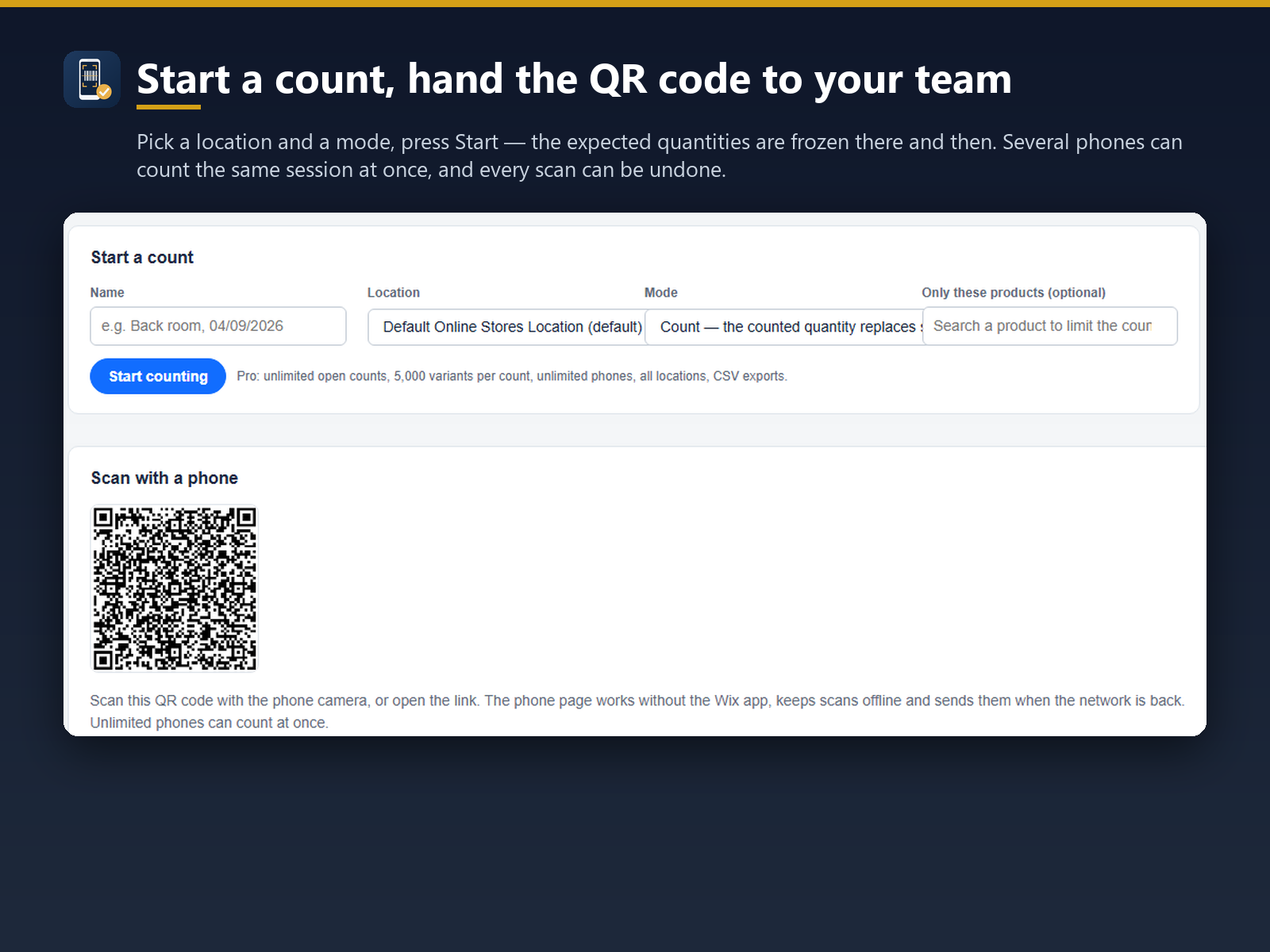
MT: Stocktake, Count & History uygulamasına genel bakış
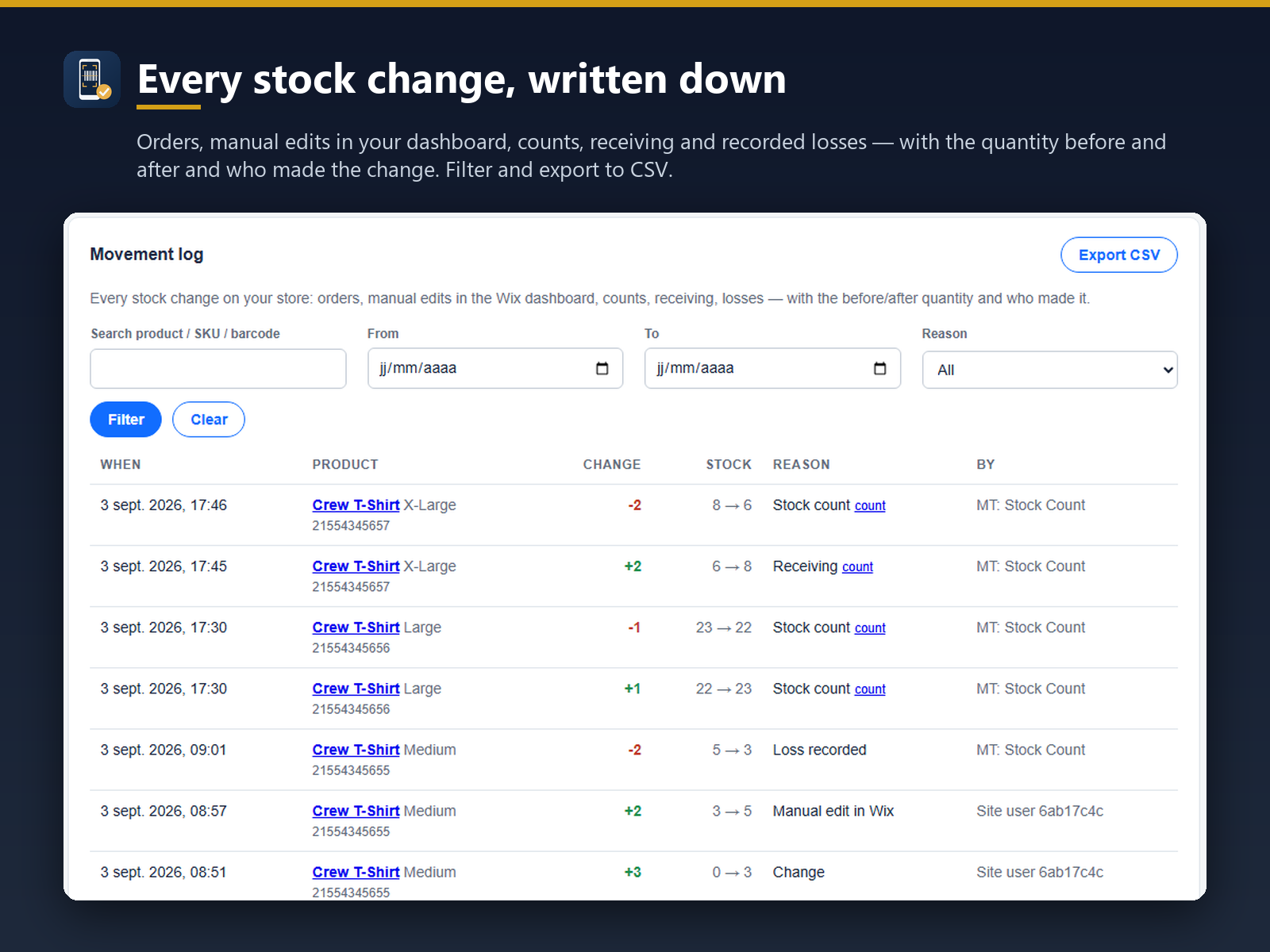
- Every stock change logged: orders, edits, counts, receiving
- Log filtered by product, date or reason, Excel/CSV export
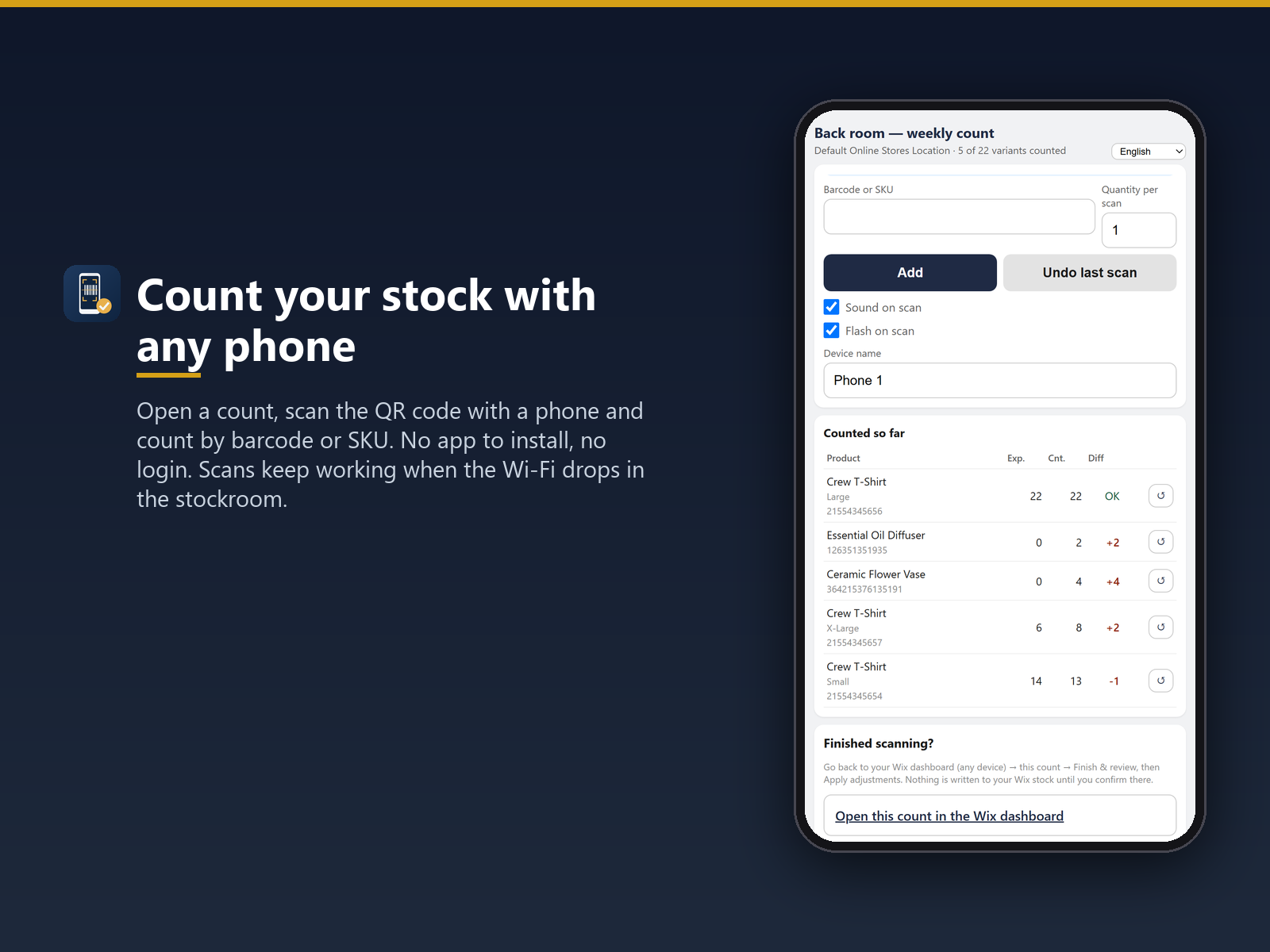
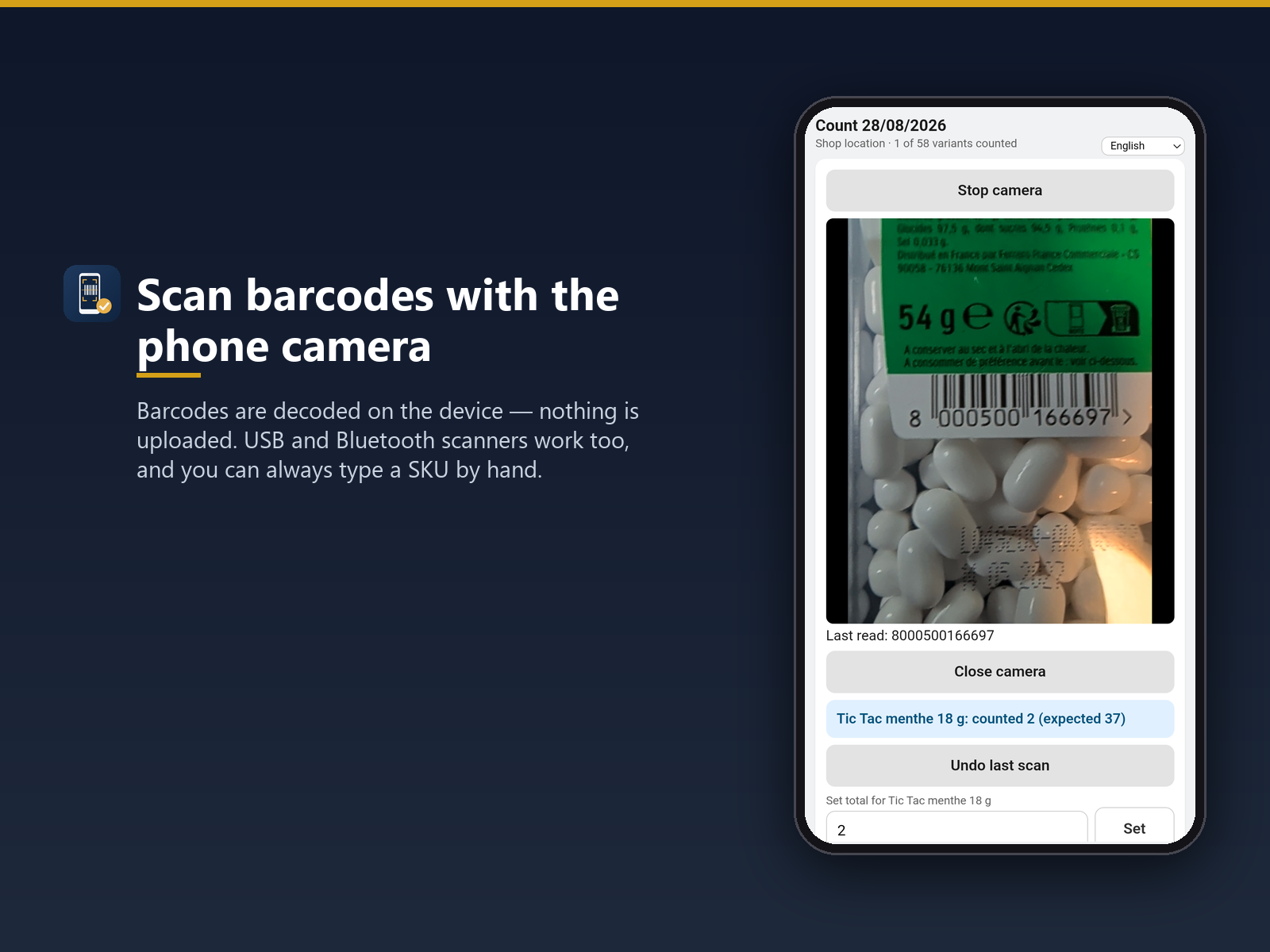
- Barcode or SKU counts from a phone, no extra hardware
- Receiving by scan and shrinkage totals by product
Değerlendirme ve yorumlar
Bu uygulama henüz değerlendirme almamış. İlk değerlendiren siz olun.Fiyatlandırma ve ücretli abonelikler
Basic Paketi
Ücretsiz
Barcode and SKU counting by phone
1 open count, up to 500 variants
30-day stock movement log
One phone, one location
Pro Paketi
$
6
63
/ay
Unlimited counts, 5,000 variants
All locations, unlimited phones
Full stock movement log, no limit
Excel/CSV export of counts and journal
* Fiyat USD cinsindendir.