

sanal mağaza
Randevu
etkinlikler
Pop-up

Month Calendar for Bookings
Sunan:
Show your class slots on a monthly calendar
Henüz değerlendirme yok
Ücretsiz paket mevcut

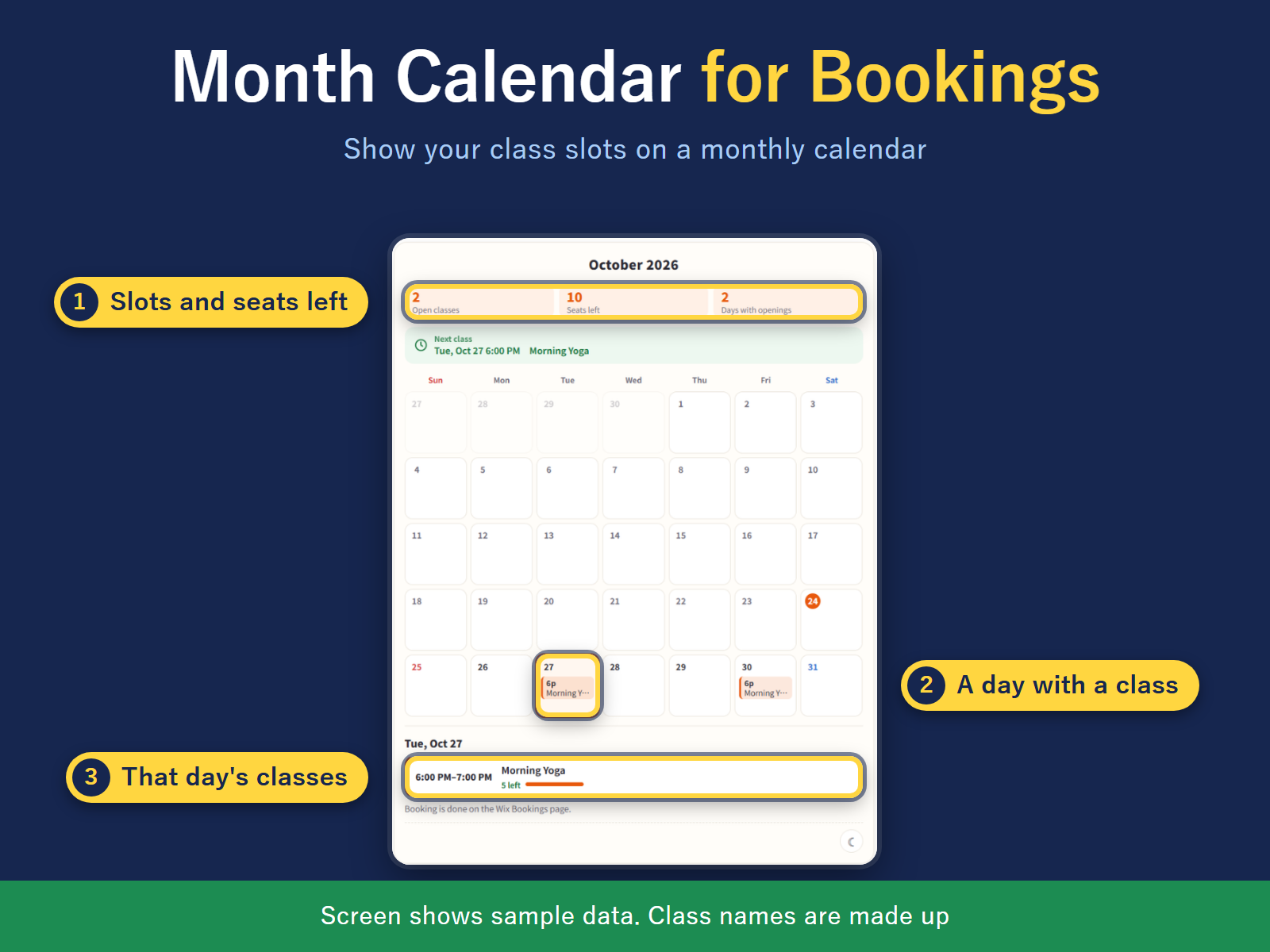
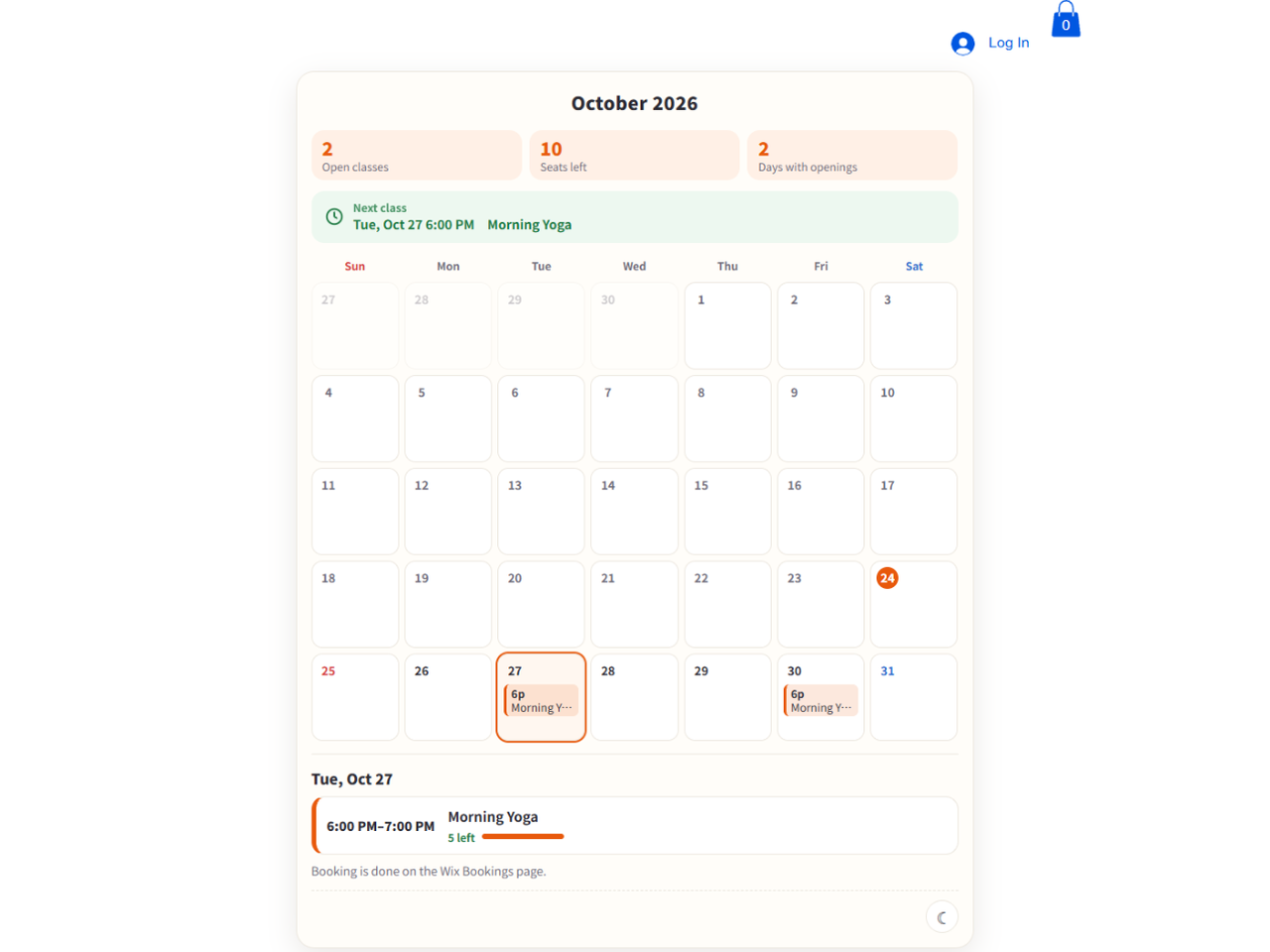
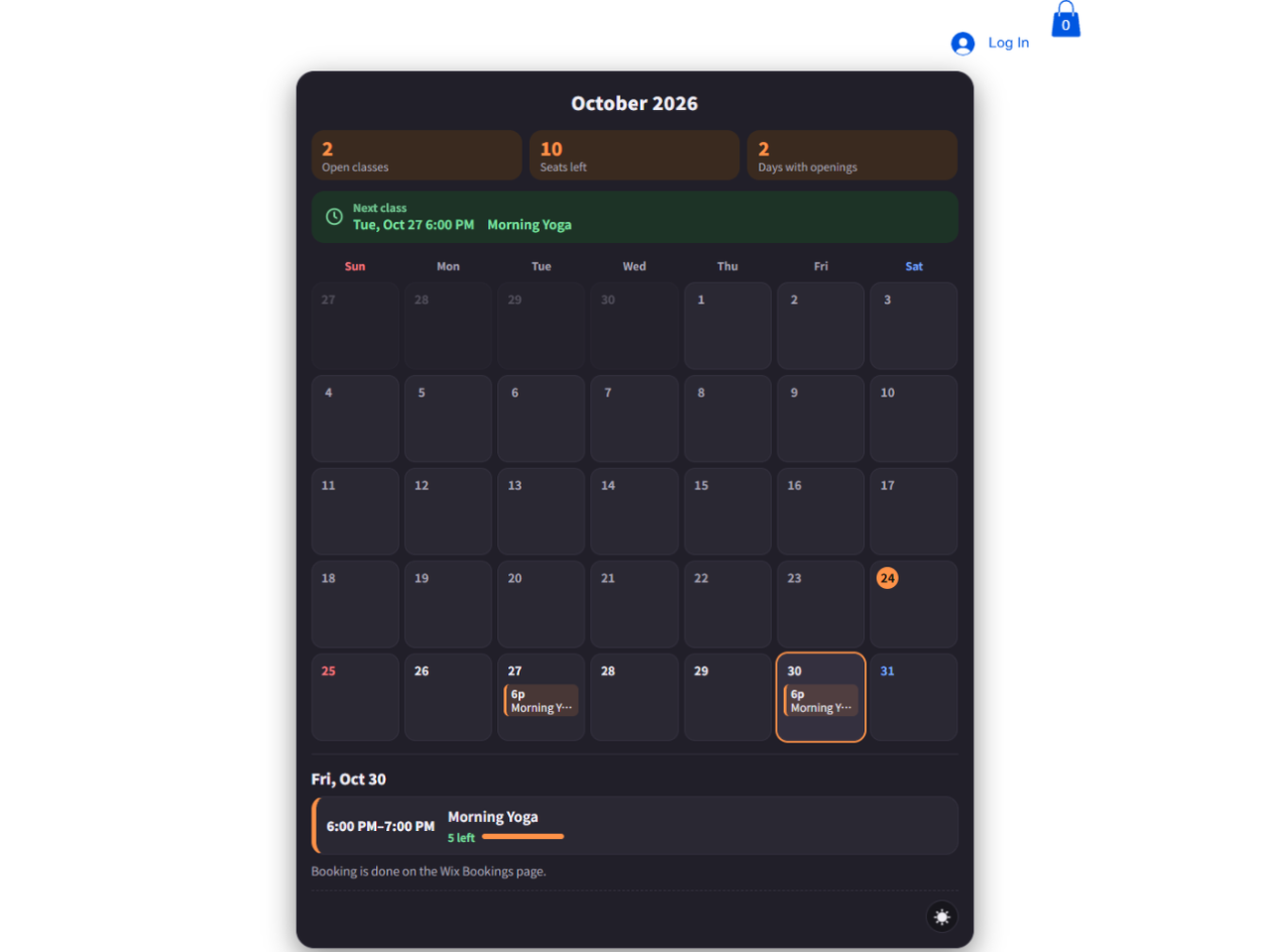
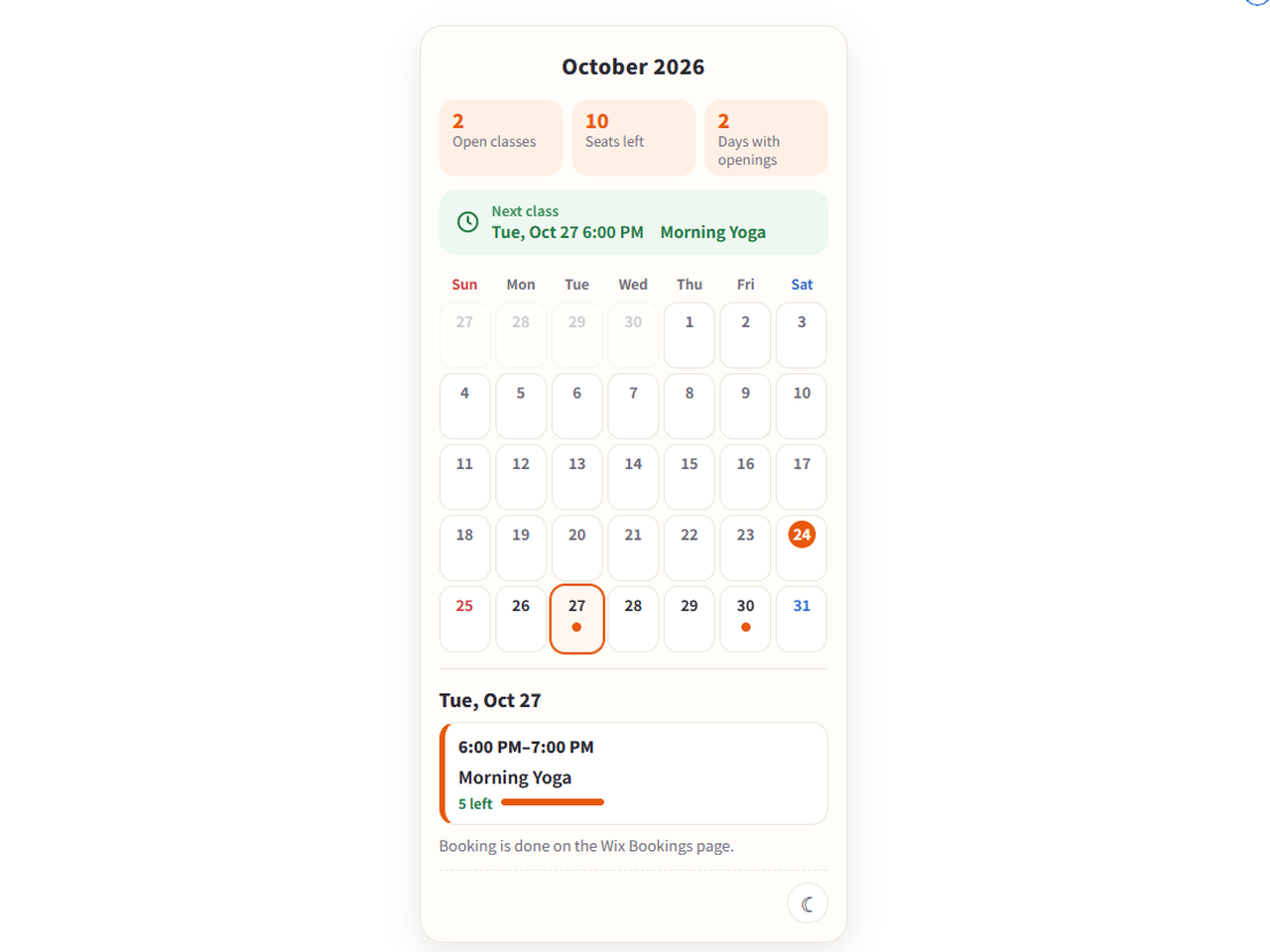
Month Calendar for Bookings uygulamasına genel bakış
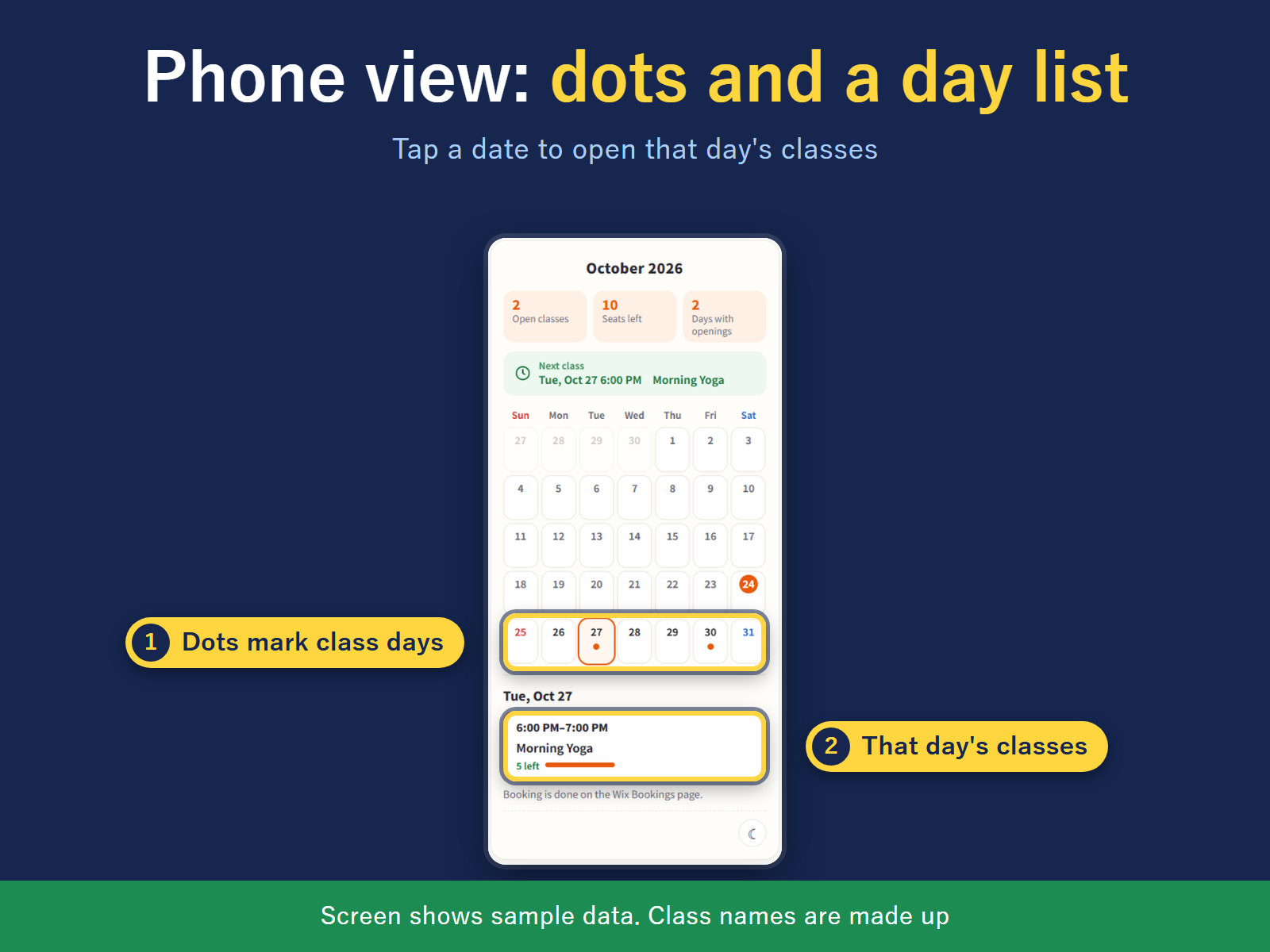
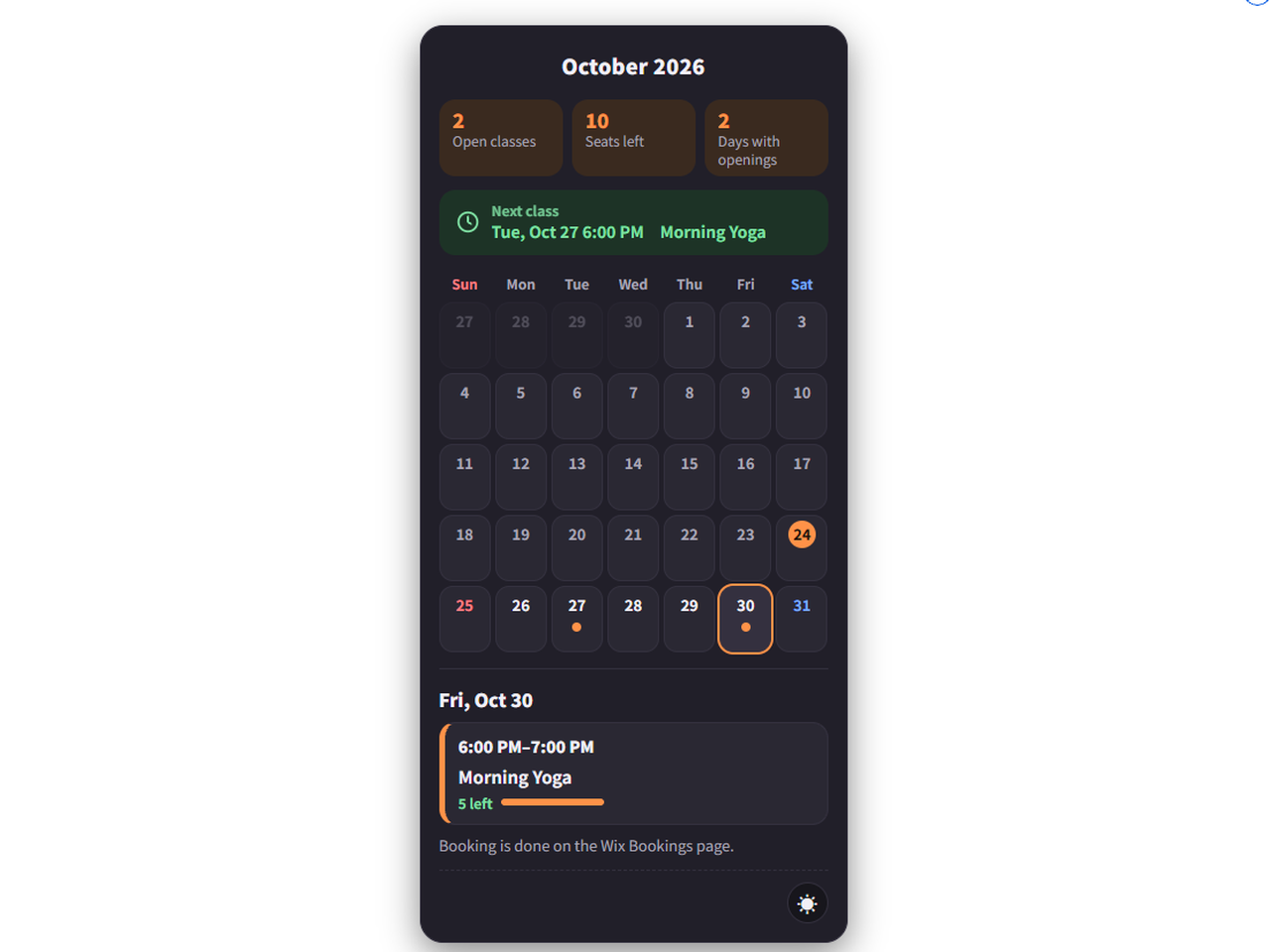
- Class slots on a month grid
- Each day shows time, class, seats left
- Select a date, then Book
- Colored dots per day on phones
Değerlendirme ve yorumlar
Bu uygulama henüz değerlendirme almamış. İlk değerlendiren siz olun.Fiyatlandırma ve ücretli abonelikler
Basic Paketi
Ücretsiz
This month, one class
English or Japanese, light or dark
Hide full classes
Sunday or Monday week start
Pro Paketi
$
3
99
/ay
12 months ahead (Free: this month)
Multiple classes (Free: 1 class)
Color-coded classes (8 colors)
* Fiyat USD cinsindendir.