

sanal mağaza
Randevu
etkinlikler
Pop-up

No Copy: Disable Right Click
Sunan:
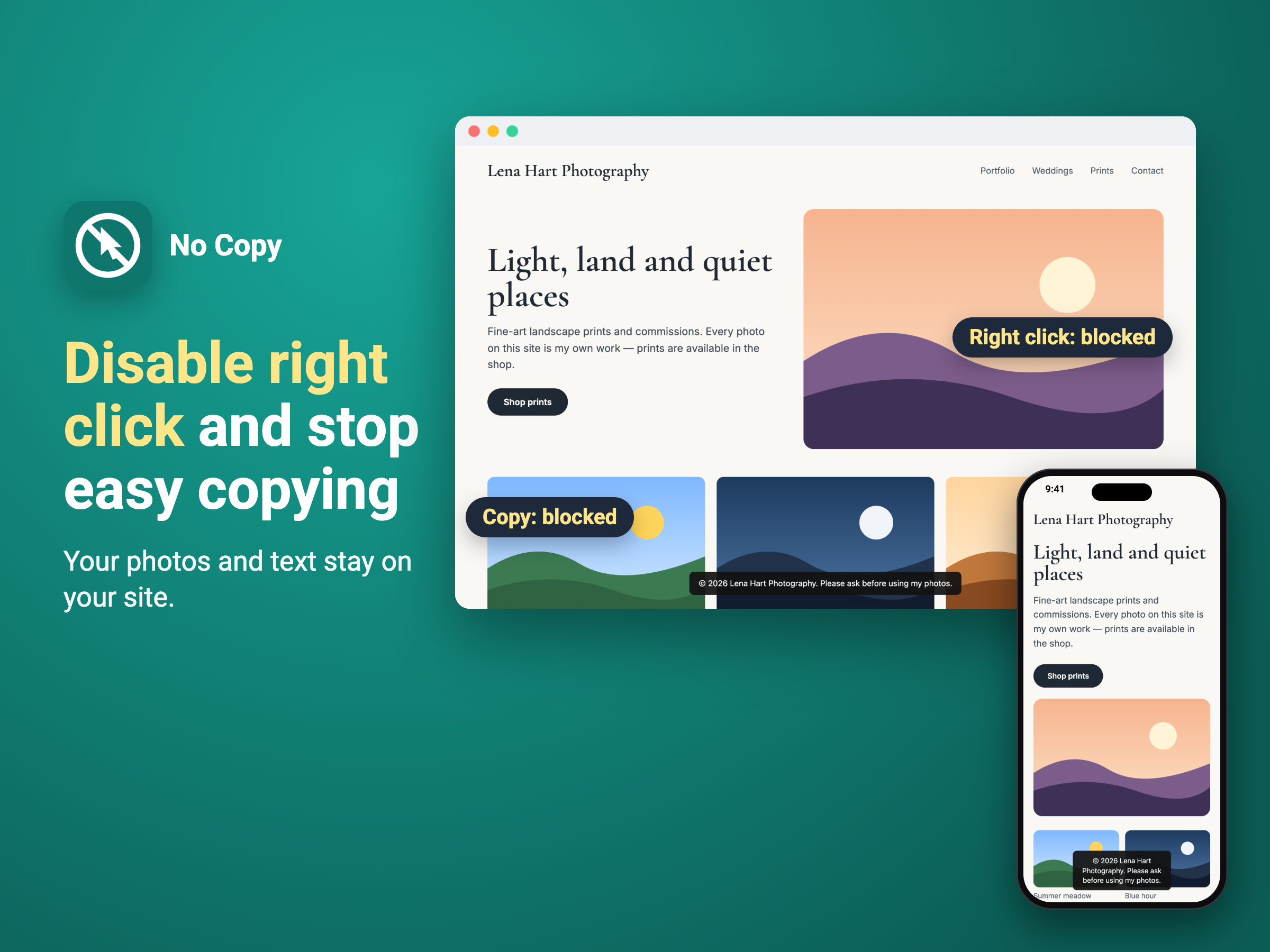
Disable right click, copying and image saving
Henüz değerlendirme yok
Ücretsiz paket mevcut

No Copy: Disable Right Click uygulamasına genel bakış
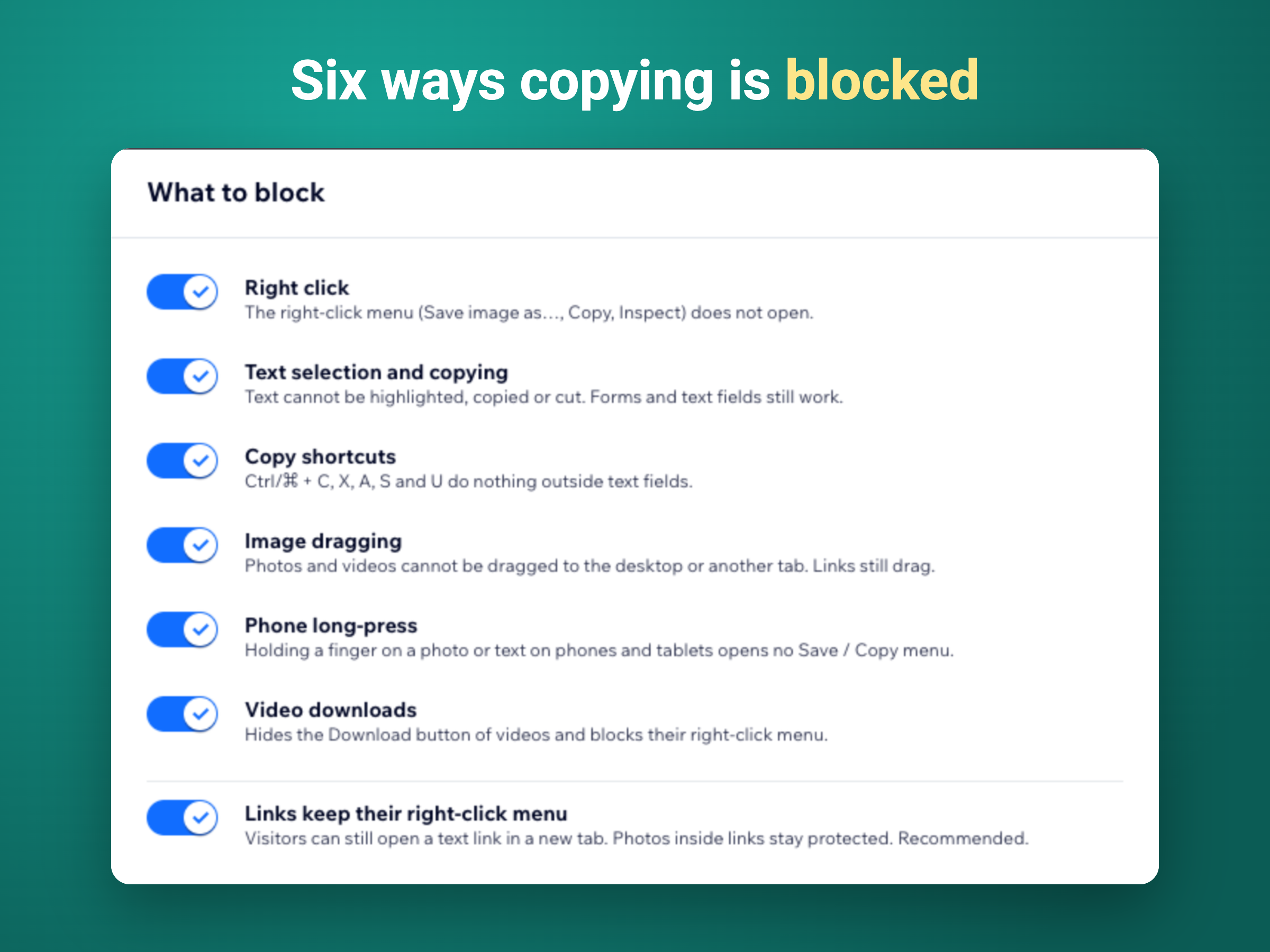
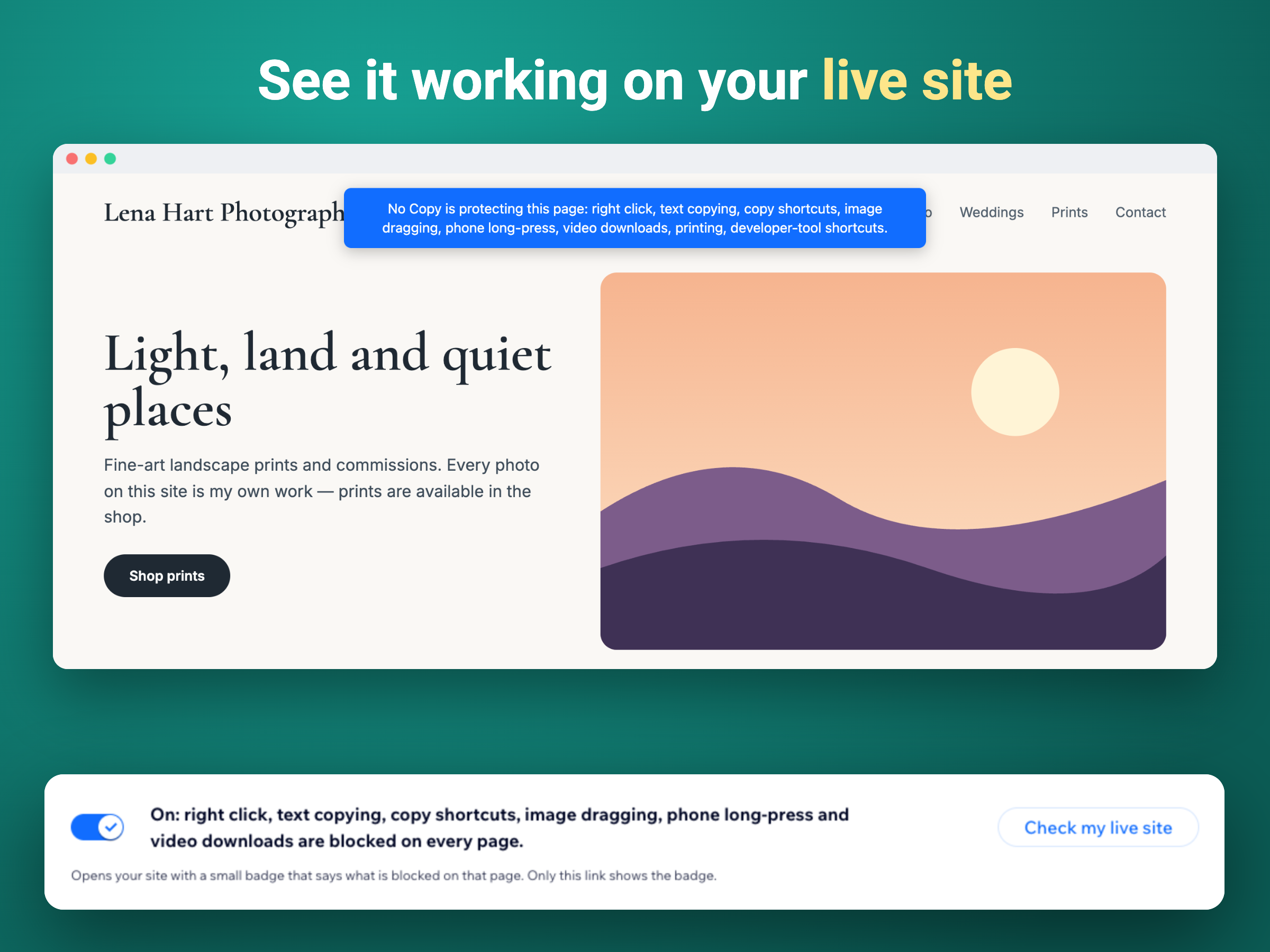
- Blocks right click, text copying and image drag
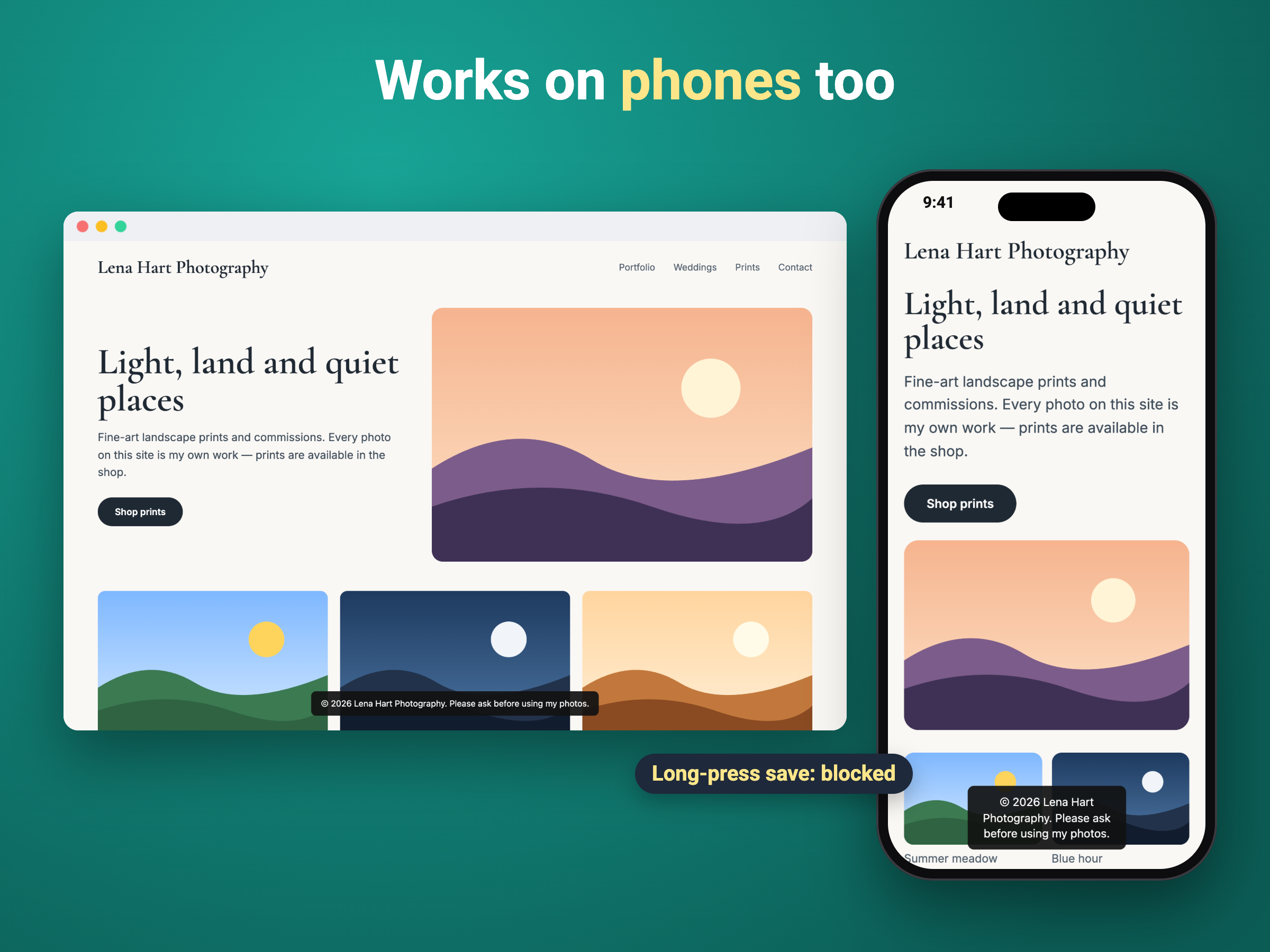
- Phones too: no long-press Save or Copy menu
- Links, forms and menus keep working
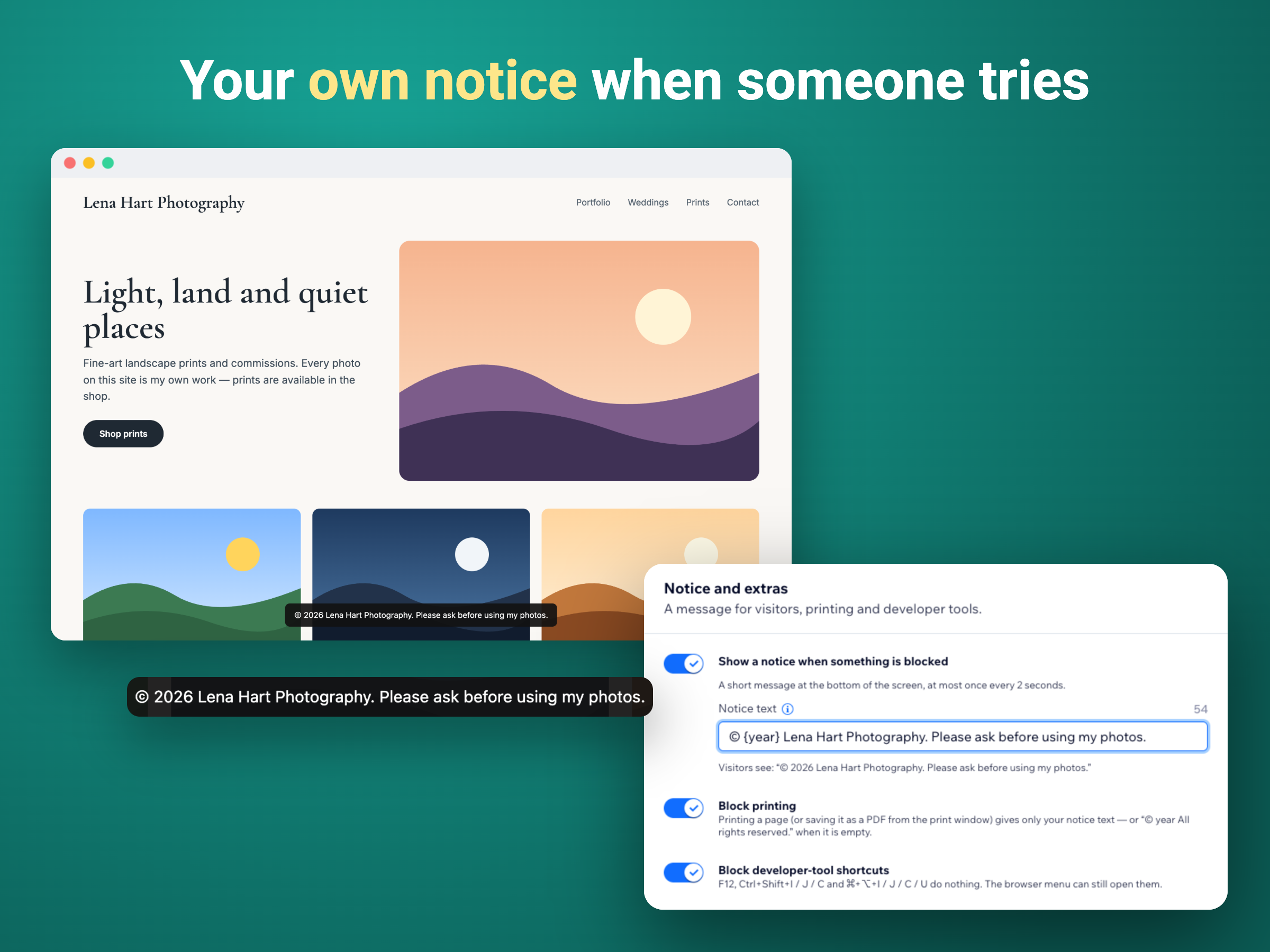
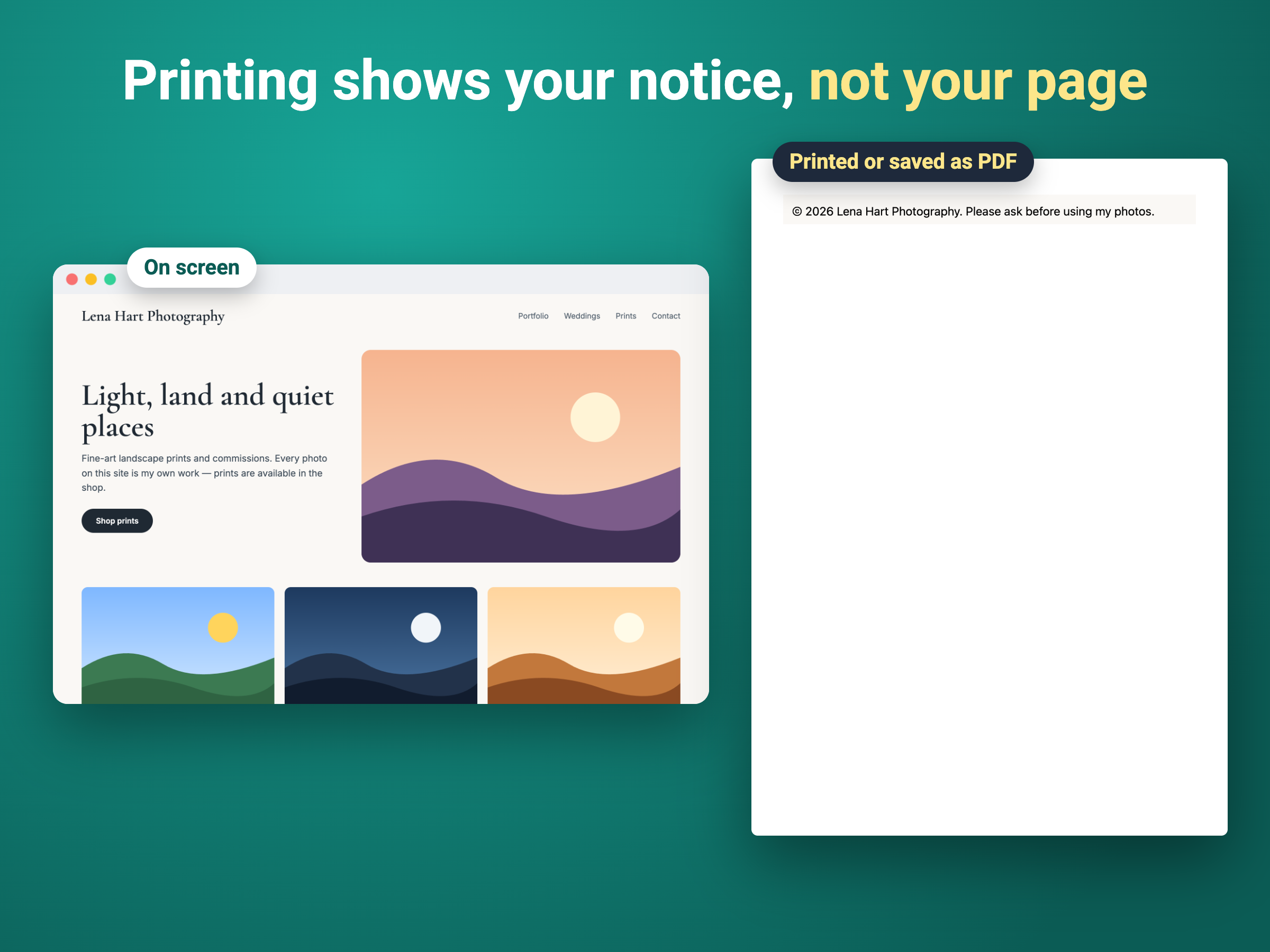
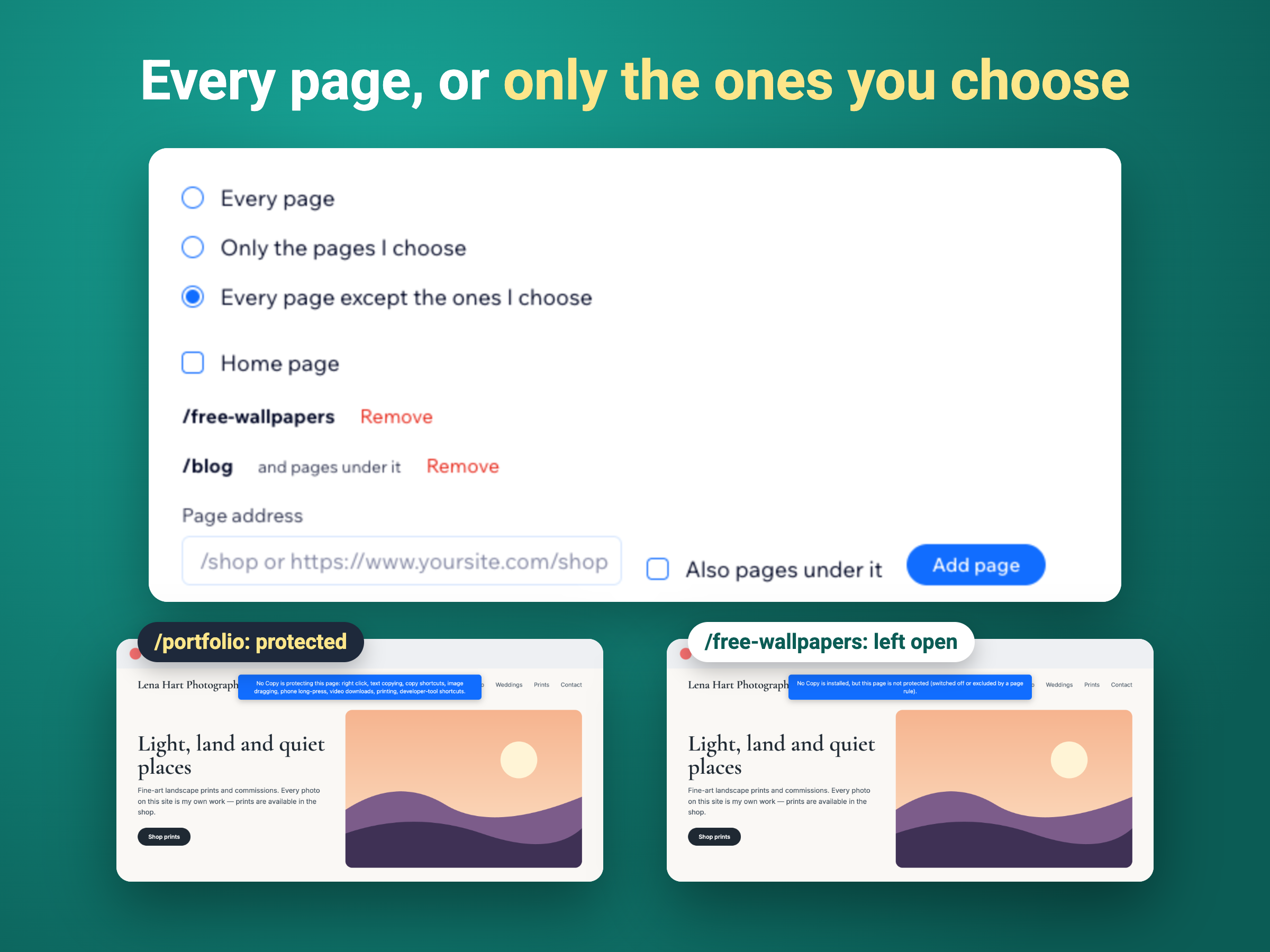
- Your own notice, print blocking, page rules
Değerlendirme ve yorumlar
Bu uygulama henüz değerlendirme almamış. İlk değerlendiren siz olun.Fiyatlandırma ve ücretli abonelikler
Free Paketi
Ücretsiz
Right click, copying and shortcuts blo
Image dragging and phone long-press bl
Video downloads hidden
Every page, no branding on your site
Premium Paketi
$
2
42
/ay
Your own notice when someone tries to
Printing shows your notice, not the pa
Blocks developer-tool shortcuts (F12)
Protect only the pages you choose
* Fiyat USD cinsindendir.