

sanal mağaza
Randevu
etkinlikler
Pop-up

Call and Message Button
Sunan:
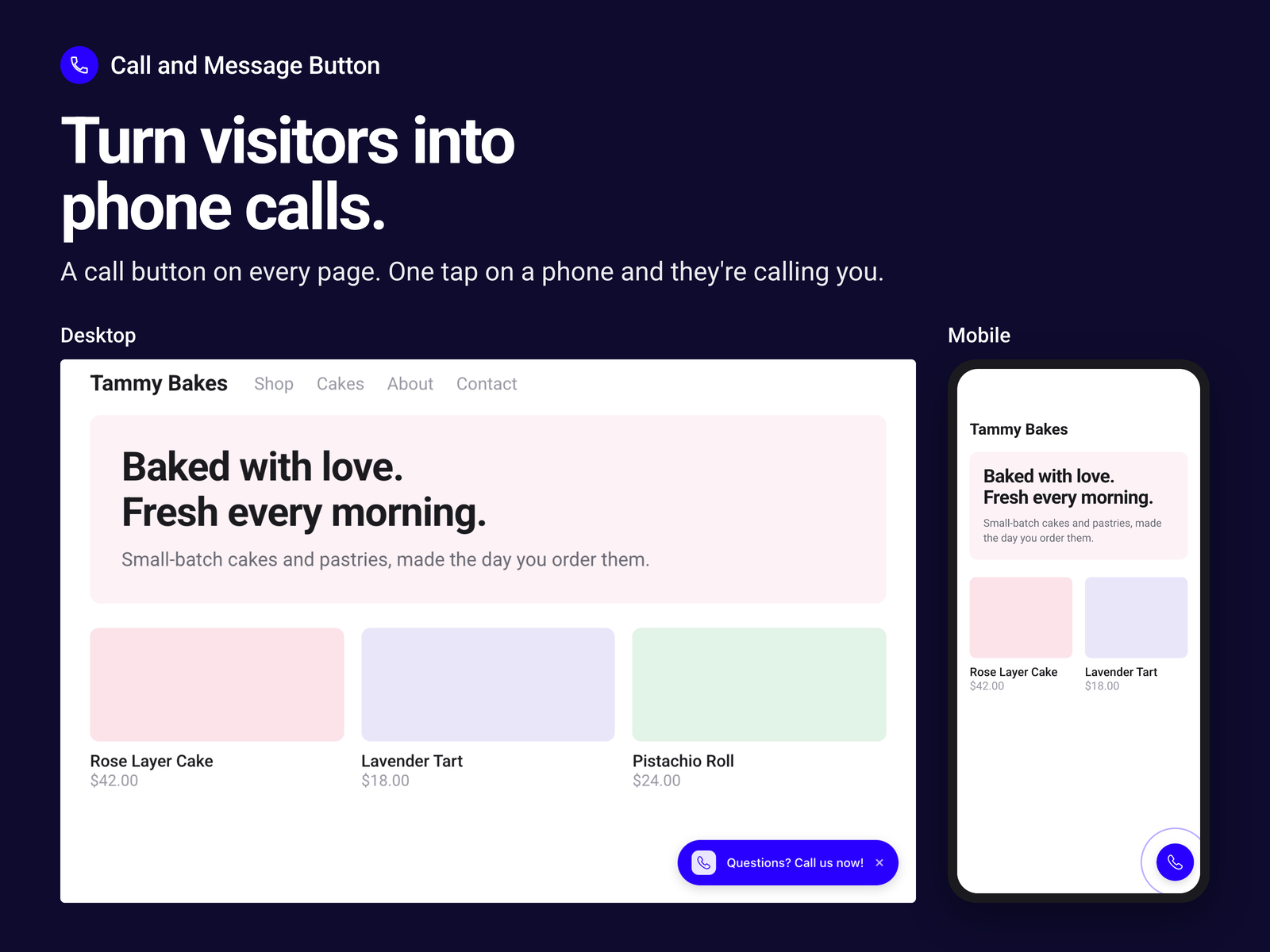
Let visitors call or text you in one tap
Henüz değerlendirme yok
Başlangıç fiyatı: 2,20$ / ay

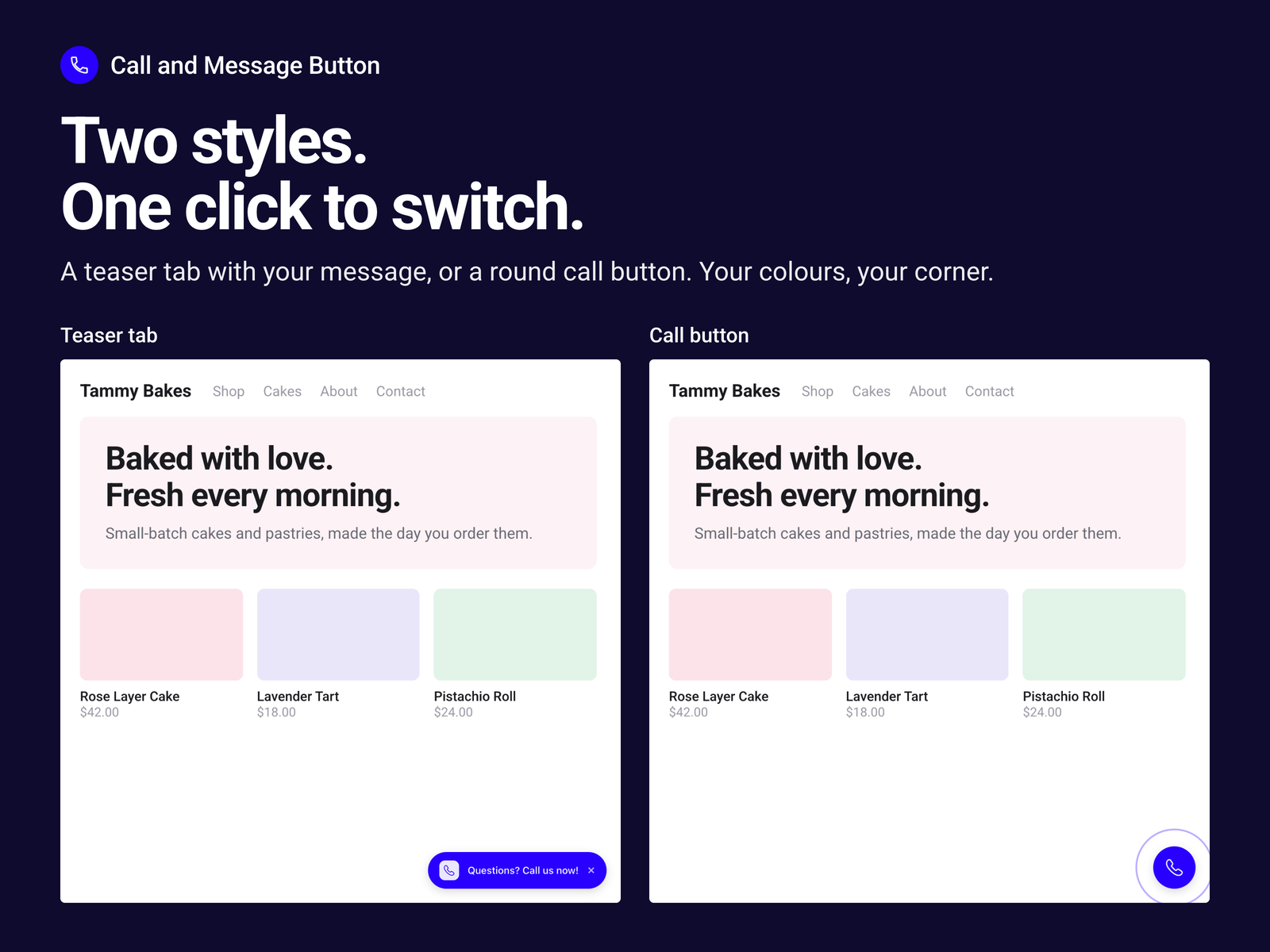
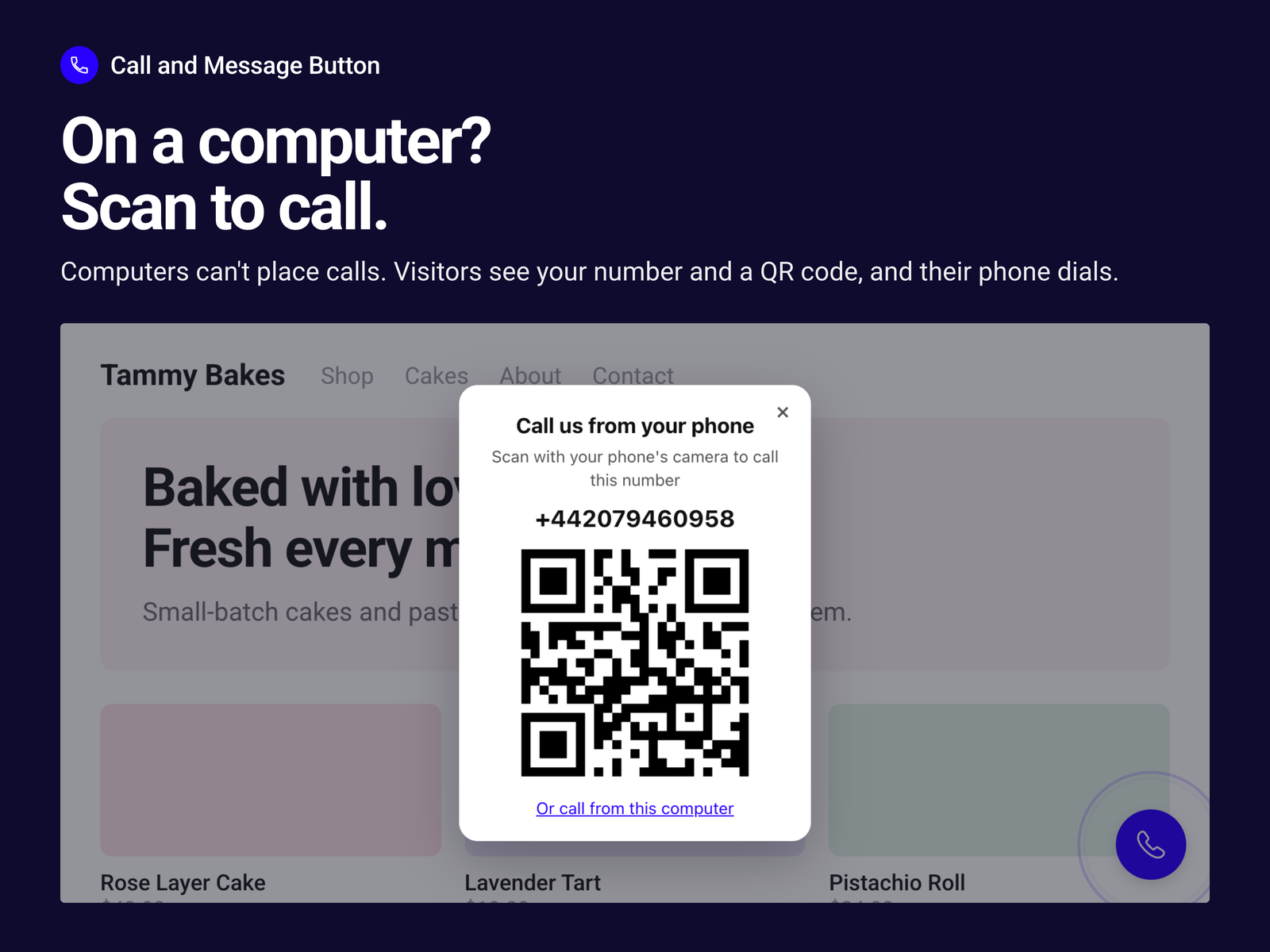
Call and Message Button uygulamasına genel bakış
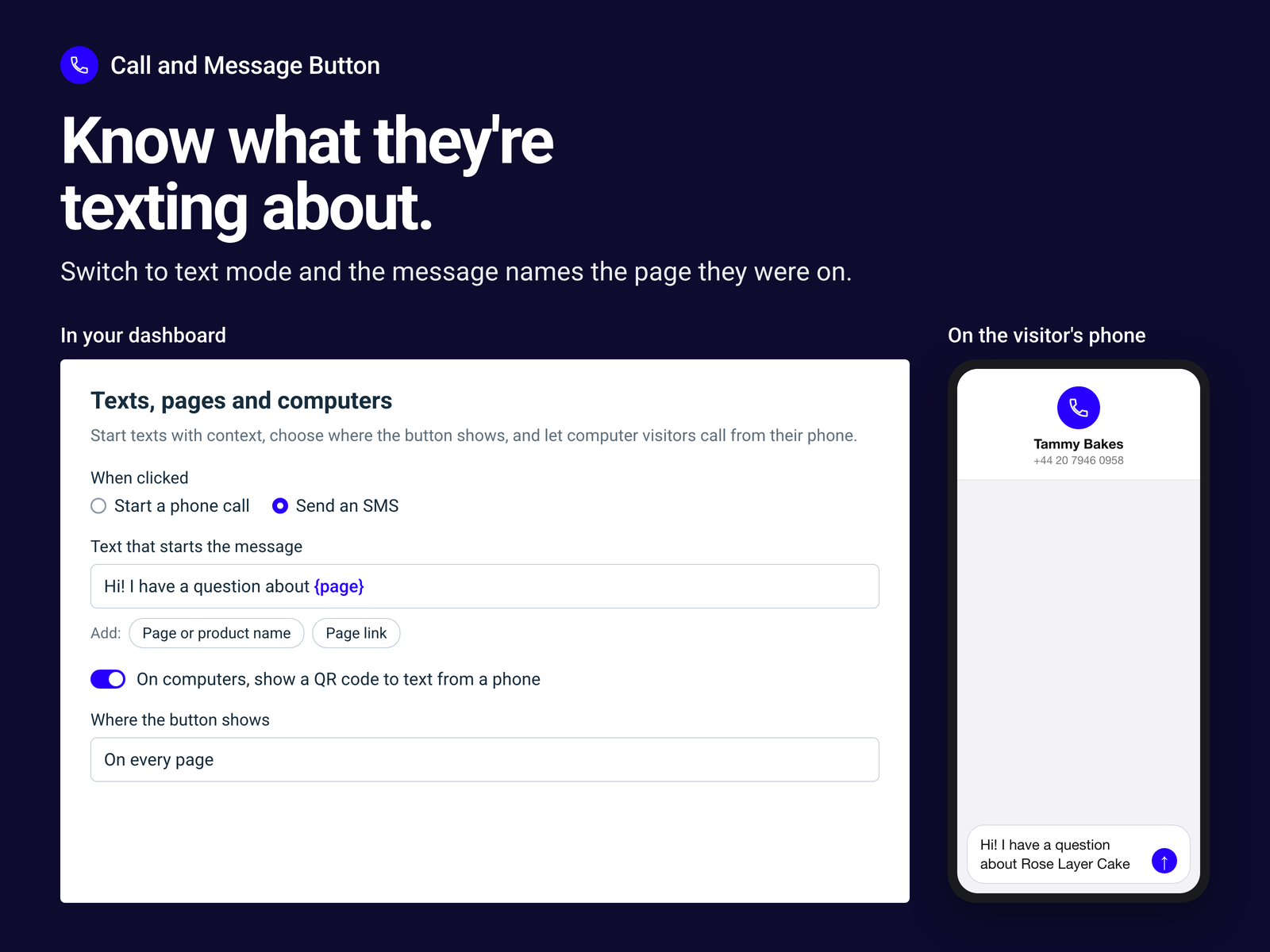
- One-tap call or text button
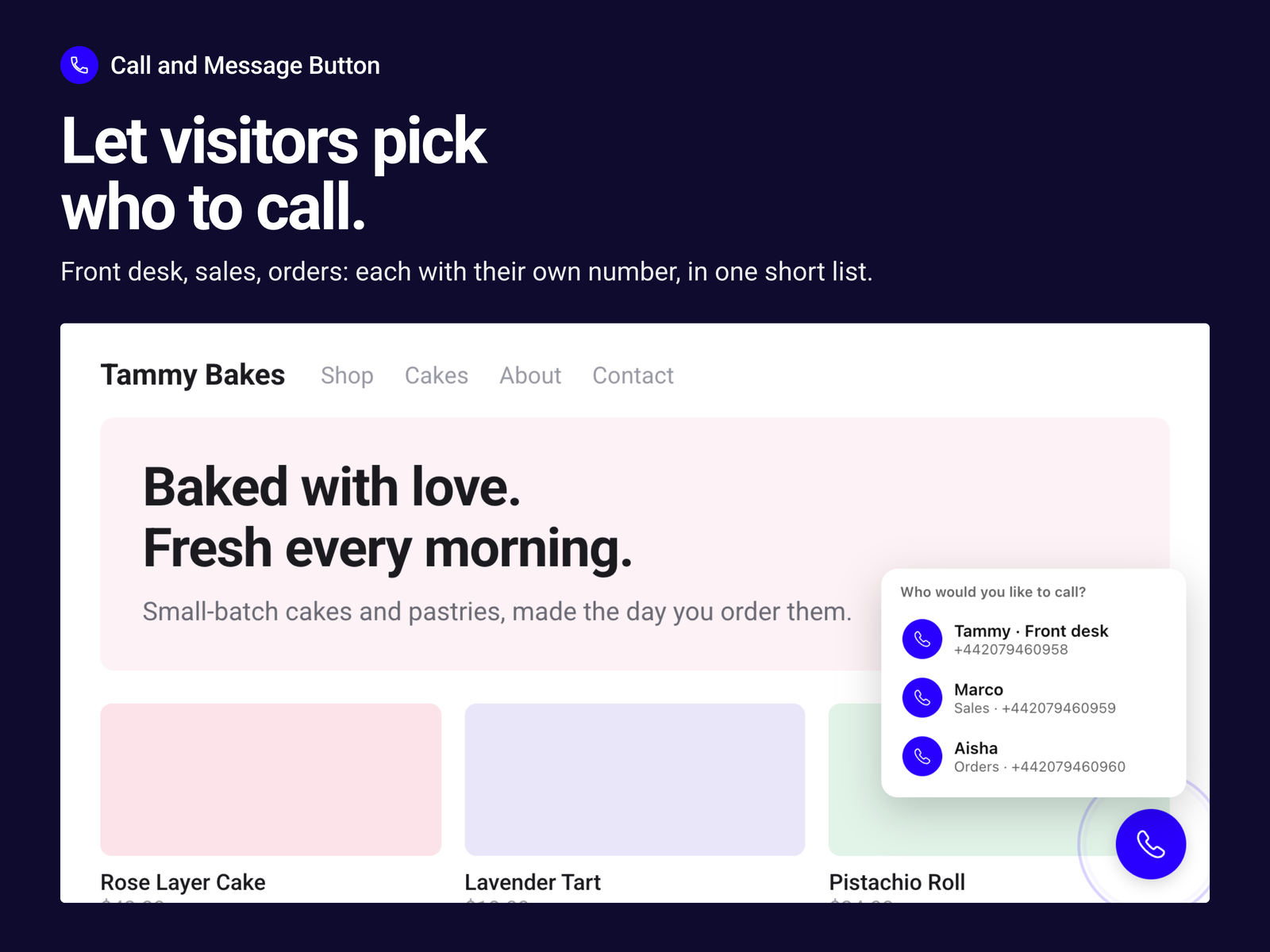
- Visitors pick who to call
- QR code to call from computers
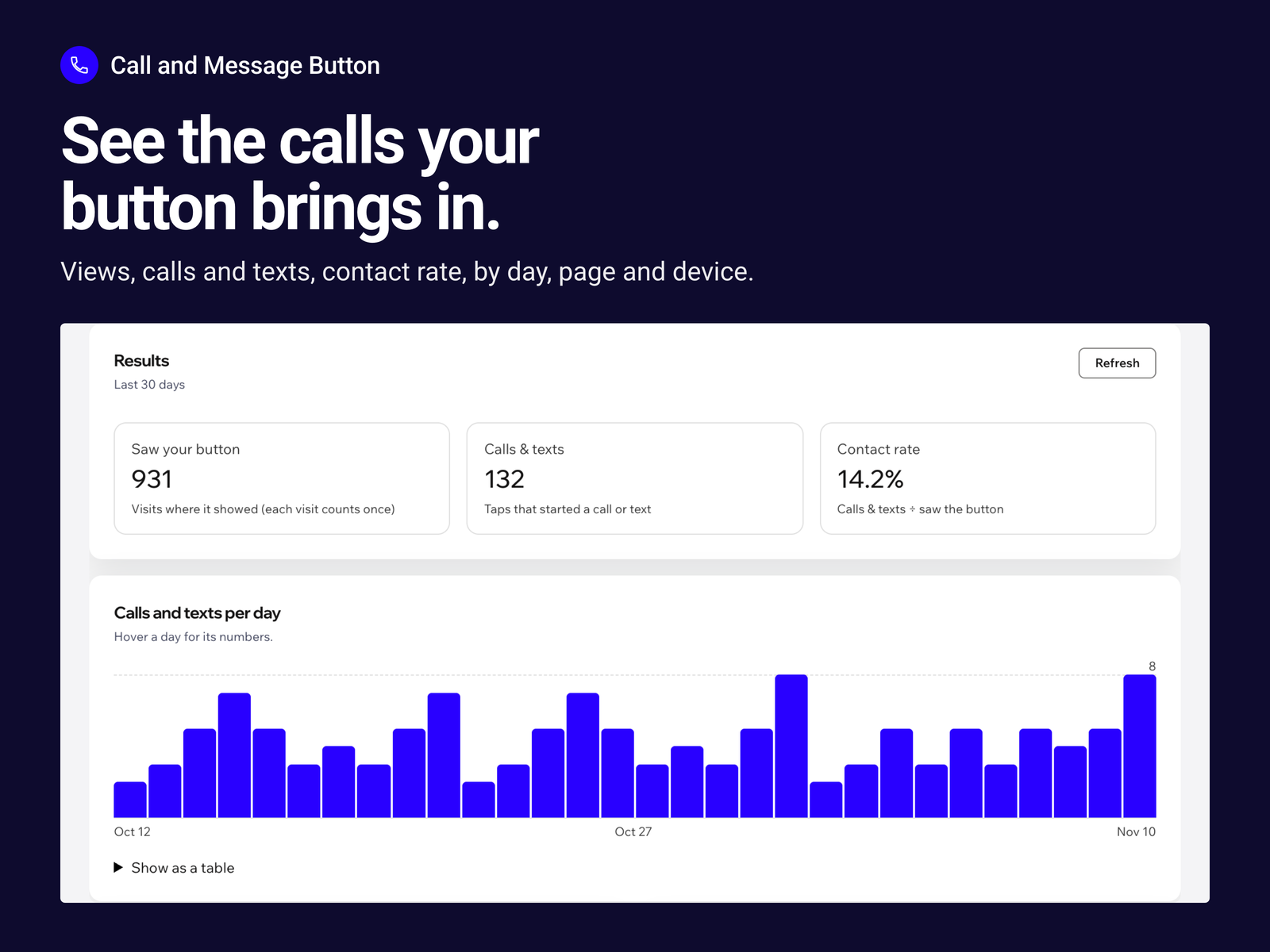
- See calls and texts in Results
Değerlendirme ve yorumlar
Bu uygulama henüz değerlendirme almamış. İlk değerlendiren siz olun.Fiyatlandırma ve ücretli abonelikler
Pro Paketi
$
2
20
/ay
Call or text button on every page
Teaser tab or floating call button
Team list with up to 5 numbers
Results: views, calls and texts
* Fiyat USD cinsindendir.