

sanal mağaza
Randevu
etkinlikler
Pop-up

Event Speakers - Hallbill
Sunan:
Speakers, agenda and sponsors on event pages
Henüz değerlendirme yok
Ücretsiz paket mevcut

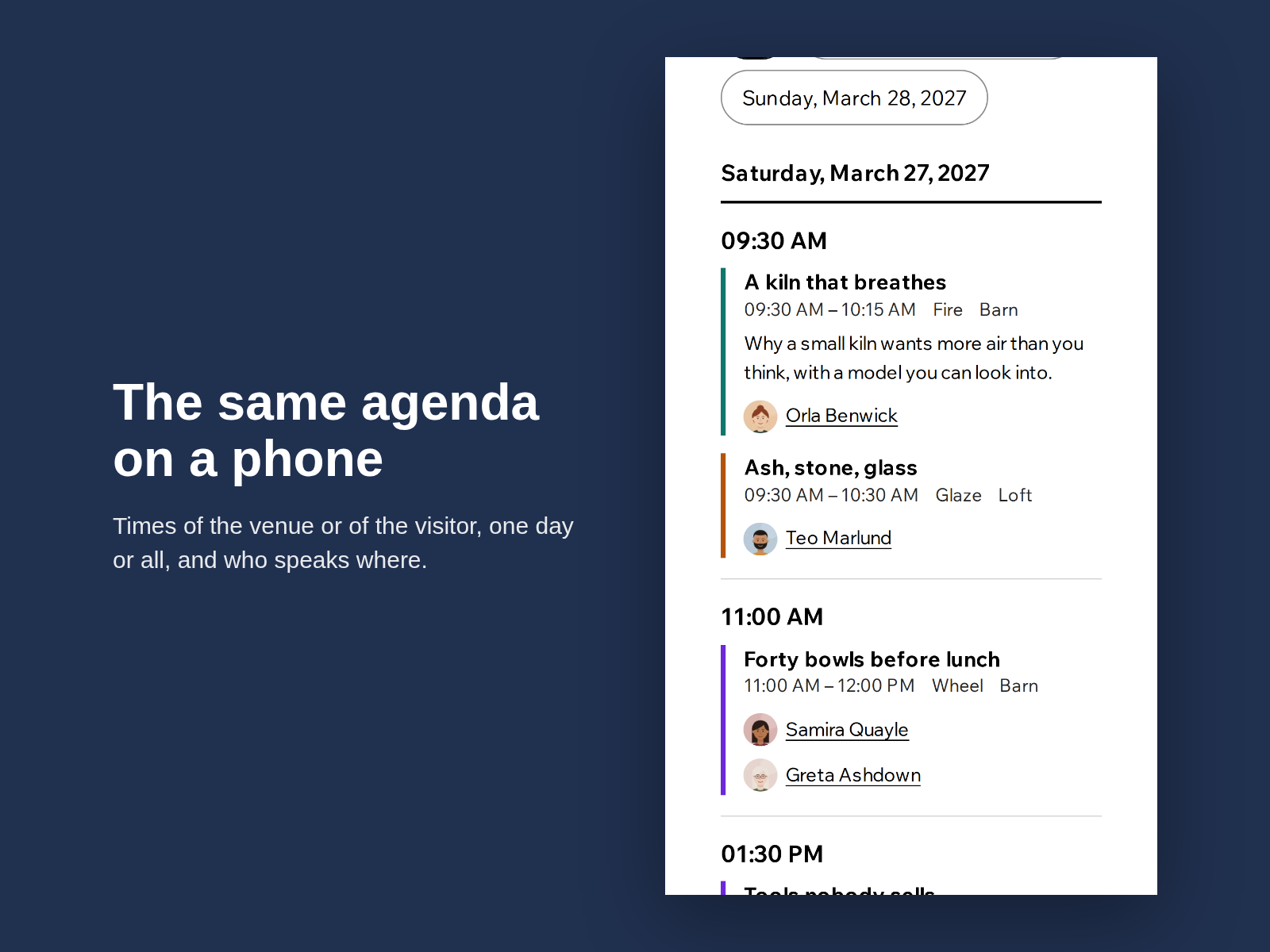
Event Speakers - Hallbill uygulamasına genel bakış
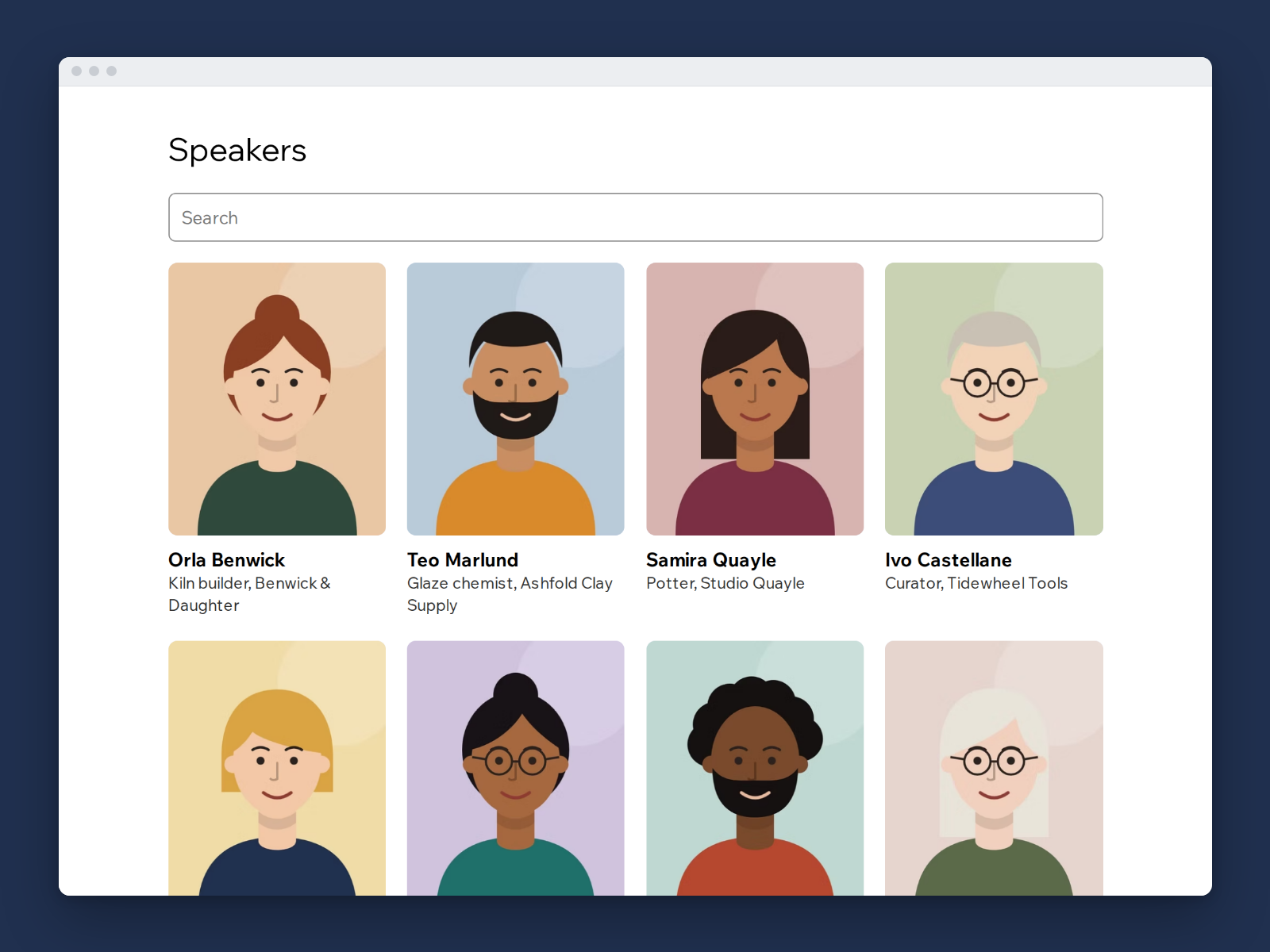
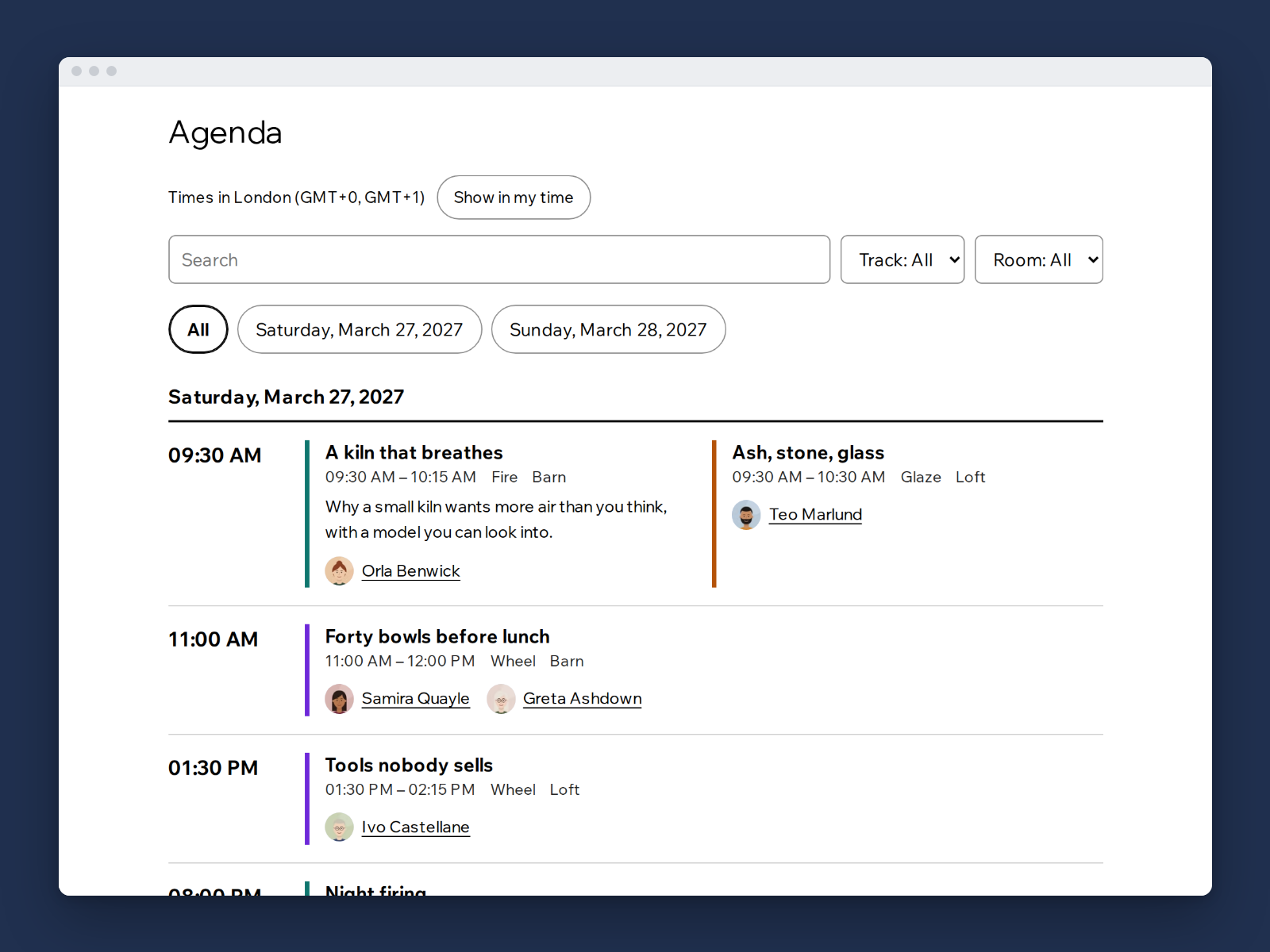
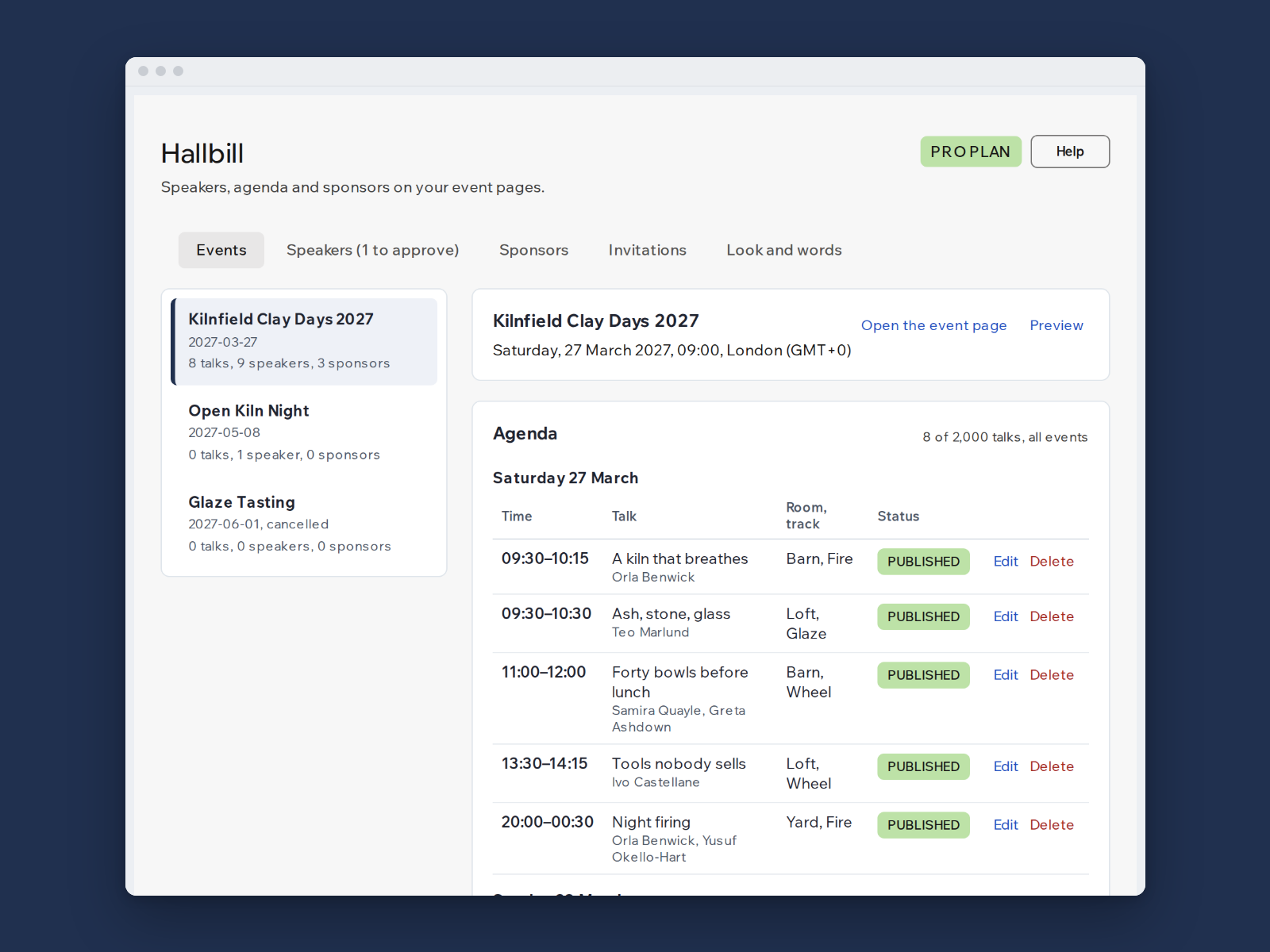
- Every event shows its own speakers and agenda
- Agenda follows the event when you move it
- Sponsor logos by level, with link and text
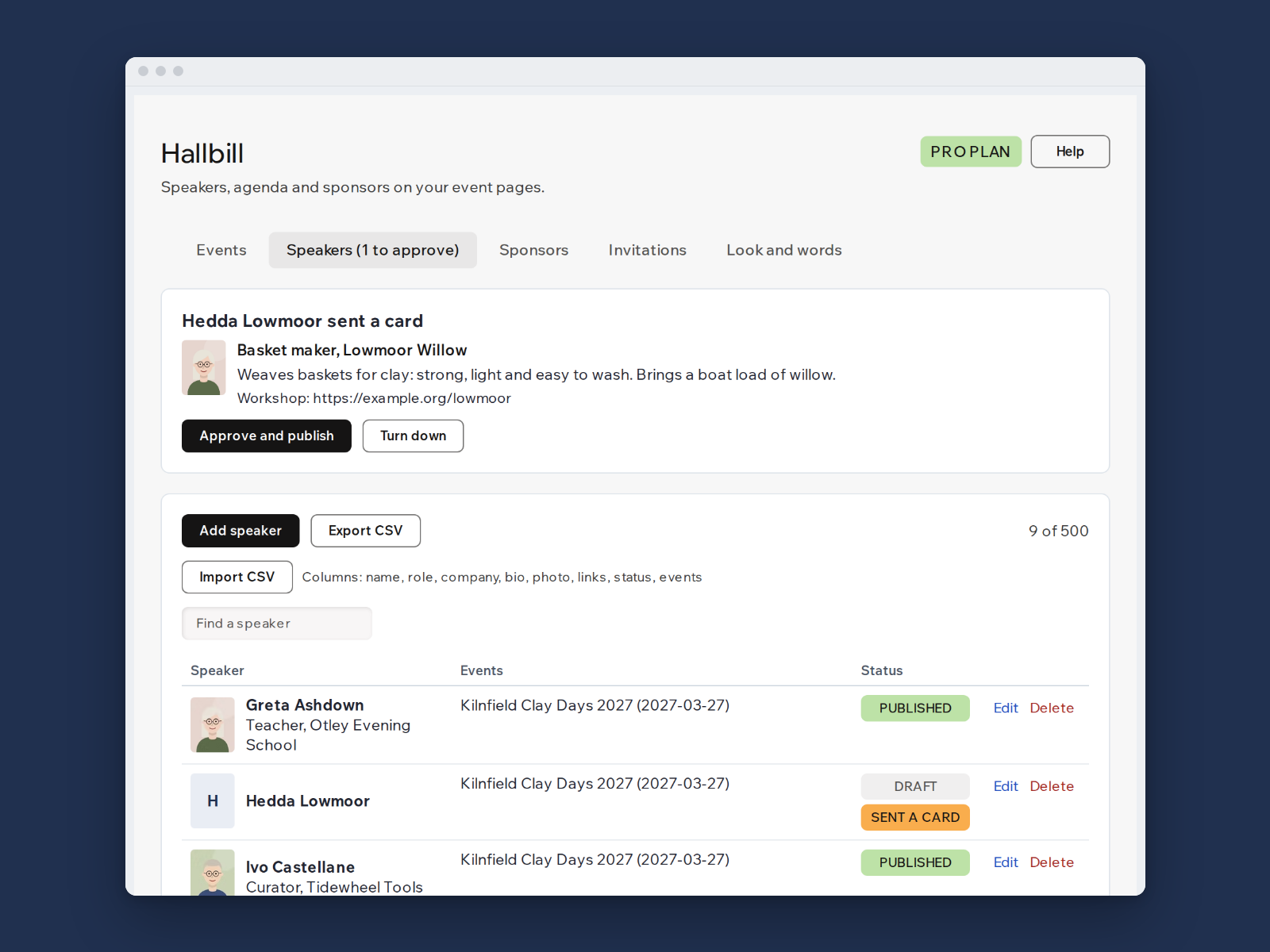
- Speakers fill in their own card, you approve it
Değerlendirme ve yorumlar
Bu uygulama henüz değerlendirme almamış. İlk değerlendiren siz olun.Fiyatlandırma ve ücretli abonelikler
Free Paketi
Ücretsiz
10 speakers, 5 sponsors, 20 talks and 2 open invitations, on every event, with agenda, export and your colours
Pro Paketi
$
3
99
/ay
500 speakers, 150 sponsors and 2,000 talks
Search box and track and room filters on your site
CSV import of speakers, sponsors and agenda
Printable programme and 100 open invitations
* Fiyat USD cinsindendir.