

sanal mağaza
Randevu
etkinlikler
Pop-up

Tips at Checkout - Tipcup
Sunan:
Buyers add a tip at checkout, on phones too
Henüz değerlendirme yok
Ücretsiz paket mevcut

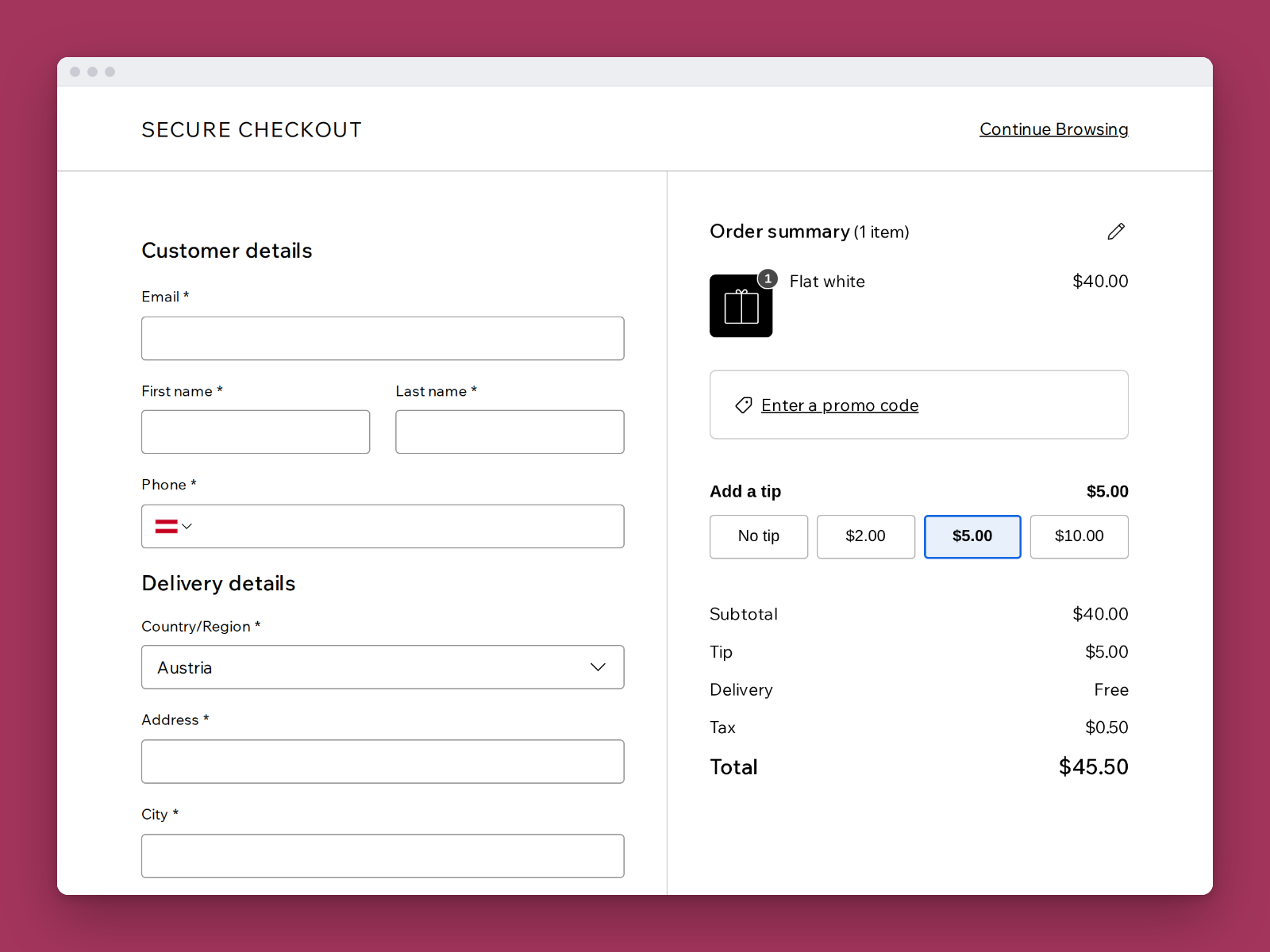
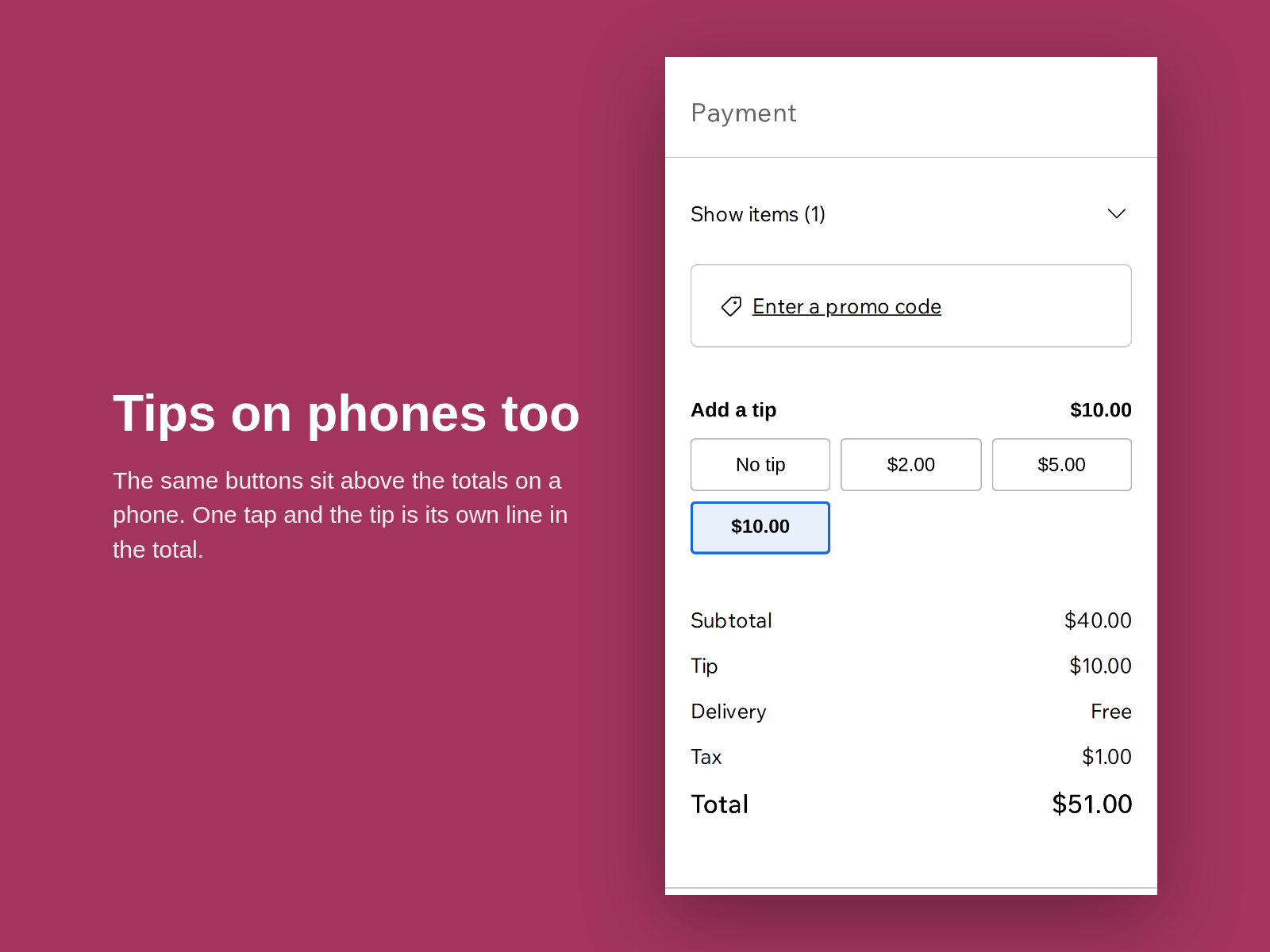
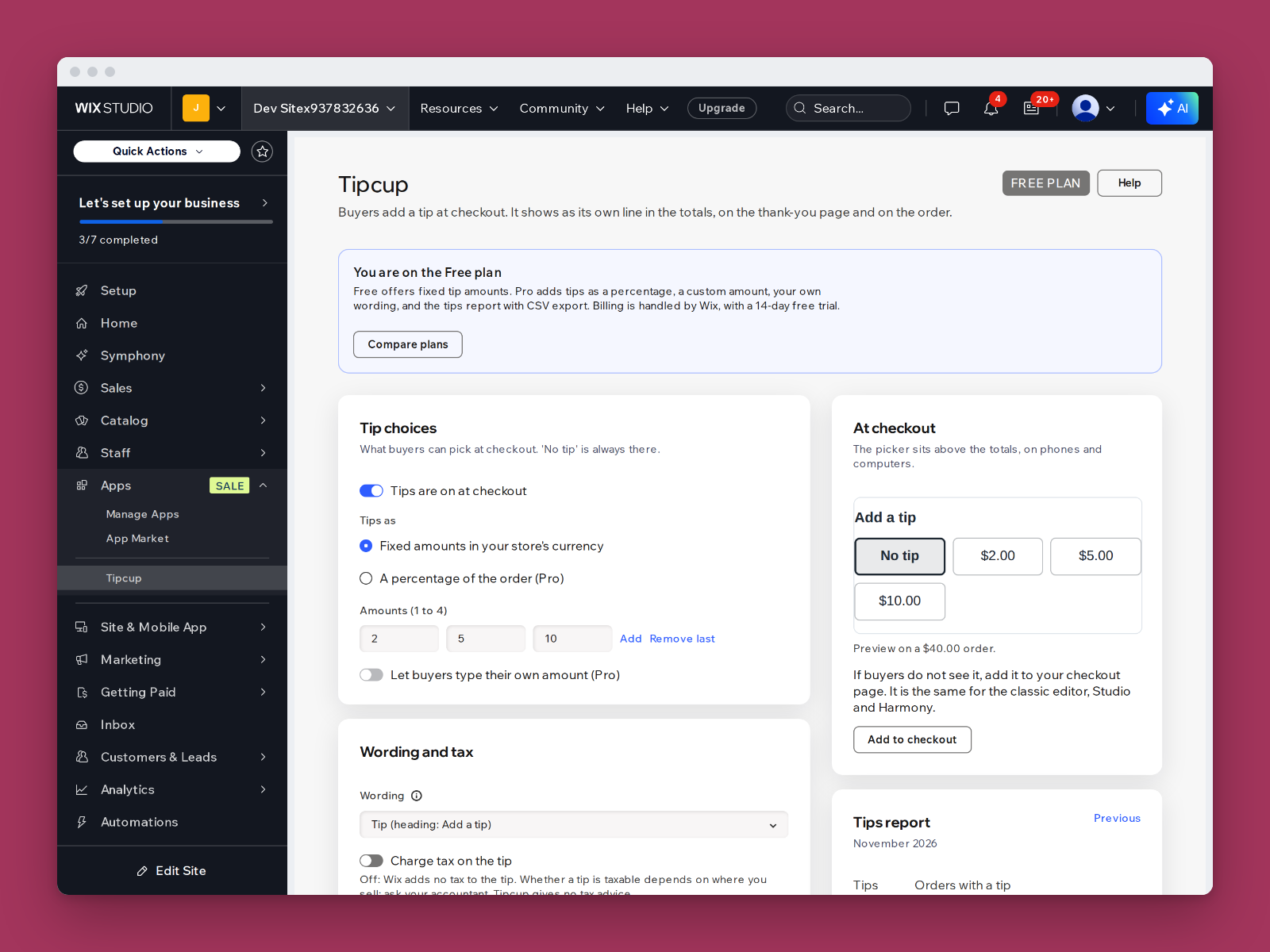
Tips at Checkout - Tipcup uygulamasına genel bakış
- A tip line in the totals, on phones and computers
- Places itself in the checkout, one button to put it back
- Fixed amounts free, percentages and own amounts on Pro
- Monthly tip total, with daily figures and CSV on Pro
Değerlendirme ve yorumlar
Bu uygulama henüz değerlendirme almamış. İlk değerlendiren siz olun.Fiyatlandırma ve ücretli abonelikler
Free Paketi
Ücretsiz
Fixed tip amounts with a tip line in the checkout totals
Pro Paketi
$
3
99
/ay
Tips as a percentage of the order
Buyers can type their own amount
Your own wording for the tip line
Tips per day and month with CSV export
* Fiyat USD cinsindendir.