

sanal mağaza
Randevu
etkinlikler
Pop-up
Discount Links: Apply Coupons
Sunan:
Share links that apply your coupon automatically
Henüz değerlendirme yok
7 gün ücretsiz deneme

Discount Links: Apply Coupons uygulamasına genel bakış
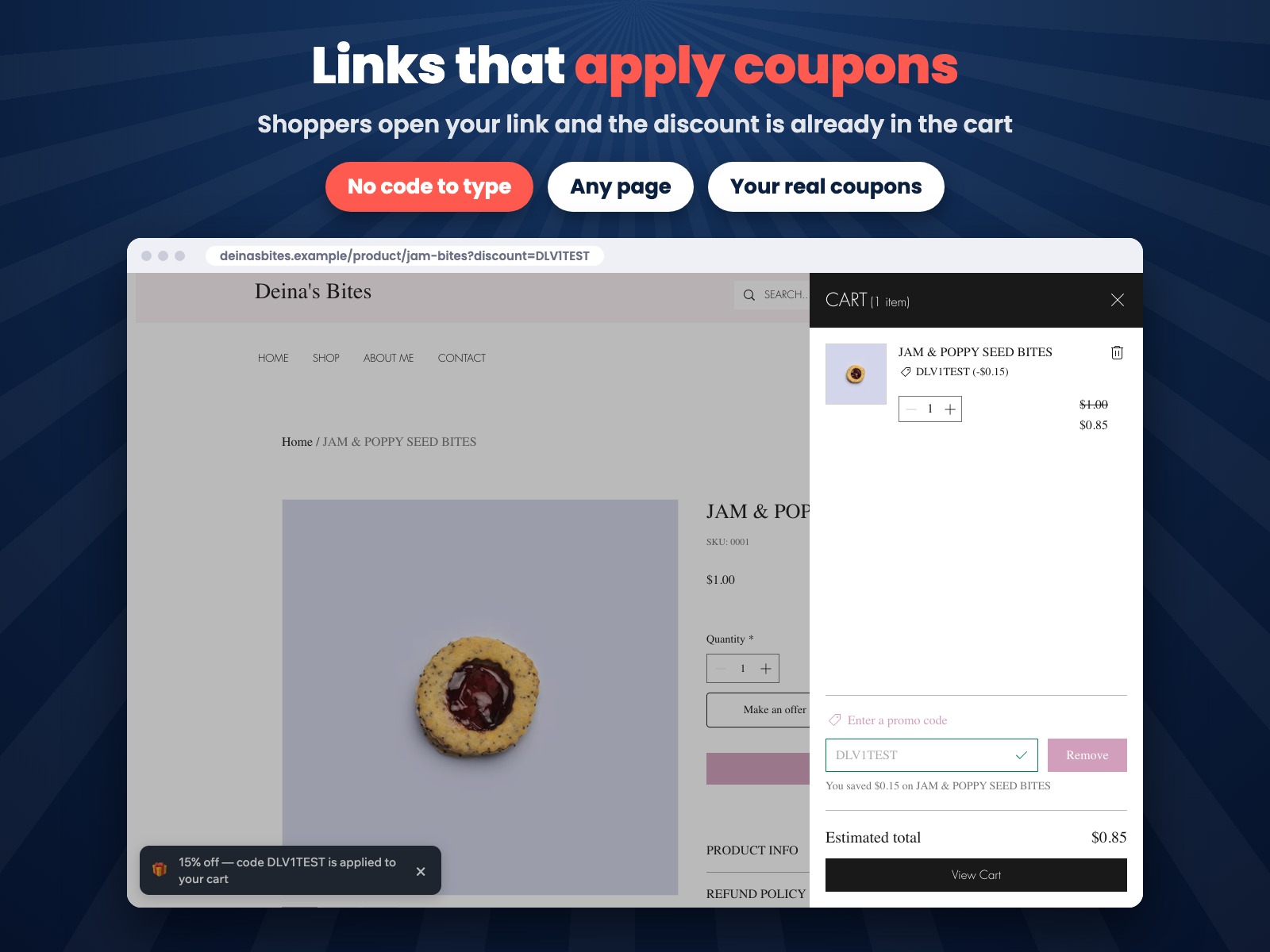
- Links that apply your coupon in the cart, no code to type at checkout
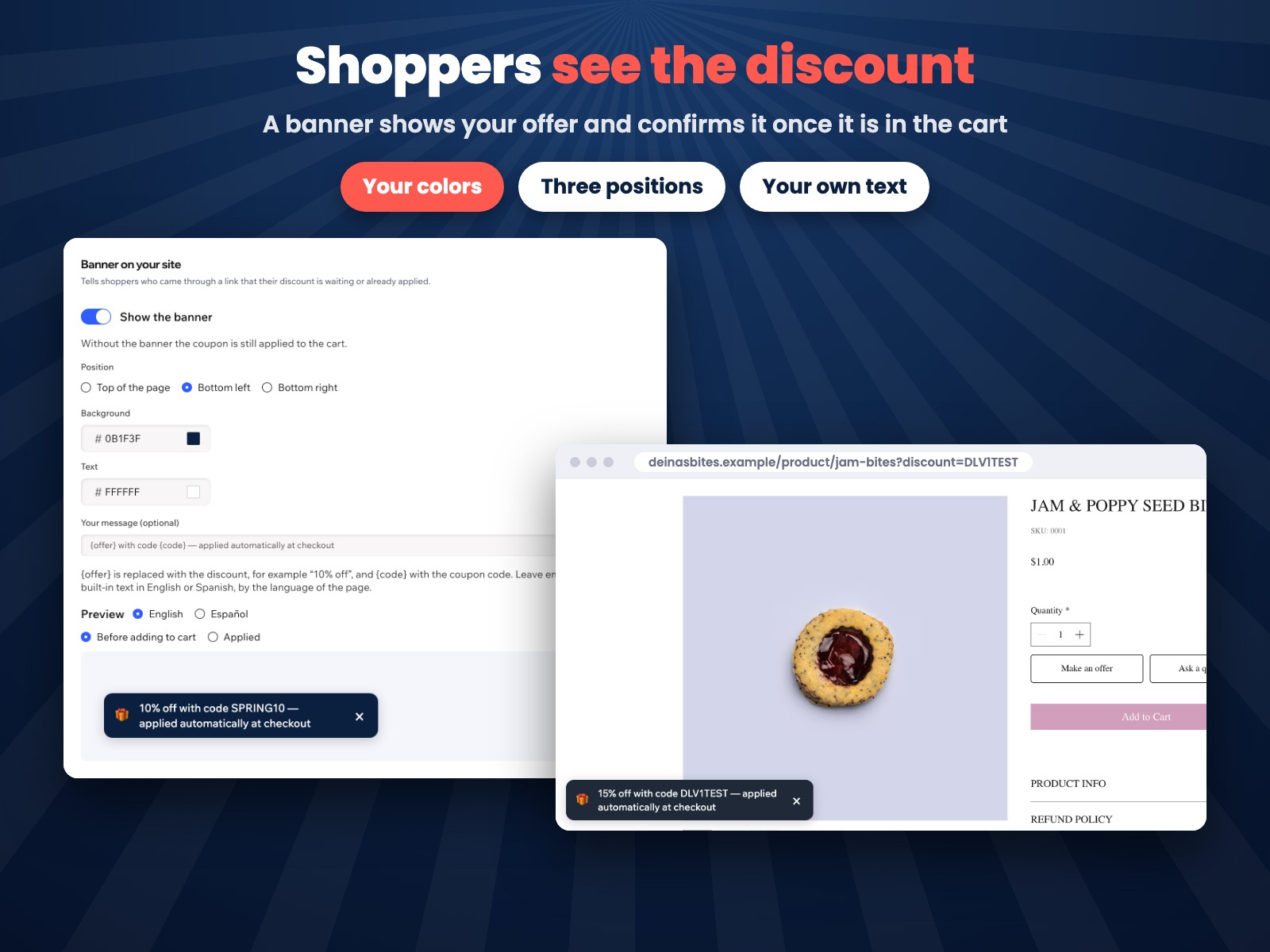
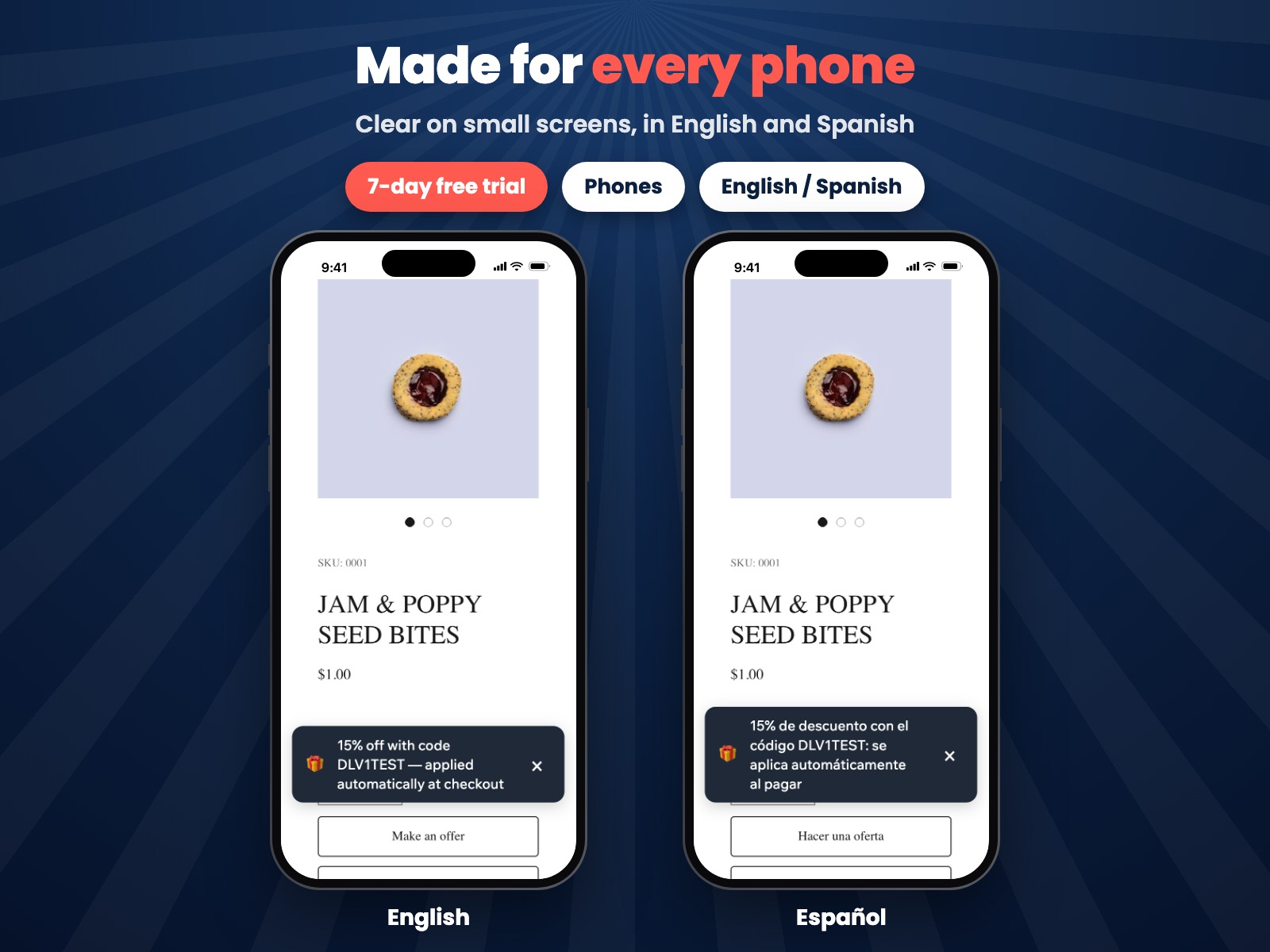
- A banner tells shoppers their discount is waiting or already applied
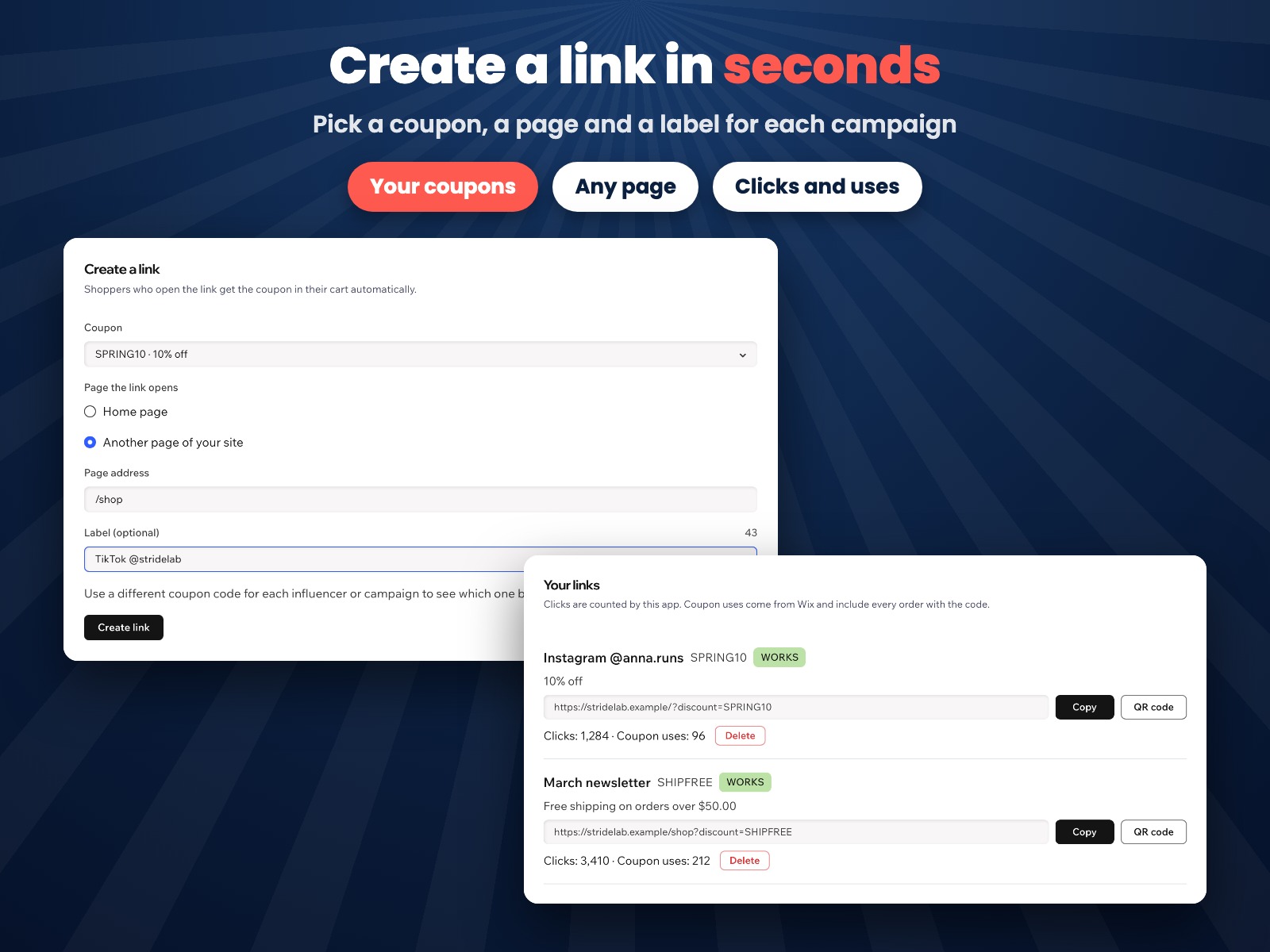
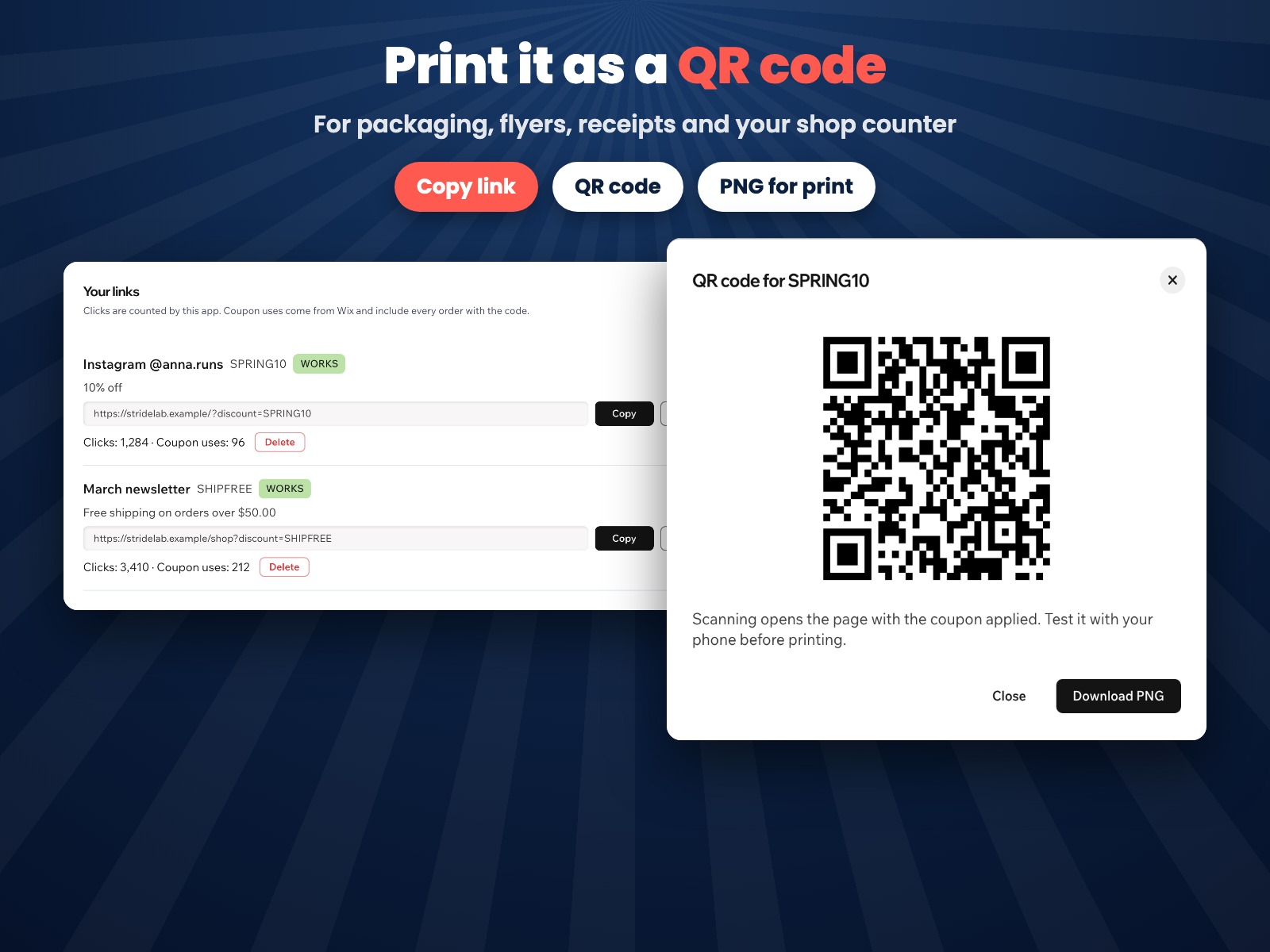
- Link builder with copy and QR code for email, posts, bios and packaging
- Clicks and coupon uses for each link, so you see which channel works
Değerlendirme ve yorumlar
Bu uygulama henüz değerlendirme almamış. İlk değerlendiren siz olun.Fiyatlandırma ve ücretli abonelikler
Bu uygulama 7 günlük ücretsiz deneme sunarPro Paketi
$
2
39
/ay
$299
Links that apply coupons
Banner on your site
QR codes for every link
Clicks and coupon uses
* Fiyat USD cinsindendir.