

sanal mağaza
Randevu
etkinlikler
Pop-up
Low Stock Alert
Sunan:
Know before you sell out: low stock alerts
Henüz değerlendirme yok
Ücretsiz paket mevcut

Low Stock Alert uygulamasına genel bakış
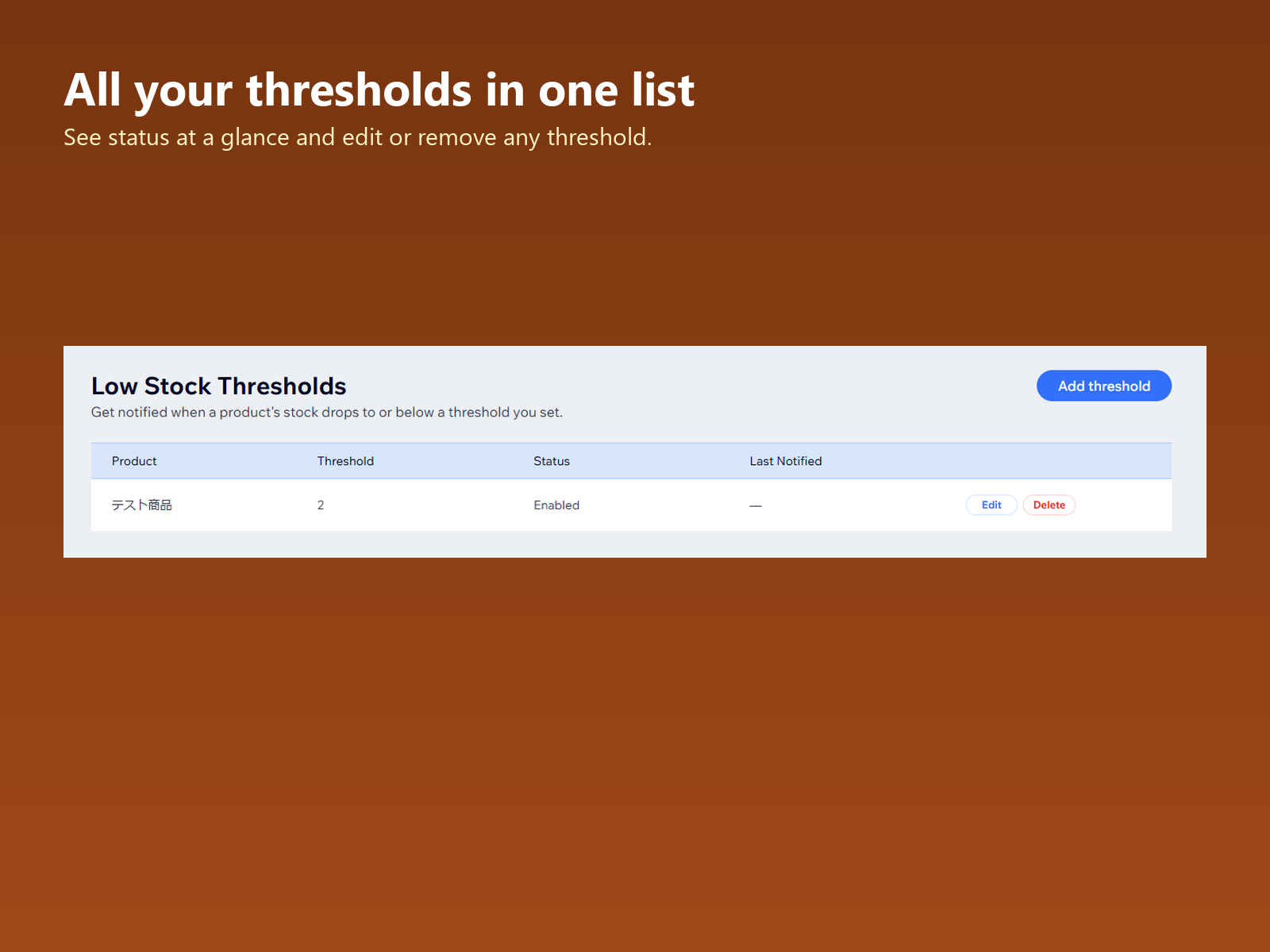
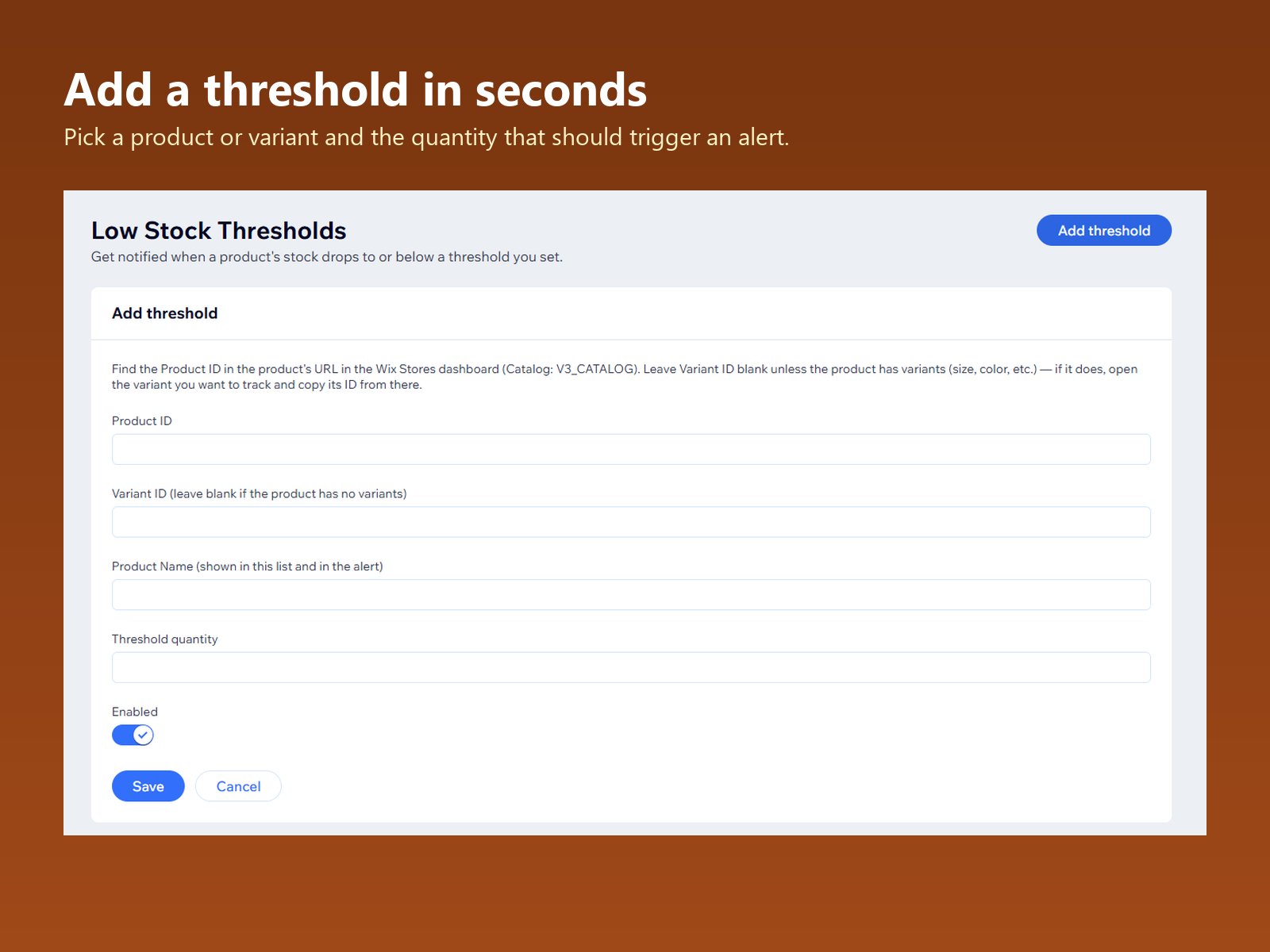
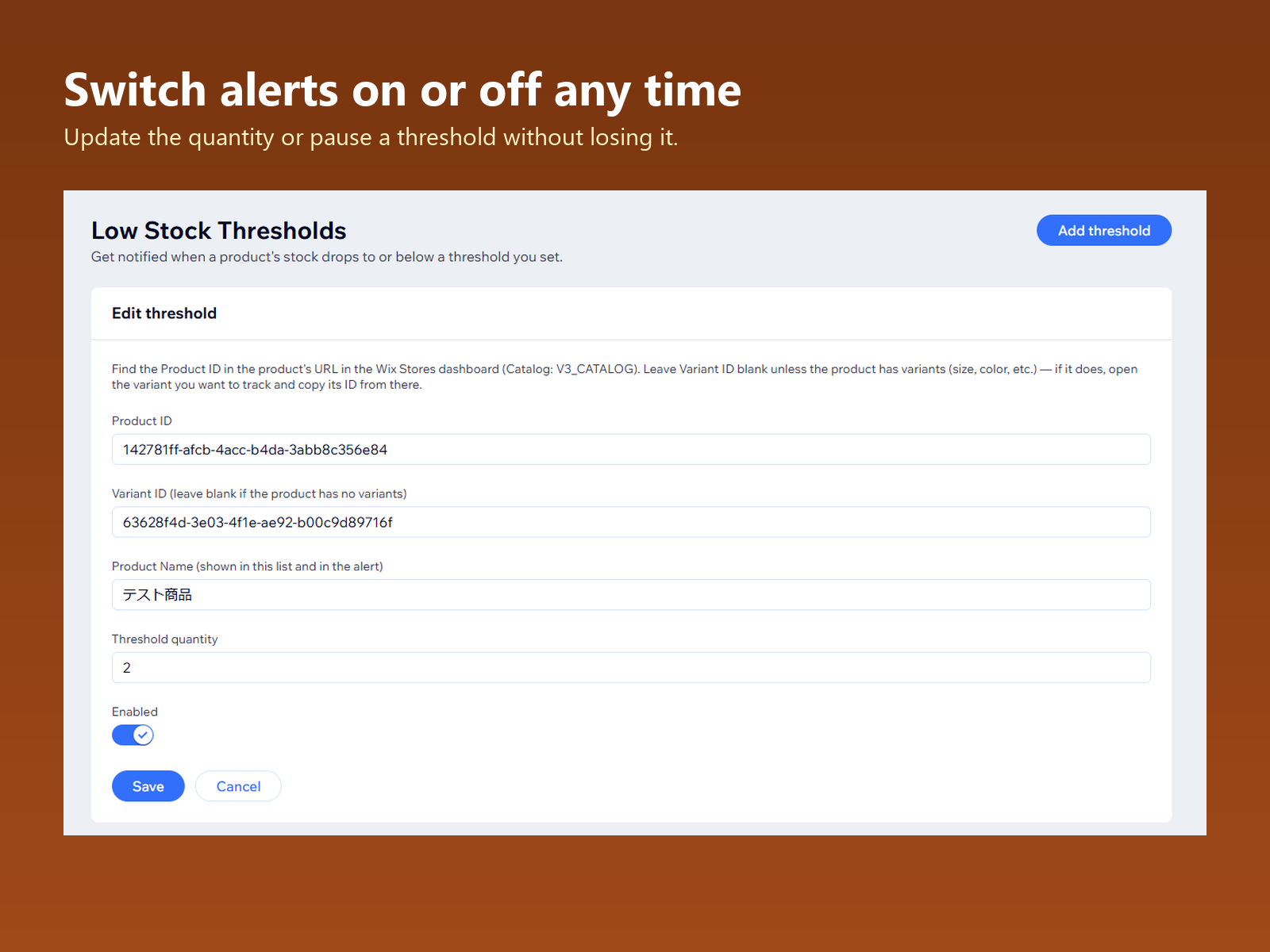
- Spot low-stock items before they sell out. Set a threshold for all products or for each product
- Leave the stock checks to the app. It checks every time your stock changes
- Check stock by size or color, too. Each variant that runs low gets its own notification
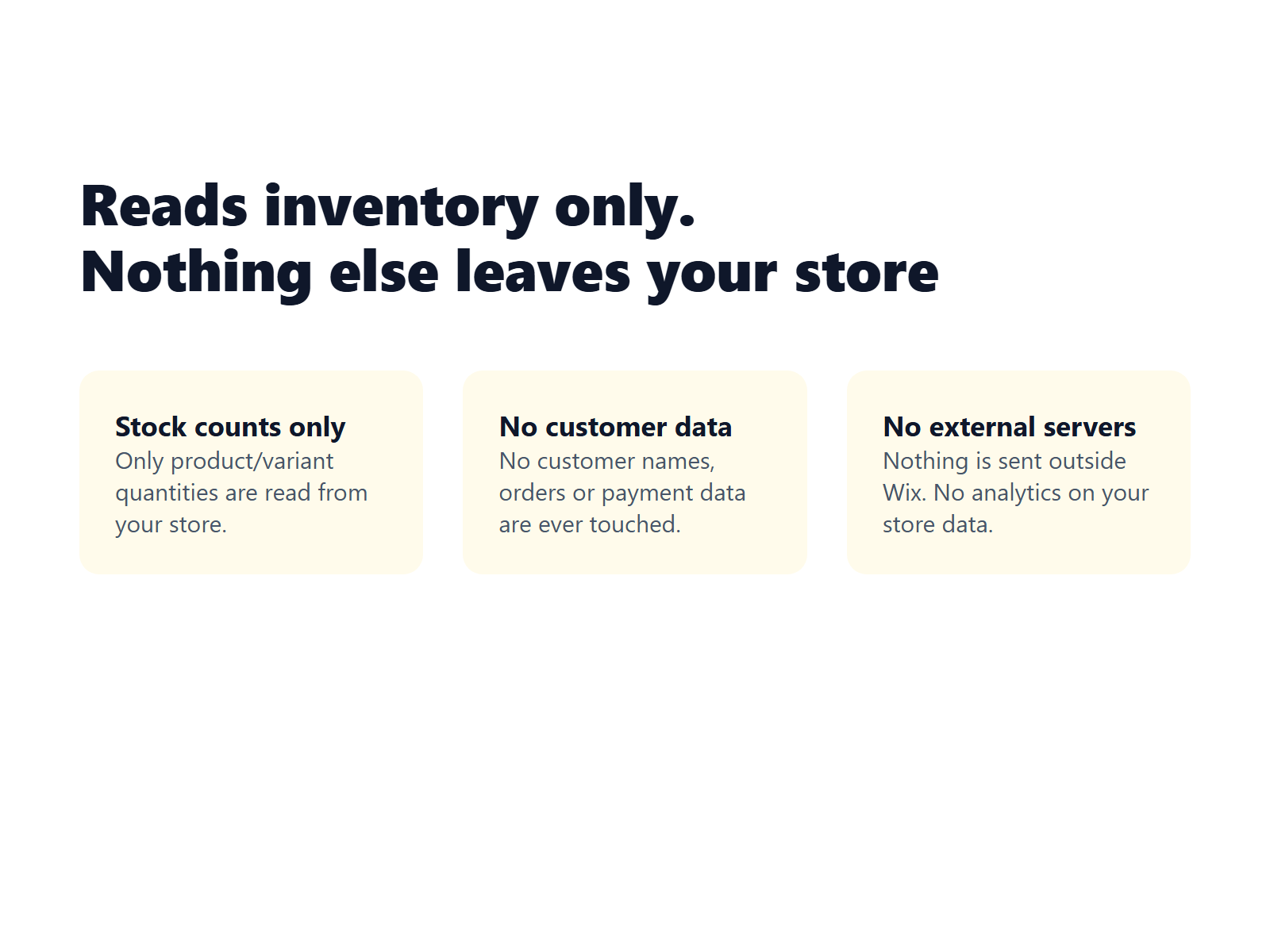
- Never reads customer or order data. It reads only your products, categories and stock
Değerlendirme ve yorumlar
Bu uygulama henüz değerlendirme almamış. İlk değerlendiren siz olun.Fiyatlandırma ve ücretli abonelikler
Basic Paketi
Ücretsiz
Phone and dashboard notifications
No limit on products
Order note by supplier, copy or CSV
Summary every morning at 8:00
Pro Paketi
$
2
40
/ay
Everything in Basic
Threshold by category
Weekly and monthly summaries
Choose the summary time
* Fiyat USD cinsindendir.