

sanal mağaza
Randevu
etkinlikler
Pop-up

Image Hotspots & Labels
Sunan:
Clickable points on any picture, with no cap
Henüz değerlendirme yok
Ücretsiz paket mevcut

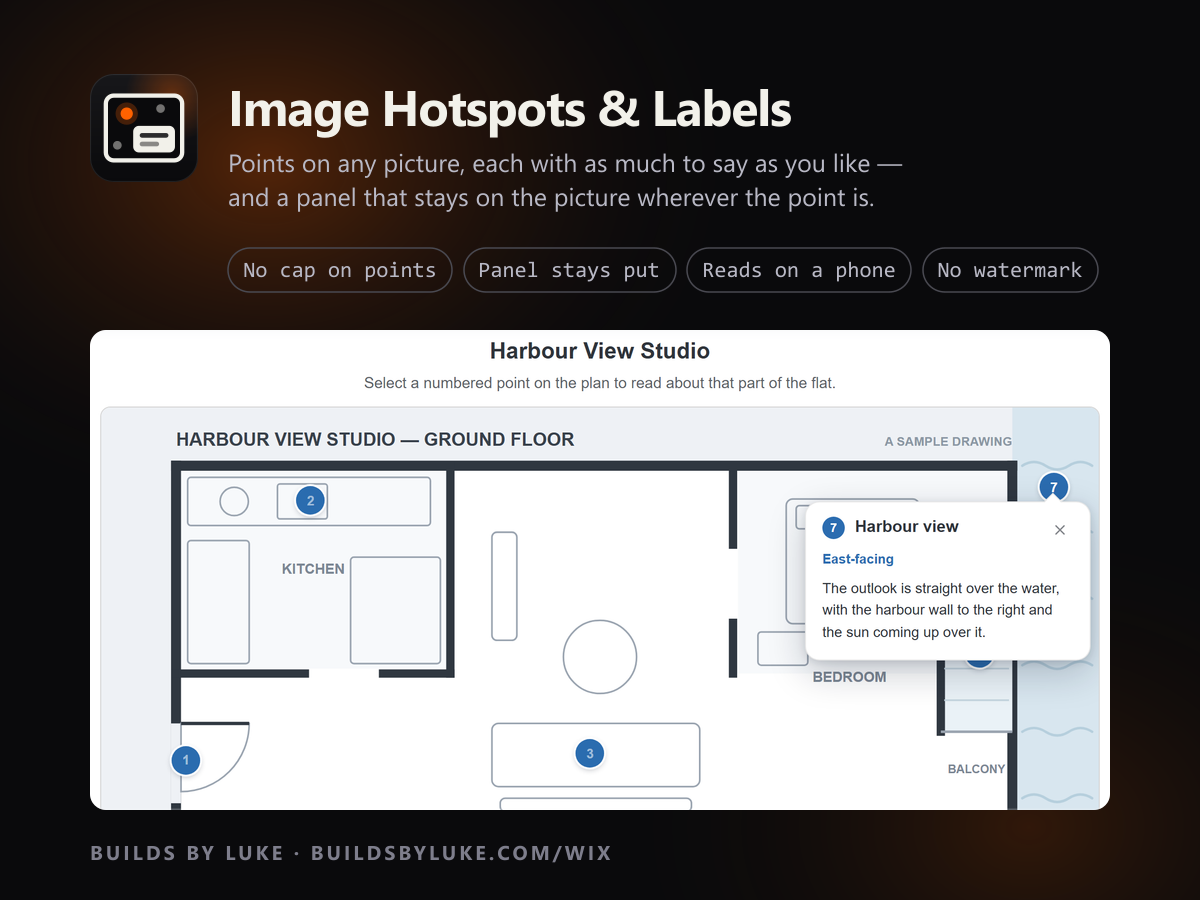
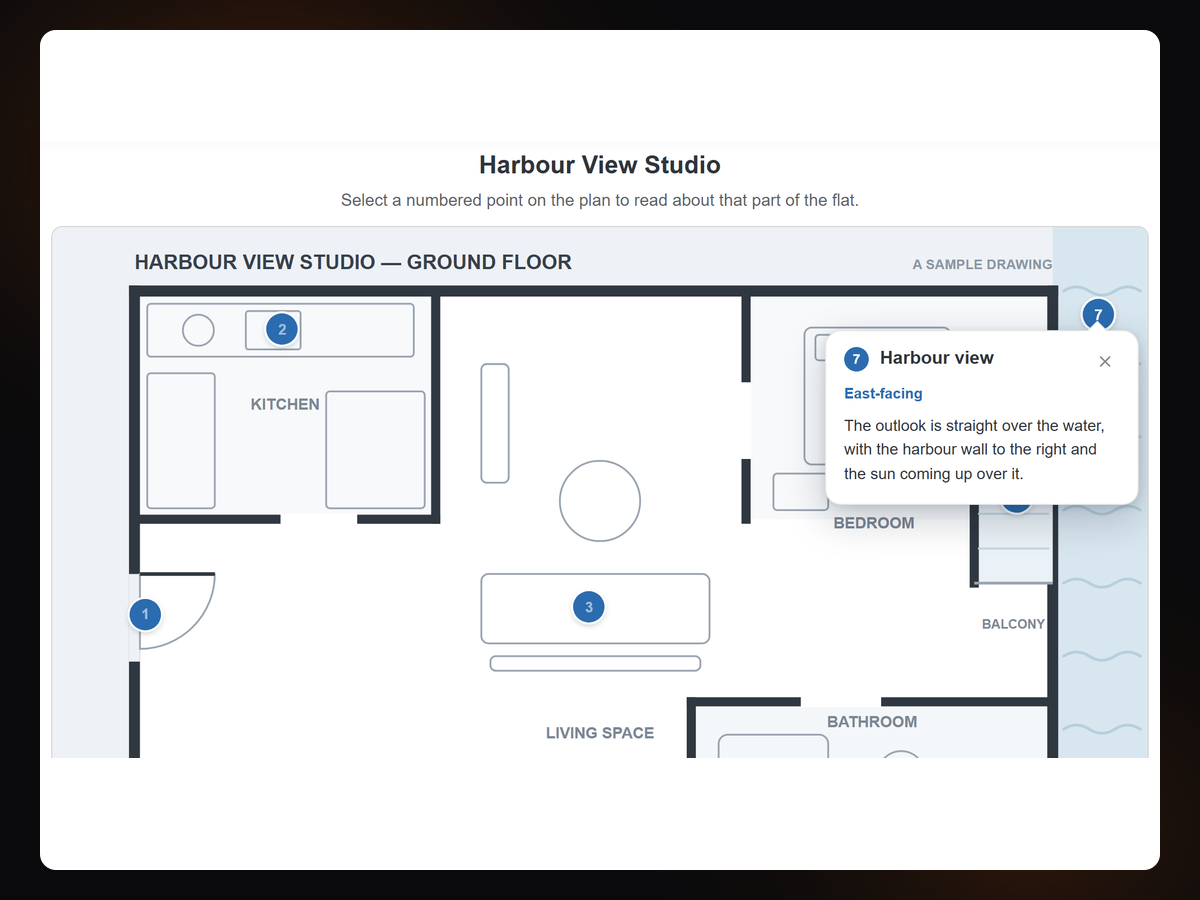
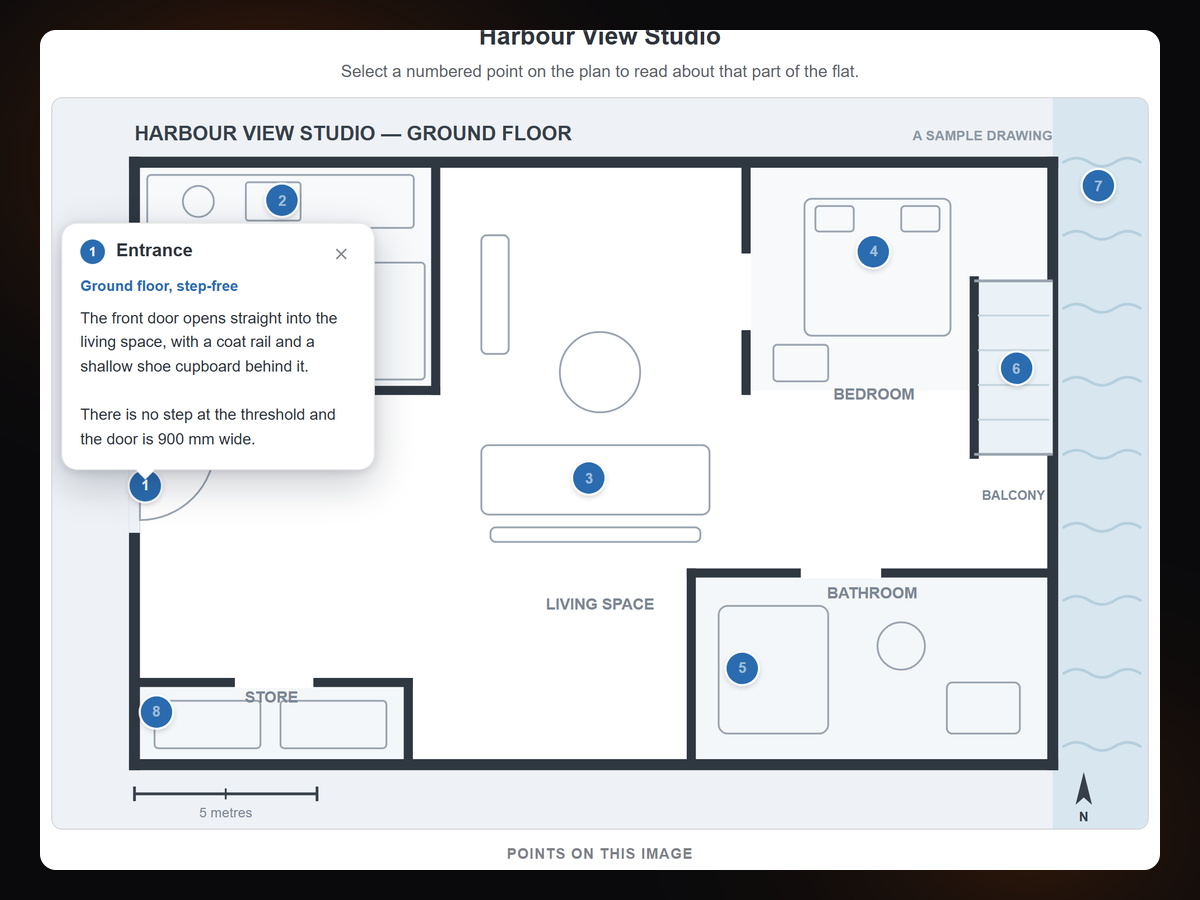
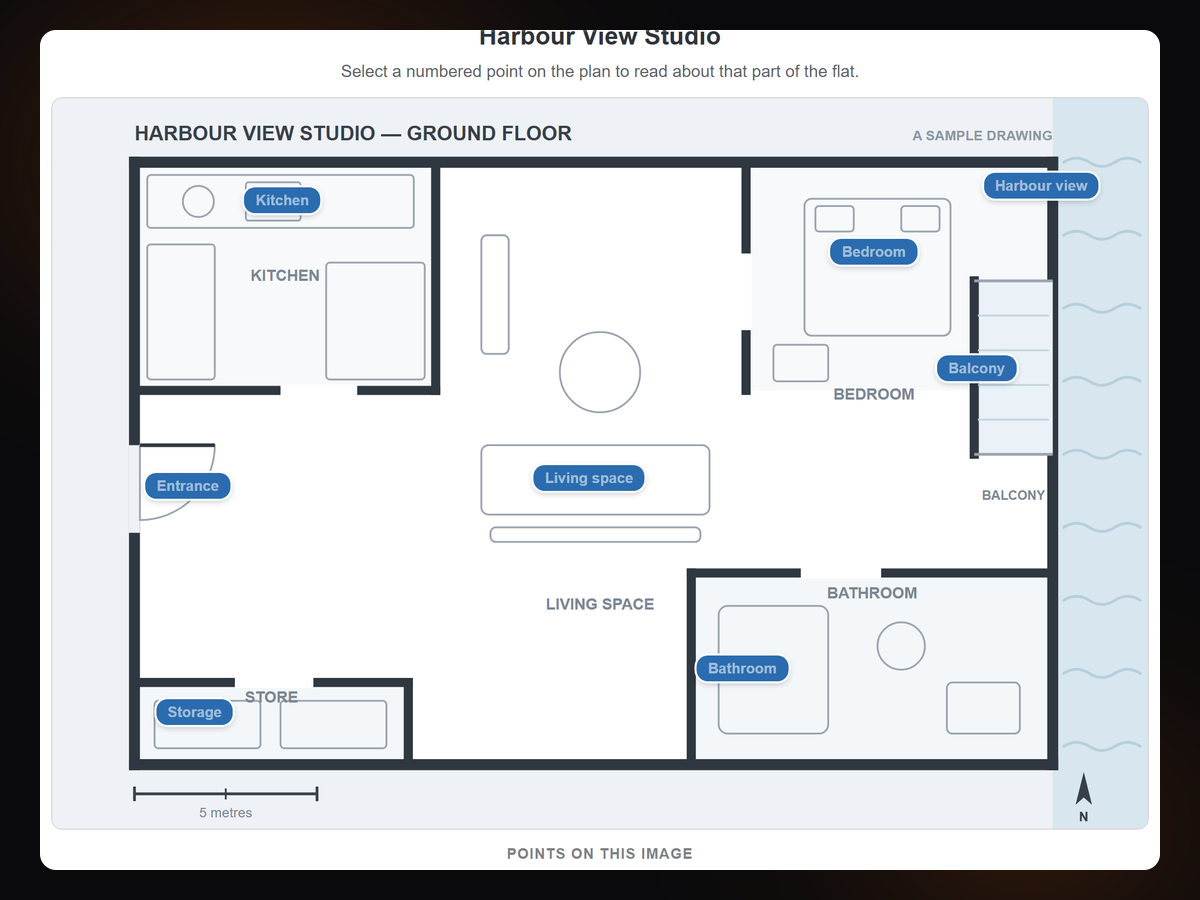
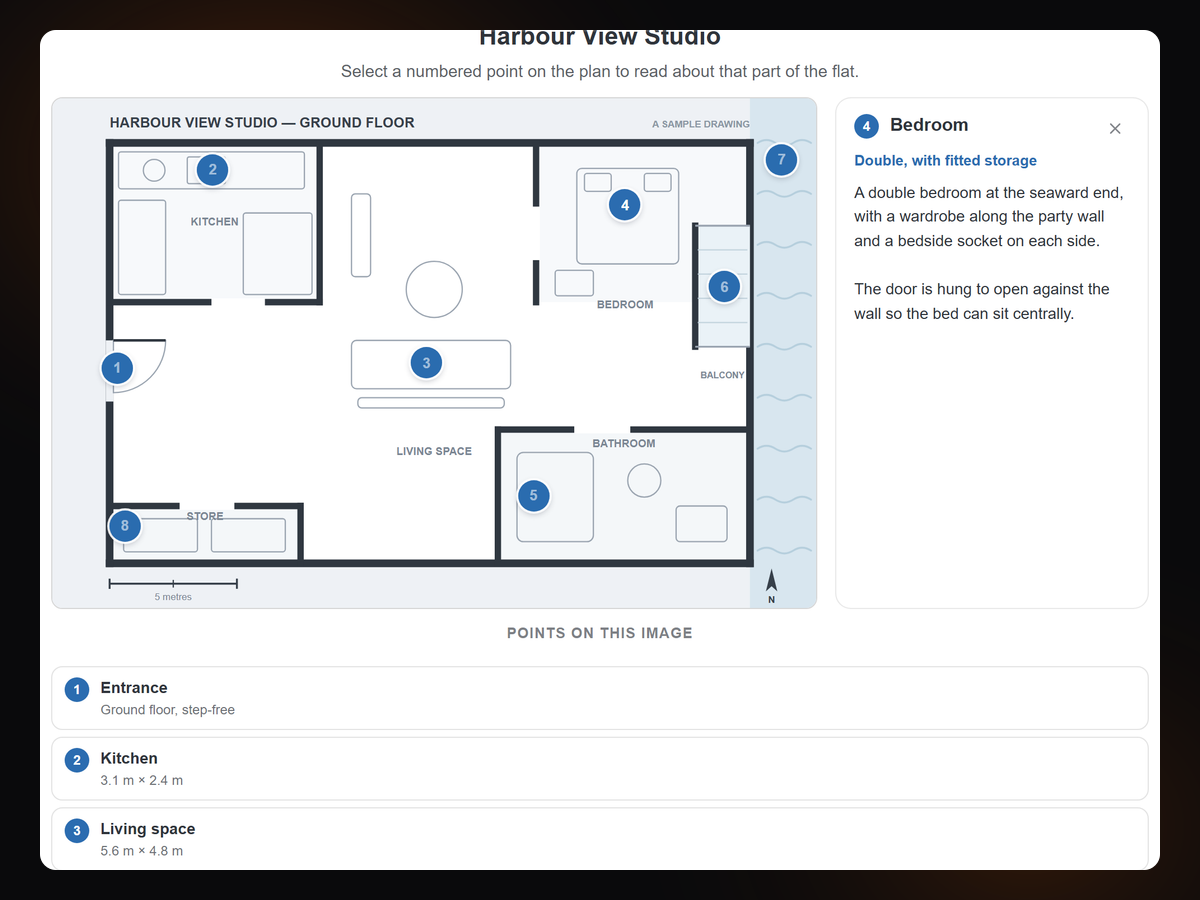
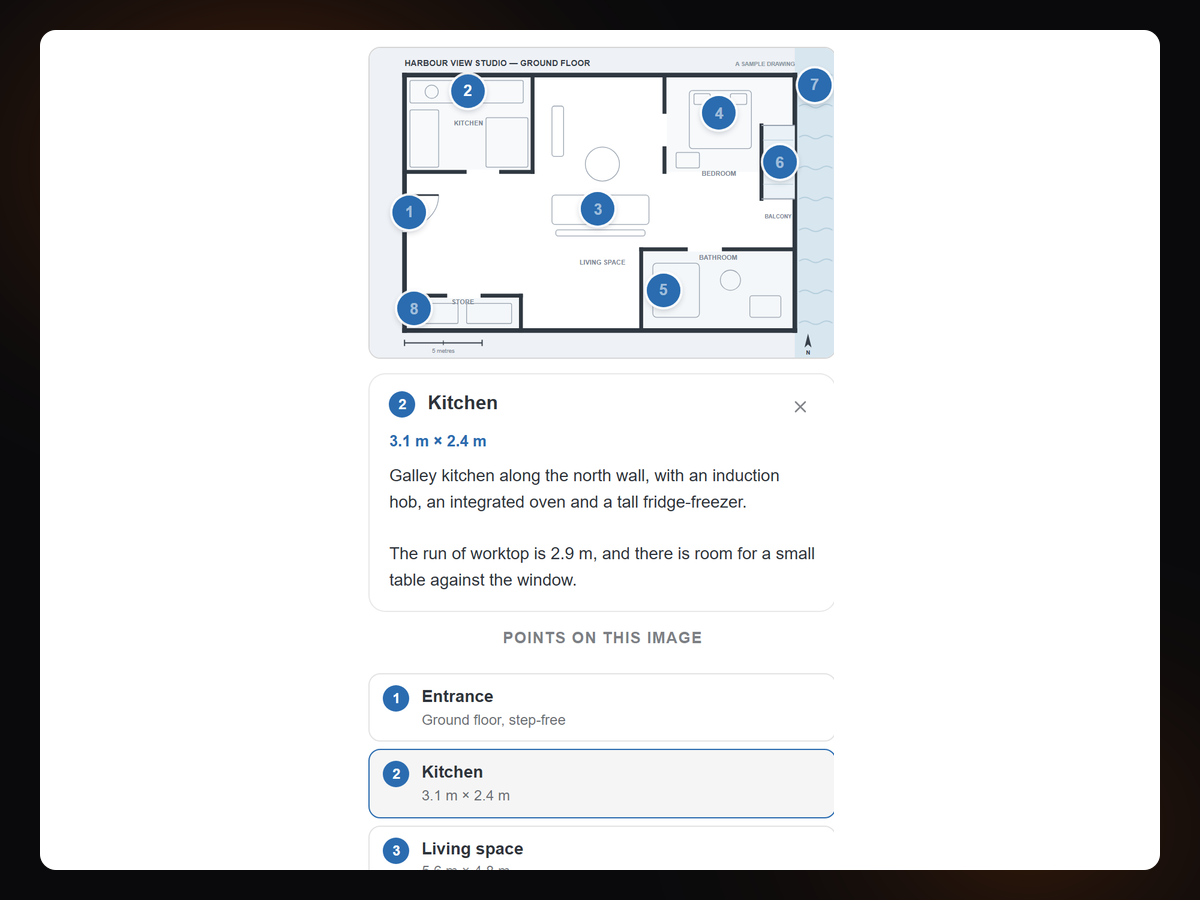
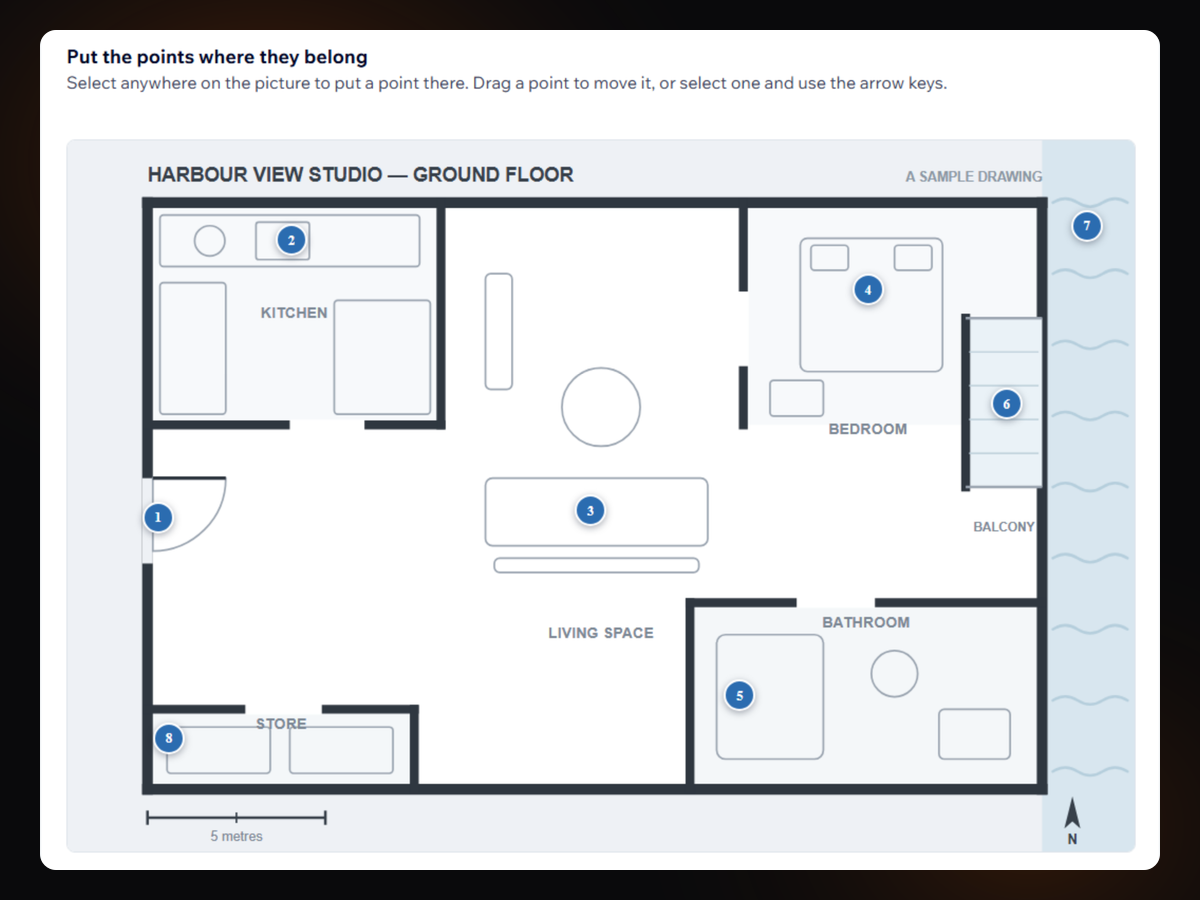
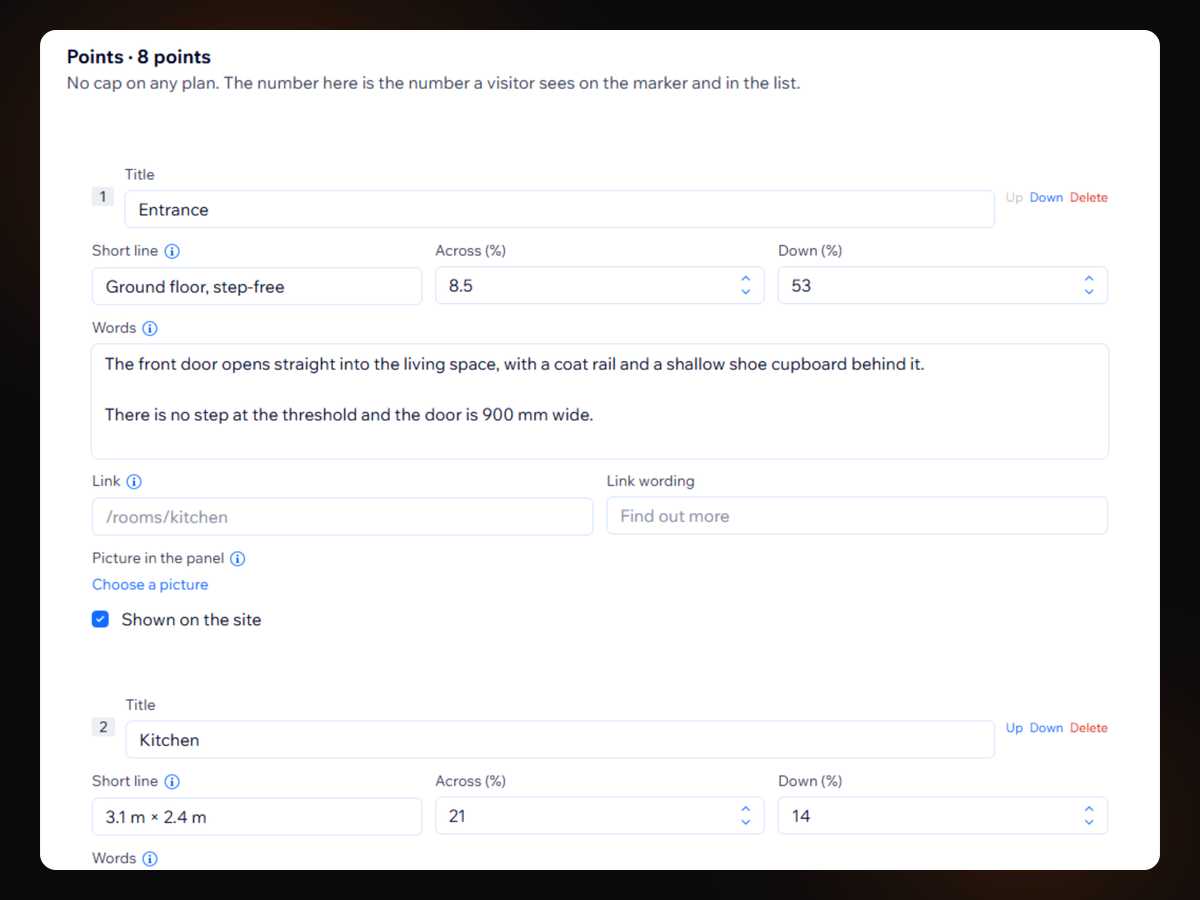
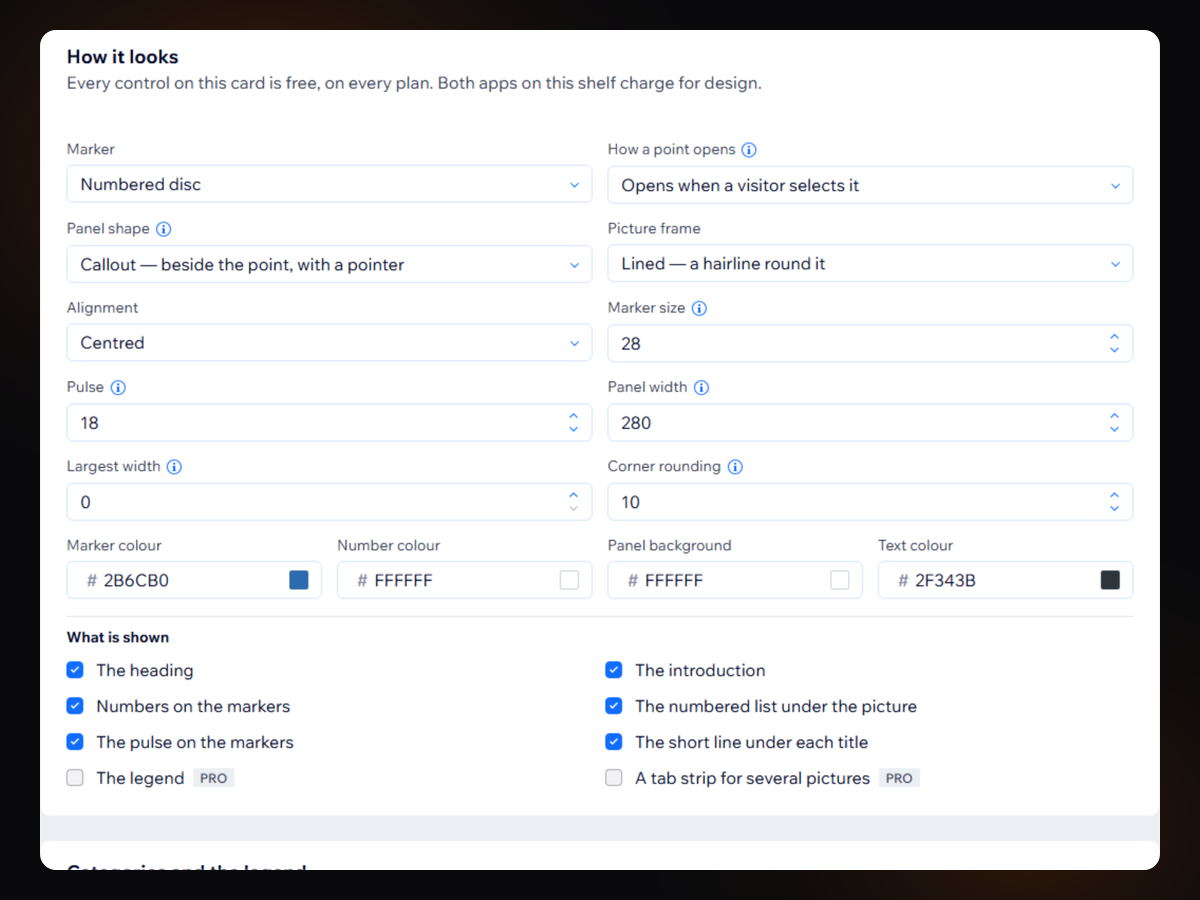
Image Hotspots & Labels uygulamasına genel bakış
- No cap on points or pictures, on any plan
- The panel stays on the picture, at any edge
- A numbered list, so it reads on a phone
- No watermark and no badge on any plan, ever
Değerlendirme ve yorumlar
Bu uygulama henüz değerlendirme almamış. İlk değerlendiren siz olun.Fiyatlandırma ve ücretli abonelikler
Basic Paketi
Ücretsiz
No cap on points or pictures, ever
Six markers and four panel shapes
A numbered list, so a phone works
No watermark and no badge, ever
Pro Paketi
$
7
99
/ay
Several pictures in one element
Categories, with a legend that filters
A link straight to a single point
Still no cap on points or pictures
Business Paketi
$
15
99
/ay
Everything in Pro
Import points from a spreadsheet
Count how often each point is opened
Show a picture only where you name it
* Fiyat USD cinsindendir.