

sanal mağaza
Randevu
etkinlikler
Pop-up

Pricing Tables & Comparison
Sunan:
Pricing tables that never vanish from a page
Henüz değerlendirme yok
Ücretsiz paket mevcut

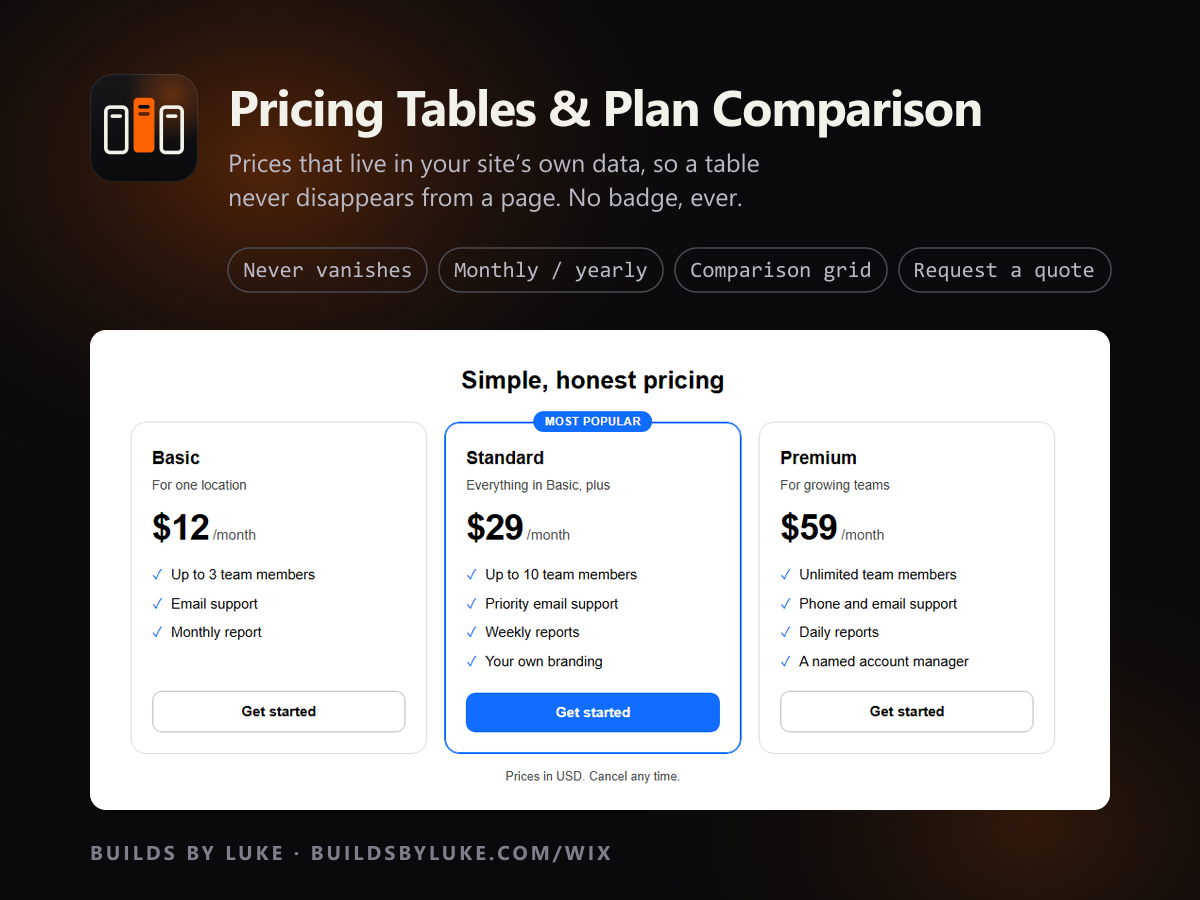
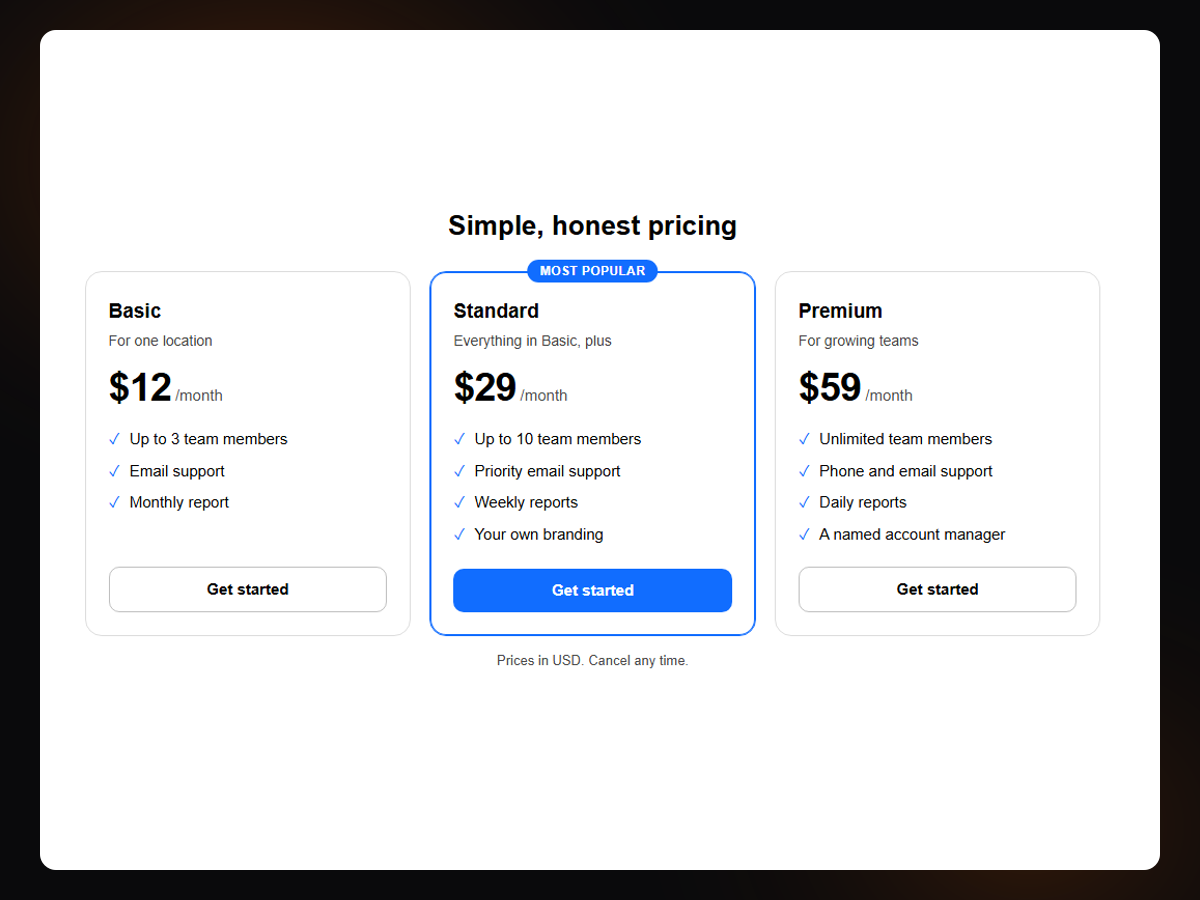
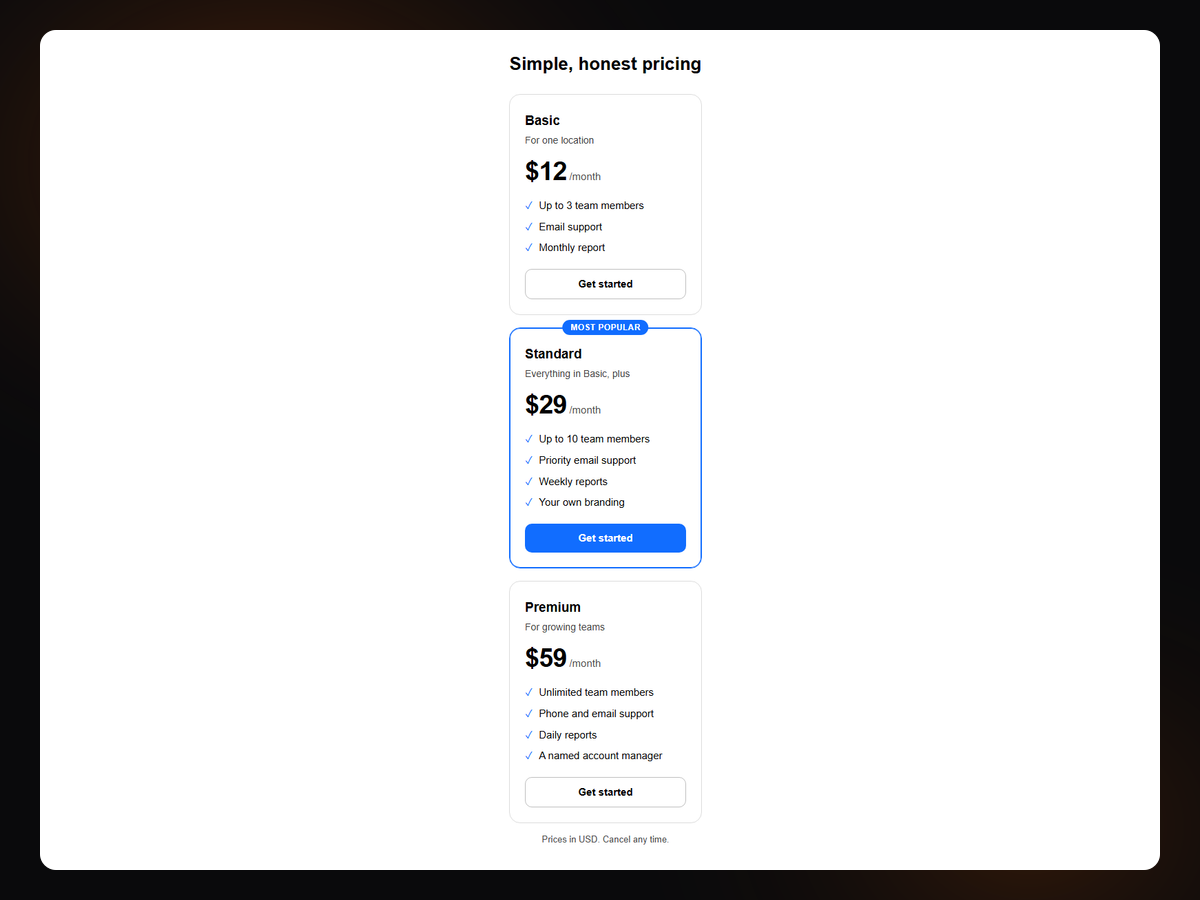
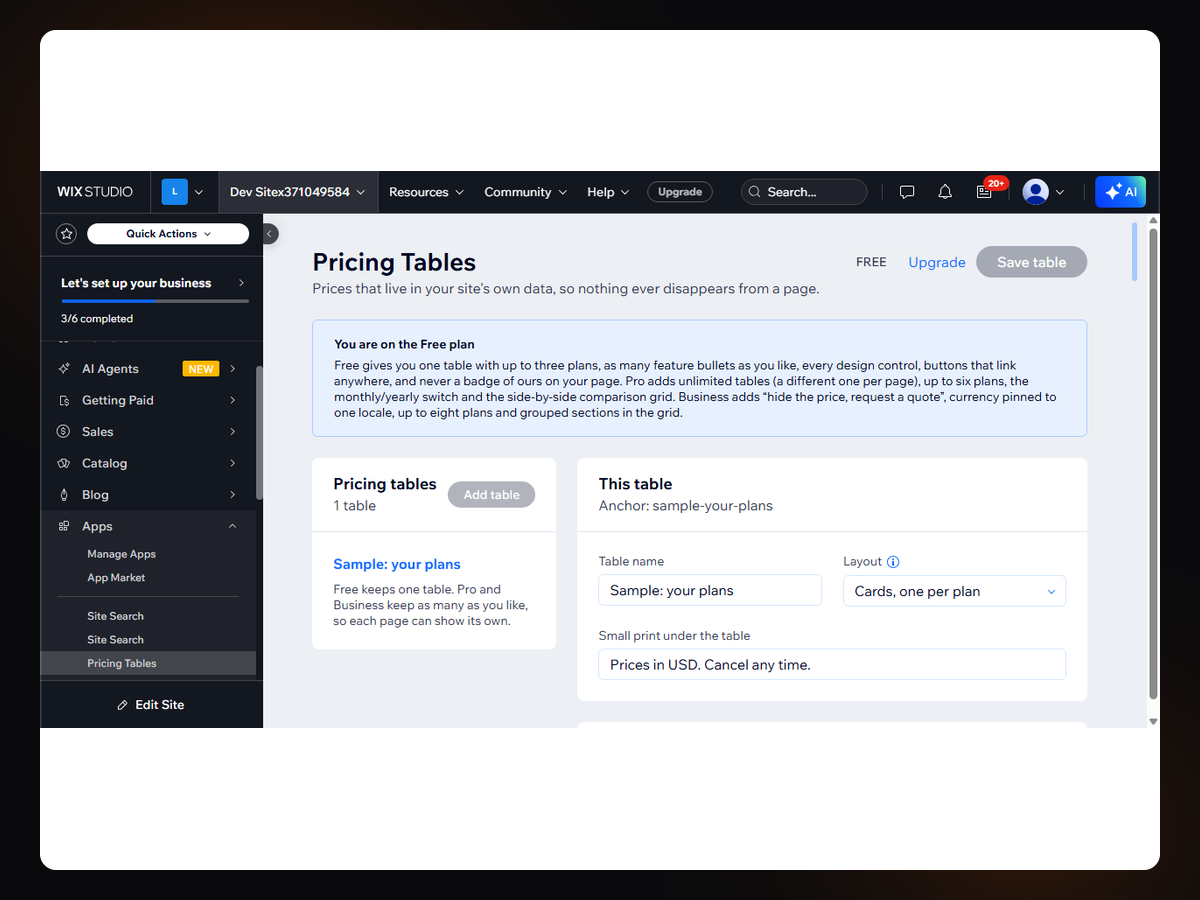
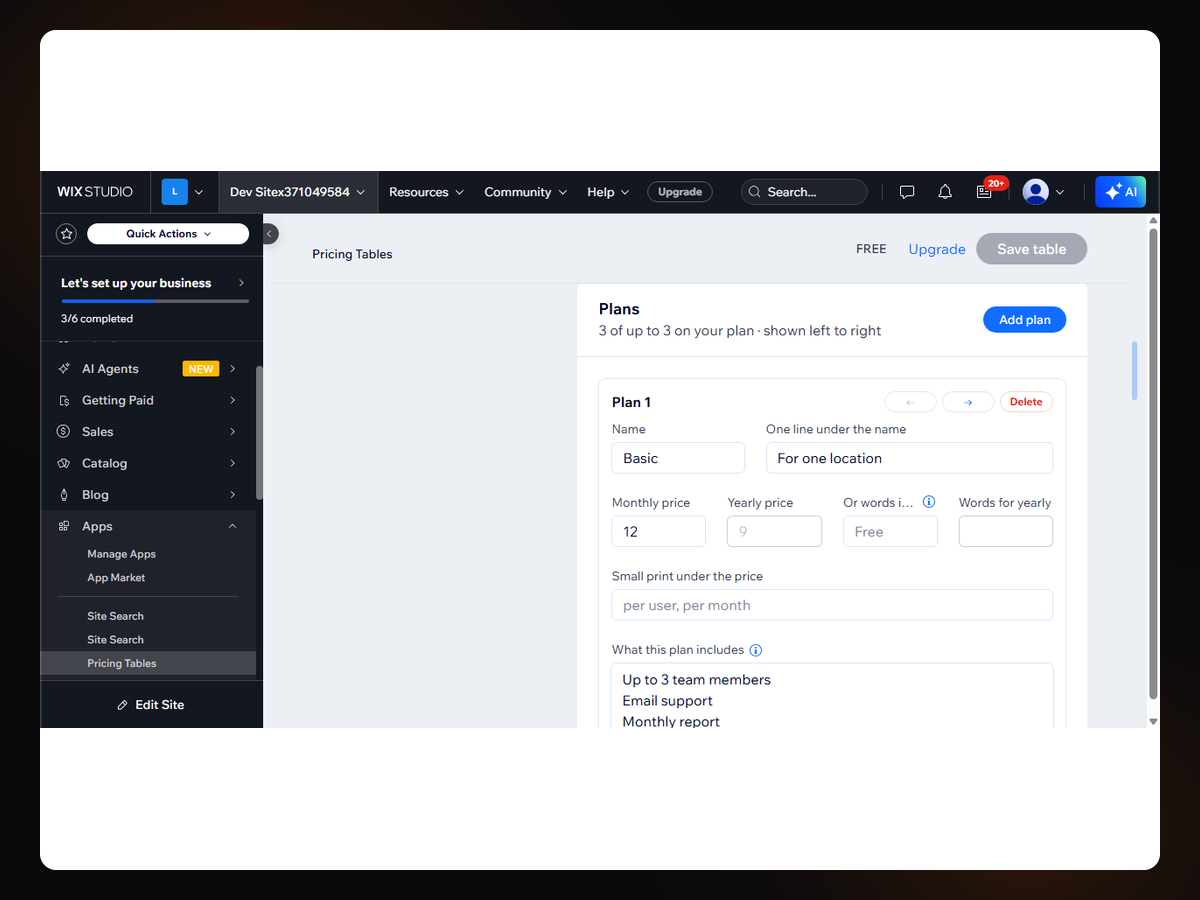
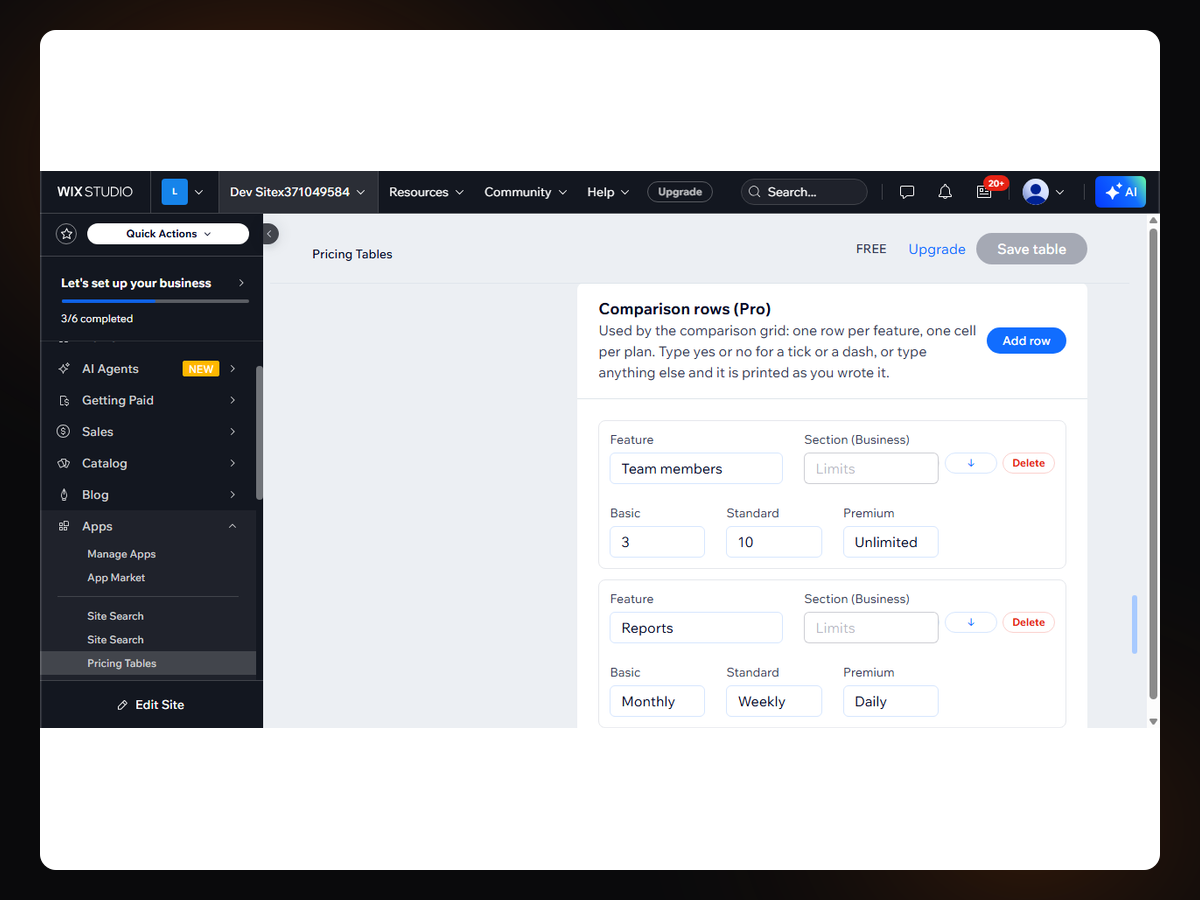
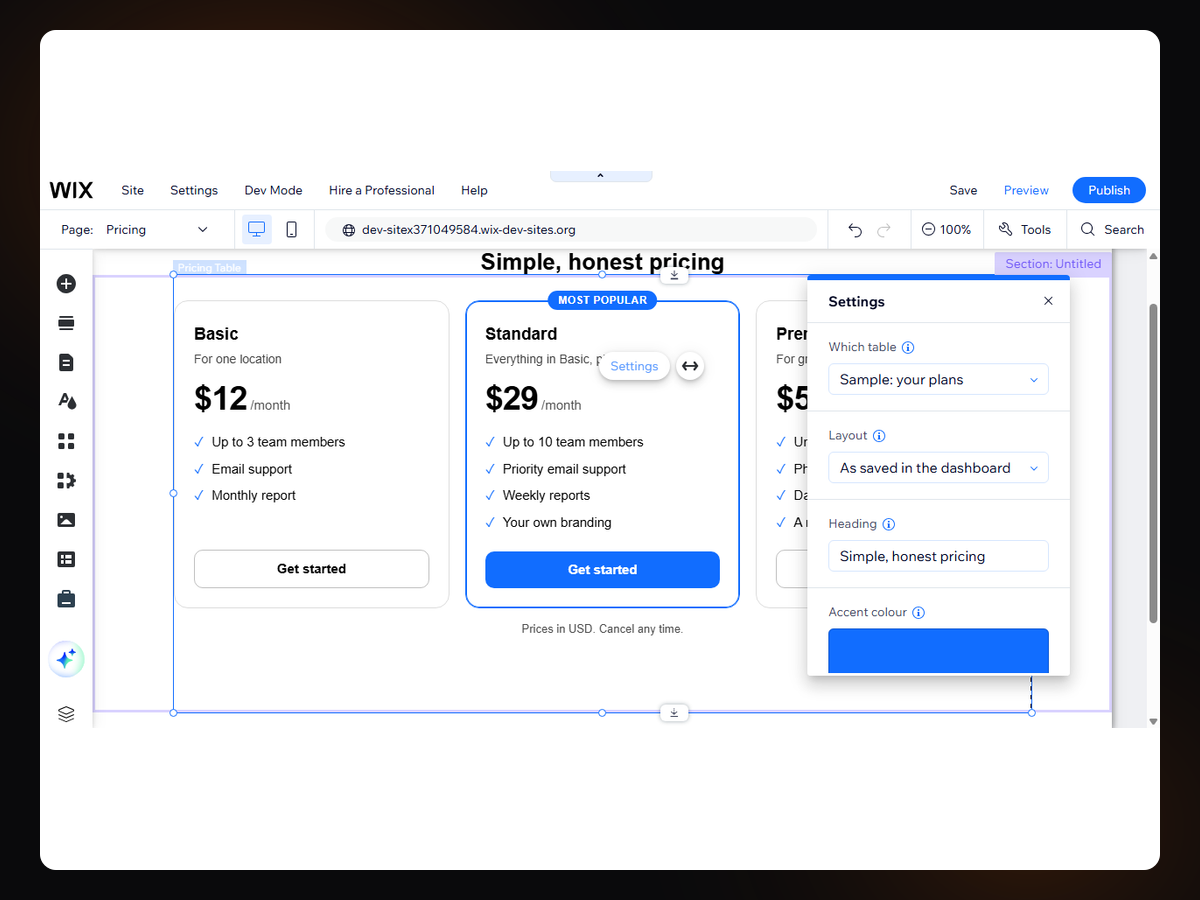
Pricing Tables & Comparison uygulamasına genel bakış
- Your prices live in your site's own data, not the widget
- Monthly / yearly switch with the saving worked out
- Side-by-side comparison grid with ticks and dashes
- Hide a price and ask for a quote instead
Değerlendirme ve yorumlar
Bu uygulama henüz değerlendirme almamış. İlk değerlendiren siz olun.Fiyatlandırma ve ücretli abonelikler
Basic Paketi
Ücretsiz
One table, up to 3 plans
Unlimited features per plan
Every design control, your fonts
Buttons link anywhere, no badge
Pro Paketi
$
7
99
/ay
Unlimited tables, one per page
Up to 6 plans in a table
Monthly / yearly switch + saving
Side-by-side comparison grid
Business Paketi
$
15
99
/ay
Hide a price, ask for a quote
Currency pinned to one locale
Up to 8 plans in a table
Grouped sections in the grid
* Fiyat USD cinsindendir.