

sanal mağaza
Randevu
etkinlikler
Pop-up

Loyalty Rules: Reward Points
Sunan:
Loyalty points on renewals, back on refunds
Henüz değerlendirme yok
Ücretsiz paket mevcut

Loyalty Rules: Reward Points uygulamasına genel bakış
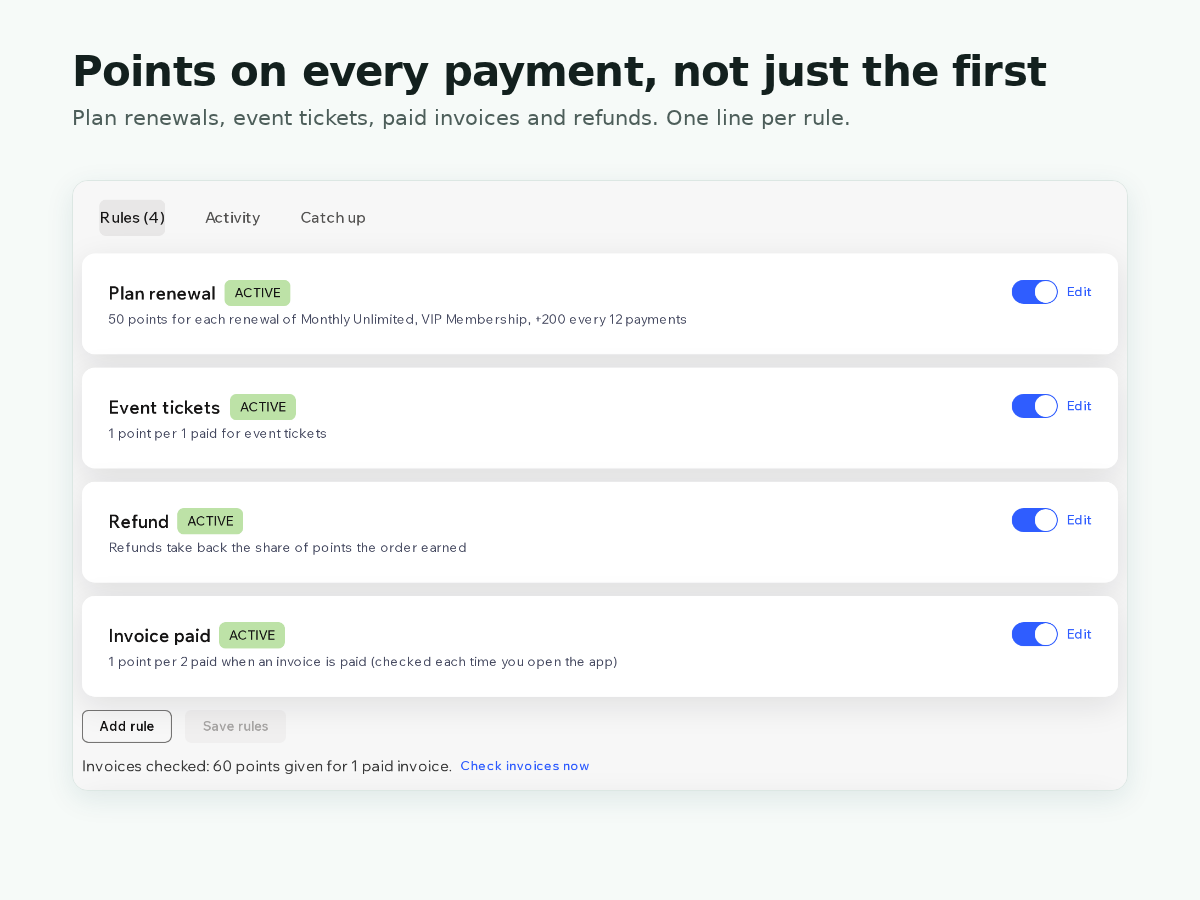
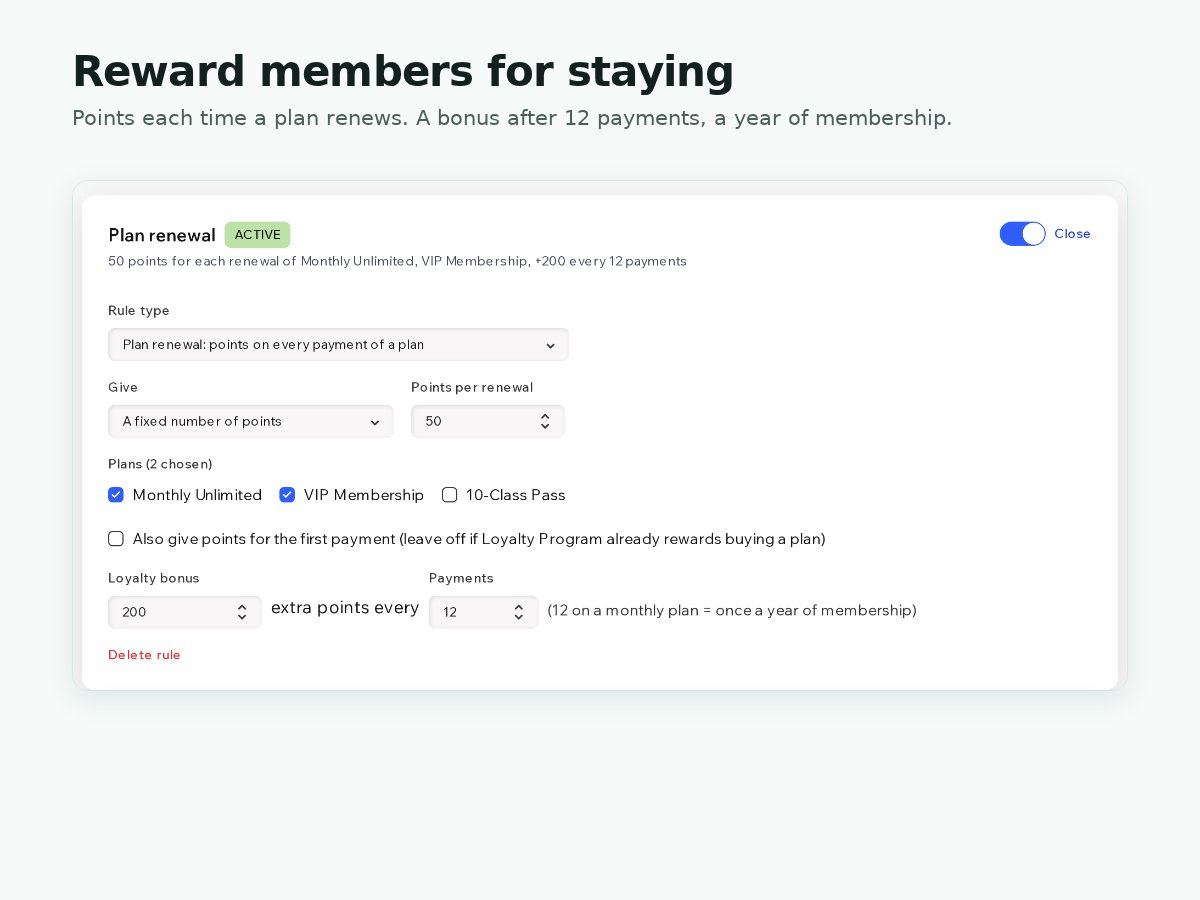
- Points on every plan renewal, not just the first
- Points per amount paid for event tickets
- Points per amount when an invoice is paid
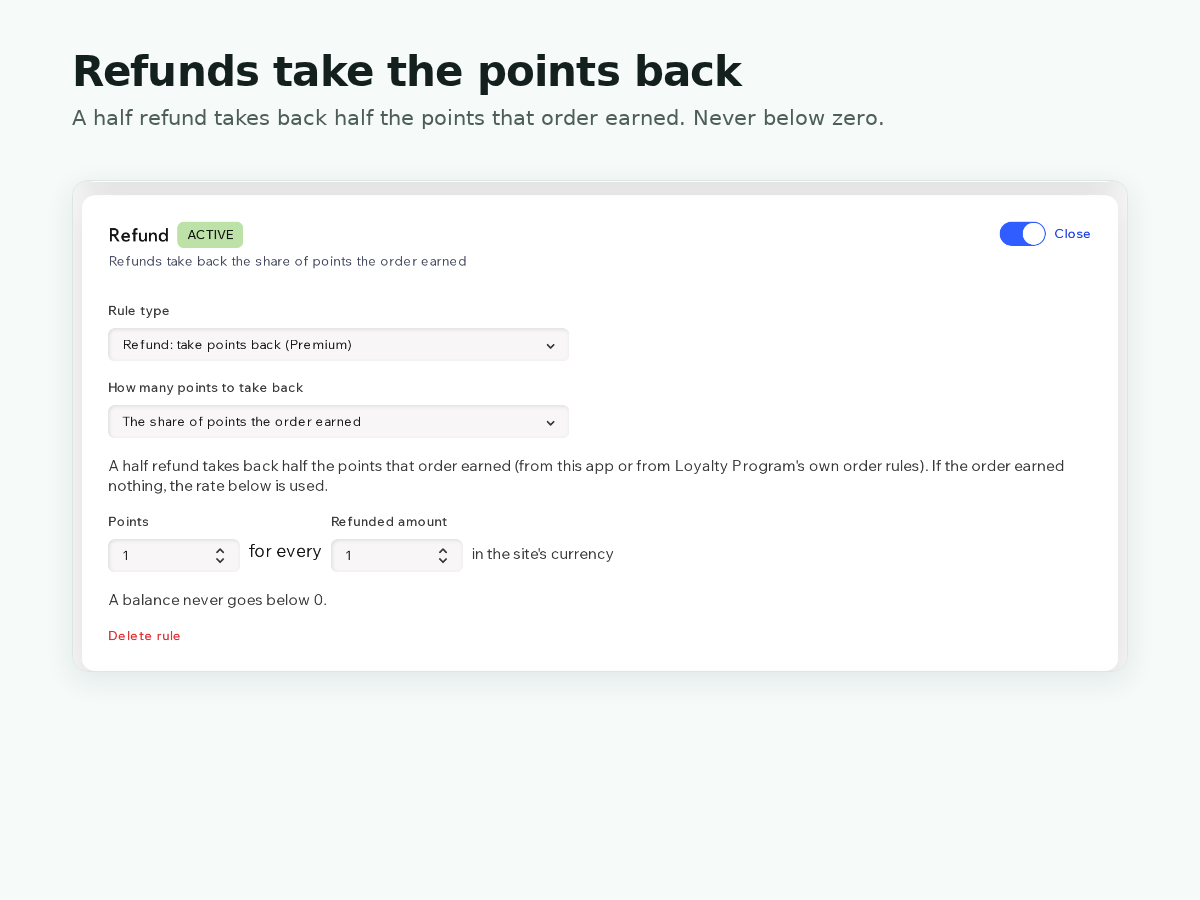
- Refunds take back the points the order earned
Değerlendirme ve yorumlar
Bu uygulama henüz değerlendirme almamış. İlk değerlendiren siz olun.Fiyatlandırma ve ücretli abonelikler
Basic Paketi
Ücretsiz
1 earning rule of your choice
Renewals, event tickets or invoices
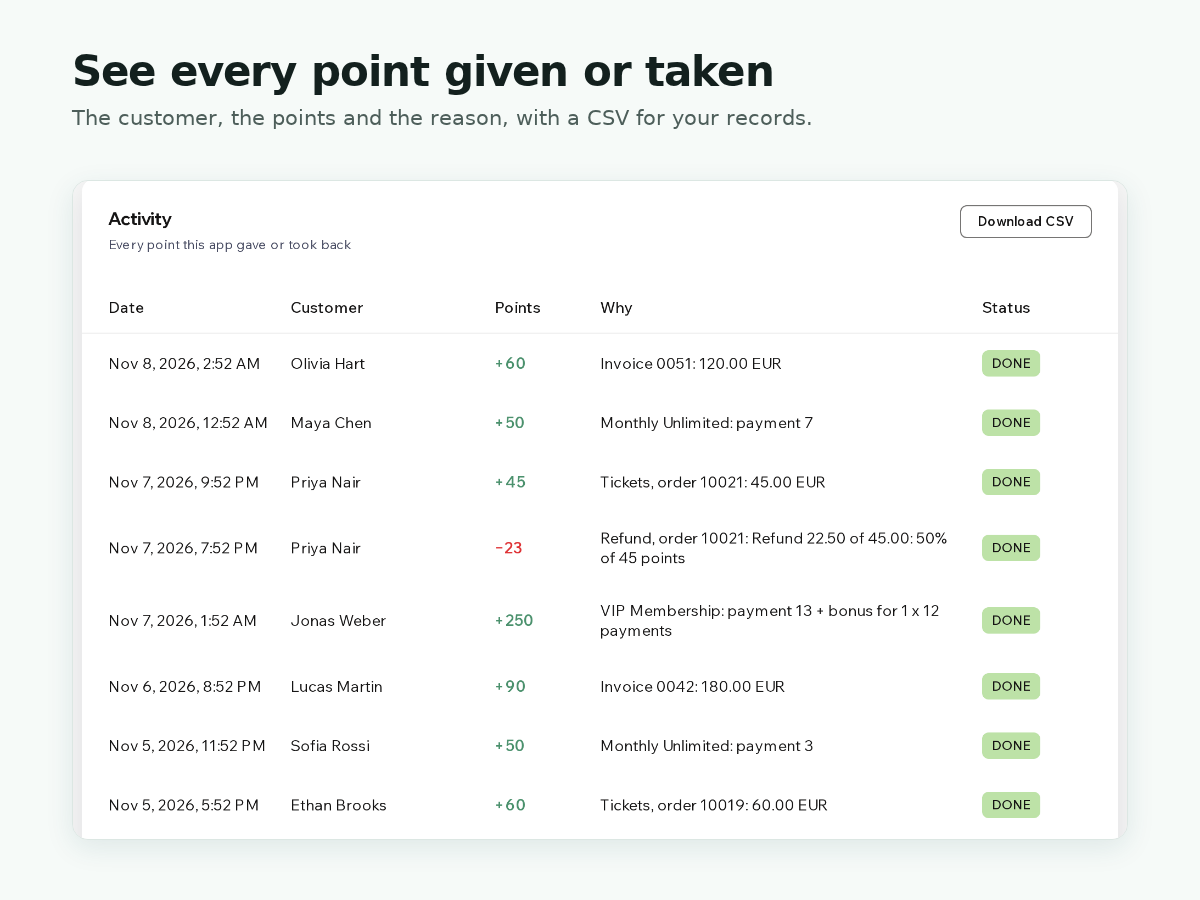
Activity list of the last 20 actions
Premium Paketi
$
5
83
/ay
Unlimited earning rules
Refunds take points back
Bonus every 12 plan payments
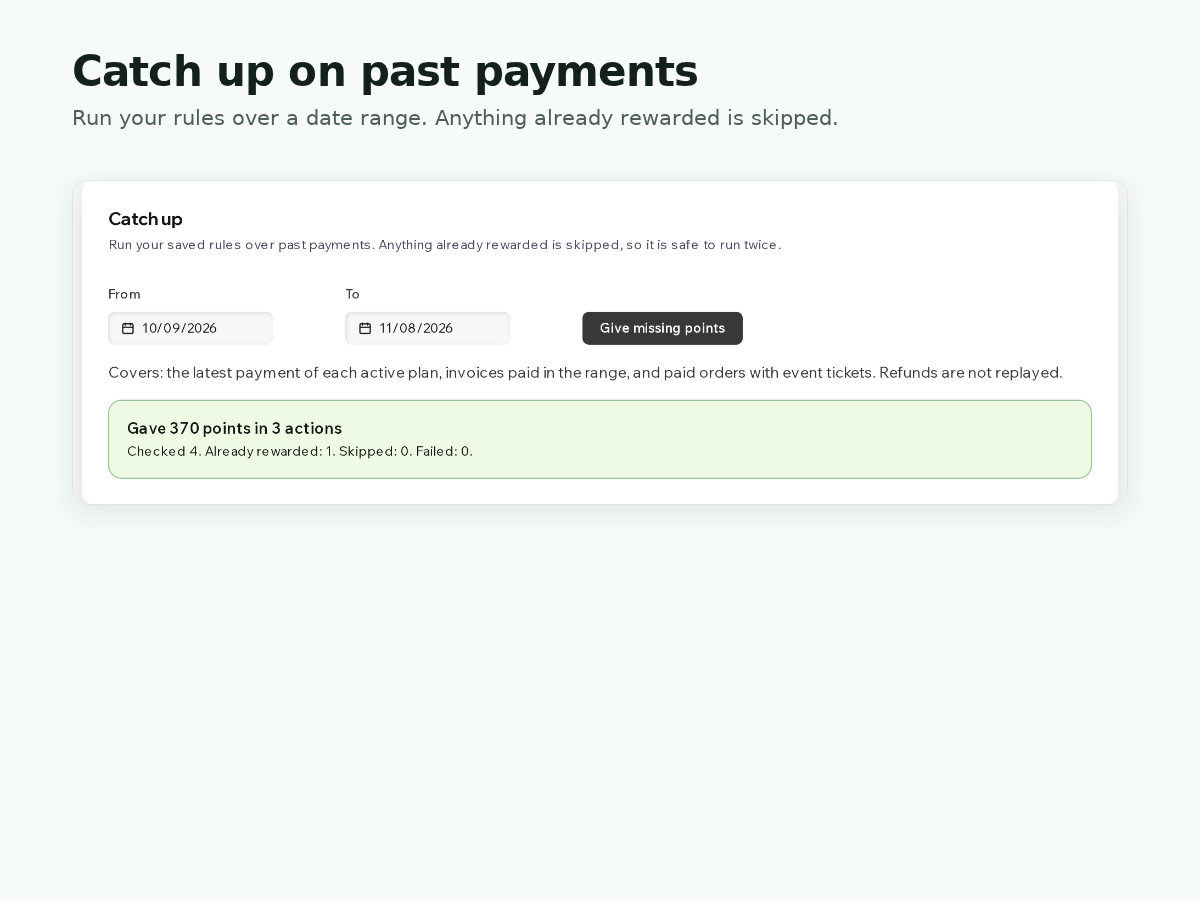
Full history, CSV export and catch up
* Fiyat USD cinsindendir.