Cockatoo Chats Website Chatbot uygulamasına genel bakış
Show website chat, a WhatsApp button, or both
Answer every chat from one Cockatoo Chats inbox
AI assistant, automations and lead forms in chat
Your colours, logo, office hours and offline messages
Cockatoo Chats Website Chatbot adds a chat window to your website and links it with WhatsApp, giving visitors a simple way to reach your business on the channel they prefer.
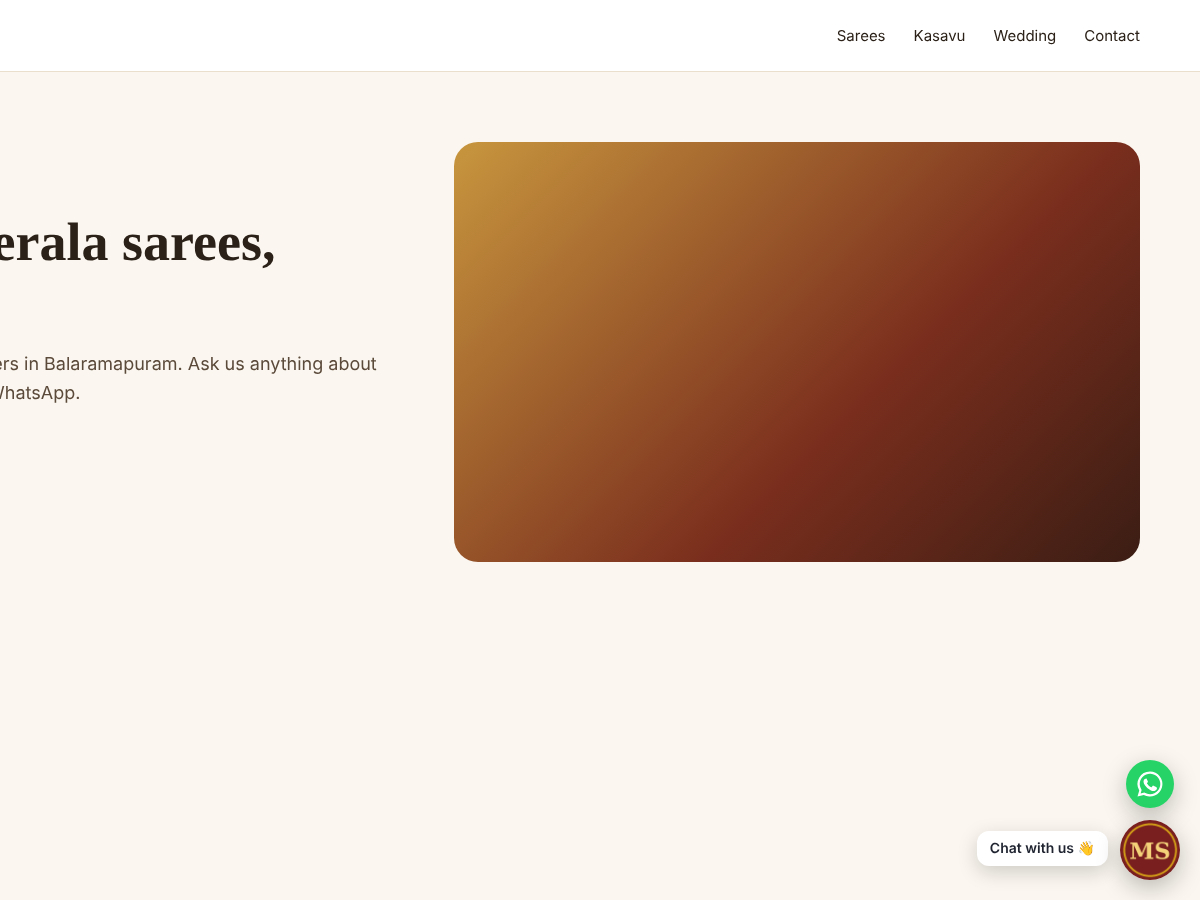
You can show a website chat window, a WhatsApp button that opens a conversation with your business number, or both together so visitors can choose. The option can be changed at any time from your dashboard.
Conversations from your website and from WhatsApp arrive in the same Cockatoo Chats inbox, where your team can reply from the web or the Cockatoo Chats mobile app, assign chats to team members and view each customer's conversation history.
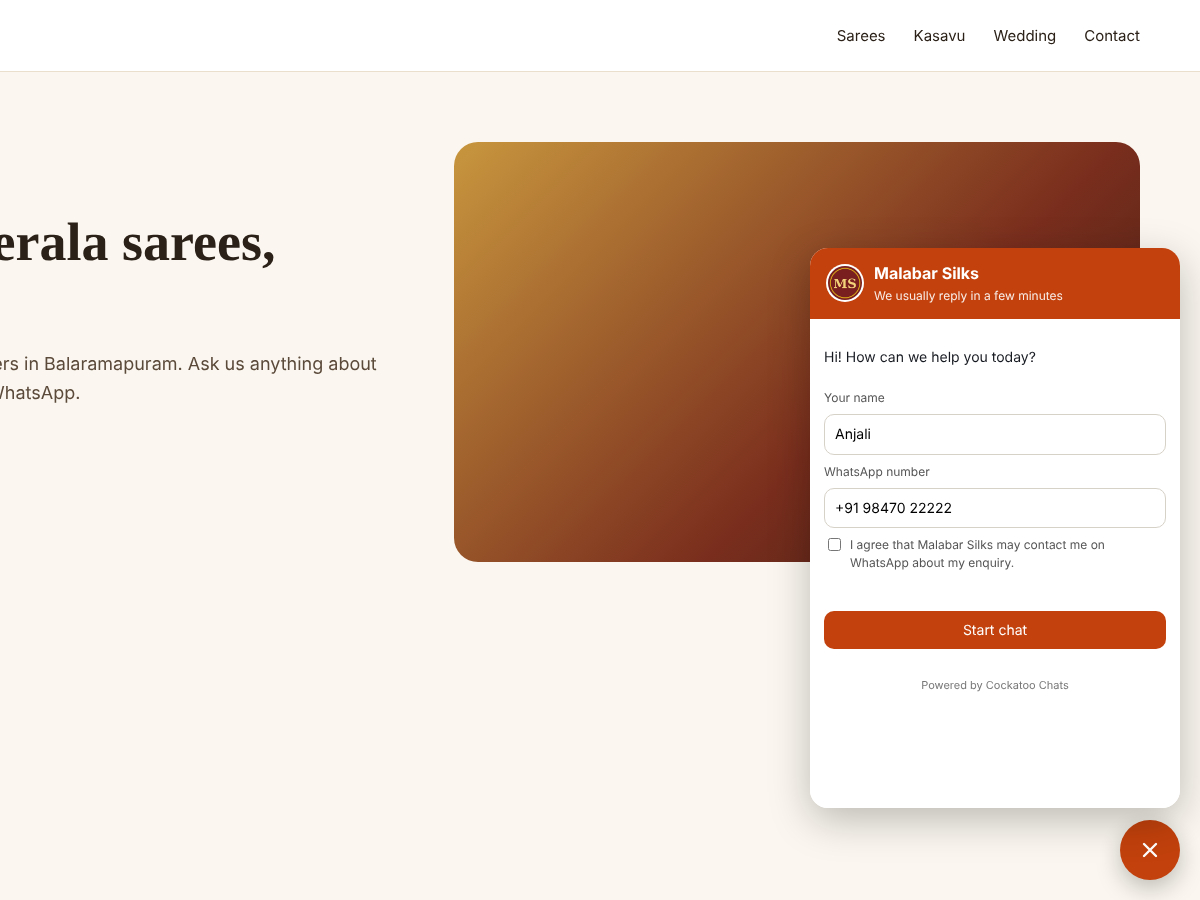
An optional AI assistant can help answer common questions using information you provide, and automations can send welcome messages and follow-ups. A short lead form can also be shown in the chat to collect a visitor's name, phone number and email.
The chat window can be styled with your brand colour, logo, button icon and greeting, and you can set office hours with a message for visitors who write outside those hours.
The app requires a Cockatoo Chats account. Showing the WhatsApp option also requires a WhatsApp Business number connected to that account.