

sanal mağaza
Randevu
etkinlikler
Pop-up
Sale Sync - Category & Ribbon
Sunan:
Auto-sync your Sale category and ribbons
Henüz değerlendirme yok
Ücretsiz paket mevcut

Sale Sync - Category & Ribbon uygulamasına genel bakış
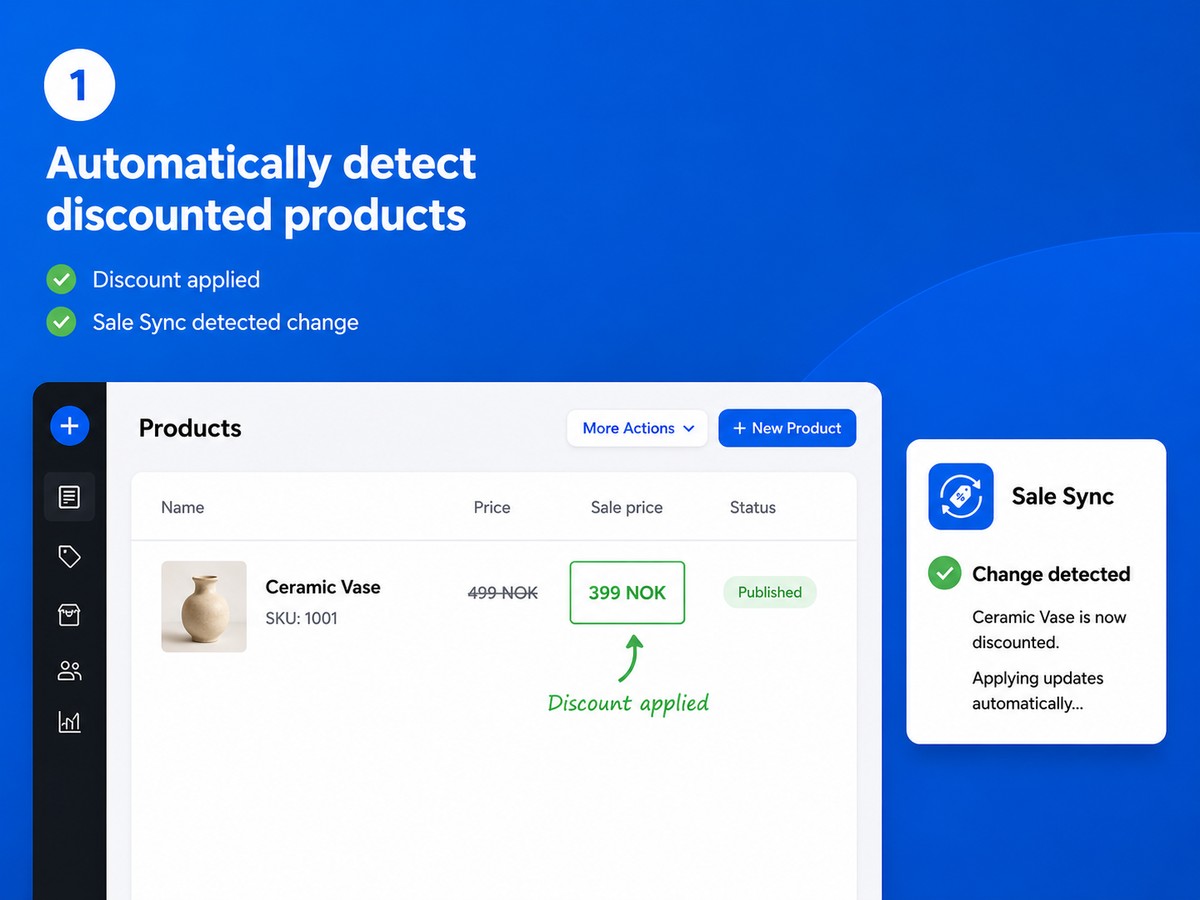
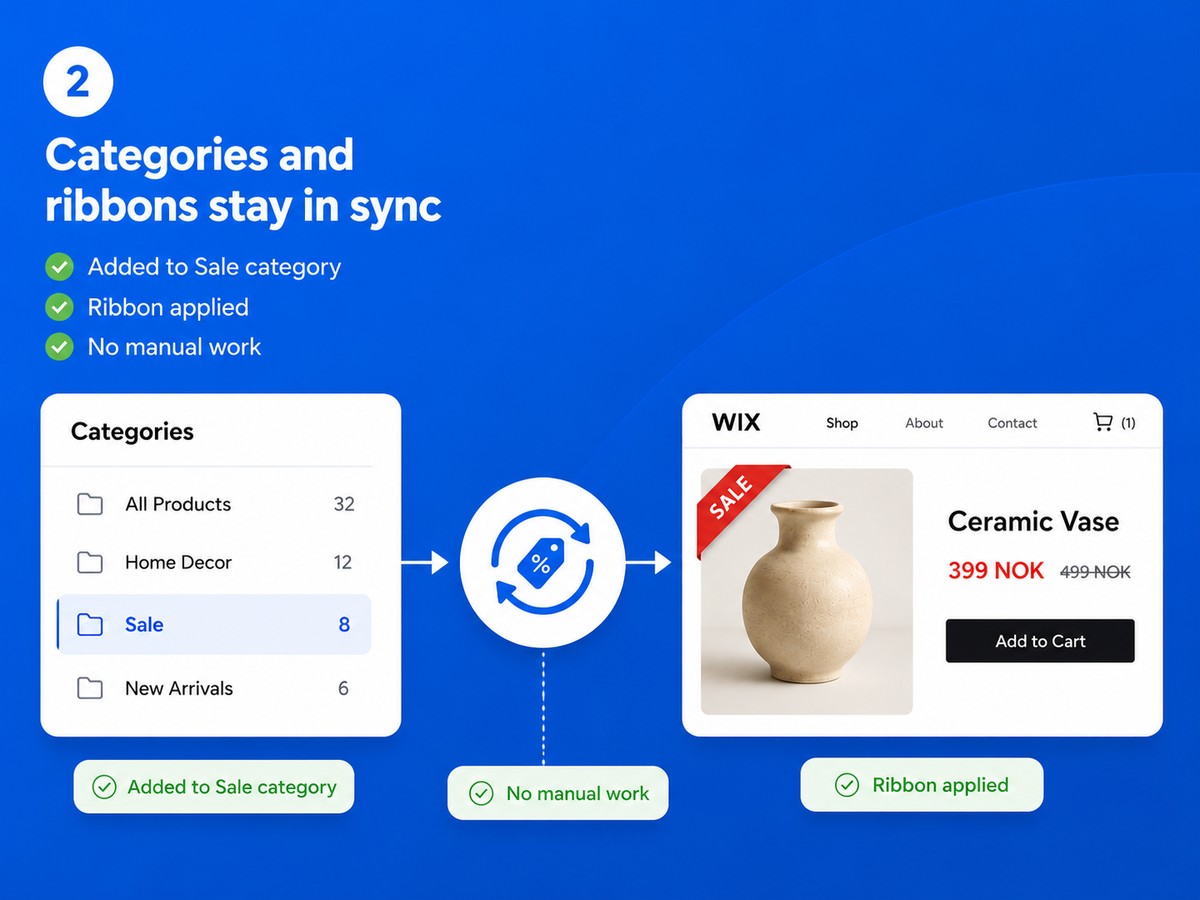
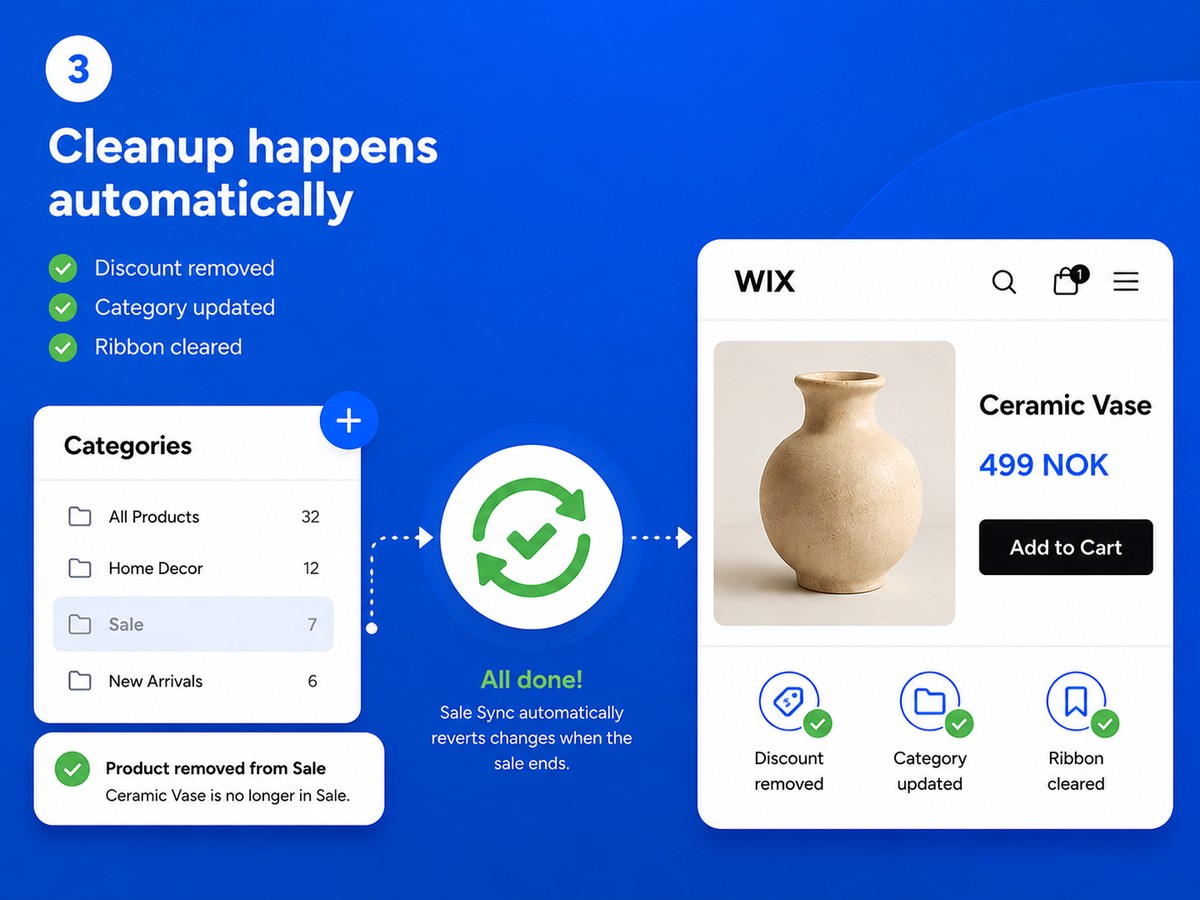
- Discounted products are added to your Sale category automatically - and removed the moment the discount ends
- A custom ribbon label appears on sale products and is cleared automatically when the sale is over
- Your Sale category is always accurate - no forgotten products, no stale ribbons
- Set up in one minute: choose your category and ribbon text, and Sale Sync handles the rest
Değerlendirme ve yorumlar
Bu uygulama henüz değerlendirme almamış. İlk değerlendiren siz olun.Fiyatlandırma ve ücretli abonelikler
Basic Paketi
Ücretsiz
Automatic Sale category sync
One custom product ribbon
Adds and removes sale products
Full catalog sync on demand
Pro Paketi
$
3
99
/ay
Multiple discount rules
Dynamic Save {percent}% ribbons
Dashboard, exclusions & re-sync
Everything in Free
* Fiyat USD cinsindendir.