

sanal mağaza
Randevu
etkinlikler
Pop-up

Bulk Stock Count and Update
Sunan:
Inventory count and bulk stock edits, previewed
Henüz değerlendirme yok
Ücretsiz paket mevcut

Bulk Stock Count and Update uygulamasına genel bakış
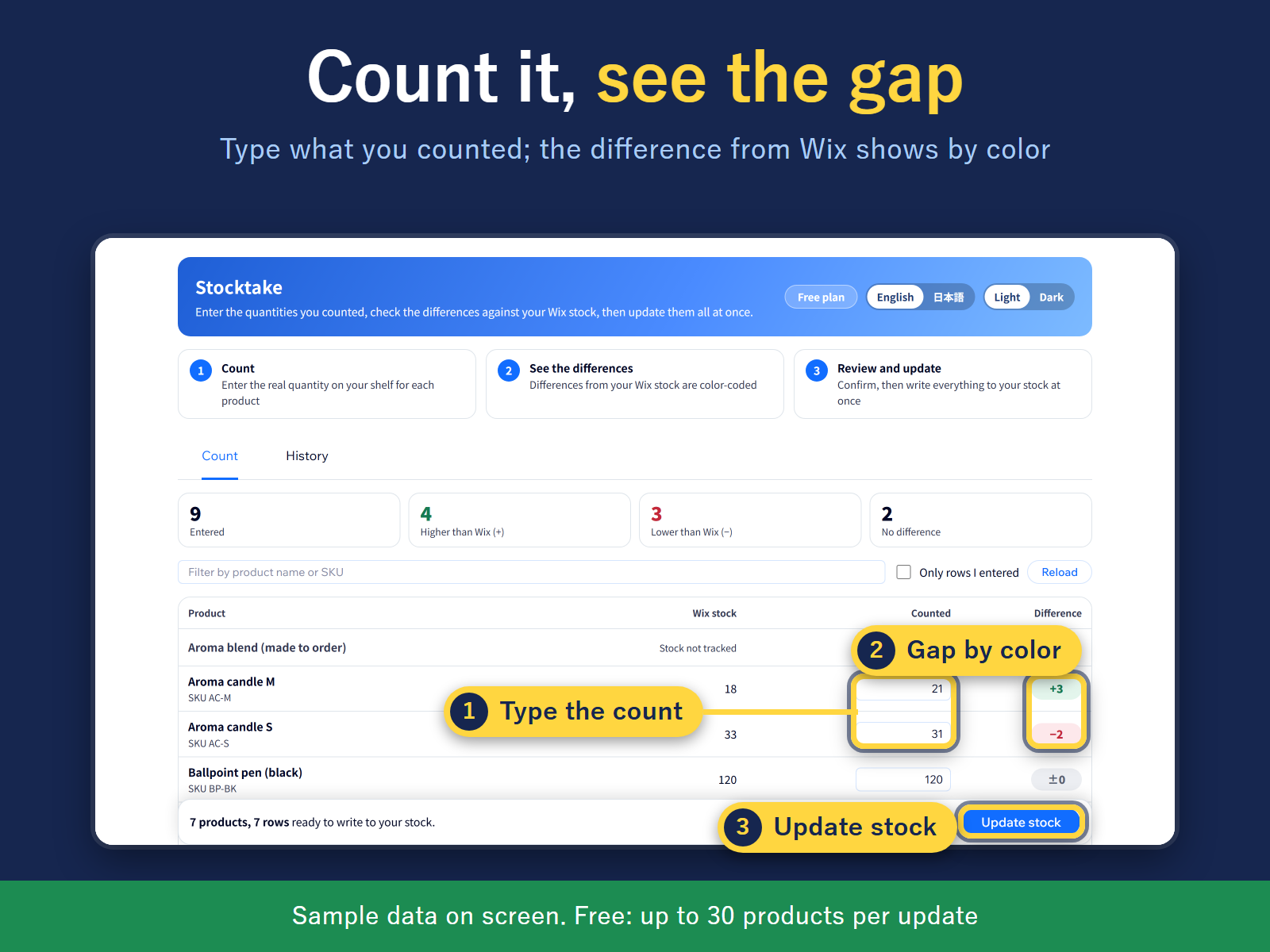
- Set or adjust stock for many products at once
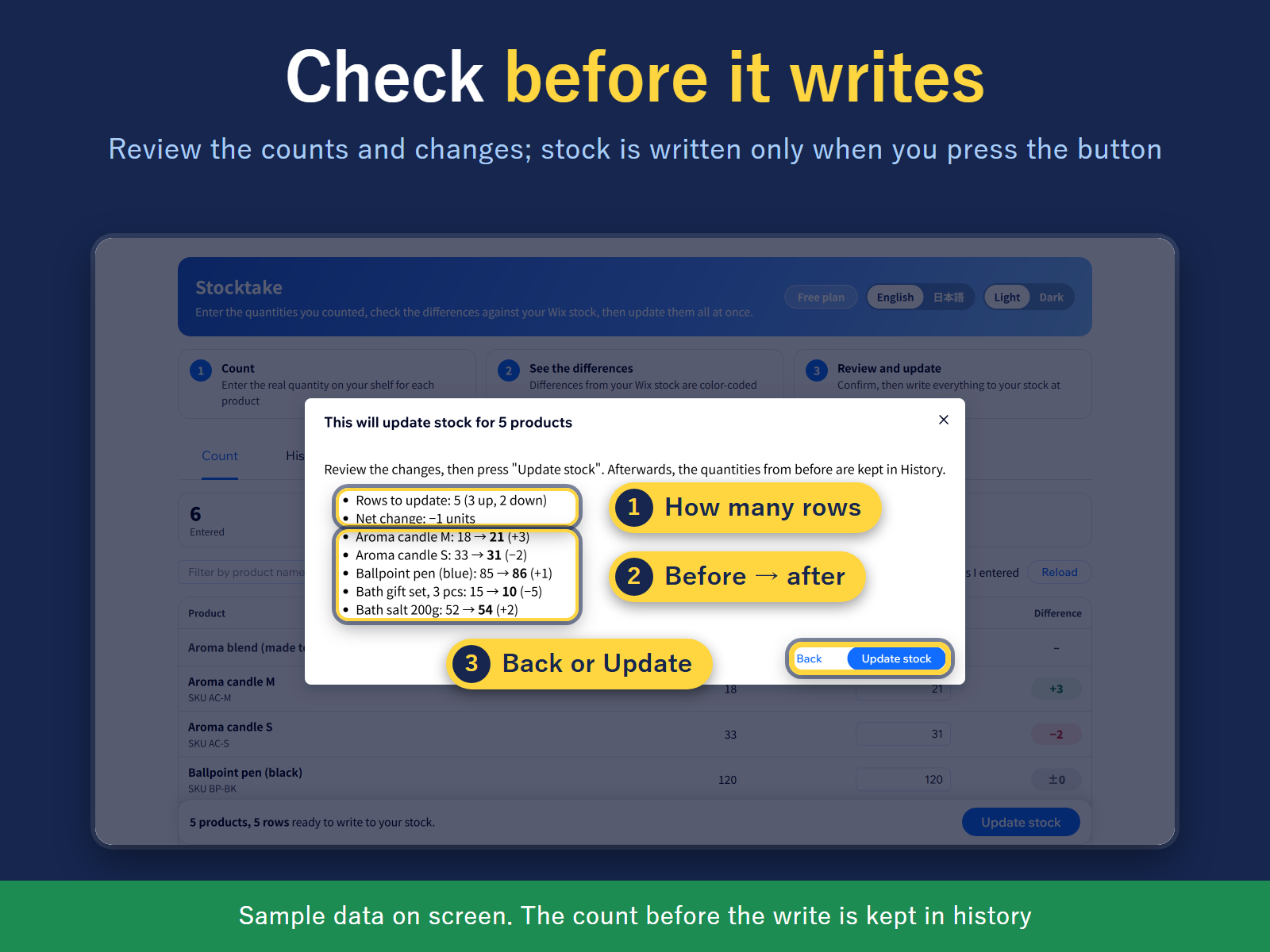
- Review every change before stock is written
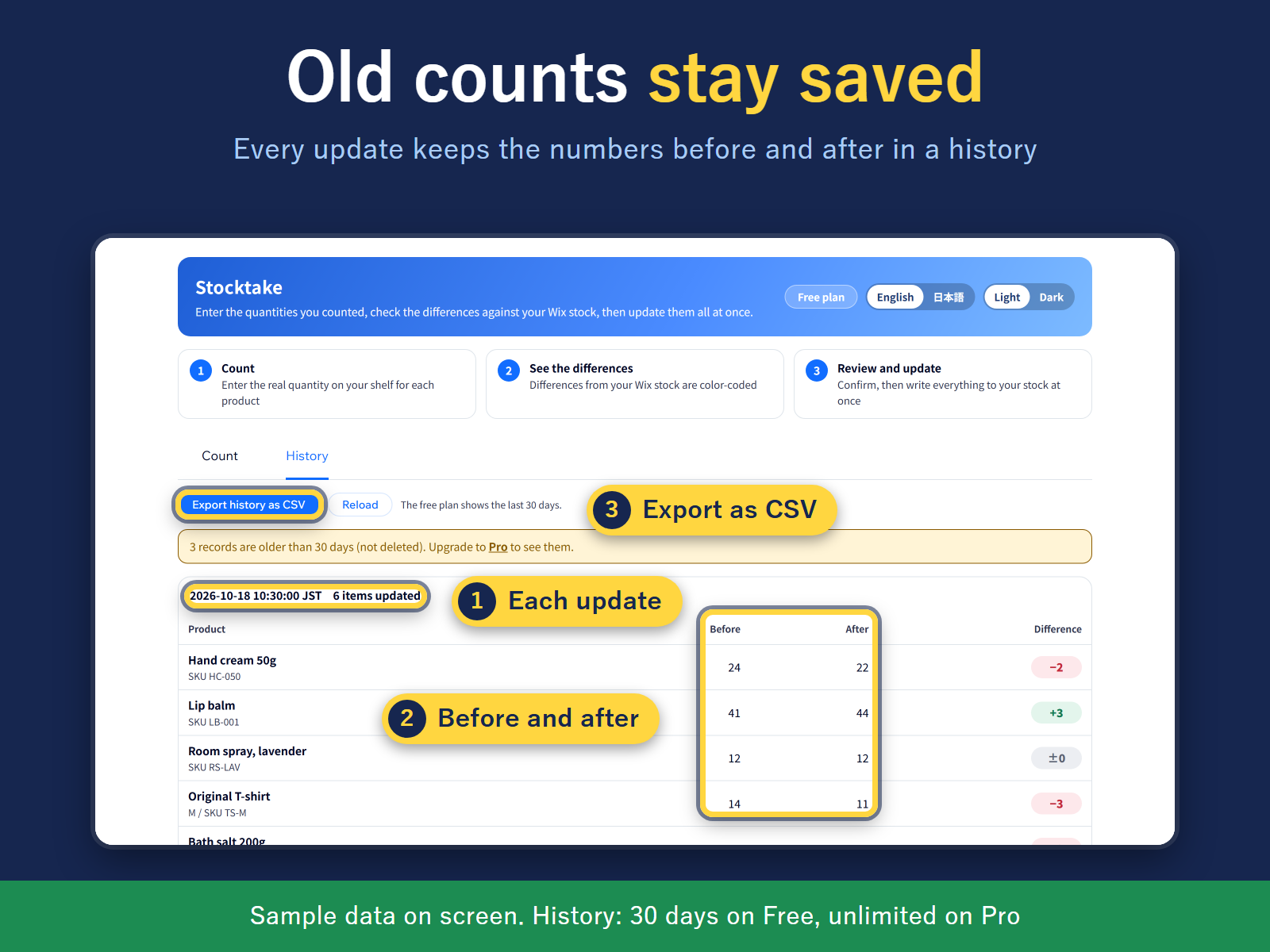
- Before/after history of each update, as CSV
Değerlendirme ve yorumlar
Bu uygulama henüz değerlendirme almamış. İlk değerlendiren siz olun.Fiyatlandırma ve ücretli abonelikler
Free Paketi
Ücretsiz
Up to 30 products per stocktake
30 days of stocktake history
Count sheet and difference check
Pro Paketi
$
1
79
/ay
$299
Unlimited products per stocktake
Full stocktake history, no time limit
Everything in Free
* Fiyat USD cinsindendir.