

sanal mağaza
Randevu
etkinlikler
Pop-up

FlowGenIQ Course Waitlist
Sunan:
Preview seat offers across course dates
Henüz değerlendirme yok
Ücretsiz paket mevcut

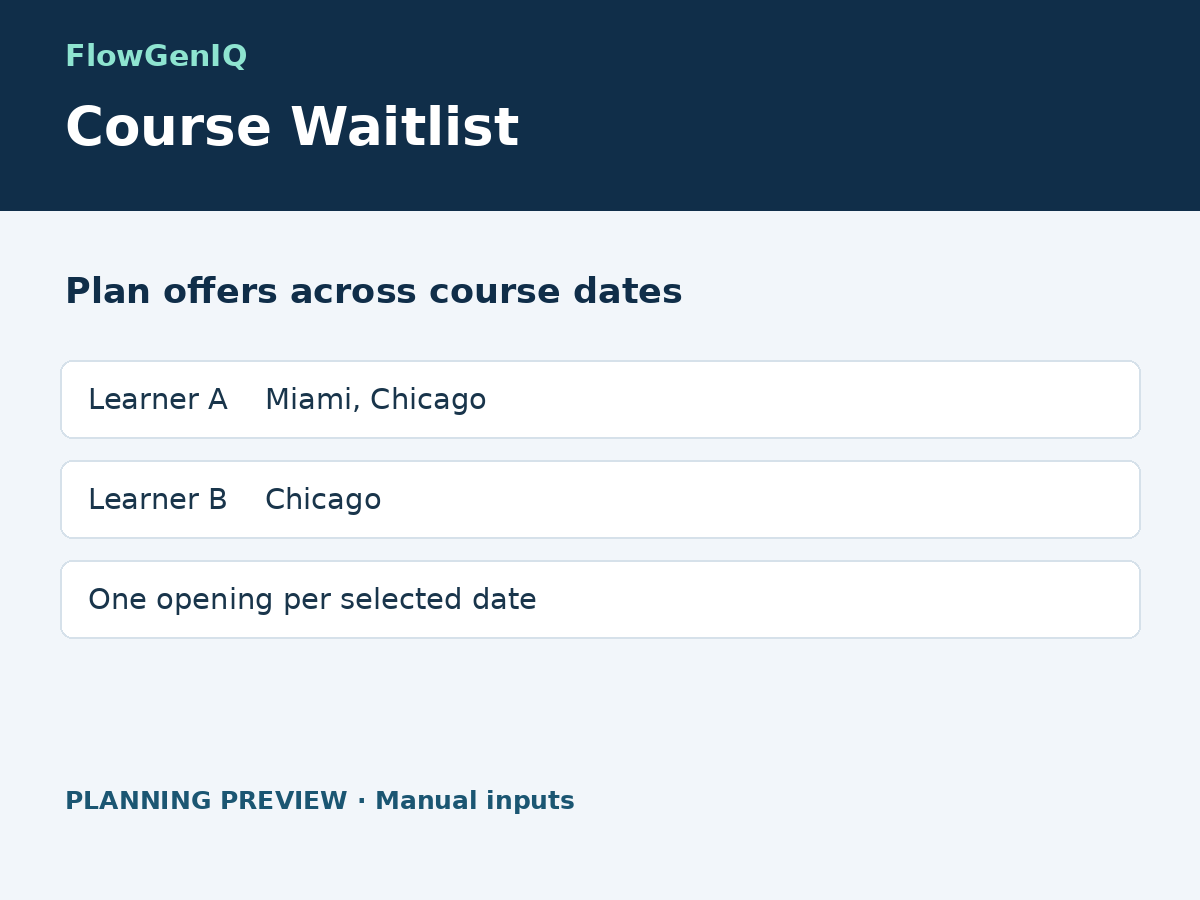
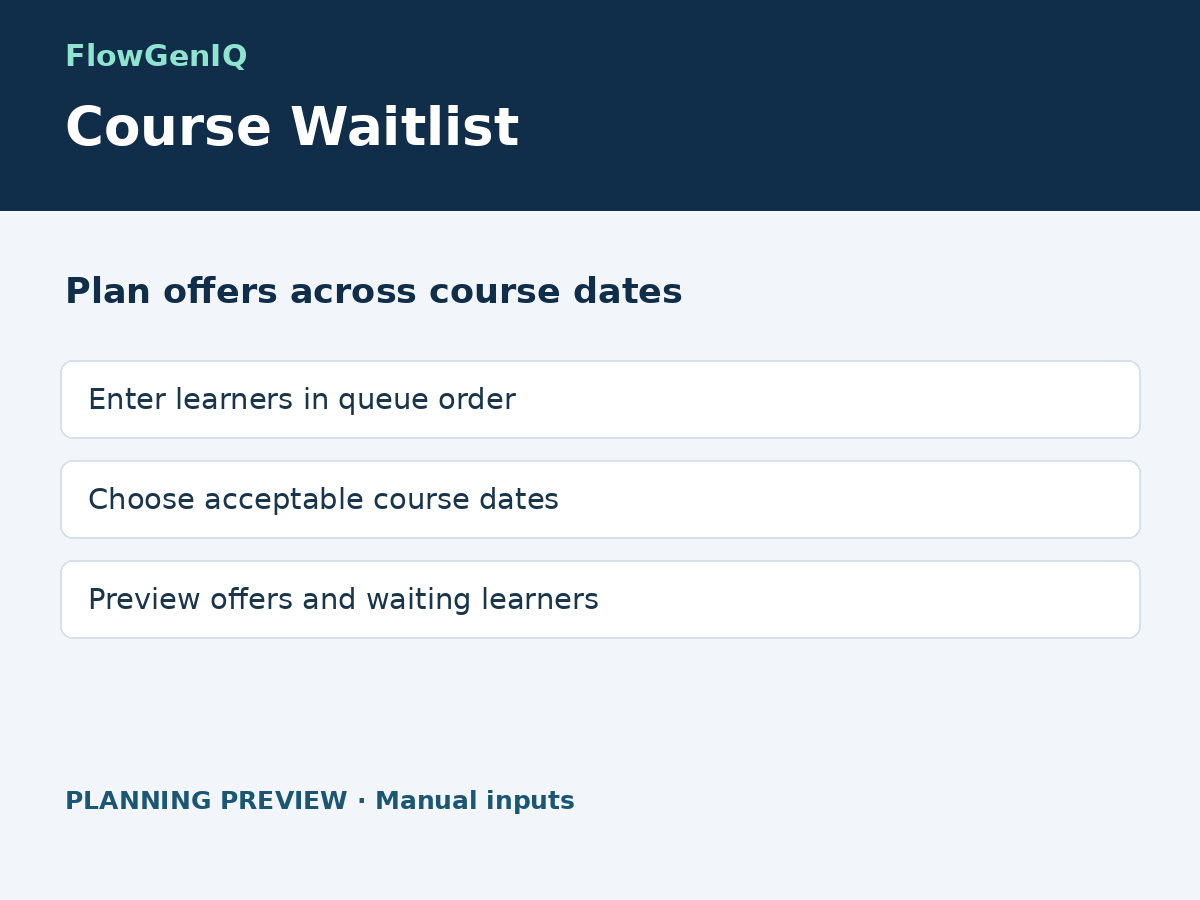
FlowGenIQ Course Waitlist uygulamasına genel bakış
- Enter the dates each learner can attend
- Choose the dates with an available seat
- See who gets an offer and who remains waiting
Değerlendirme ve yorumlar
Bu uygulama henüz değerlendirme almamış. İlk değerlendiren siz olun.Fiyatlandırma ve ücretli abonelikler
Basic Paketi
Ücretsiz
Install and view the input format
Review planning dashboard fields
Upgrade for calculations and export
Pro Paketi
$
3
99
/ay
Calculate with your own entries
Repeat course allocation previews
Export planning results
One site, unlimited local previews
* Fiyat USD cinsindendir.