

sanal mağaza
Randevu
etkinlikler
Pop-up

- 10%
Wix Tarafından Doğrulandı
Image Magnifier
Sunan:
Enable visitors to zoom into images
3.0
14 gün ücretsiz deneme

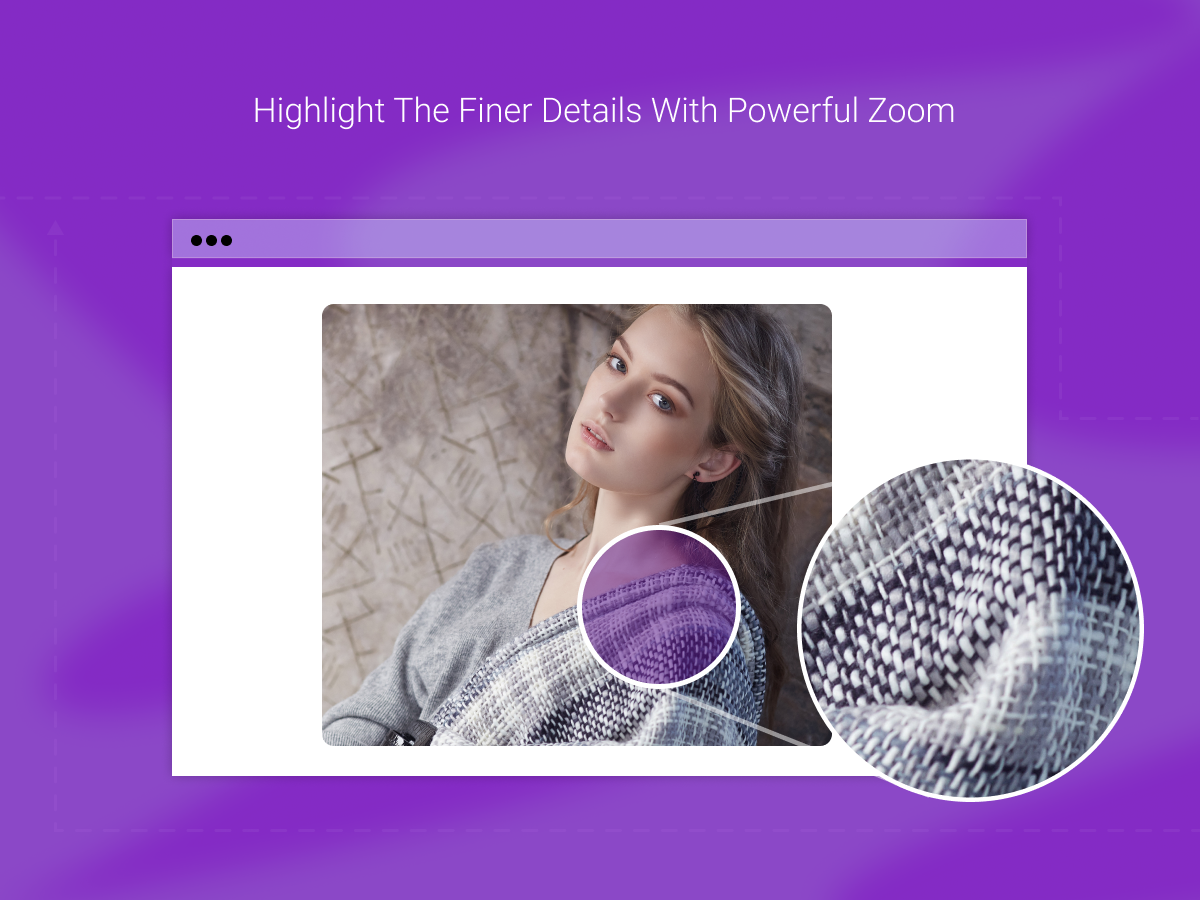
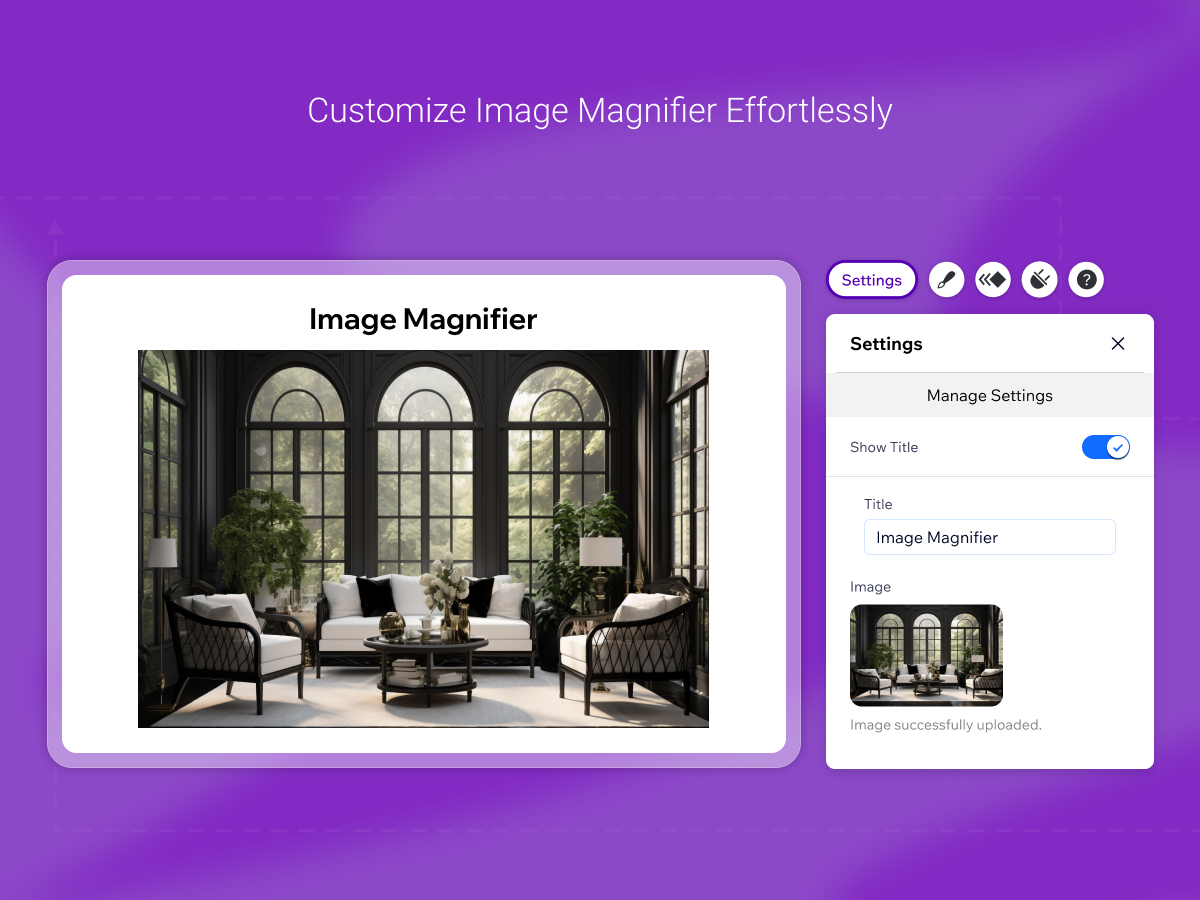
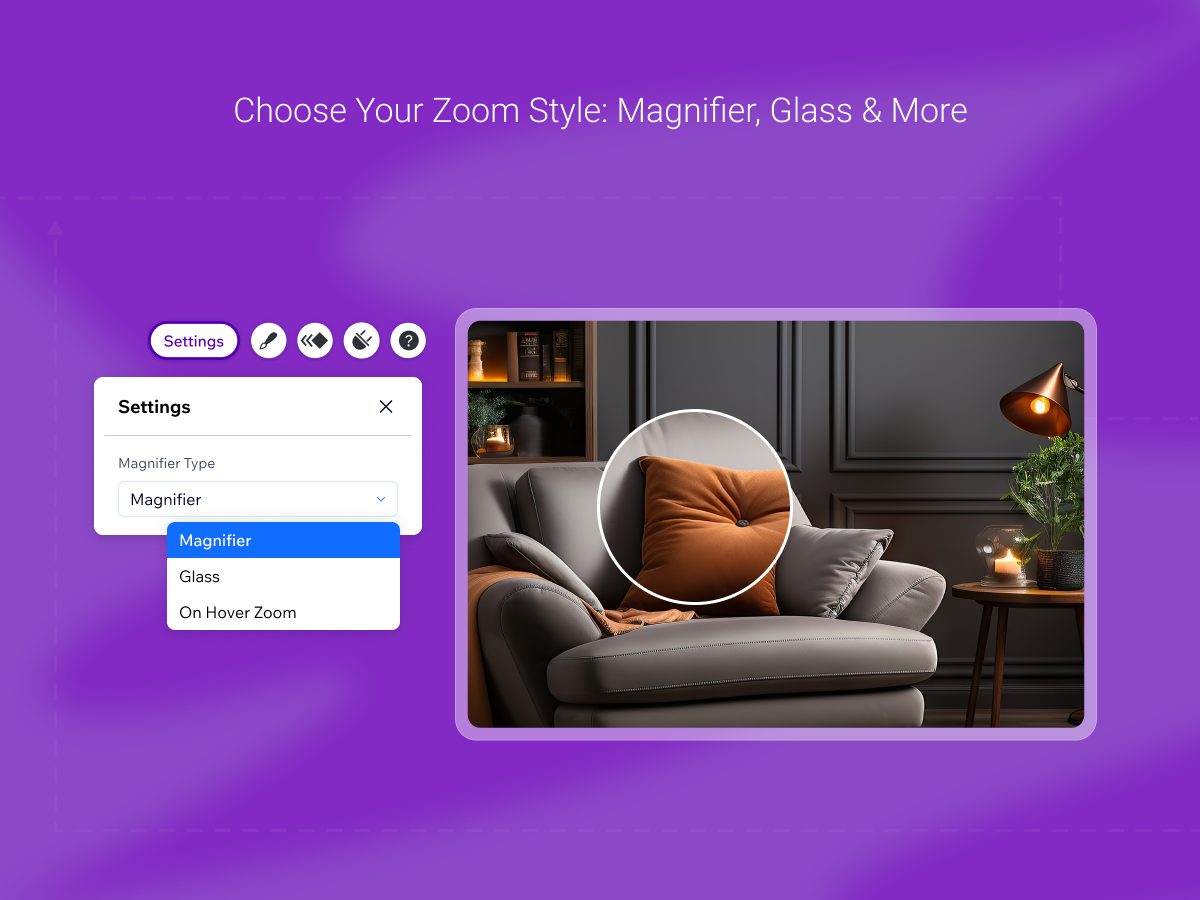
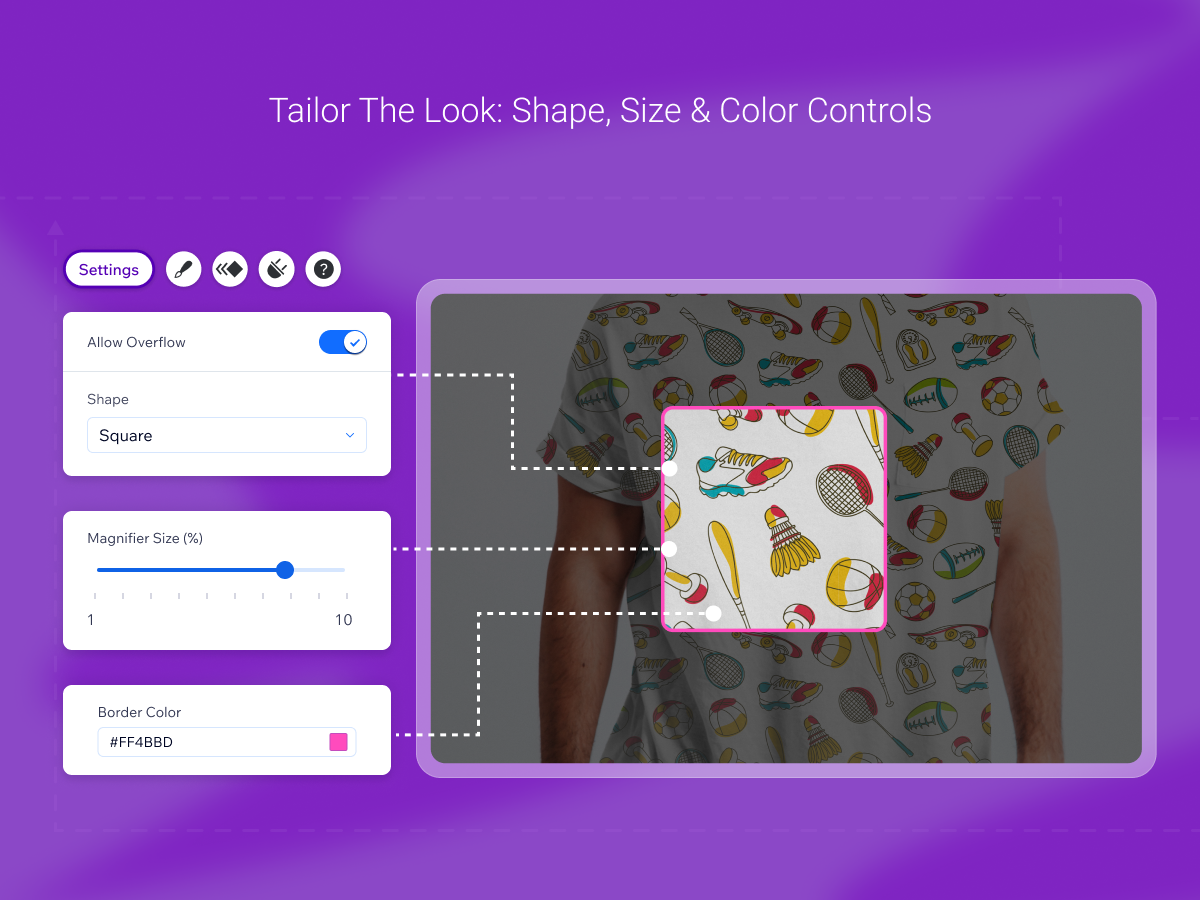
Image Magnifier uygulamasına genel bakış
- Give your customers a closer look with high-quality image magnification. Perfect for showcasing textures, fine prints, or small parts
- Select from multiple zoom types — Magnifier, On Hover, or Glass
- Easily control magnifier size, shape, color, and zoom area to create a seamless visual experience
- Fully responsive design ensures your zoom features perform beautifully on desktop, tablet, and mobile
Ortalama puan: 3.0
1 değerlendirme
5
0
4
0
3
1
2
0
1
0
DU
Duomostudio/ Dec 14, 2025
fine and great for any other wix site ...but it does not work with wix galleries and does not work on dynamic or shop pages
MA
MarketPushApps ekibi
Hello there.
Thanks a lot for your review.
Please contact us at support@marketpushapps.com with detailed feedback about your experience. We'll surely keep your feedback in mind for future updates.
Thanks!(1)
Geri bildiriminiz için teşekkürler
Fiyatlandırma ve ücretli abonelikler
Bu uygulama 14 günlük ücretsiz deneme sunarPremium Paketi
- 10%
$
1
79
/ay
$199
Enable Image Magnifier on Site
Unlock All Zoom Styles
Advanced Style Customization
* Fiyat USD cinsindendir.
* Bu indirim 17 Ekim 2026 23:59 UTC itibarıyla sona erer. Uygulama geliştiricisi, indirimi dilediği zaman sonlandırma hakkına sahiptir ve indirim şartları değişikliklere tabidir.