

sanal mağaza
Randevu
etkinlikler
Pop-up

Ask in Aria
Moneybird Invoices – Auto Sync
Sunan:
Paid orders become Moneybird invoices, with VAT
Henüz değerlendirme yok
Ücretsiz paket mevcut

Moneybird Invoices – Auto Sync uygulamasına genel bakış
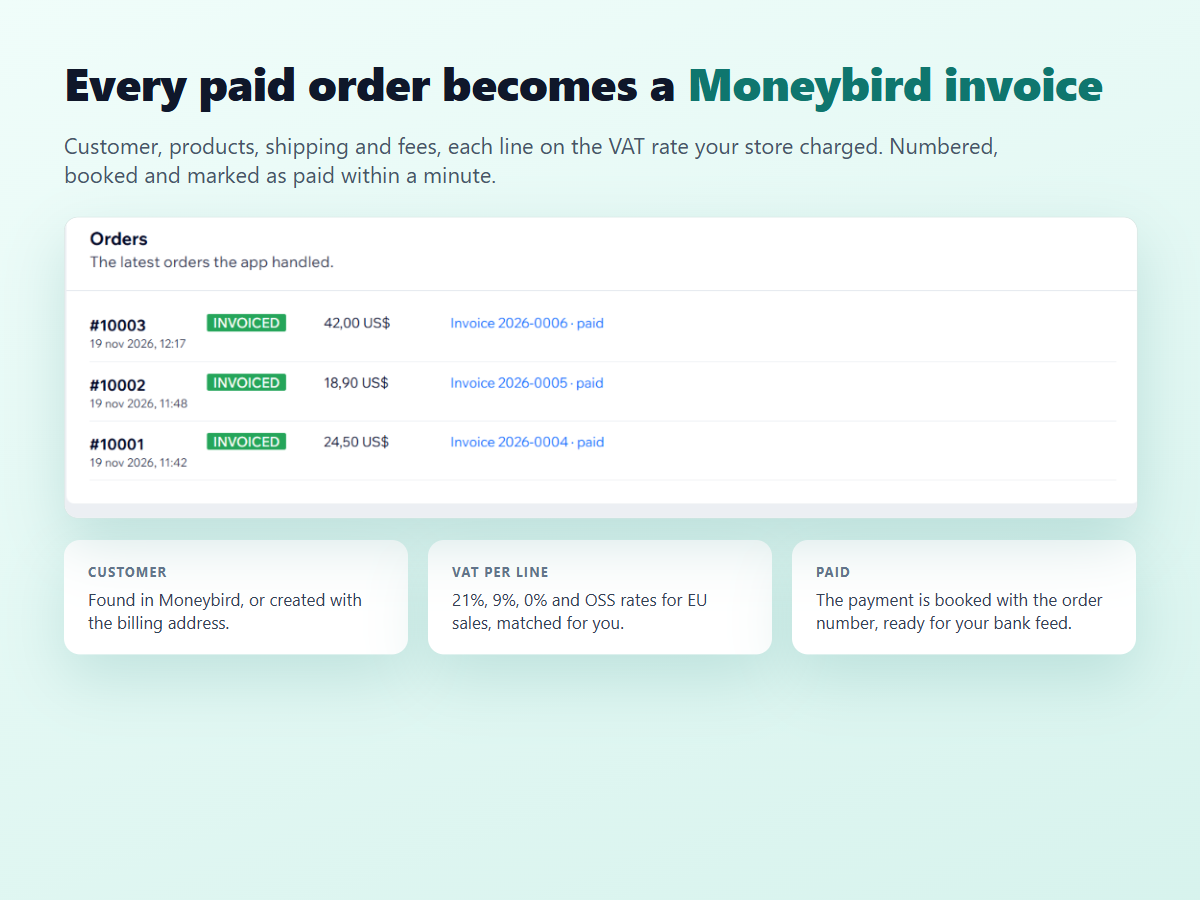
- Every paid order becomes a Moneybird invoice within a minute
- The right VAT on every line, with OSS rates for EU sales
- Finds or creates the customer and books the payment
- Plain-words reason and one-click Retry if an invoice fails
Değerlendirme ve yorumlar
Bu uygulama henüz değerlendirme almamış. İlk değerlendiren siz olun.Fiyatlandırma ve ücretli abonelikler
Basic Paketi
Ücretsiz
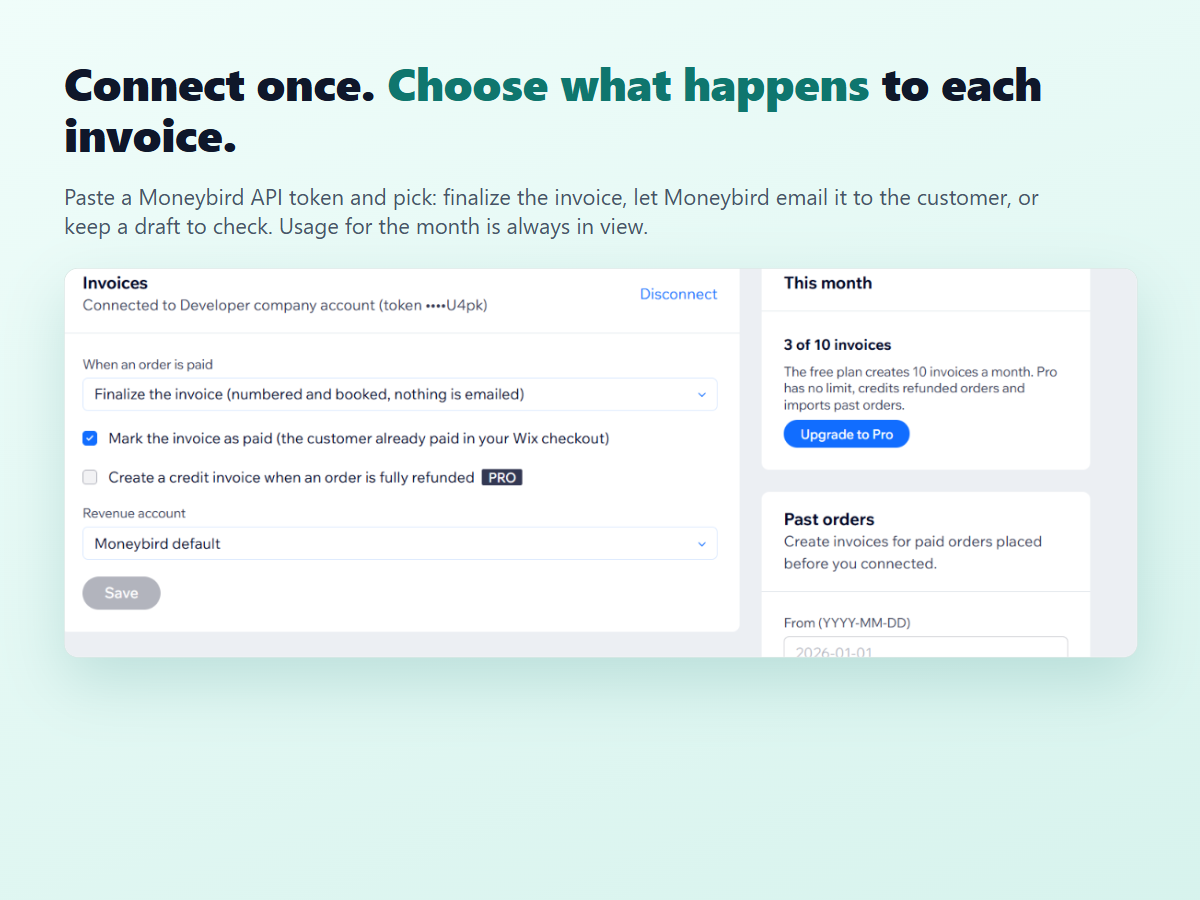
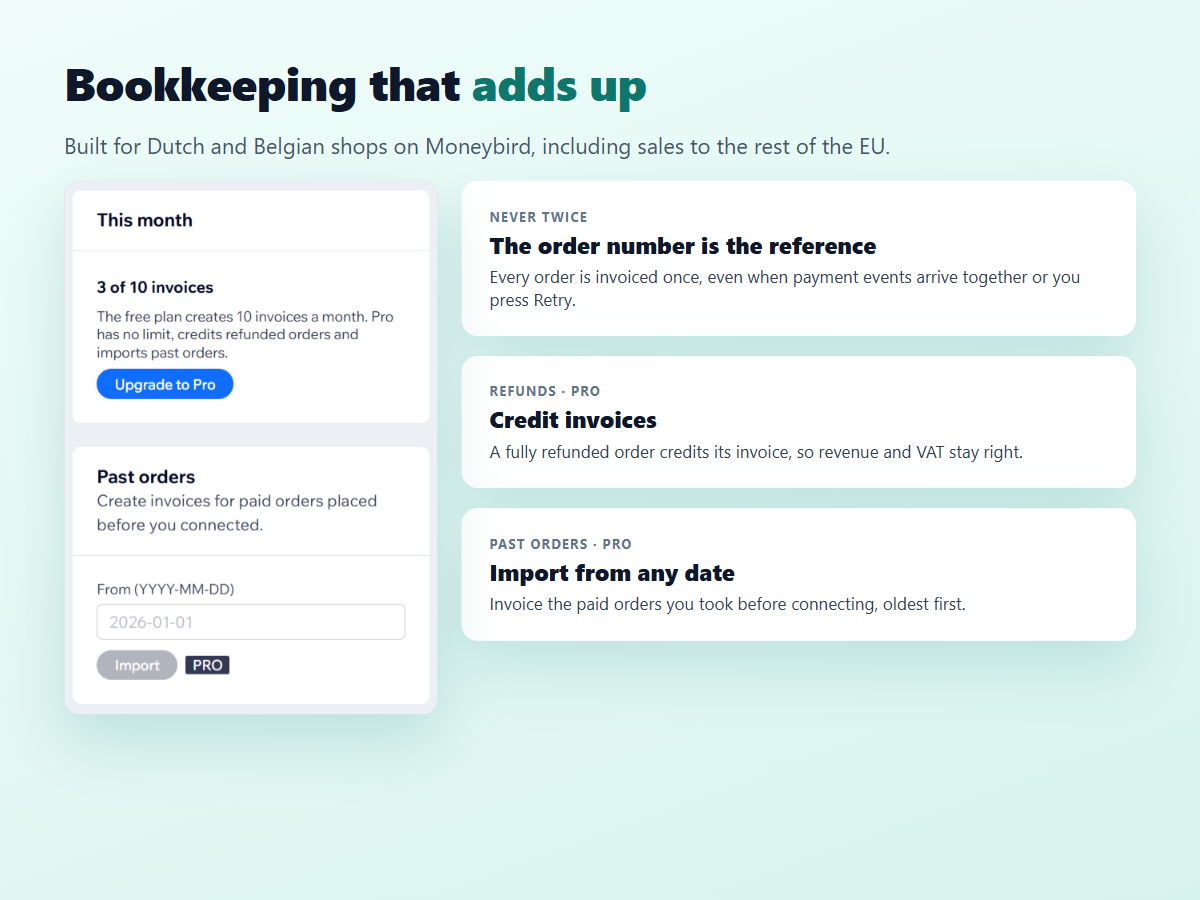
10 invoices a month
Right VAT on every line, incl. OSS
Customer and payment booked
Retry for failed invoices
Pro Paketi
$
3
99
/ay
$799
Unlimited invoices every month
Credit invoices for refunded orders
Import past orders from any date
Everything in the free plan
* Fiyat USD cinsindendir.