

sanal mağaza
Randevu
etkinlikler
Pop-up

Service Booking Menu | Bookora
Sunan:
Curated service menu with one-click booking
Henüz değerlendirme yok
Ücretsiz paket mevcut

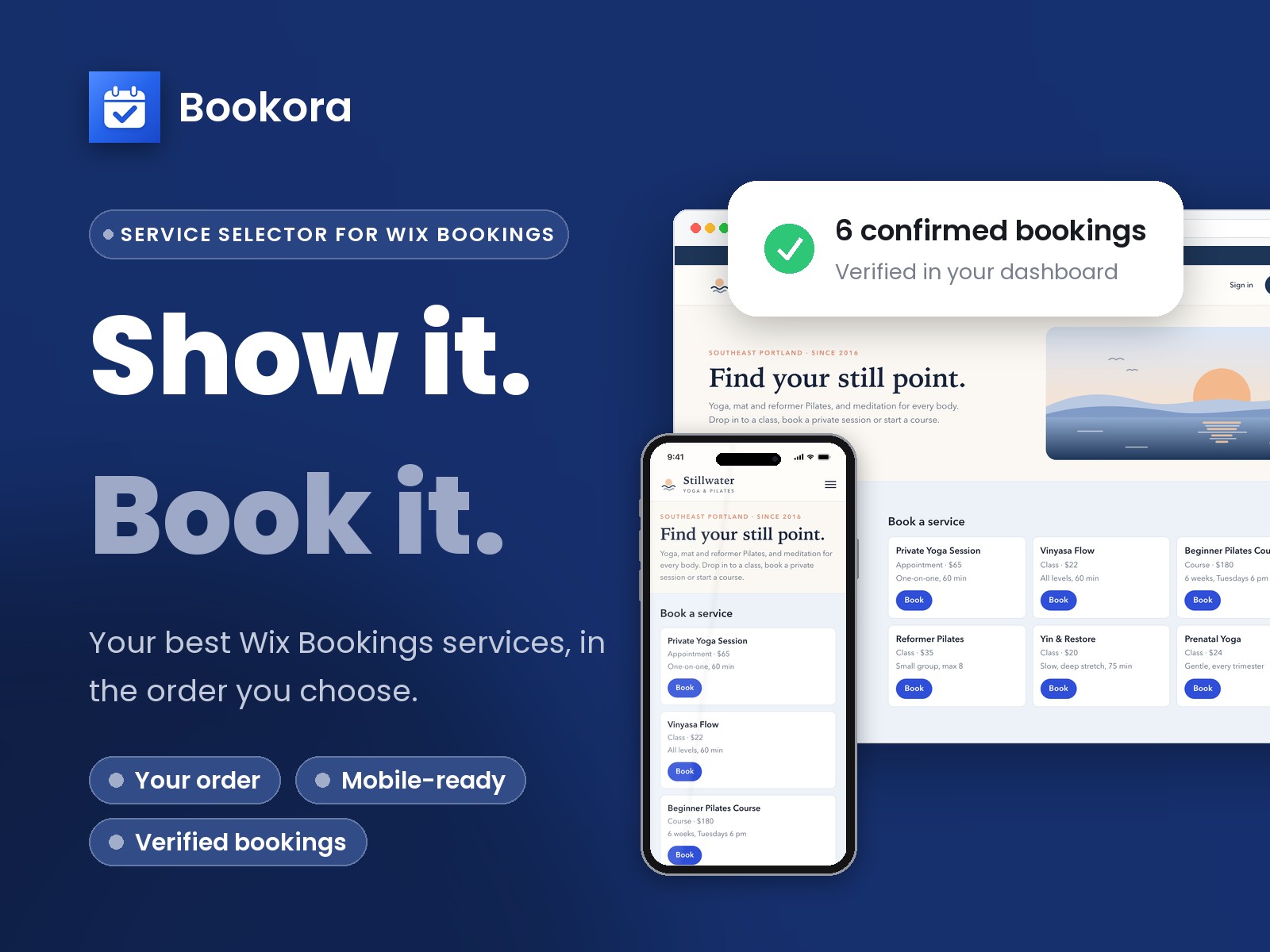
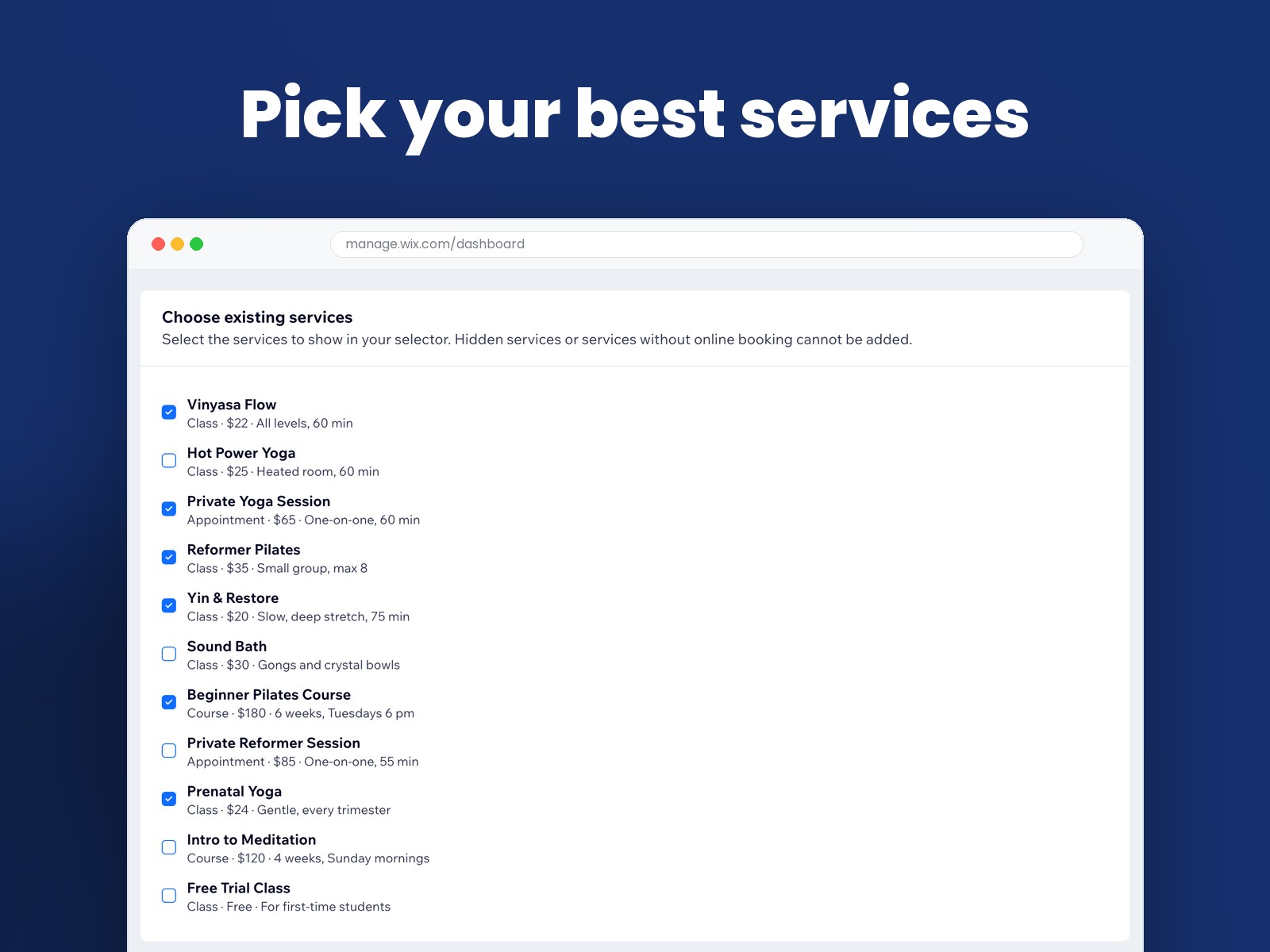
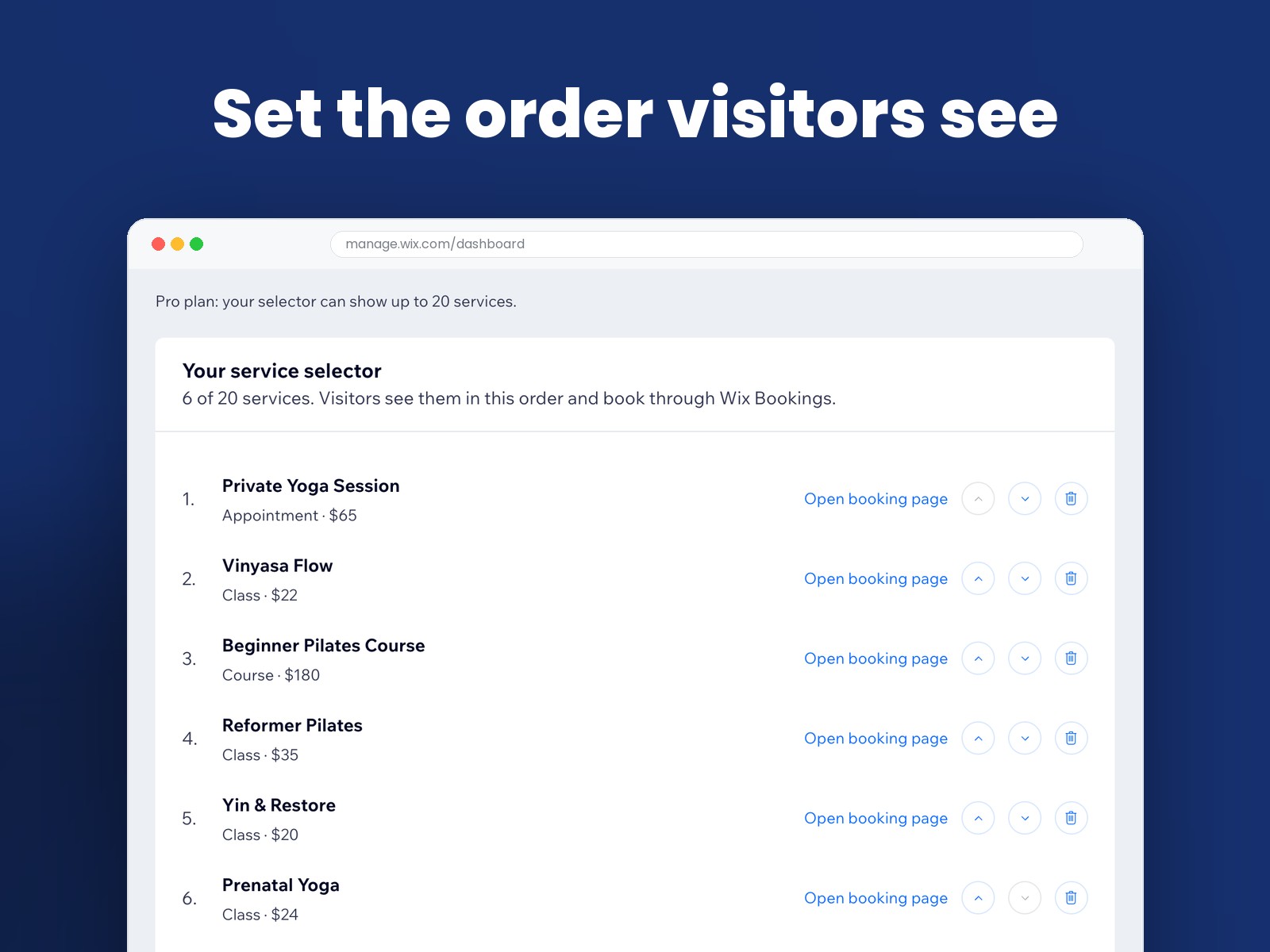
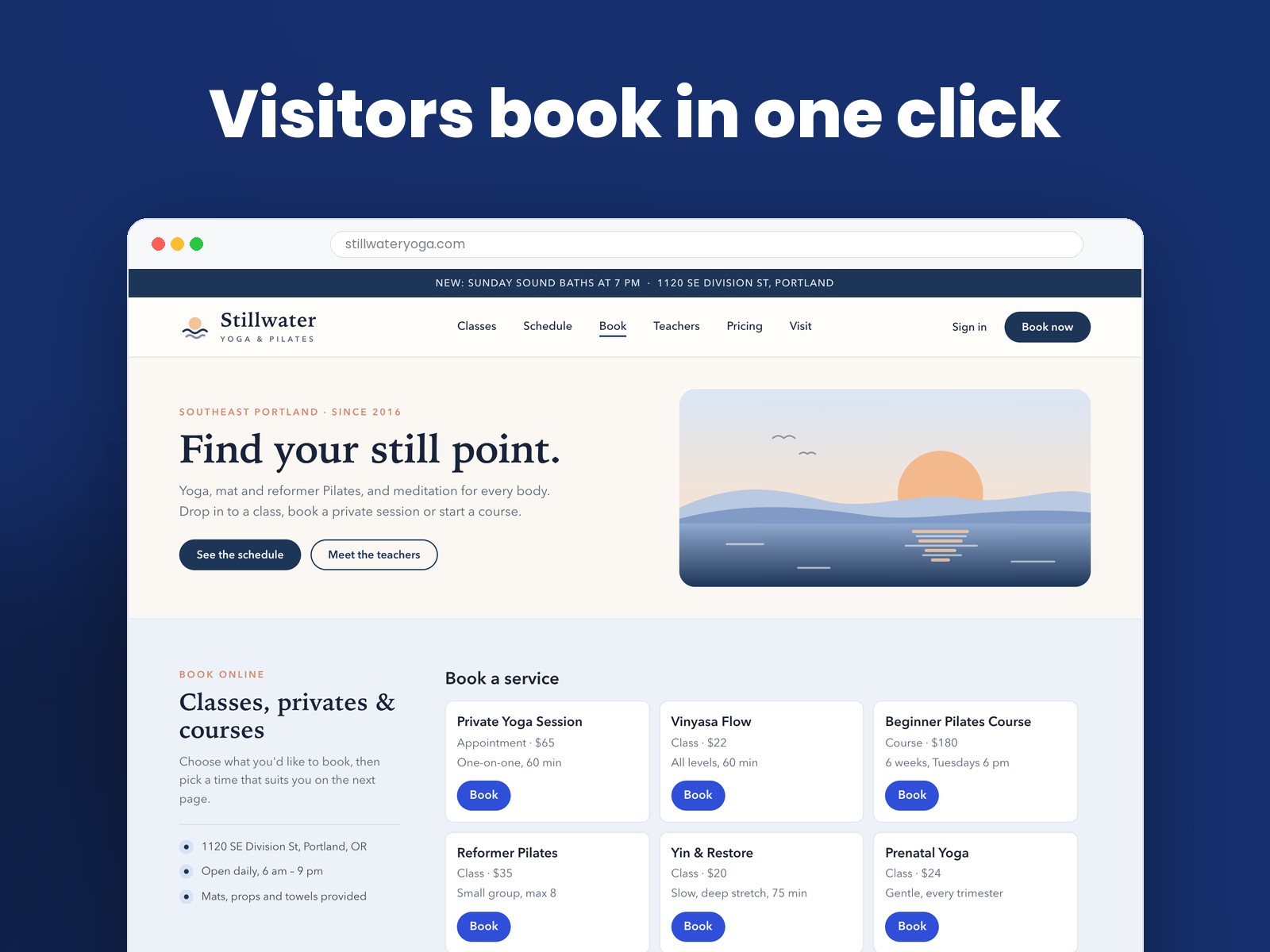
Service Booking Menu | Bookora uygulamasına genel bakış
- Pick which of your booking services visitors see
- Set the order, with a Book button on each service
- Visitors book through your existing booking pages
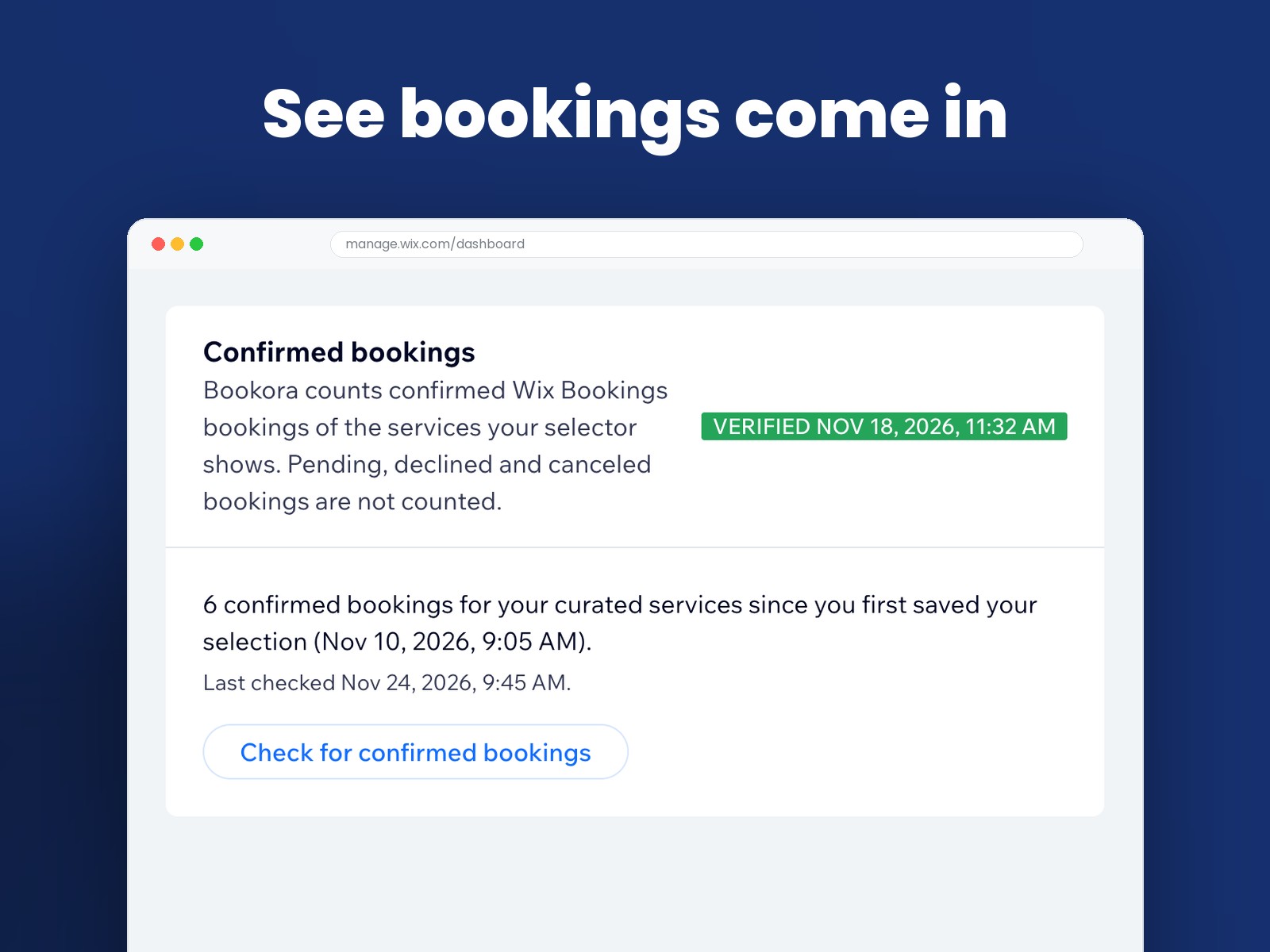
- Count confirmed bookings of the services you show
Değerlendirme ve yorumlar
Bu uygulama henüz değerlendirme almamış. İlk değerlendiren siz olun.Fiyatlandırma ve ücretli abonelikler
Free Paketi
Ücretsiz
Show up to 3 curated services
Service selector widget
Confirmed booking check
Pro Paketi
$
3
31
/ay
$414
Show up to 20 curated services
Services in the order you choose
Confirmed booking check
* Fiyat USD cinsindendir.