

sanal mağaza
Randevu
etkinlikler
Pop-up

DiscountCraft: Volume Tiers
Sunan:
Storewide volume tiers and spend discounts
Henüz değerlendirme yok
Ücretsiz paket mevcut

DiscountCraft: Volume Tiers uygulamasına genel bakış
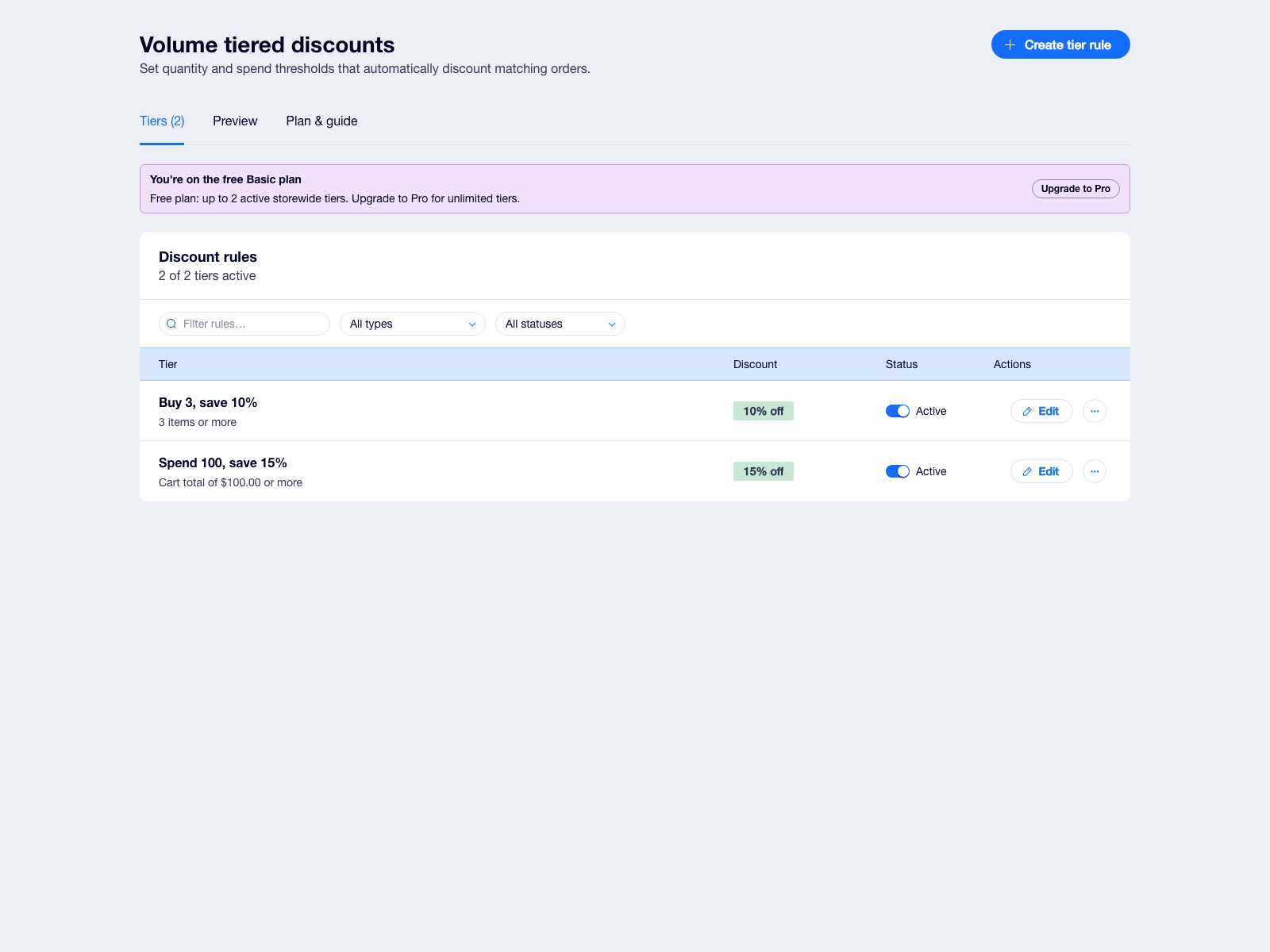
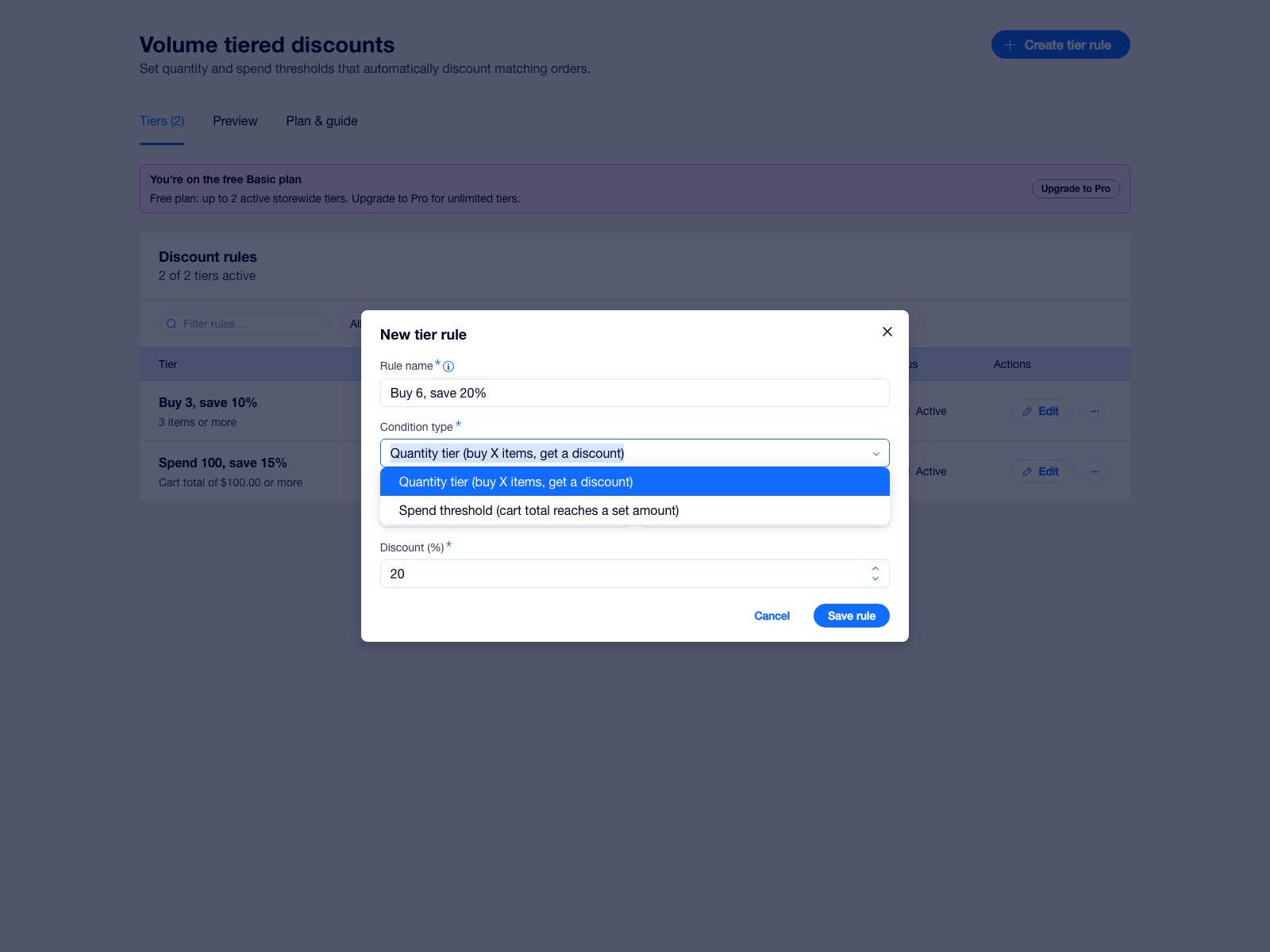
- Configure active quantity tiers with percentage or fixed discount amounts.
- Configure storewide discounts that activate when a basket reaches its threshold.
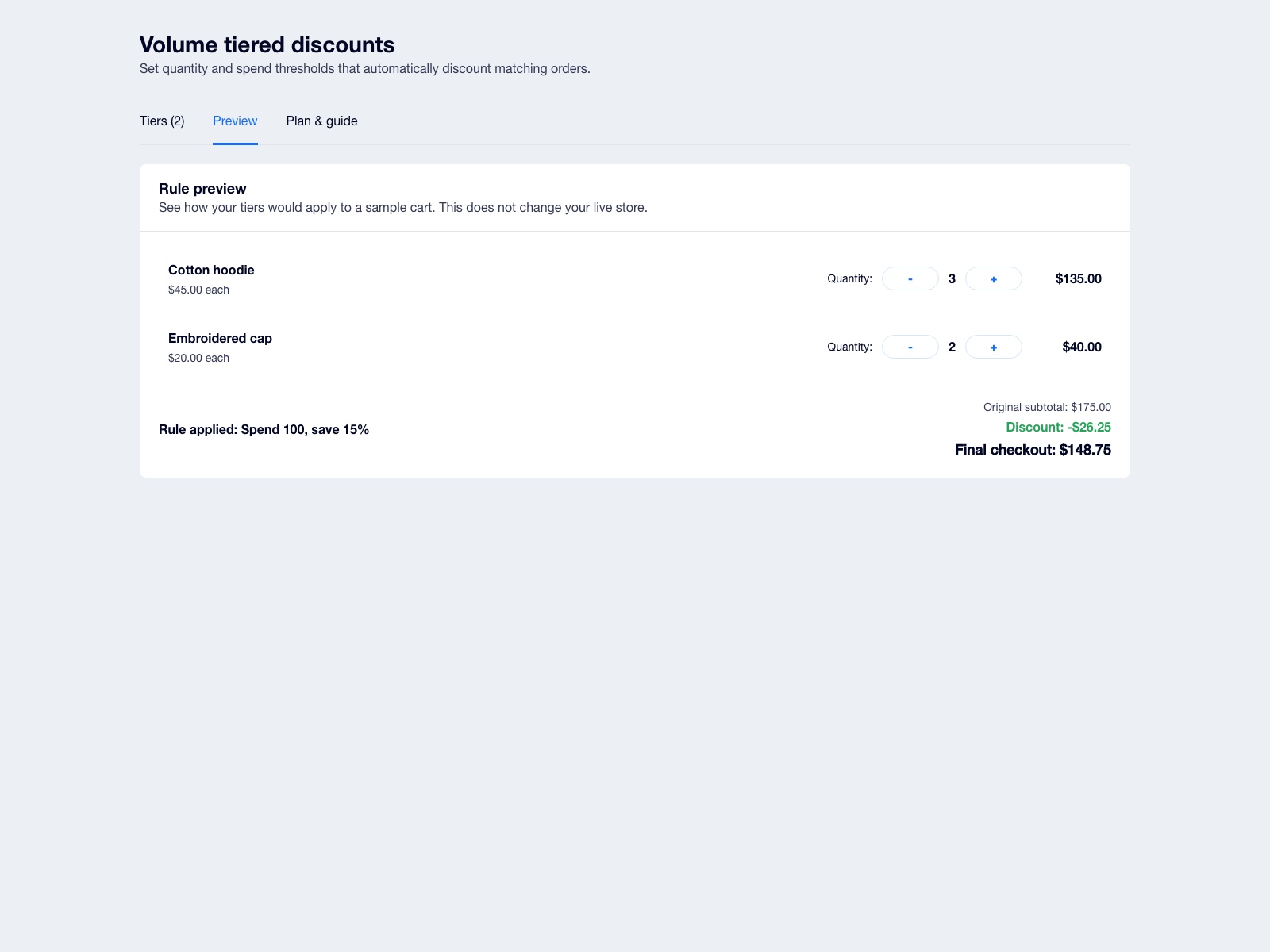
- The discount trigger returns the strongest eligible DiscountCraft tier for a checkout.
- Review tier calculations in the merchant dashboard before enabling a rule. Ask your dashboard assistant to confirm setup status any time.
Değerlendirme ve yorumlar
Bu uygulama henüz değerlendirme almamış. İlk değerlendiren siz olun.Fiyatlandırma ve ücretli abonelikler
Basic Paketi
Ücretsiz
Try every feature: nothing is locked on the free plan
Quantity and spend thresholds
Tiers linked to your automatic discounts
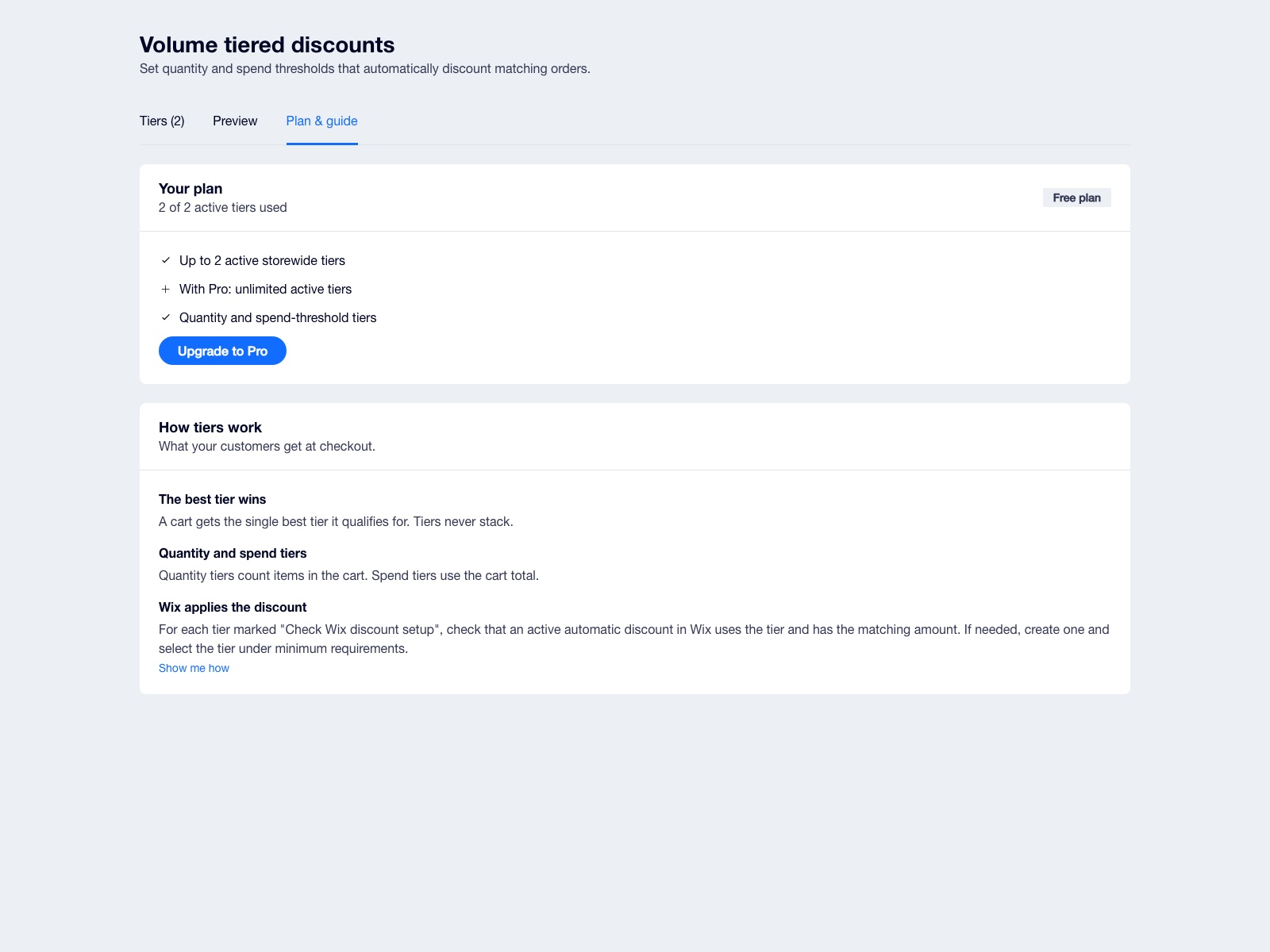
Up to 2 active discount tiers
Pro Paketi
$
3
99
/ay
Unlimited active discount tiers
Everything in Basic included
Priority support
* Fiyat USD cinsindendir.