

sanal mağaza
Randevu
etkinlikler
Pop-up

Tables: Pricing & Data Tables
Sunan:
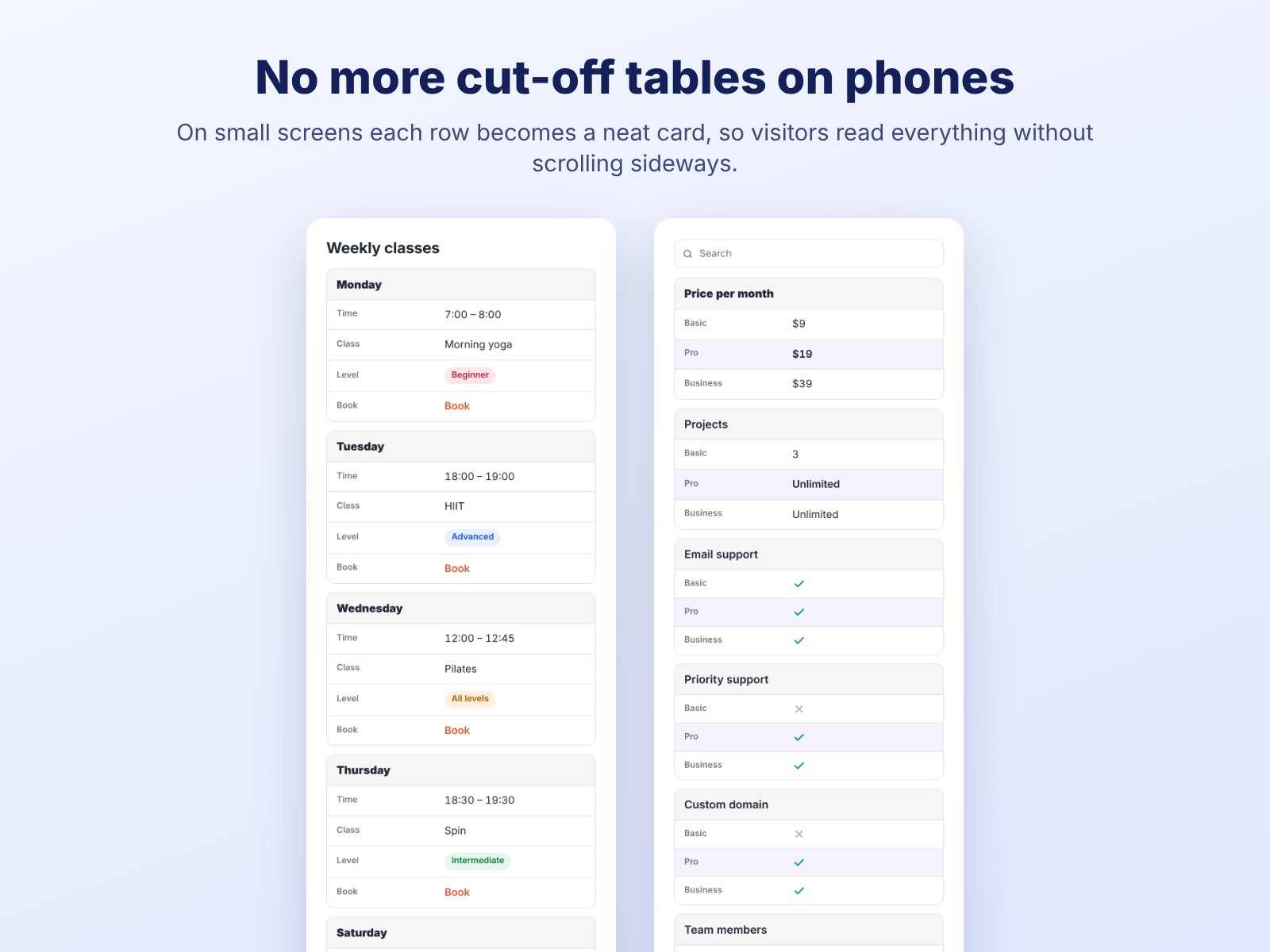
Responsive tables that turn into cards on phones
Henüz değerlendirme yok
Ücretsiz paket mevcut

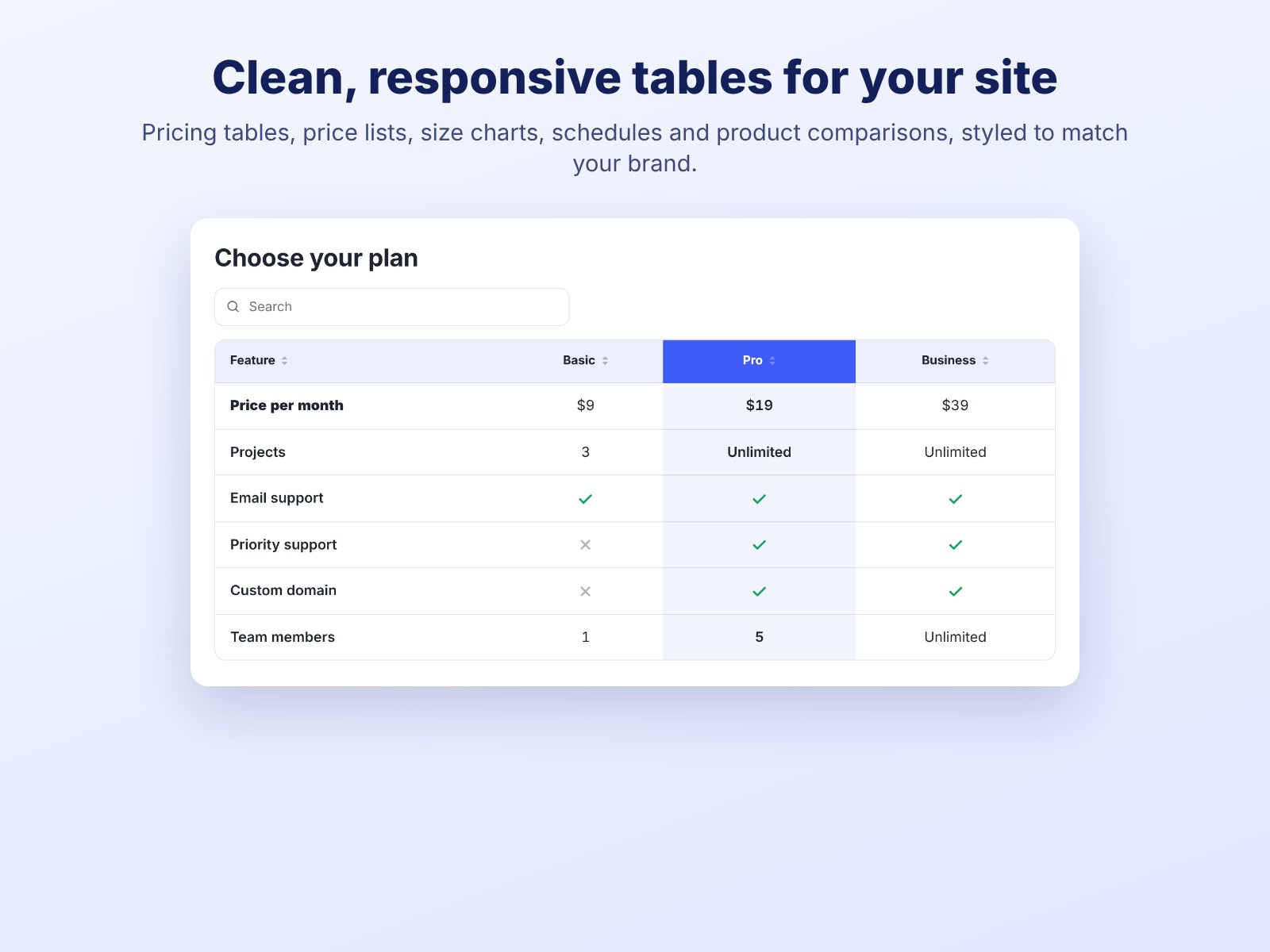
Tables: Pricing & Data Tables uygulamasına genel bakış
- Tables that turn into neat cards on phones
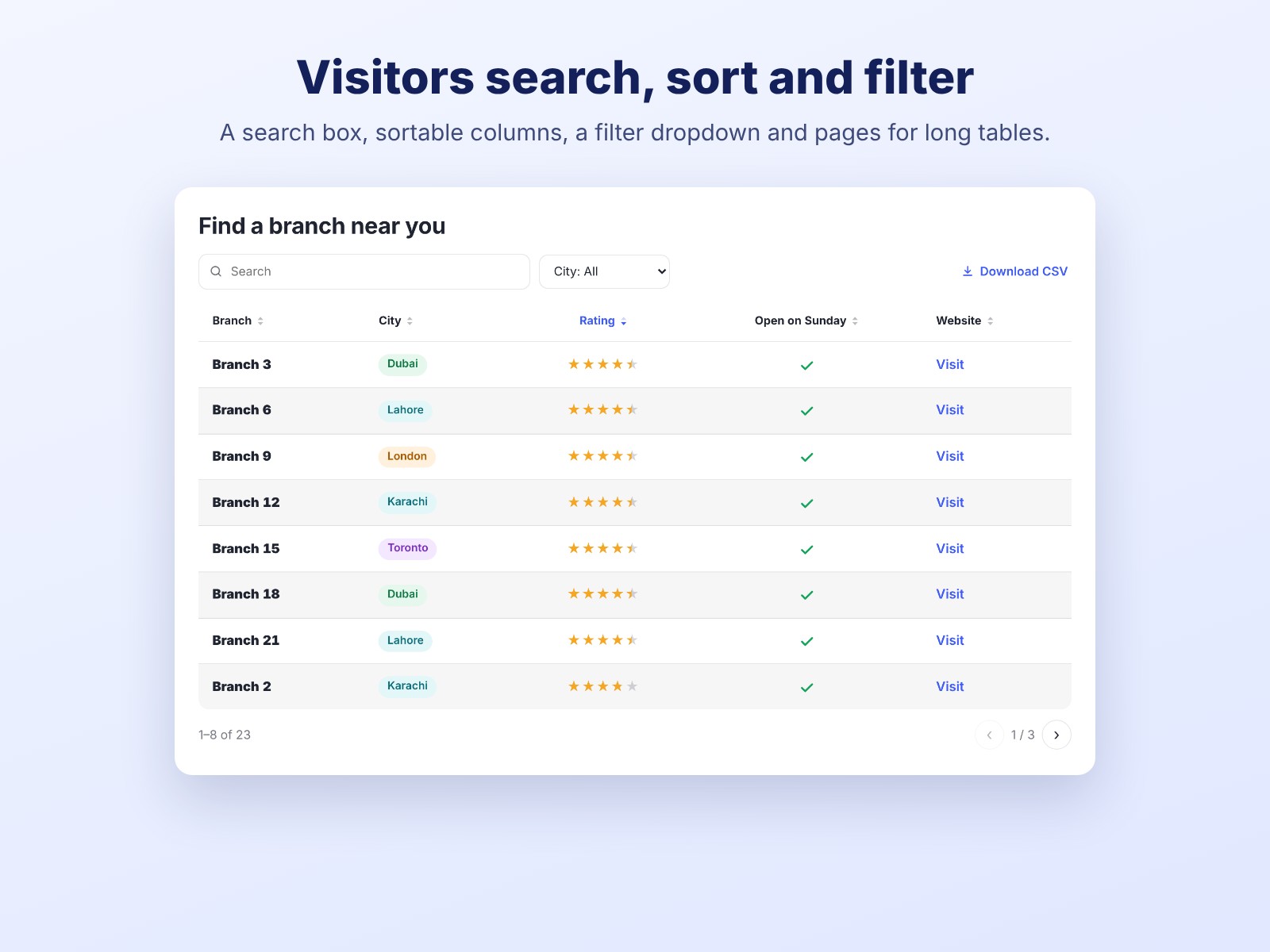
- Search, sort, filters and pages for visitors
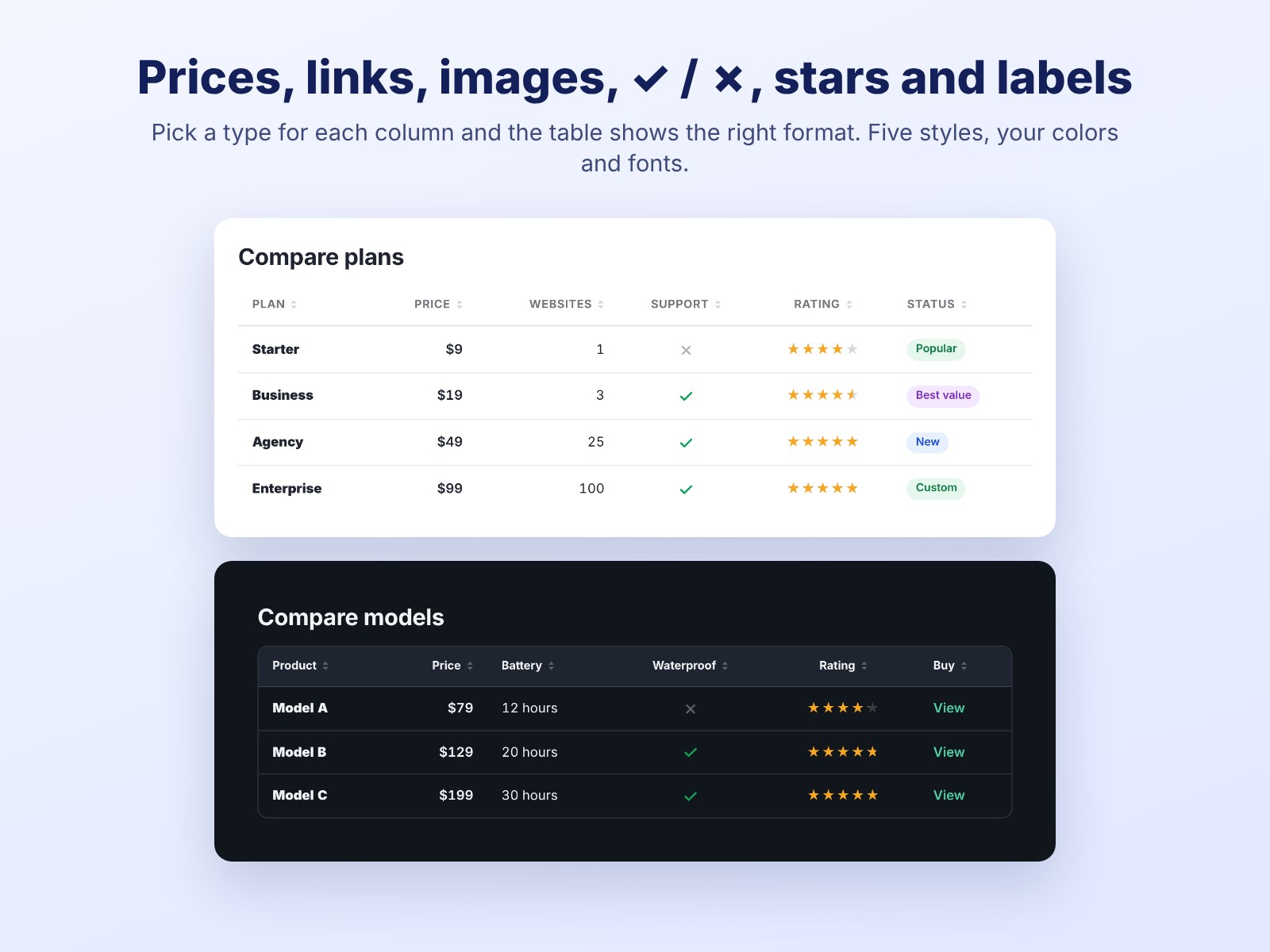
- Prices, links, images, ✓ / ✗ icons and stars
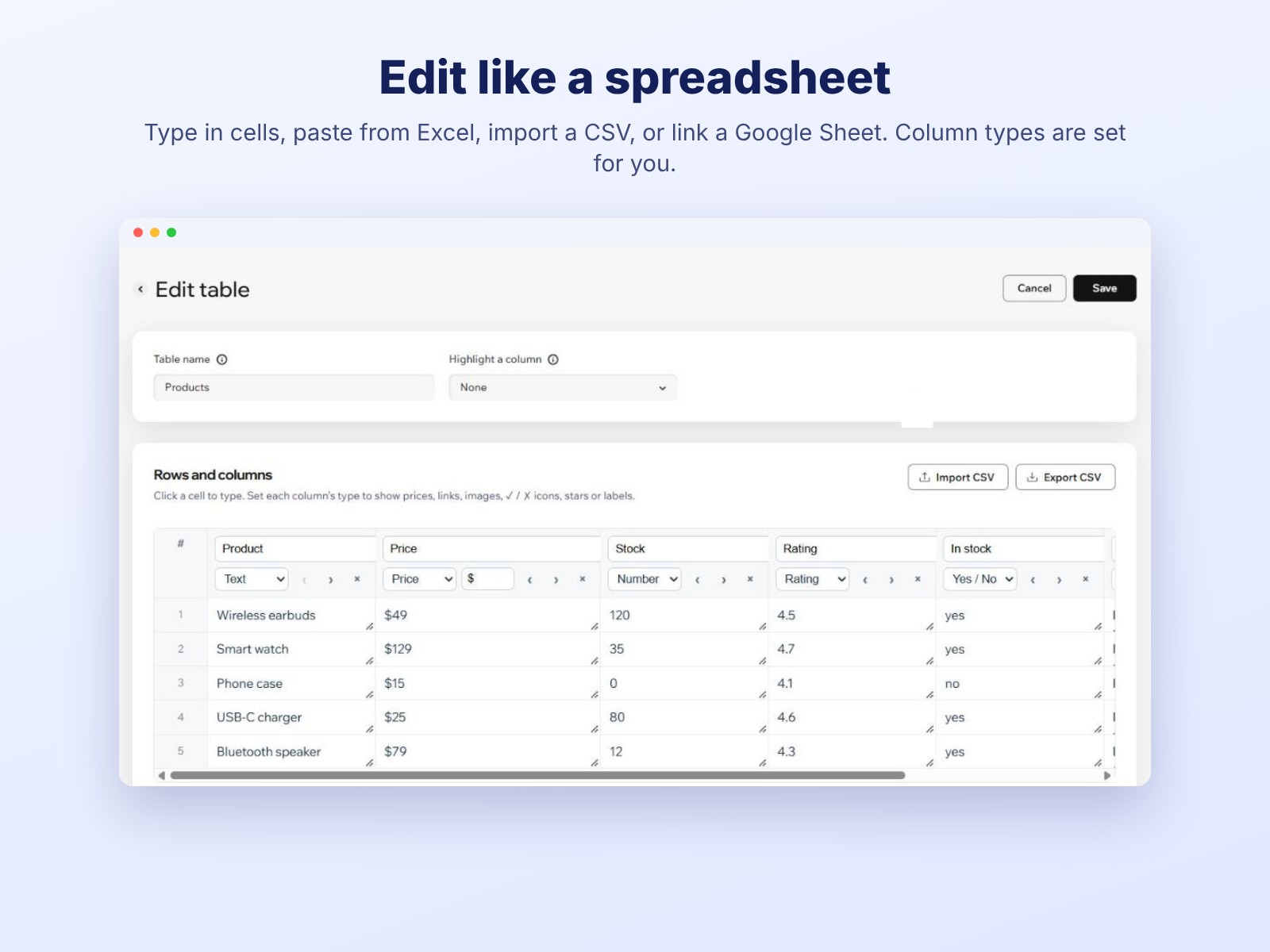
- CSV import, Excel paste and Google Sheets link
Değerlendirme ve yorumlar
Bu uygulama henüz değerlendirme almamış. İlk değerlendiren siz olun.Fiyatlandırma ve ücretli abonelikler
Basic Paketi
Ücretsiz
Up to 3 tables, 100 rows each
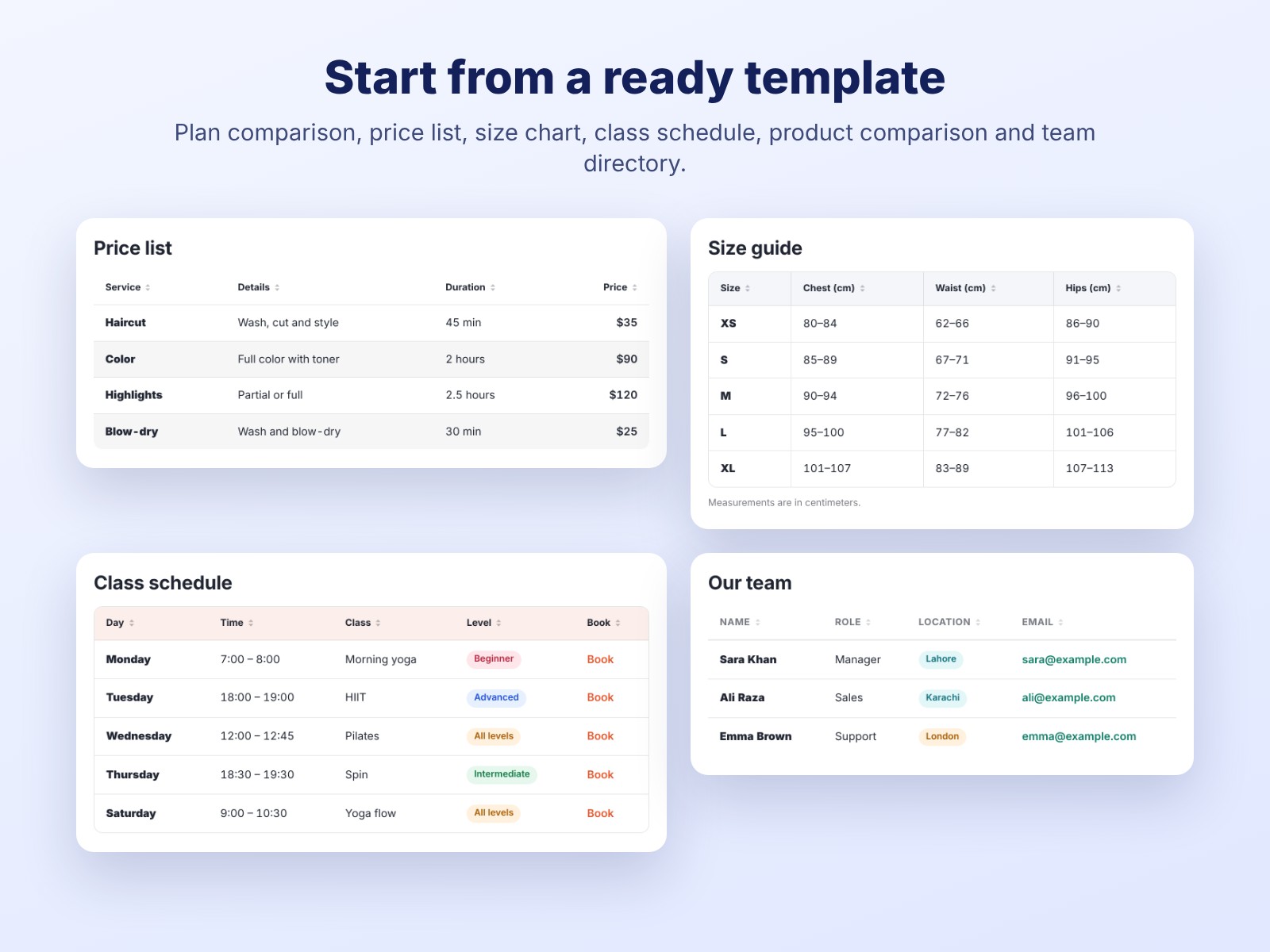
Pricing and comparison templates
Import from CSV or Google Sheets
Premium Paketi
$
3
99
/ay
Unlimited tables and rows
Live Google Sheets sync
Visitors can download as CSV
* Fiyat USD cinsindendir.