

sanal mağaza
Randevu
etkinlikler
Pop-up
- 40%
Floating Navigation Menu
Sunan:
Floating mobile menu for easy site navigation
Henüz değerlendirme yok
Ücretsiz paket mevcut

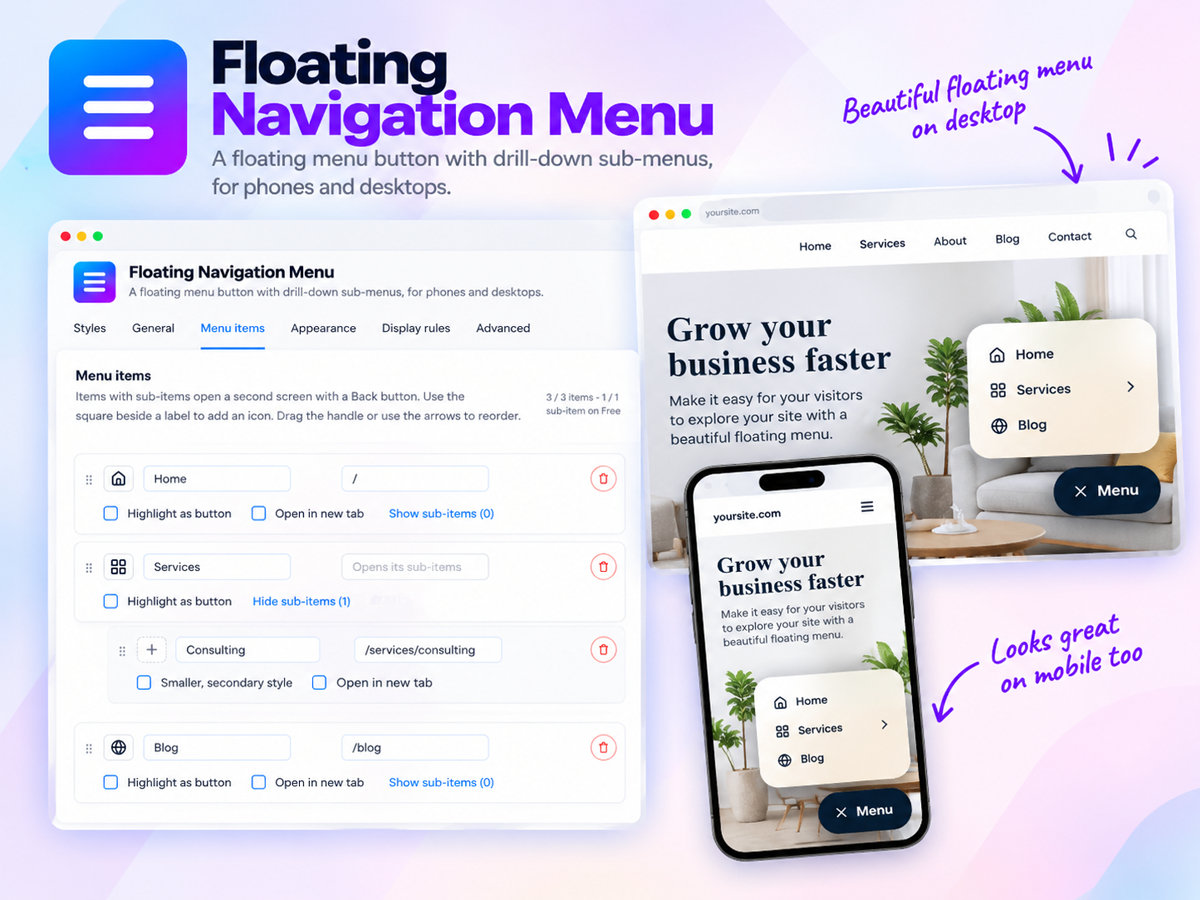
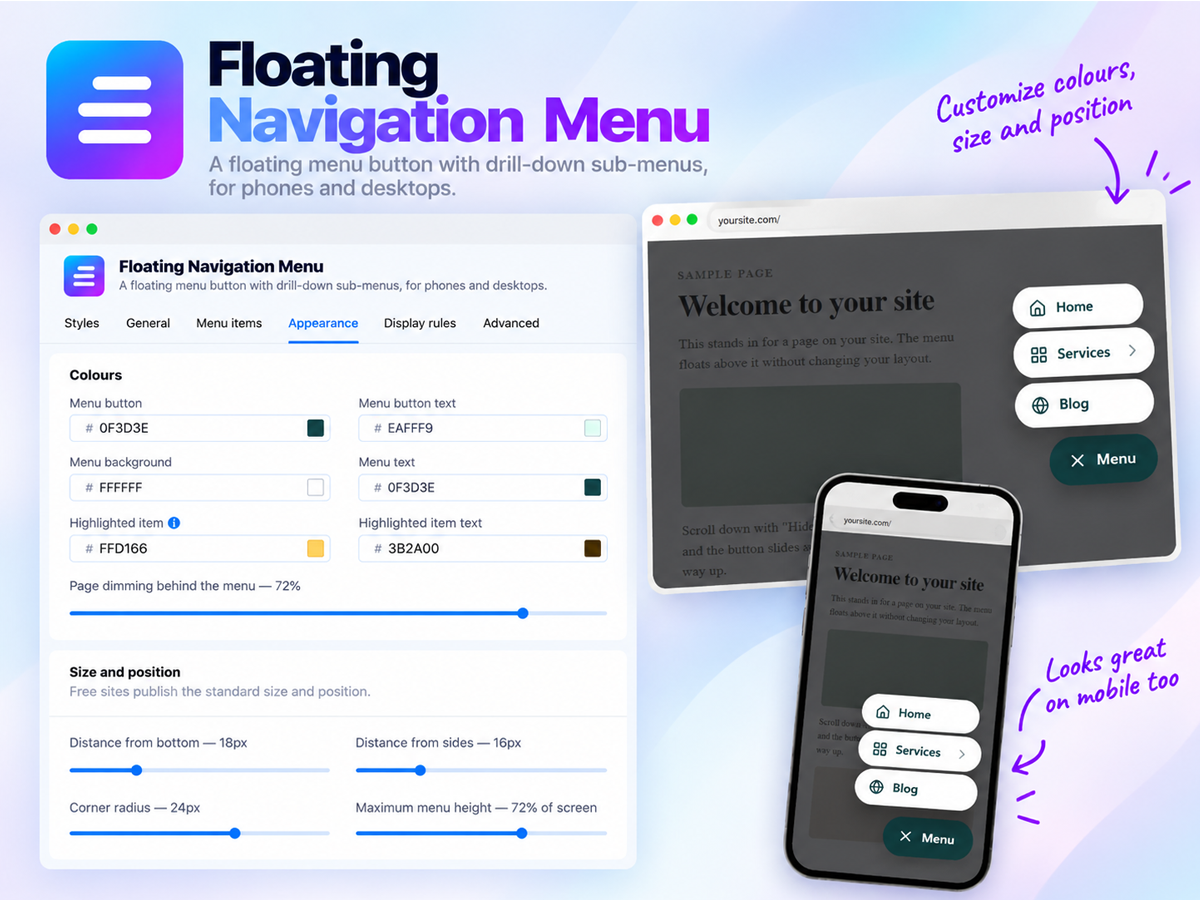
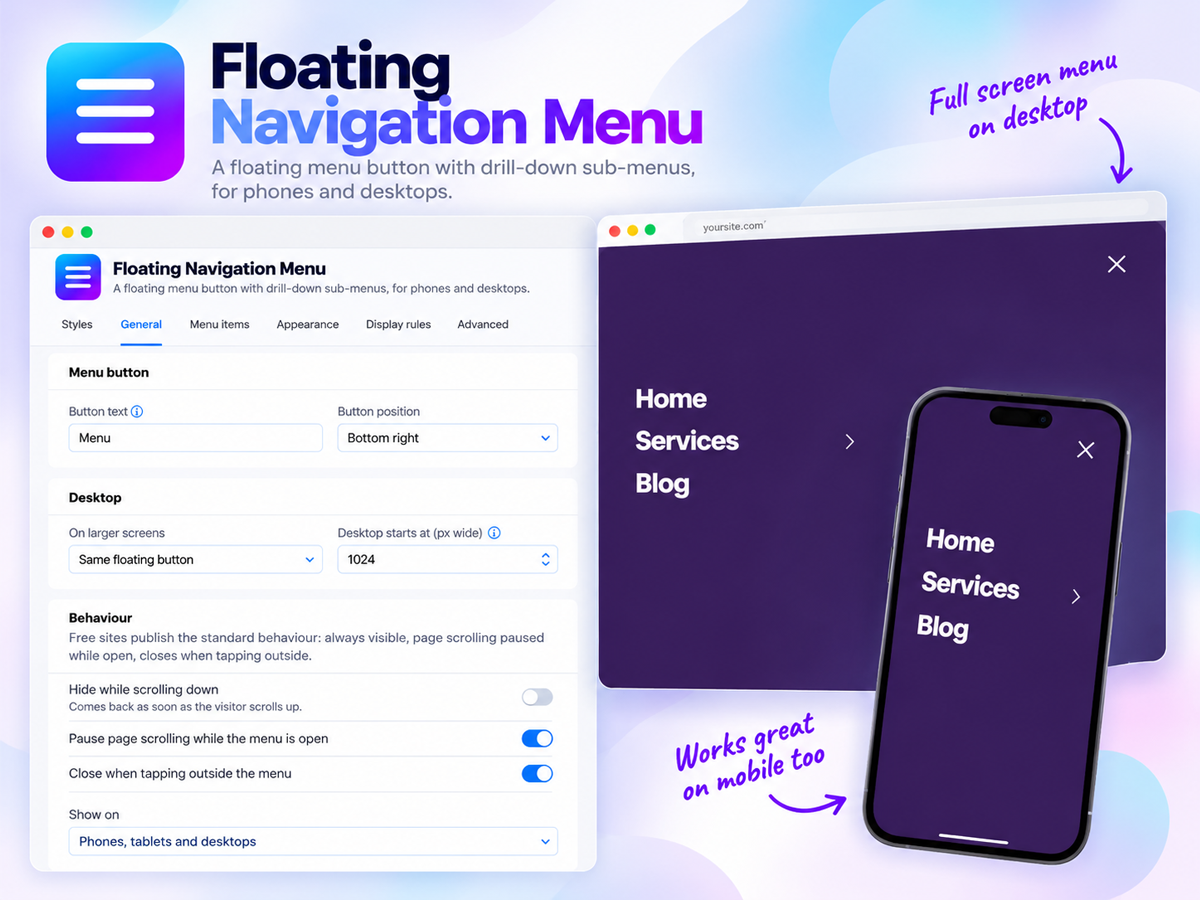
Floating Navigation Menu uygulamasına genel bakış
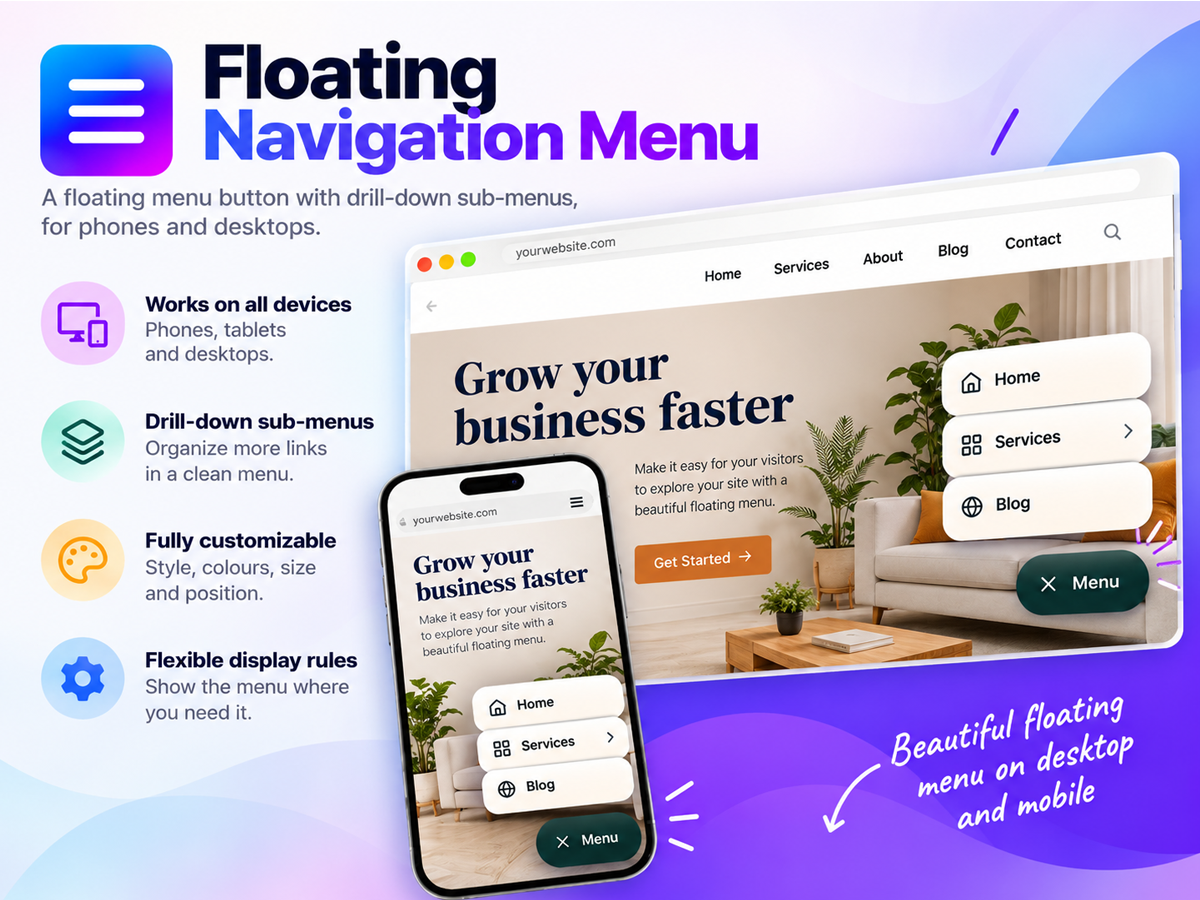
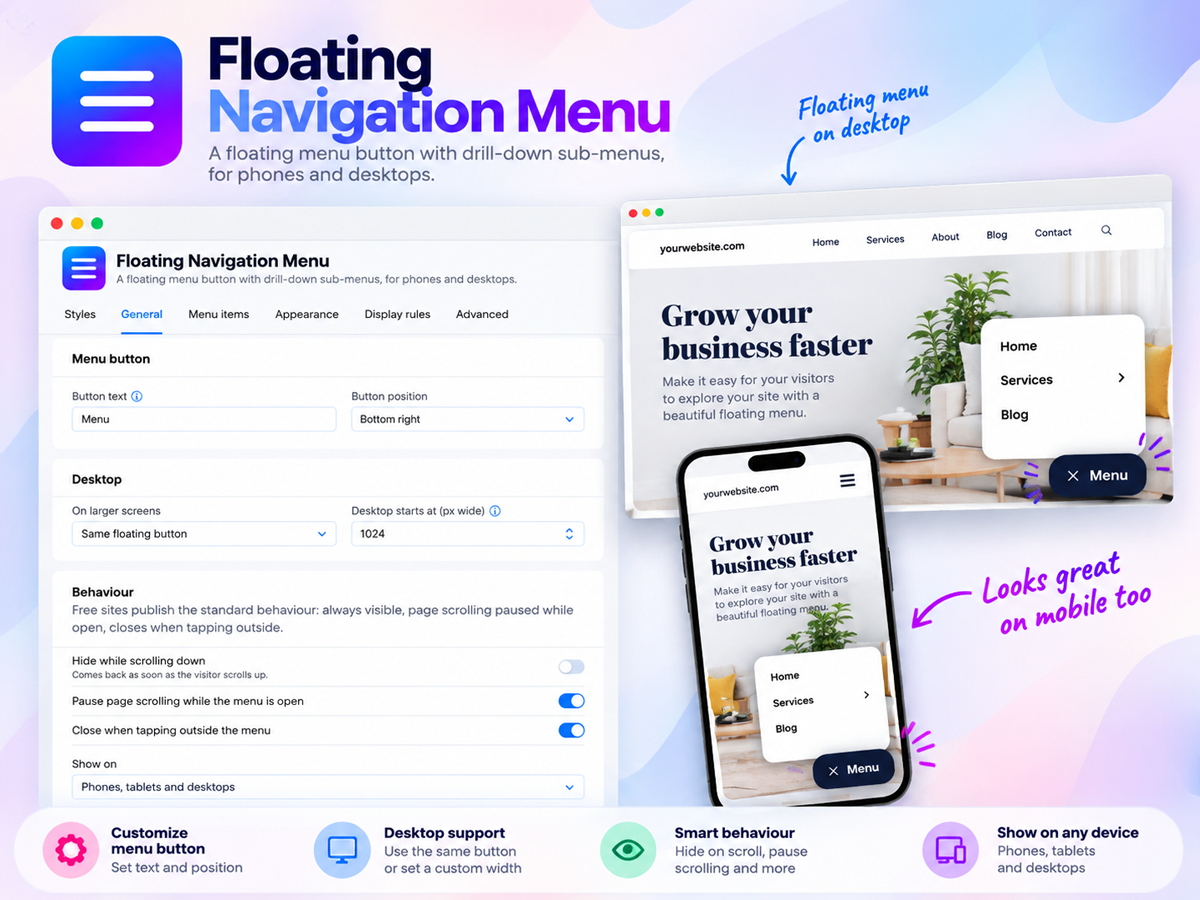
- Always within reach on mobile and desktop: Add a floating menu button that stays on screen as visitors scroll, so your navigation is one tap away on every page instead of hiding in a header that scrolls out of view, and place it in any corner or tuck it away while visitors read
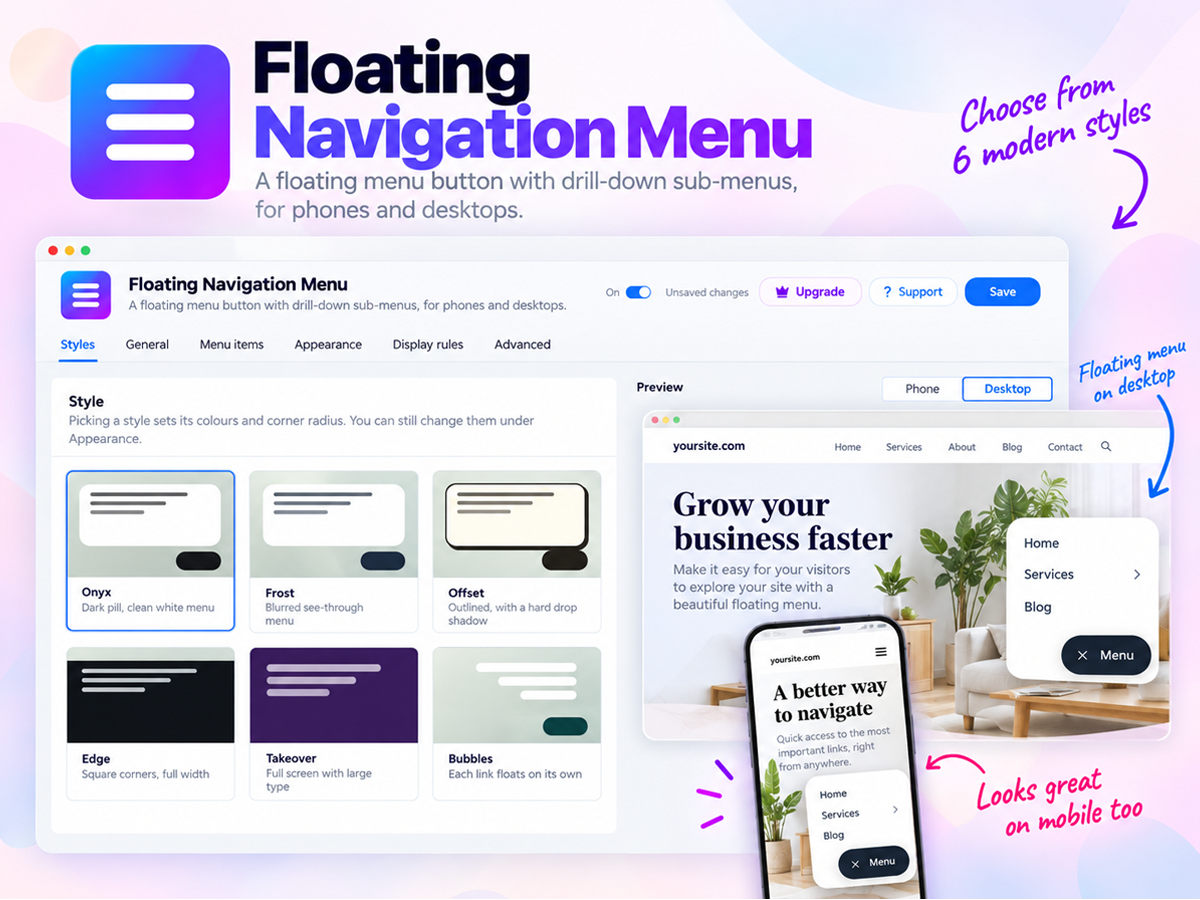
- Six ready made styles that match your brand: Choose from our styles Onyx, Frost, Offset, Edge, Takeover and Bubbles, then set your own colors, text size, corners and position in a few clicks and watch every change in a live preview before you publish, with no code needed
- Dropdown menus with a clear call to action: Add up to 10 menu items with sub-items for your services, products or pages, and feature your most important link as a bold button so visitors head straight to your contact, booking or shop page, with an optional top bar with dropdowns on desktop
- Smart display rules for the right visitors: Show the menu only on the pages you pick, only to site members or only to guests, highlight the page each visitor is on so they always know where they are, and fine tune the finished look with custom CSS
Değerlendirme ve yorumlar
Bu uygulama henüz değerlendirme almamış. İlk değerlendiren siz olun.Fiyatlandırma ve ücretli abonelikler
Basic Paketi
Ücretsiz
Floating menu button on every page
Up to 3 menu items and 1 sub-item
Custom colours and button text
Preview Premium features before buying
Premium Paketi
- 40%
$
2
99
/ay
$499
6 style access and future styles
Add more menu items and sub menu items
More controls and Desktop dropdown
Display Rules to control it & Support
* Fiyat USD cinsindendir.
* Bu indirim 25 Ekim 2026 23:59 UTC itibarıyla sona erer. Uygulama geliştiricisi, indirimi dilediği zaman sonlandırma hakkına sahiptir ve indirim şartları değişikliklere tabidir.