

sanal mağaza
Randevu
etkinlikler
Pop-up

PayPal
Sunan:
PayPal buttons, links, QR, analytics & more
5.0
Ücretsiz paket mevcut

PayPal uygulamasına genel bakış
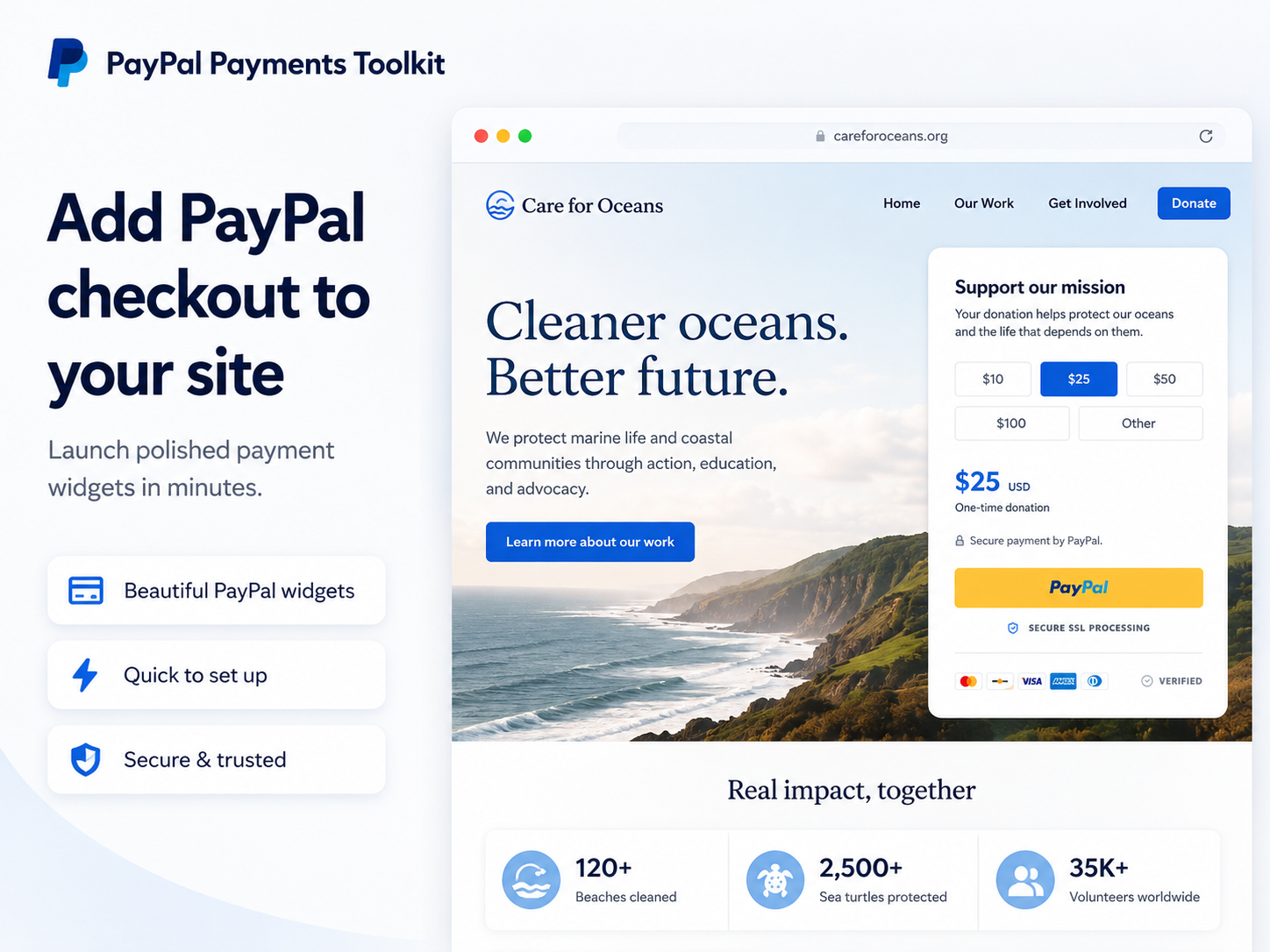
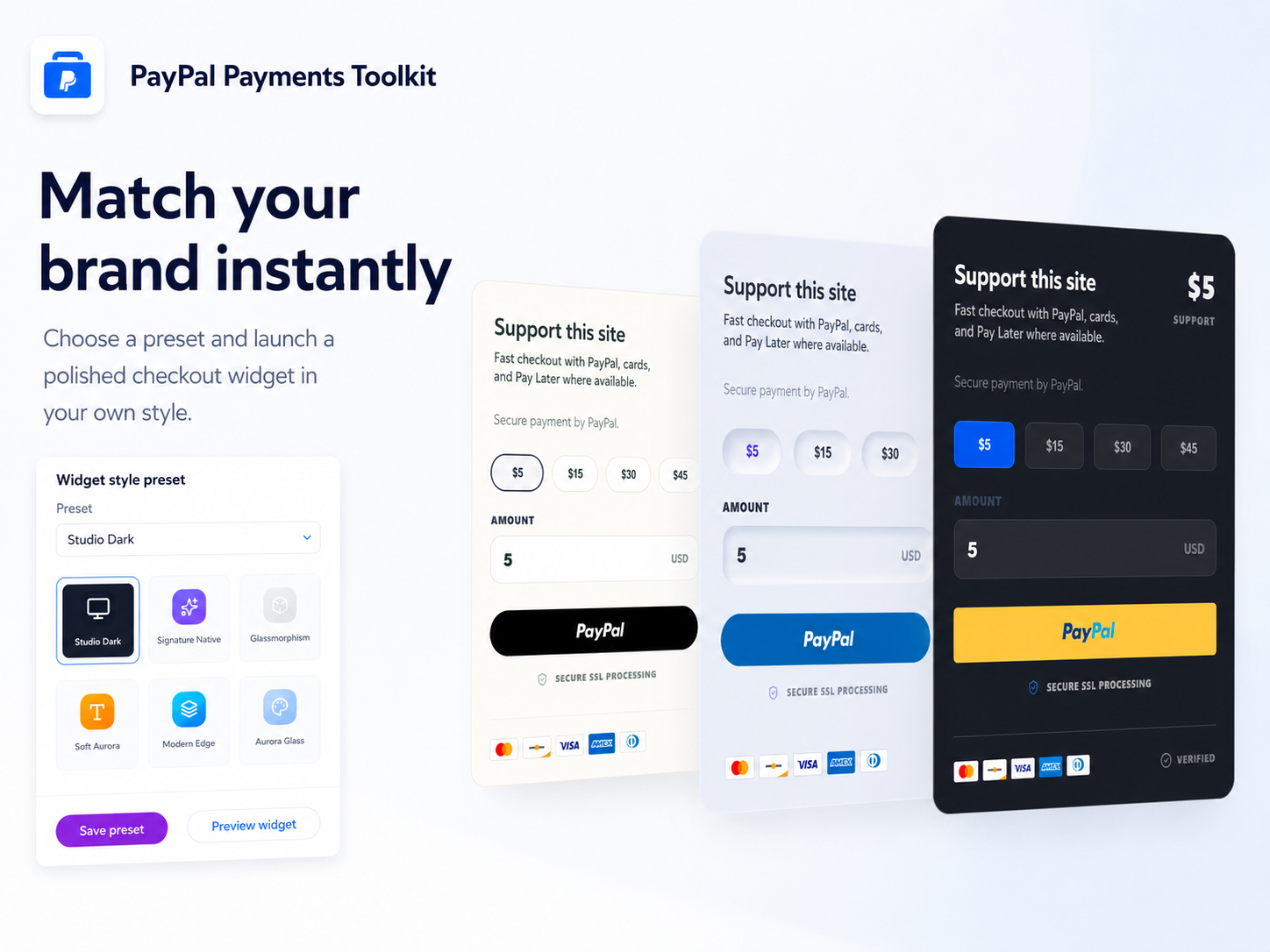
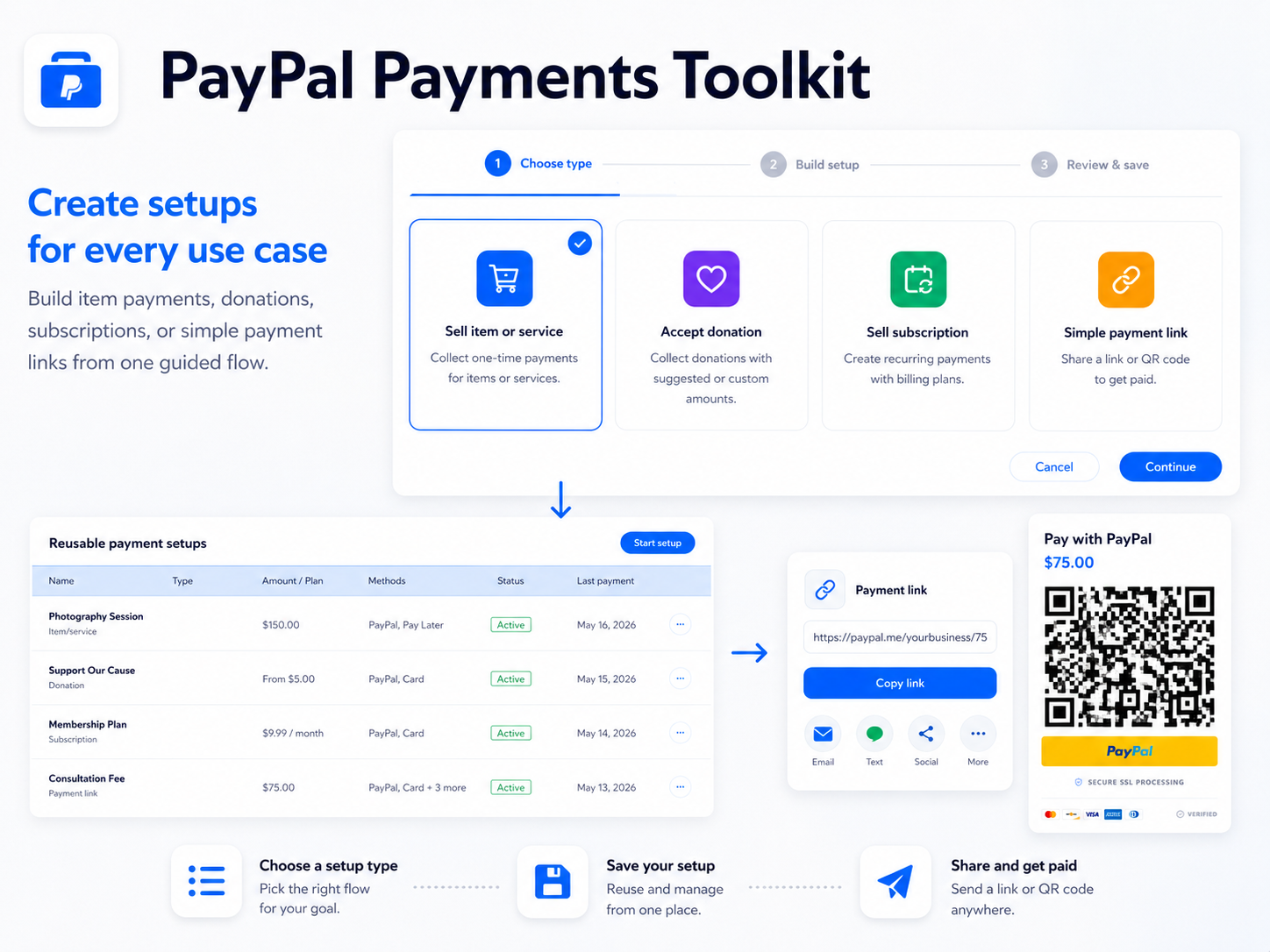
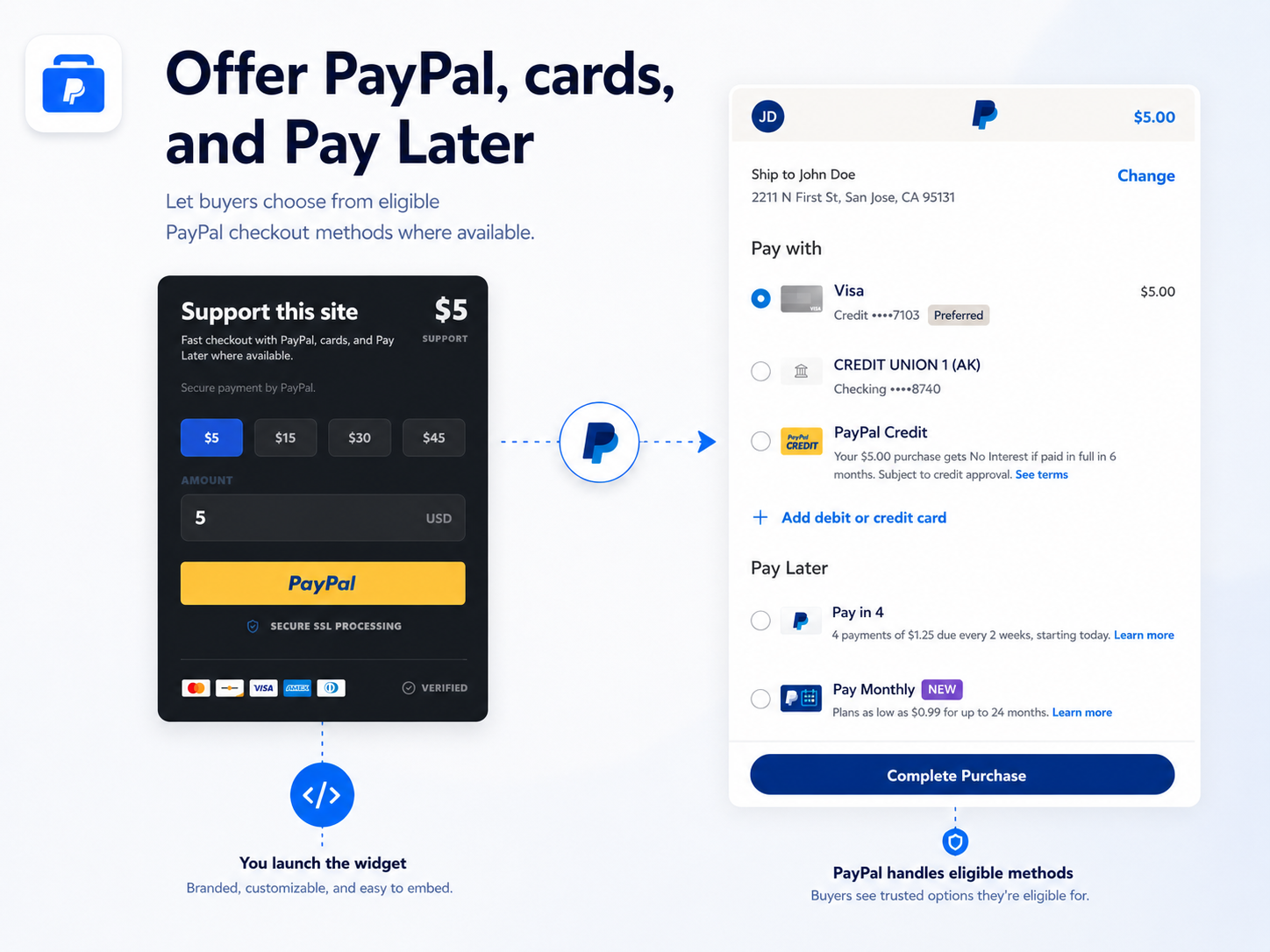
- PayPal checkout buttons and payment widgets - Create PayPal payment buttons and PayPal checkout widgets for one-time payments, products, services, donations, custom amounts, suggested amounts, quantities, payment links, QR payments, and PayPal subscriptions. Let eligible buyers use PayPal, cards, Pay Later, and other PayPal-supported payment methods where available
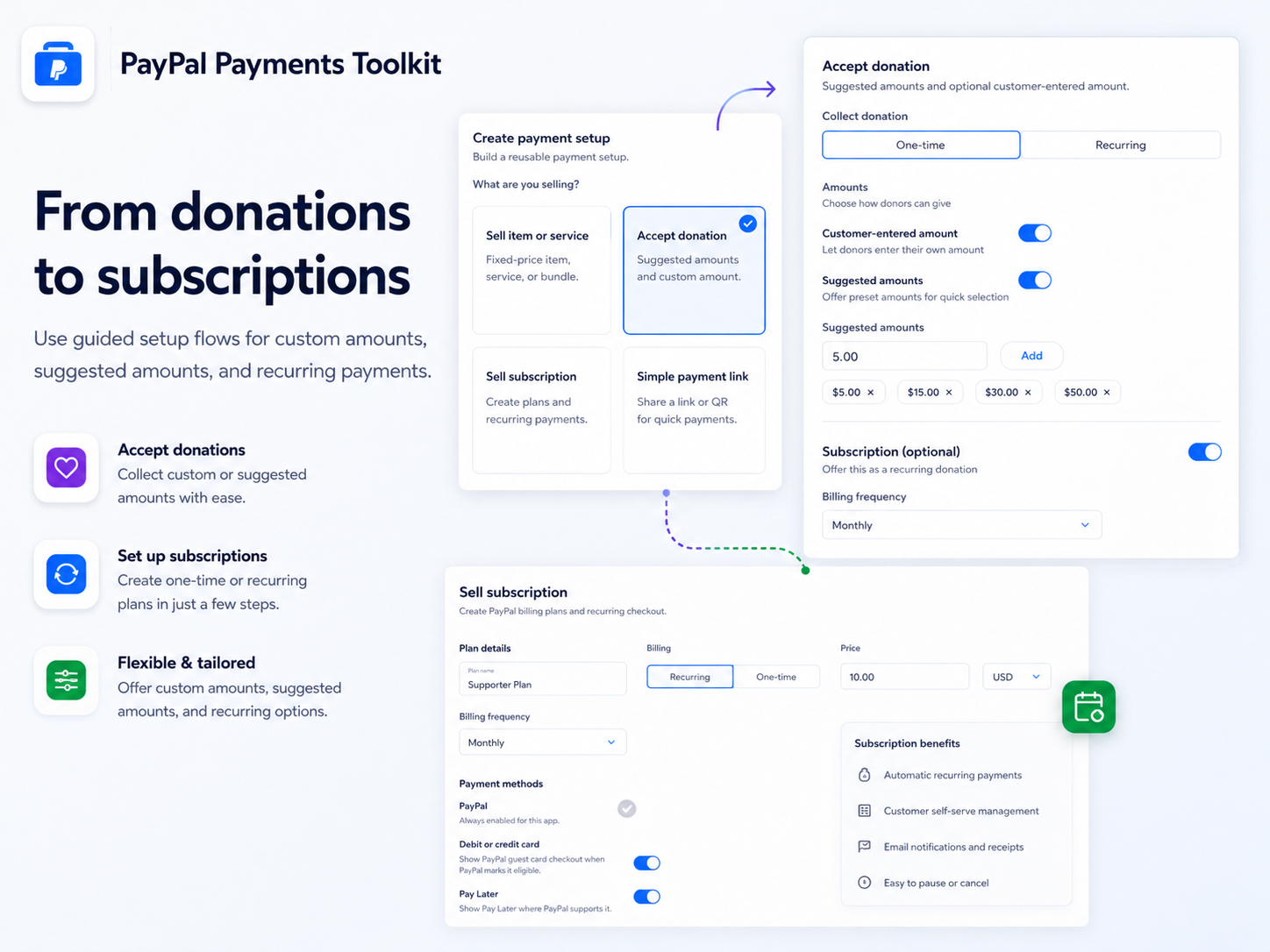
- PayPal reusable payment setups - Build reusable PayPal payment setups once and use them across widgets, PayPal payment links, and QR codes. Create PayPal setups for services, products, donations, payment links, subscriptions, or custom checkout flows without recreating the same PayPal payment configuration every time
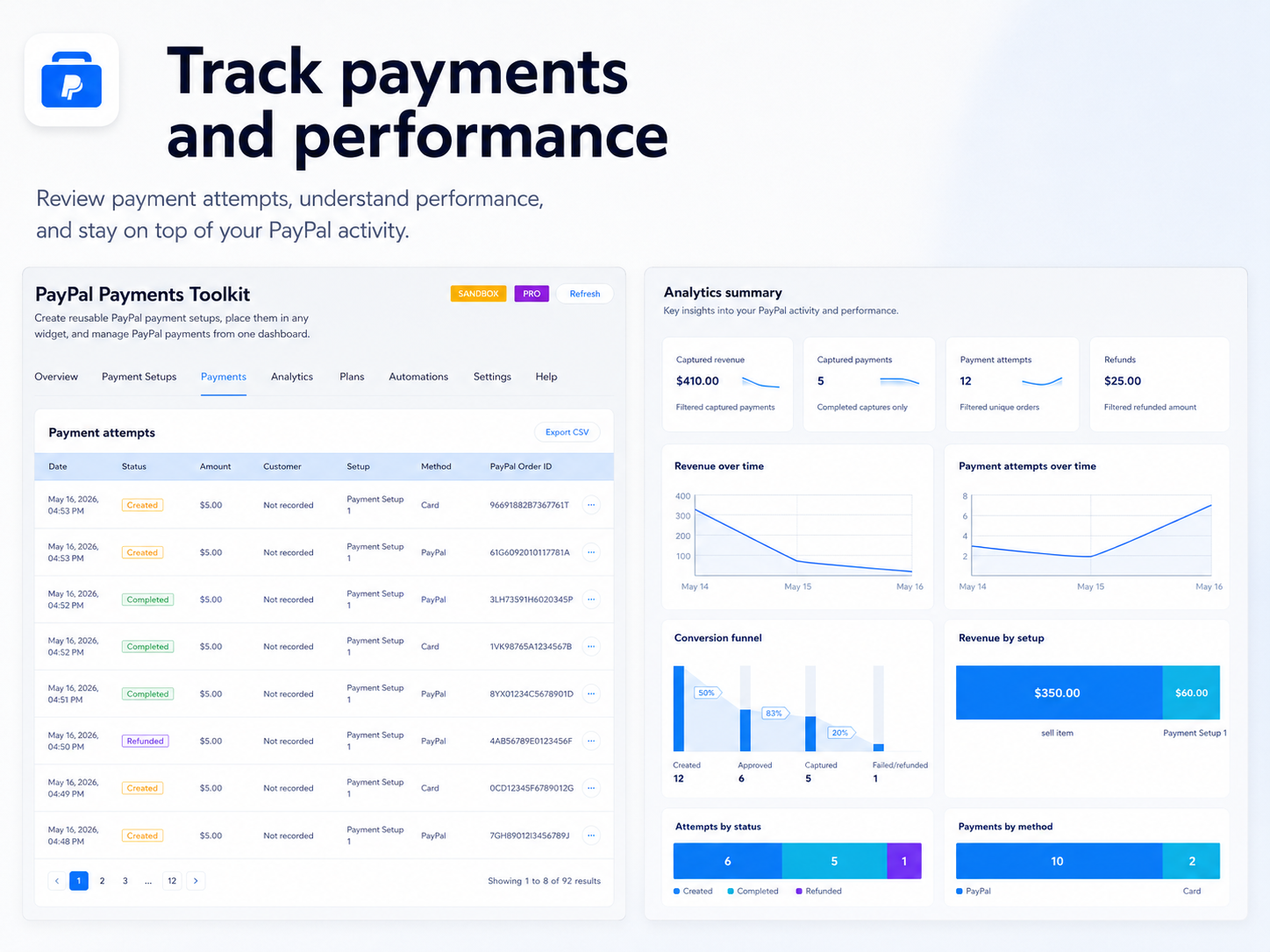
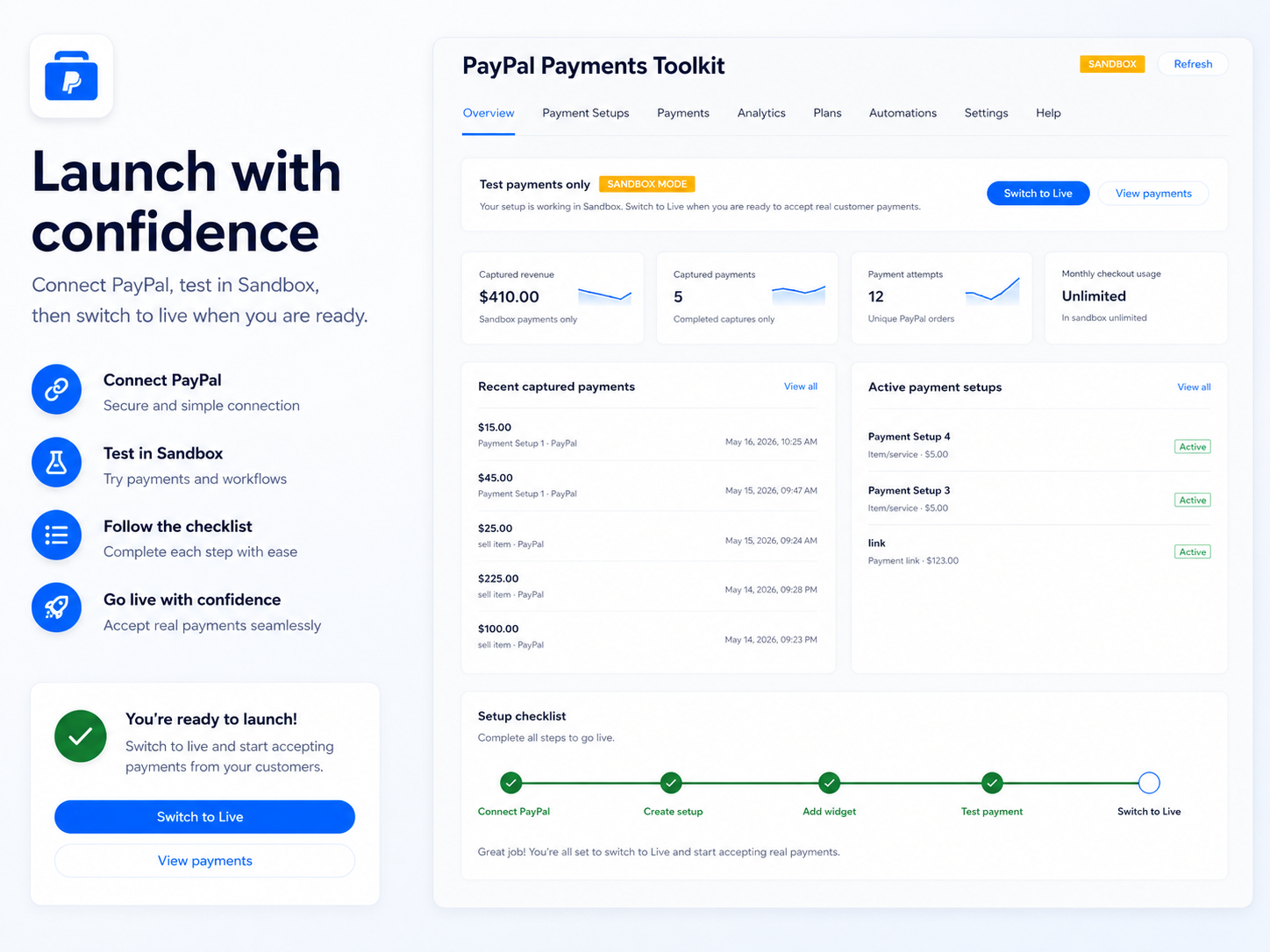
- PayPal dashboard, analytics, and reports - Manage PayPal payments from one dashboard. Track PayPal payment attempts, captured payments, revenue, refunds, payment methods, setup performance, subscription activity, sync freshness, and checkout results. Use PayPal analytics to understand which PayPal payment setups perform best
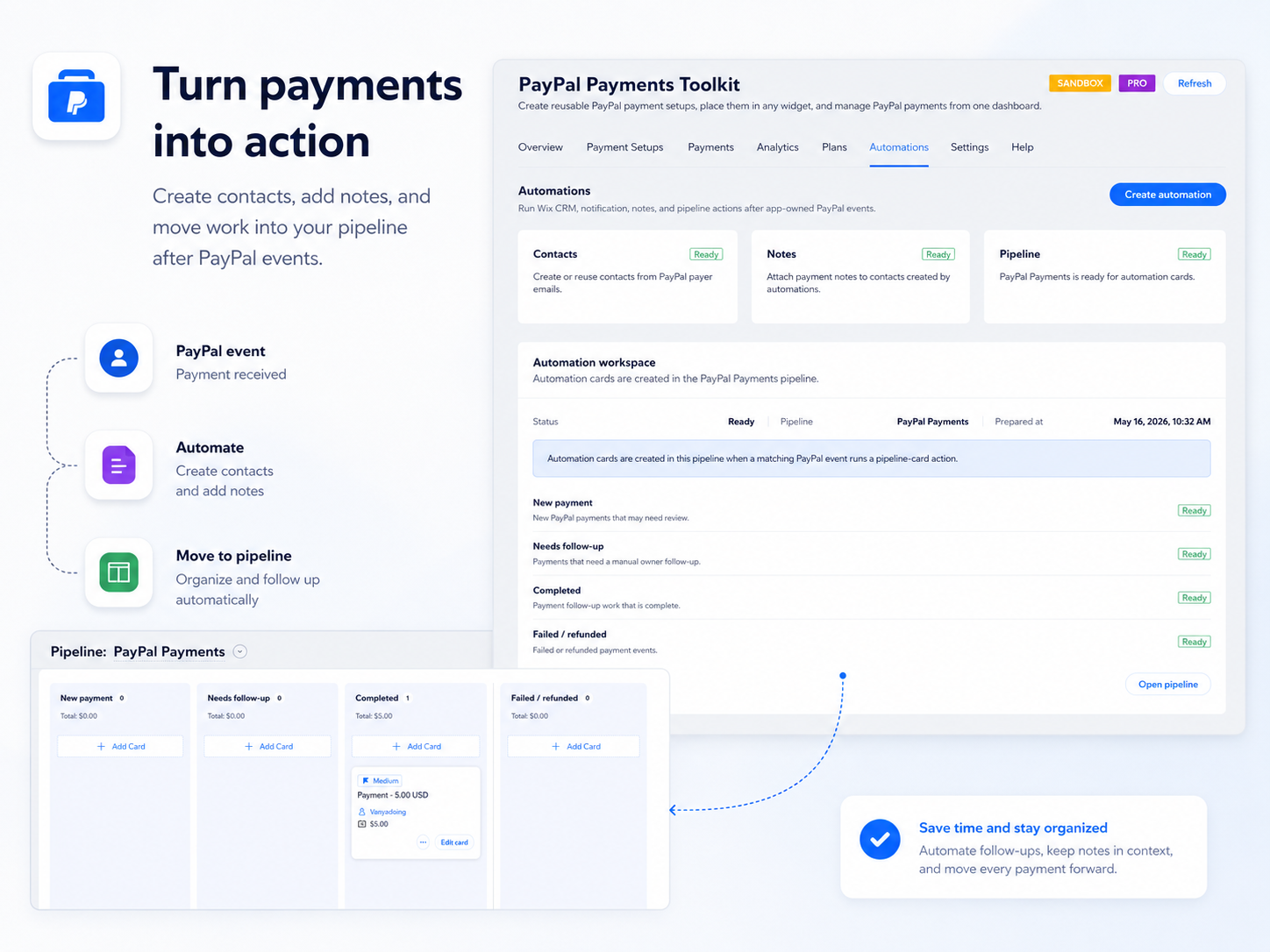
- PayPal automations and follow-ups - Run automations after PayPal payment events. Create contacts, add labels, attach notes, send notifications, or create pipeline actions when PayPal payments, PayPal donations, PayPal subscriptions, or PayPal checkout events are completed, failed, refunded, or need follow-up
Ortalama puan: 5.0
18 değerlendirme
5
18
4
0
3
0
2
0
1
0
Sırala:
KA
Karenfelice444/ Oct 23, 2026
Simple payment tracking
(0)
Geri bildiriminiz için teşekkürler
KA
Kaitlyn9232/ Oct 22, 2026
Great payment analytics
(0)
Geri bildiriminiz için teşekkürler
PR
Preziosovincent/ Oct 20, 2026
5 stars
(0)
Geri bildiriminiz için teşekkürler
G-
G-diva/ Oct 20, 2026
Easy PayPal payments for Wix
(0)
Geri bildiriminiz için teşekkürler
AS
Ascendcoa/ Oct 15, 2026
Great PayPal payment toolkit
(0)
Geri bildiriminiz için teşekkürler
Fiyatlandırma ve ücretli abonelikler
Free Paketi
Ücretsiz
1 active setup
20 checkouts / month
PayPal method
Basic payment records
Core Paketi
$
3
49
/ay
10 active setups
200 checkouts / month
Links and QR
Donations and custom amounts
Pro Paketi
$
6
99
/ay
Unlimited setups
Unlimited checkouts
Subscriptions
Automations
* Fiyat USD cinsindendir.