

sanal mağaza
Randevu
etkinlikler
Pop-up

Event Series: Duplicate Events
Sunan:
Copy recurring events to new dates, bulk edit
Henüz değerlendirme yok
Ücretsiz paket mevcut

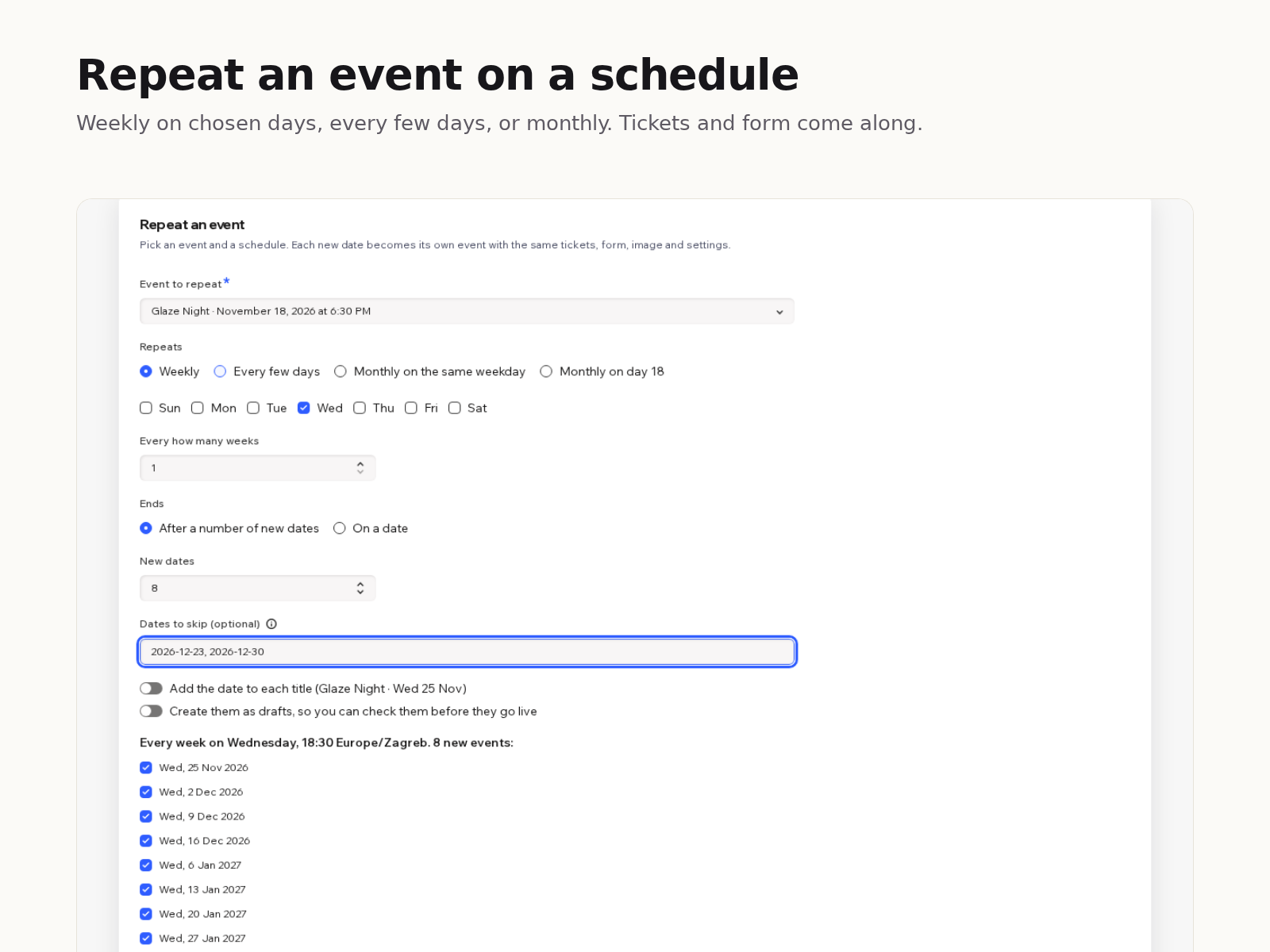
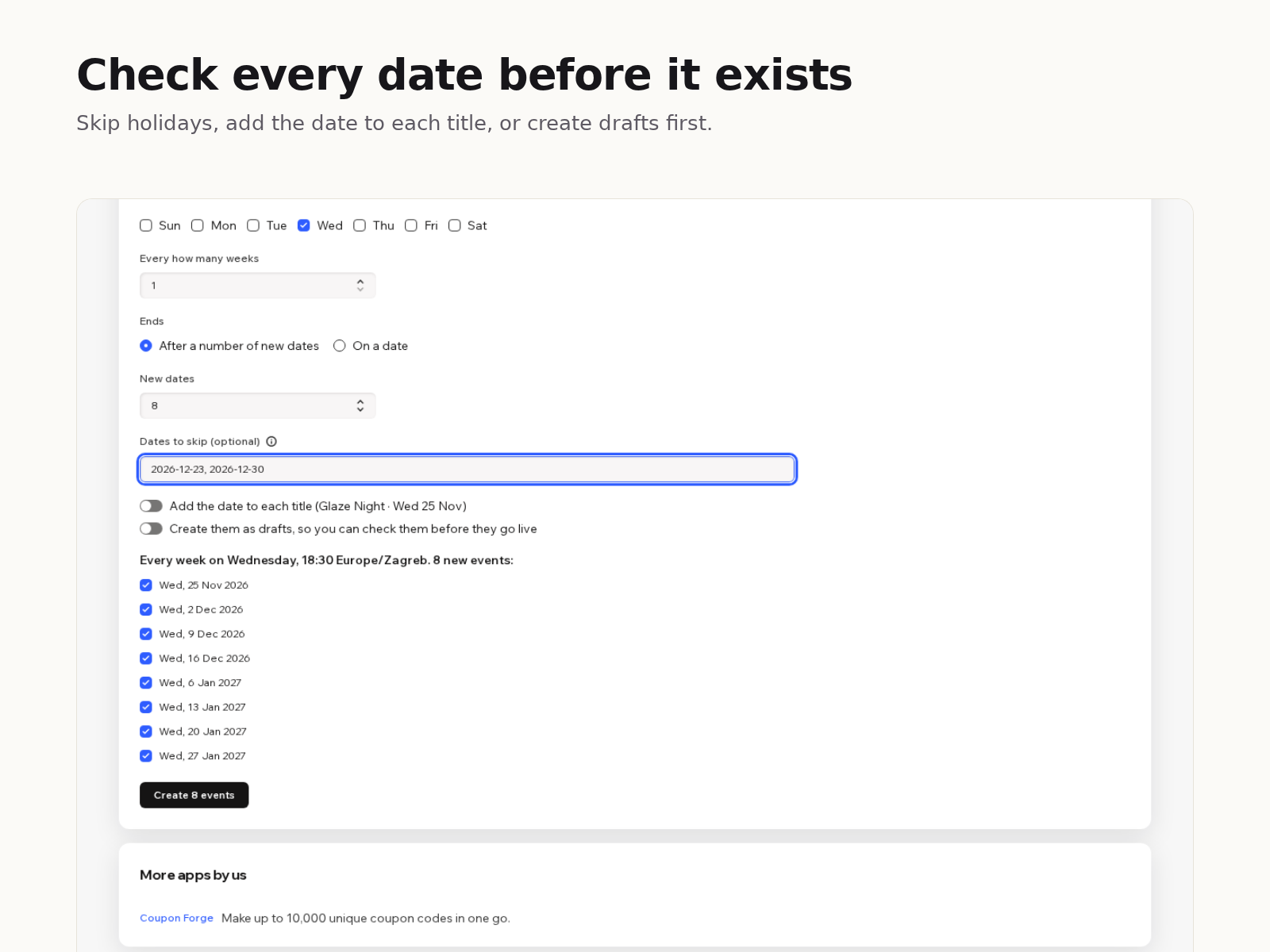
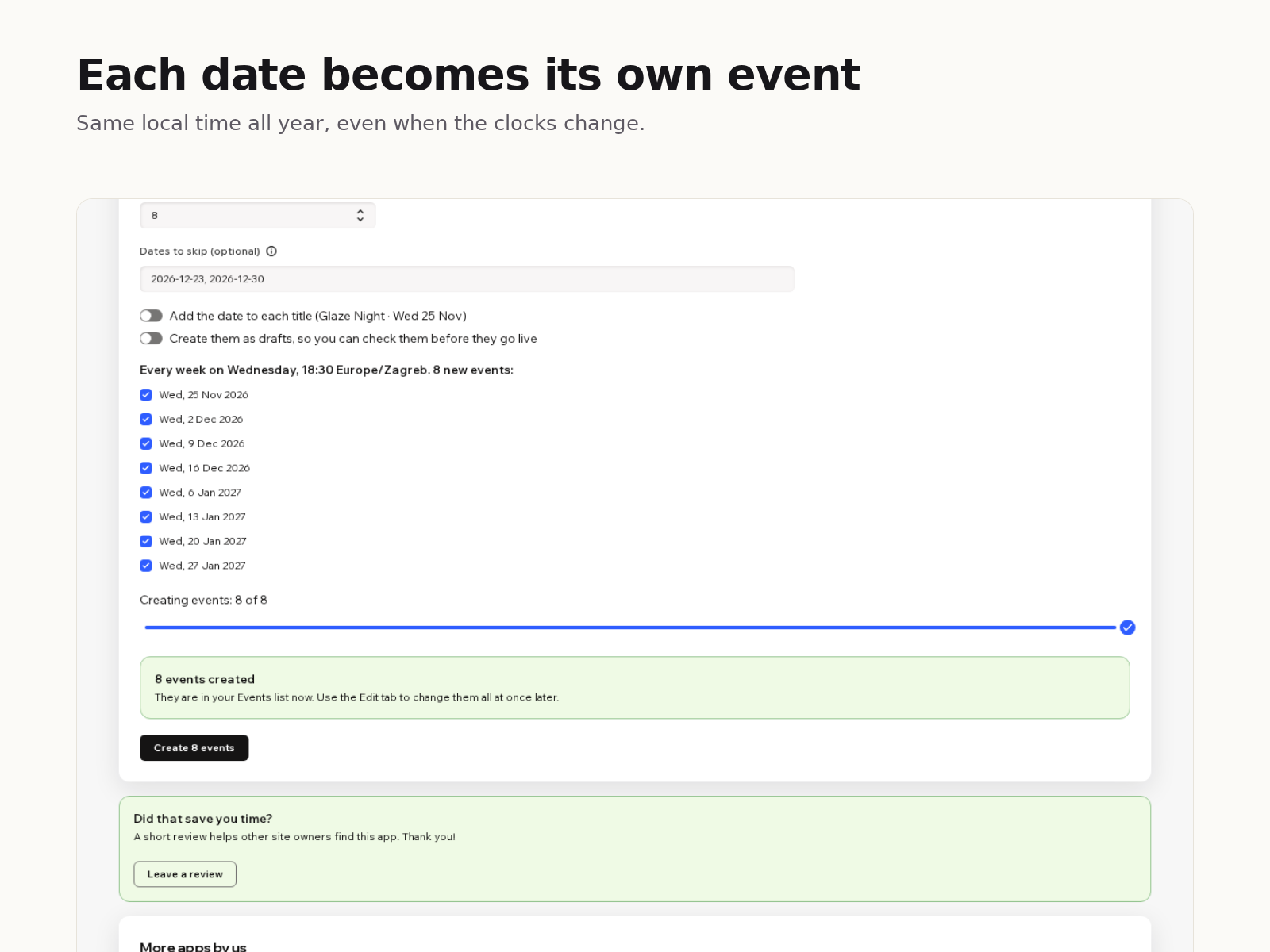
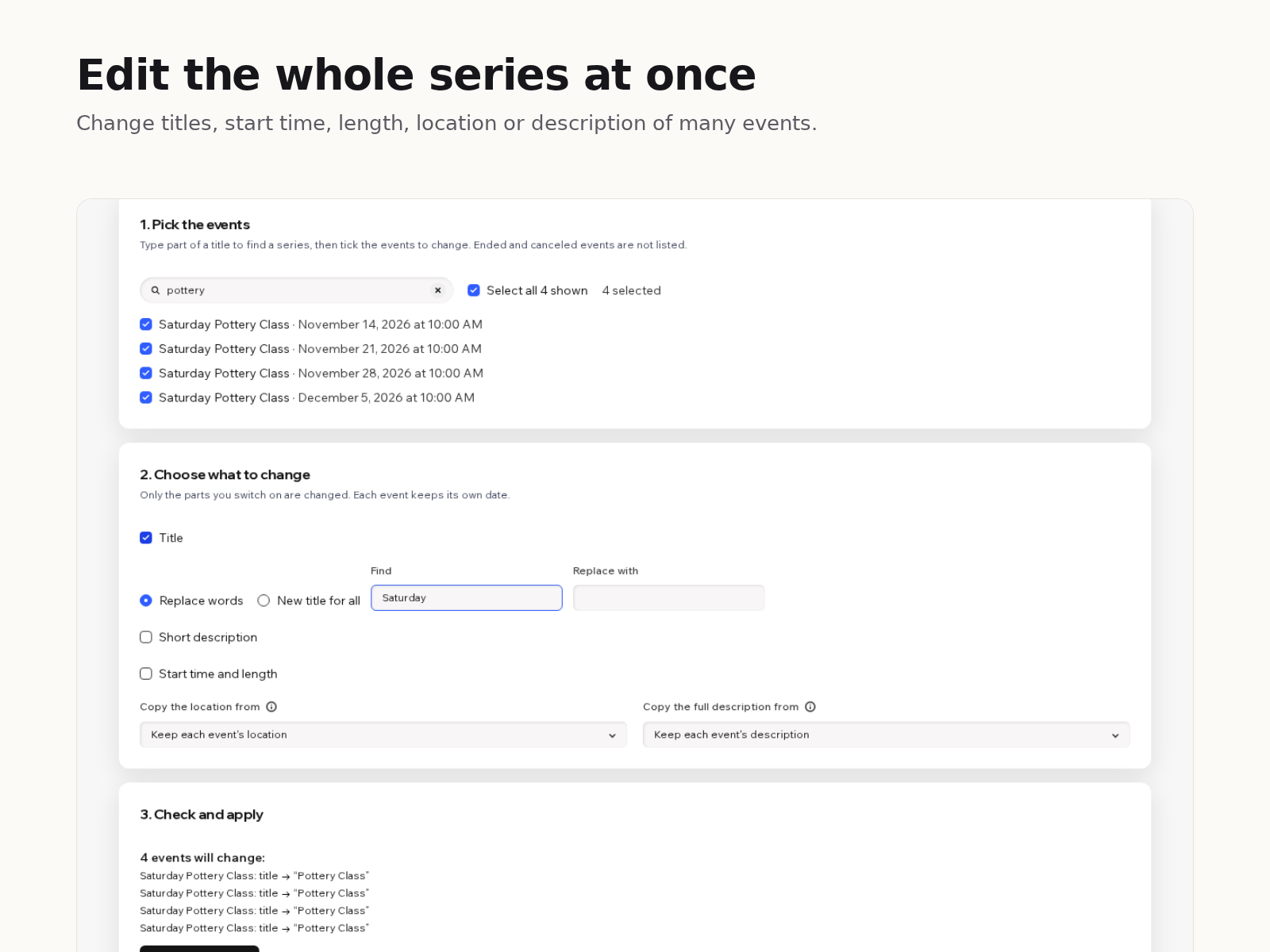
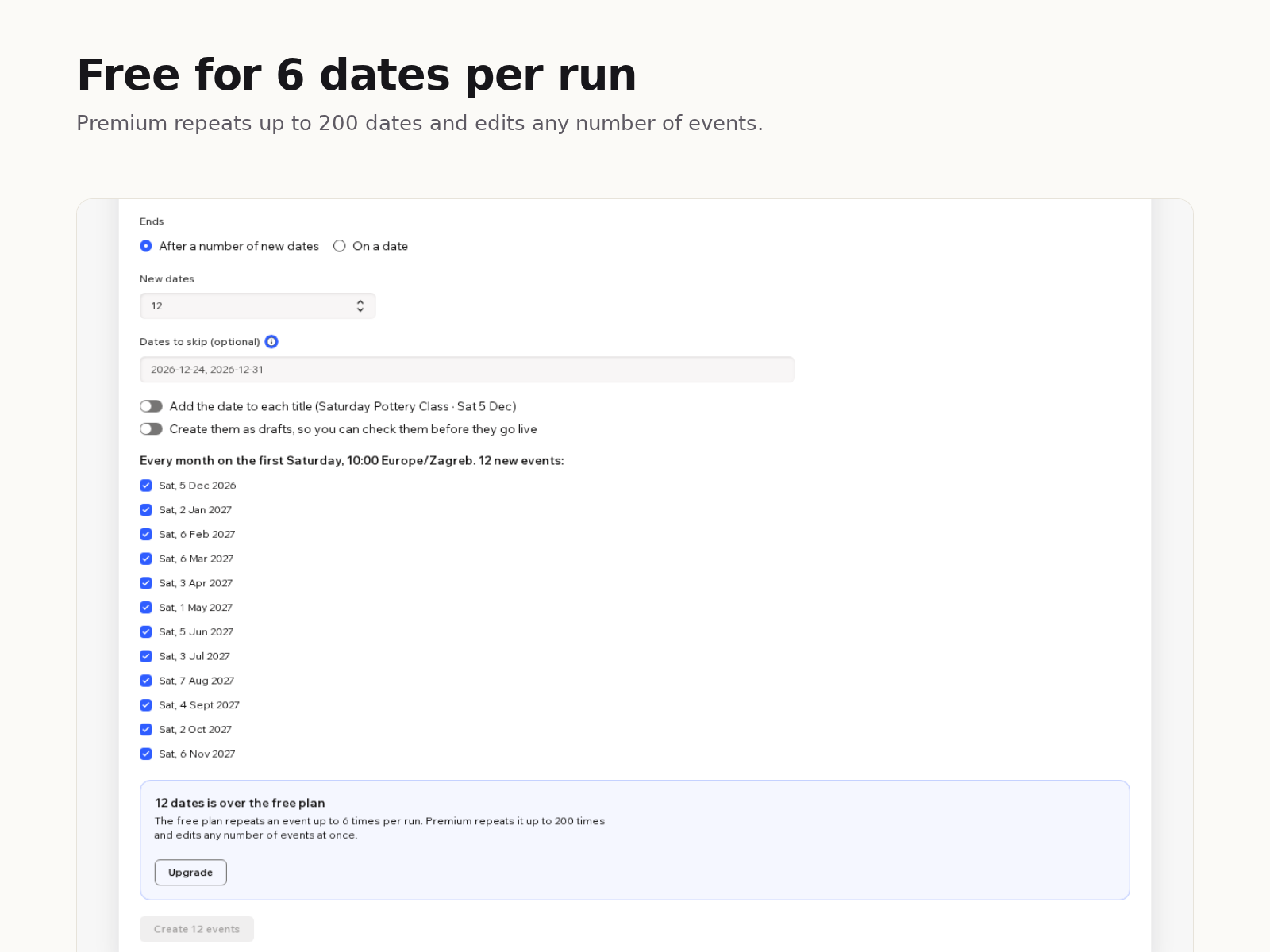
Event Series: Duplicate Events uygulamasına genel bakış
- Copy any event, even a past one, to new dates
- Tickets, form and image copied to each date
- Weekly or monthly patterns; skip dates; preview
- Bulk edit title, time, place or description
Değerlendirme ve yorumlar
Bu uygulama henüz değerlendirme almamış. İlk değerlendiren siz olun.Fiyatlandırma ve ücretli abonelikler
Basic Paketi
Ücretsiz
Copy an event up to 6 times per run
Edit or delete up to 10 events at once
Weekly or monthly patterns, skip dates
Premium Paketi
$
5
00
/ay
Copy an event up to 200 times per run
Edit or delete any number of events
Everything in the free plan
* Fiyat USD cinsindendir.