

sanal mağaza
Randevu
etkinlikler
Pop-up

Google Analytics & Tag Manager
Sunan:
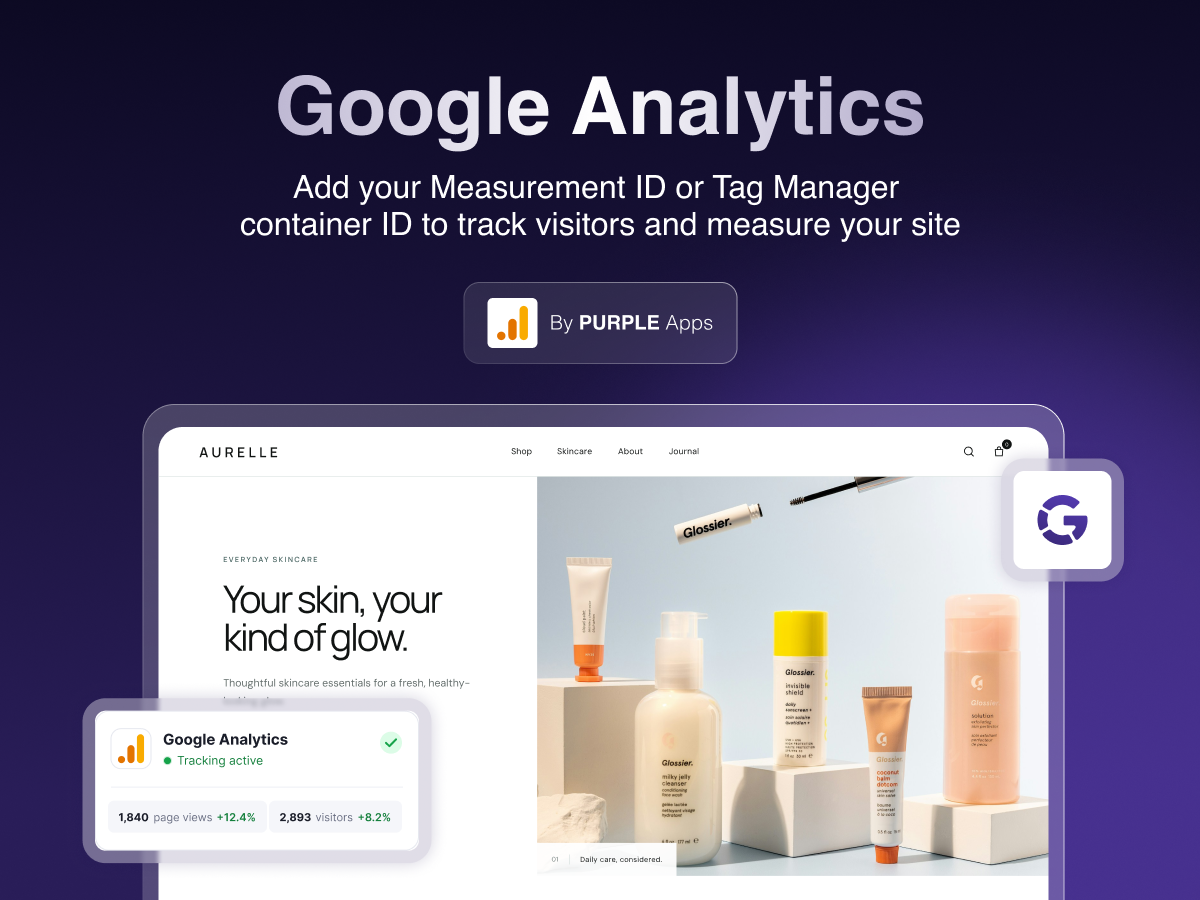
Add Google Analytics to your site in minutes
Henüz değerlendirme yok
Ücretsiz paket mevcut

Google Analytics & Tag Manager uygulamasına genel bakış
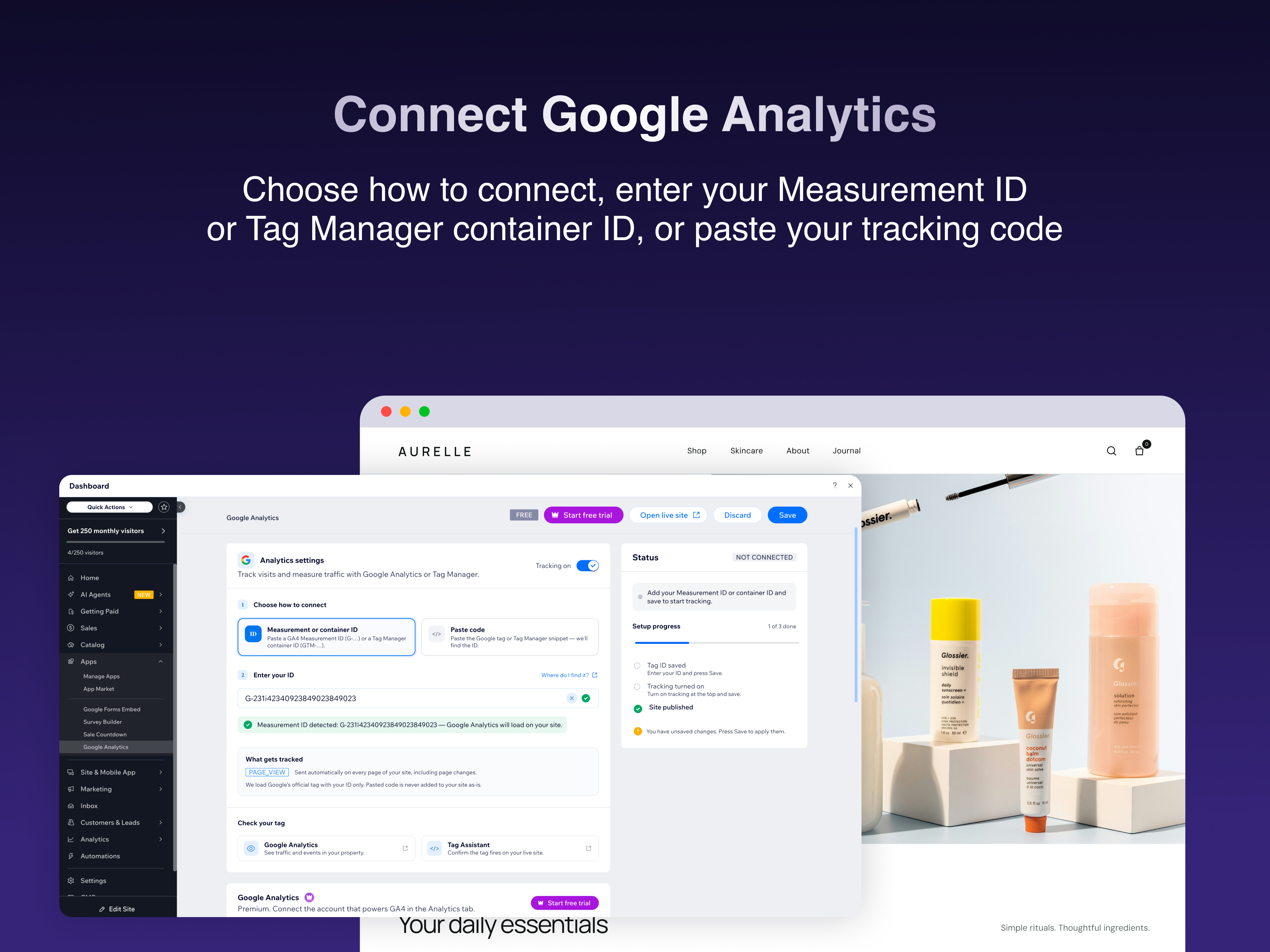
- Google tag on every published page
- Paste an ID or the Google snippet
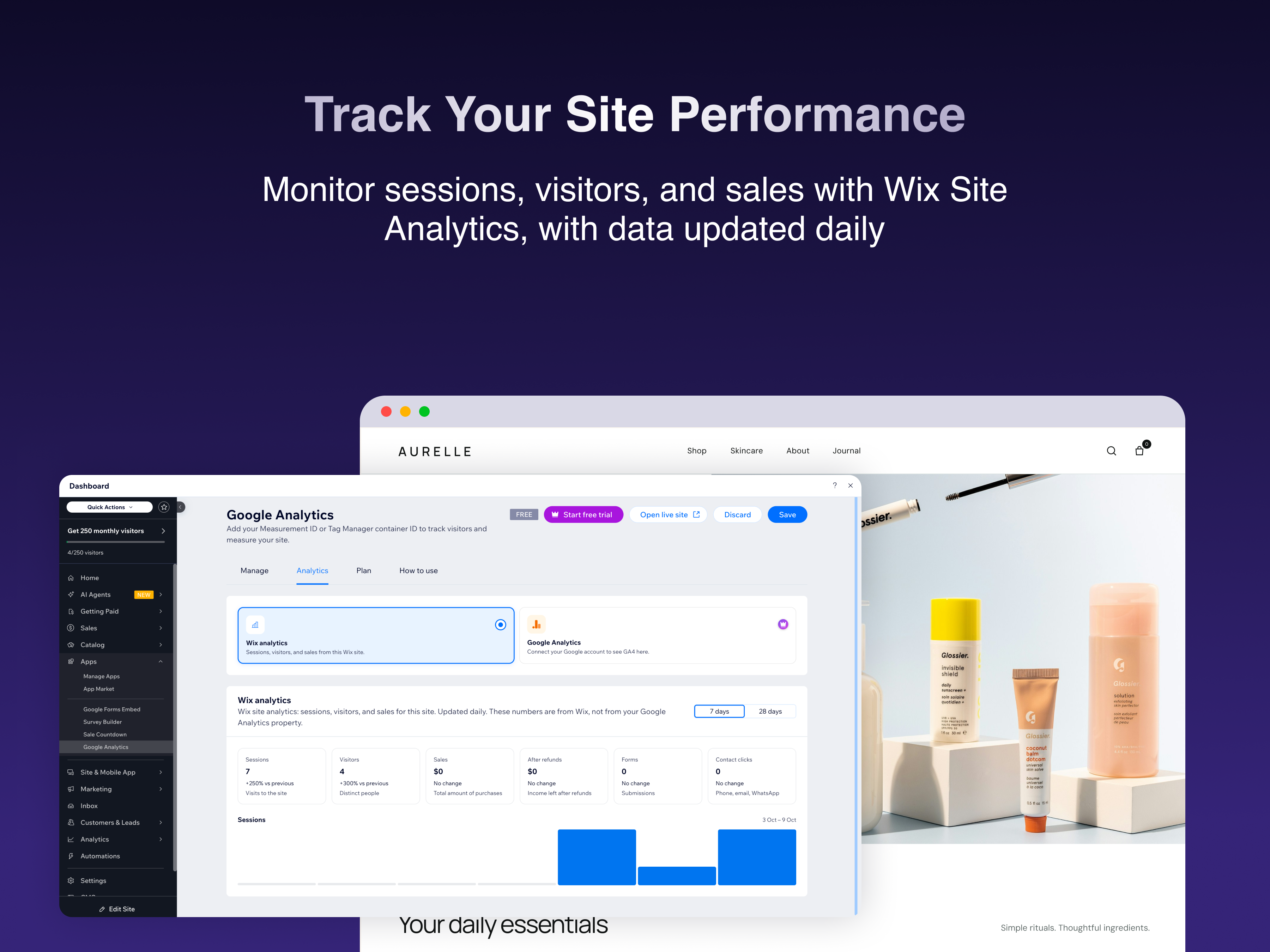
- Page views on every page change
- Sales and lead events with Premium
Değerlendirme ve yorumlar
Bu uygulama henüz değerlendirme almamış. İlk değerlendiren siz olun.Fiyatlandırma ve ücretli abonelikler
Basic Paketi
Ücretsiz
Your Google tag on every page
Page views, including page changes
Paste a Measurement ID or Container ID
Turn tracking on and off at any time
Premium Paketi
$
3
00
/ay
Everything in Free
Store and booking events
Lead events from form submissions
Priority email support
* Fiyat USD cinsindendir.