

sanal mağaza
Randevu
etkinlikler
Pop-up

QuickSync for Xero
Sunan:
Xero connector for tracked inventory & items
Henüz değerlendirme yok
Ücretsiz paket mevcut

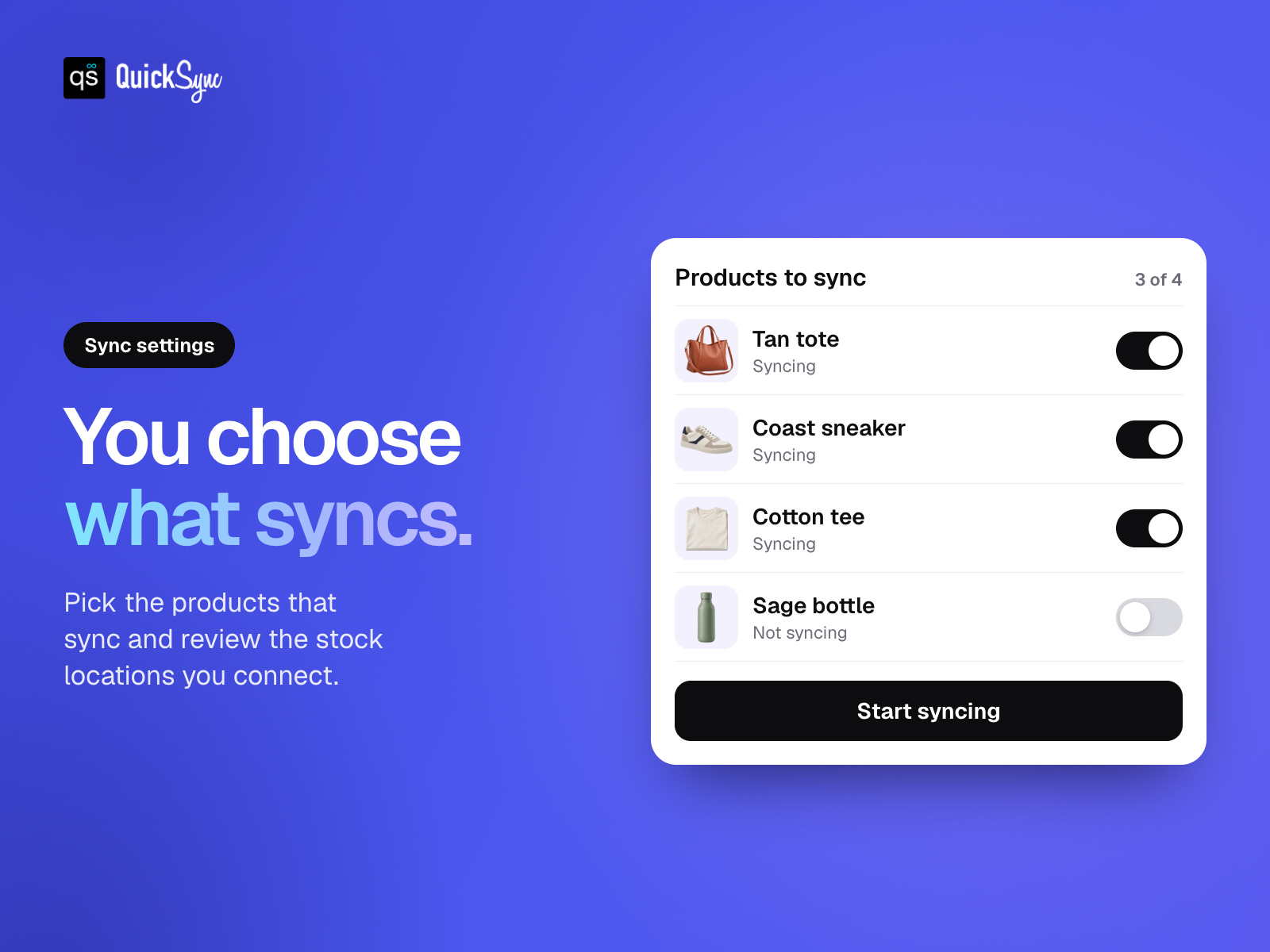
QuickSync for Xero uygulamasına genel bakış
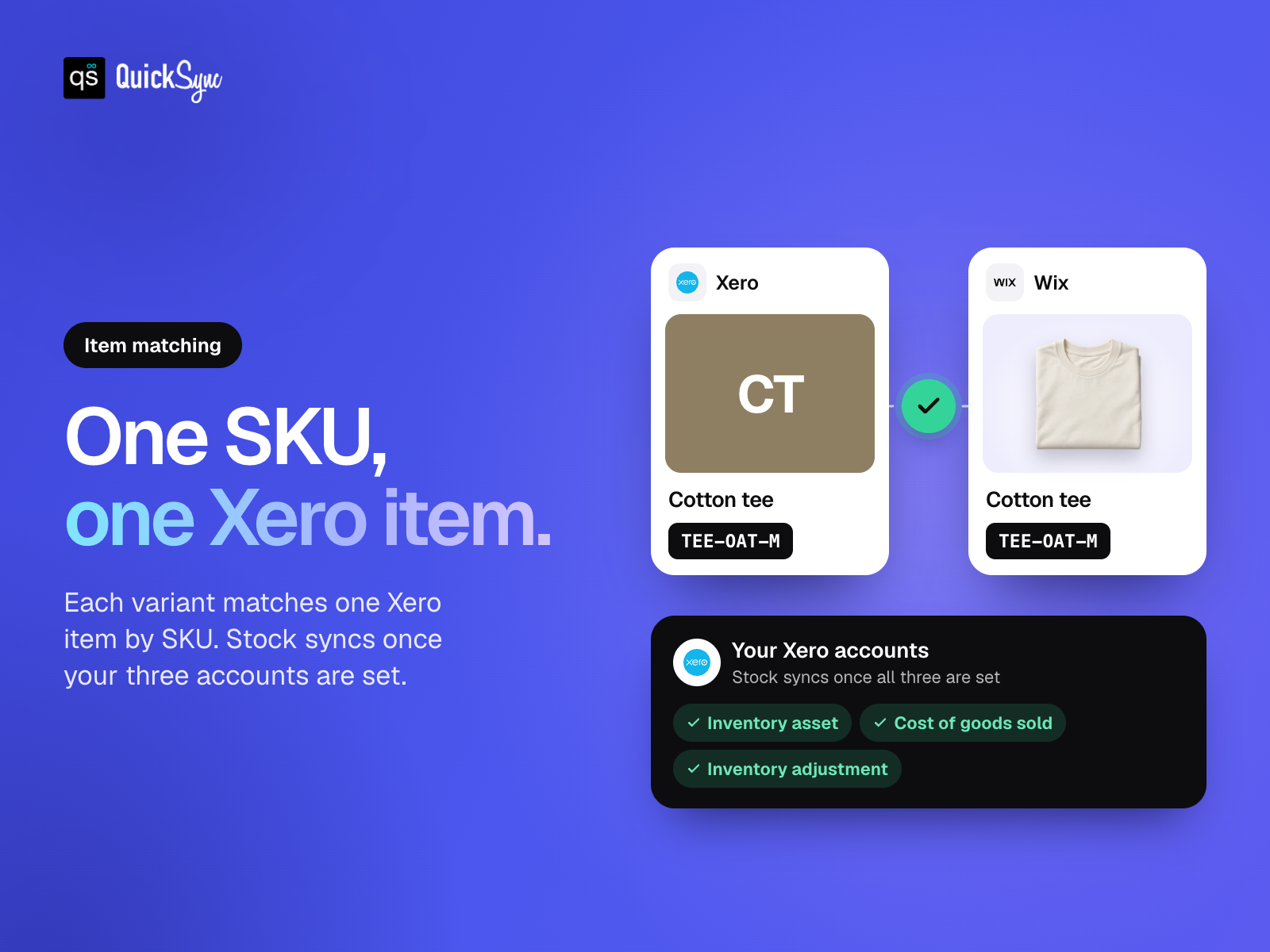
- Match your items. Link store variants to Xero using their SKUs
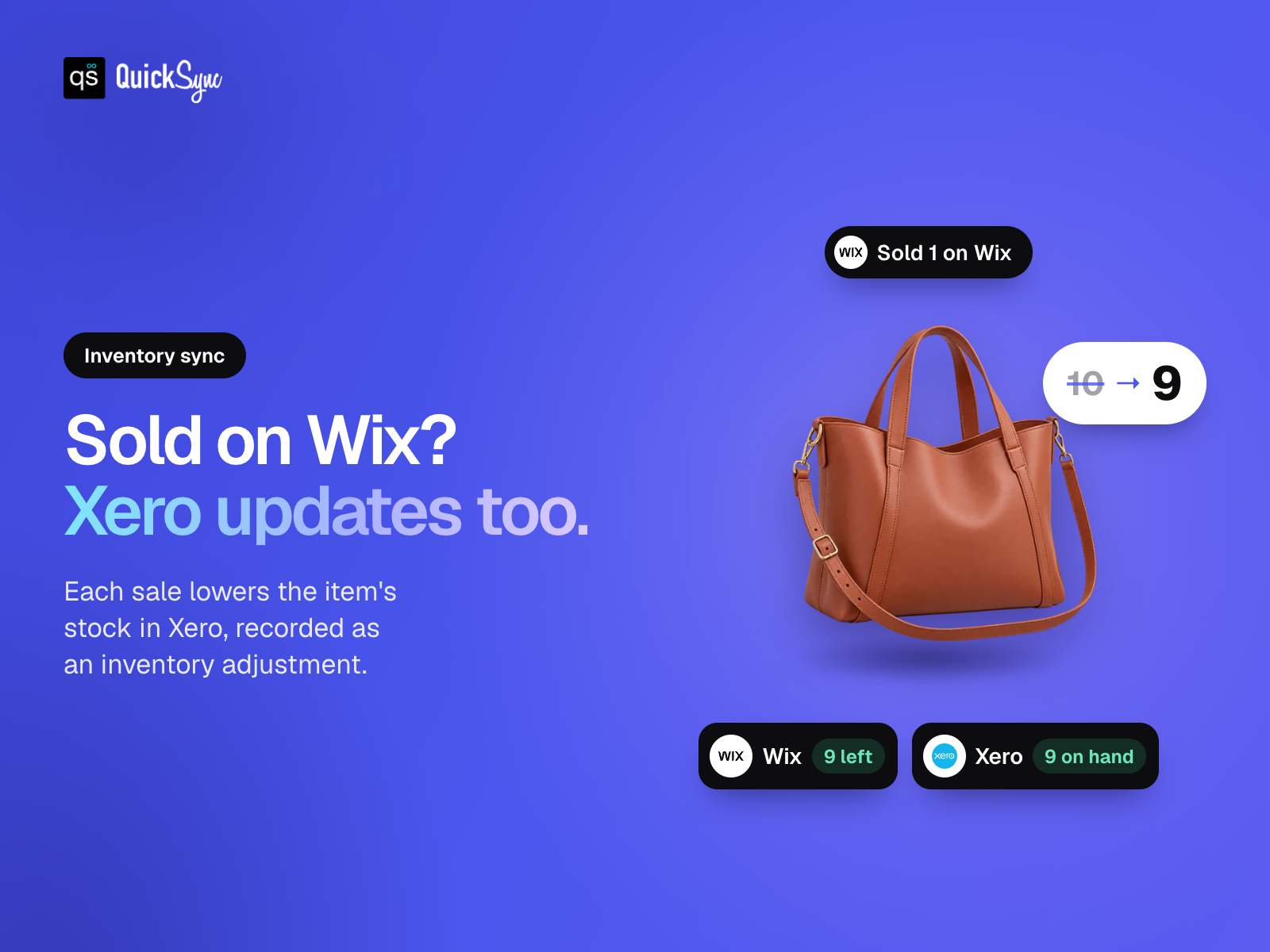
- Keep stock in sync. Connect tracked Xero items after setting up your accounts
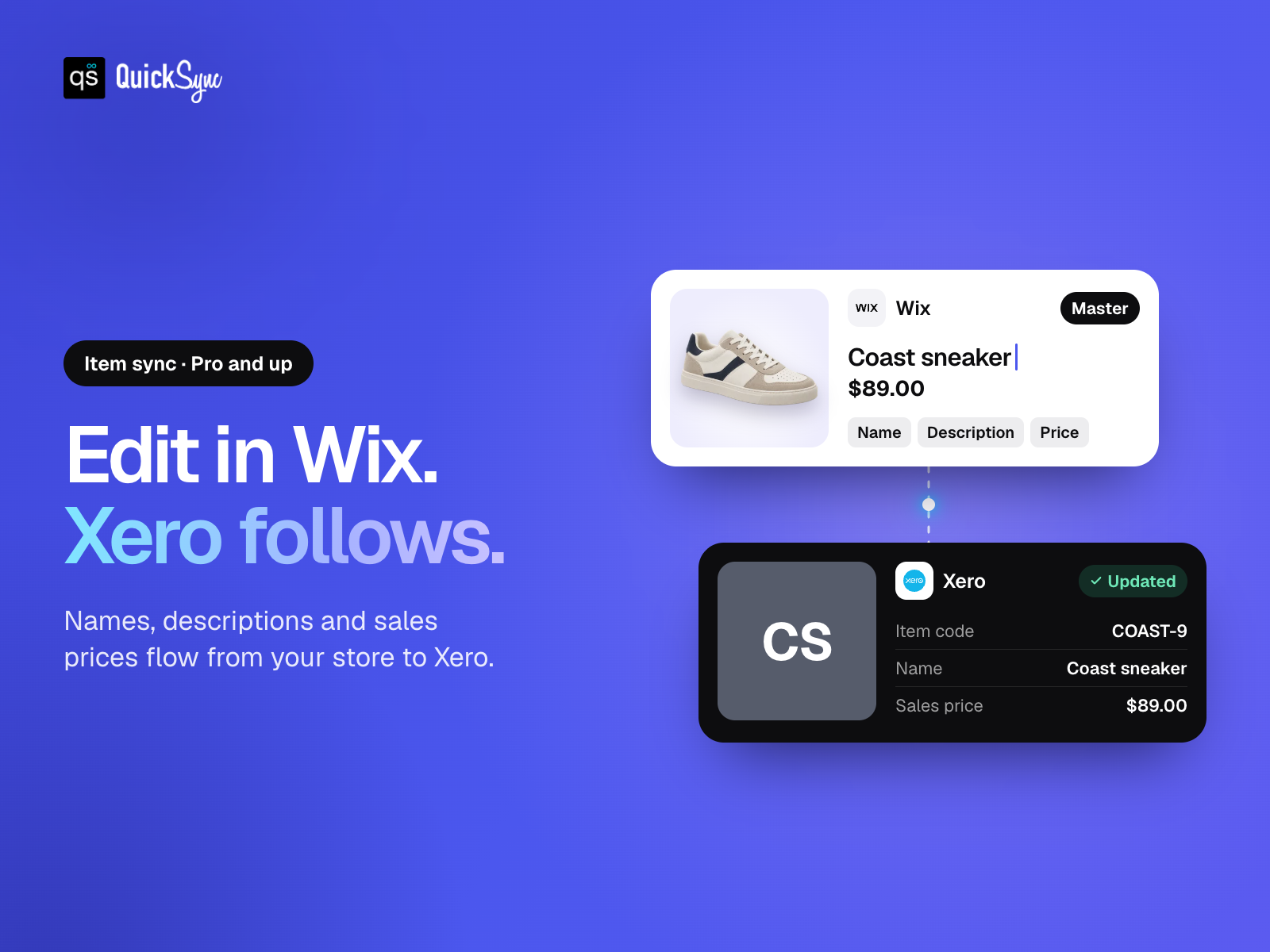
- Update items once. Send supported details from your store to Xero
- Choose what syncs. Select your products and review connected stock locations
Kullanılabilirlik:
Bu uygulama dünya çapında kullanılabilir.Uygulama dilleri:
Türkçe,
Almanca,
Fransızca,
Hollandaca,
İspanyolca,
İtalyanca,
Japonca,
Portekizce
Site gereklilikleri:
-
Değerlendirme ve yorumlar
Bu uygulama henüz değerlendirme almamış. İlk değerlendiren siz olun.Basic Paketi
Ücretsiz
Tracked inventory with account setup
Up to 100 syncing variants
Choose which products sync
Standard support
Pro Paketi
$
26
00
/ay
Supported item and inventory syncing
Up to 2,500 syncing variants
Use your store as product master
Review SKUs and account mappings
Ultra Standard Paketi
$
62
00
/ay
Everything in Pro
Up to 10,000 syncing variants
Choose which products sync
Review SKUs and account mappings
Ultra Plus Paketi
$
89
00
/ay
Everything in Ultra Standard
Up to 20,000 syncing variants
Choose which products sync
Review SKUs and account mappings
* Fiyat USD cinsindendir.