

sanal mağaza
Randevu
etkinlikler
Pop-up

Double Booking Rules & Limits
Sunan:
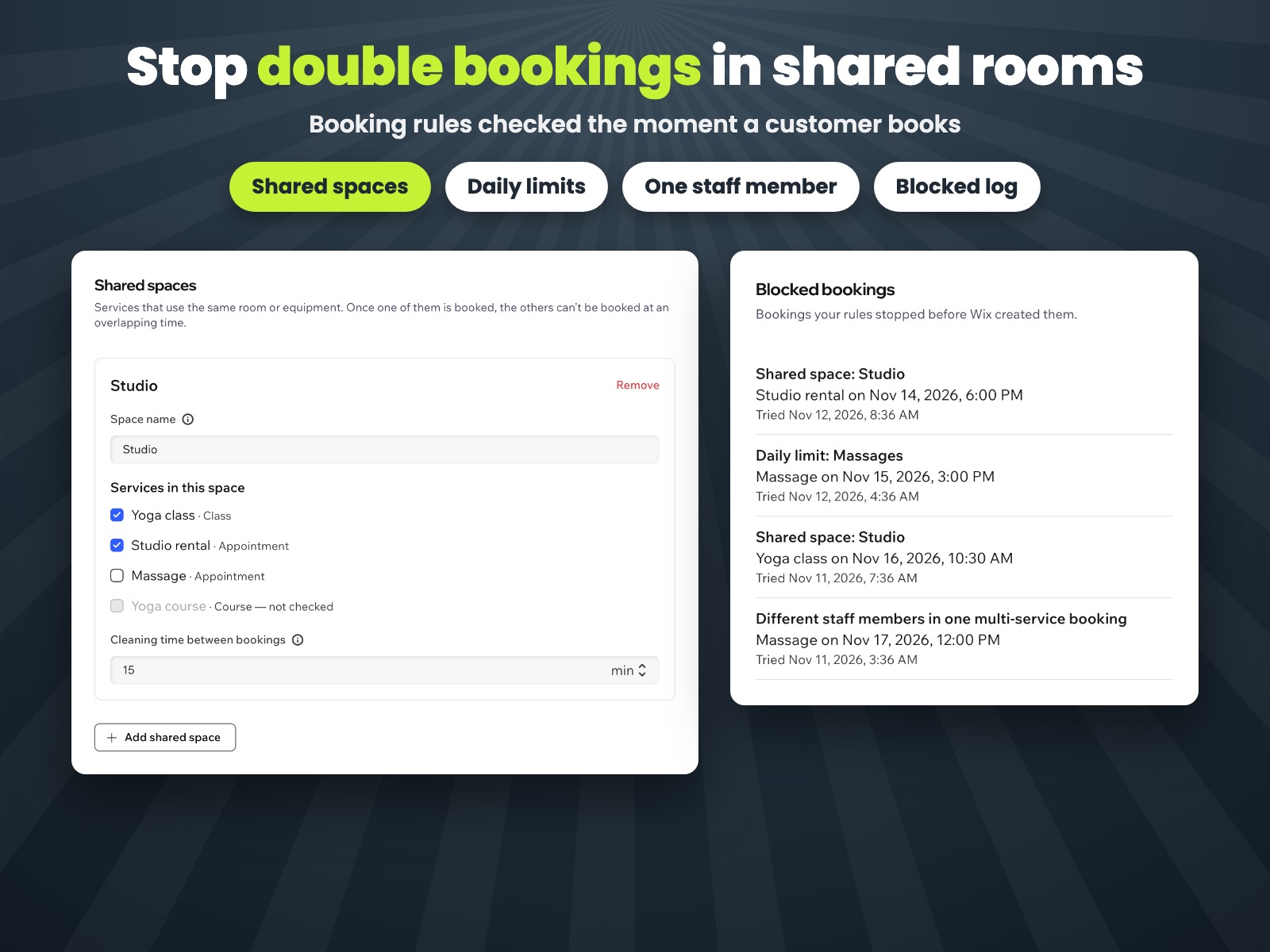
Stop double bookings in shared rooms
Henüz değerlendirme yok
7 gün ücretsiz deneme

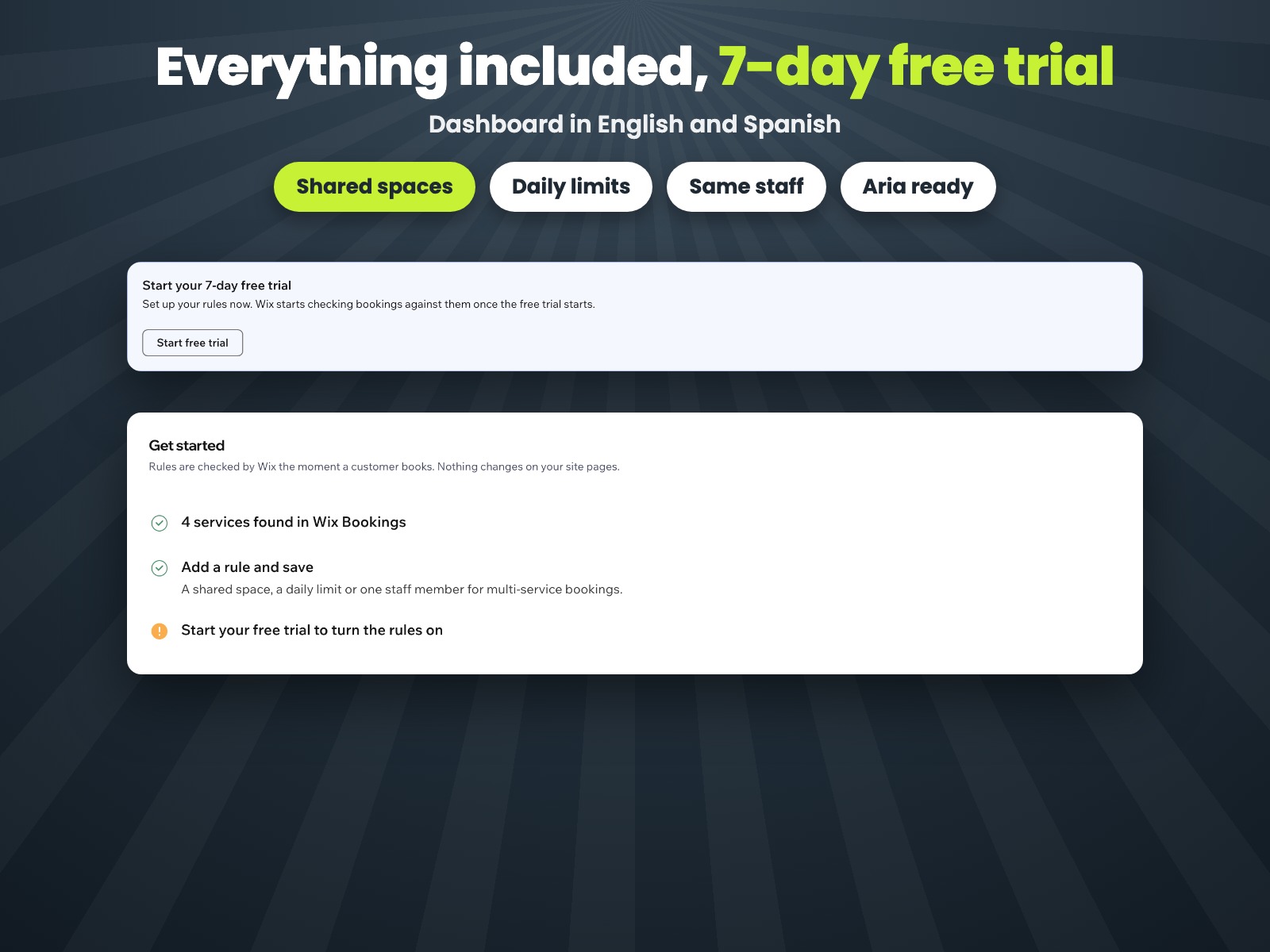
Double Booking Rules & Limits uygulamasına genel bakış
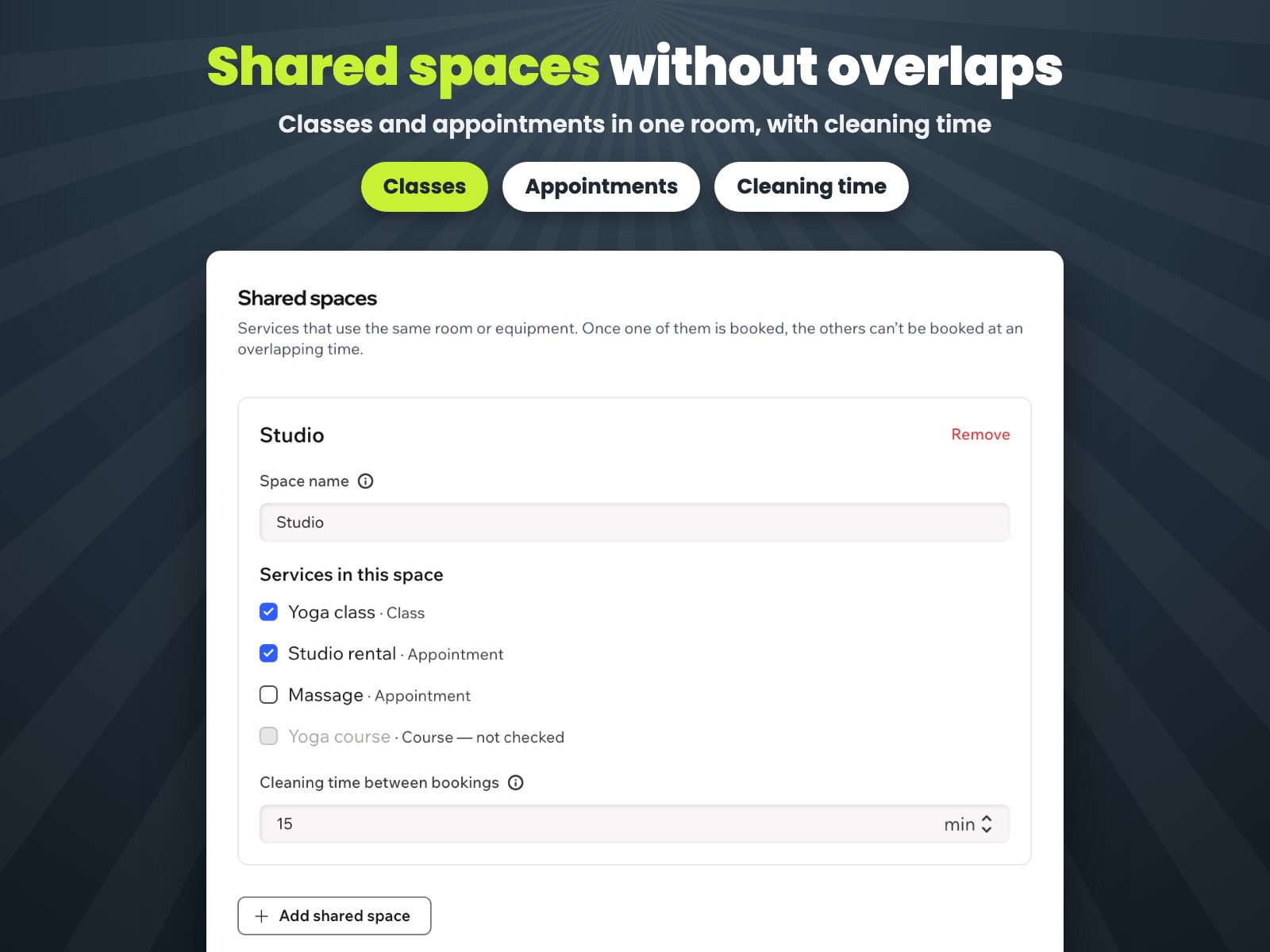
- Shared space: services that use one room can't be booked at overlapping times
- Cleaning time: keep minutes free before and after each booking in a space
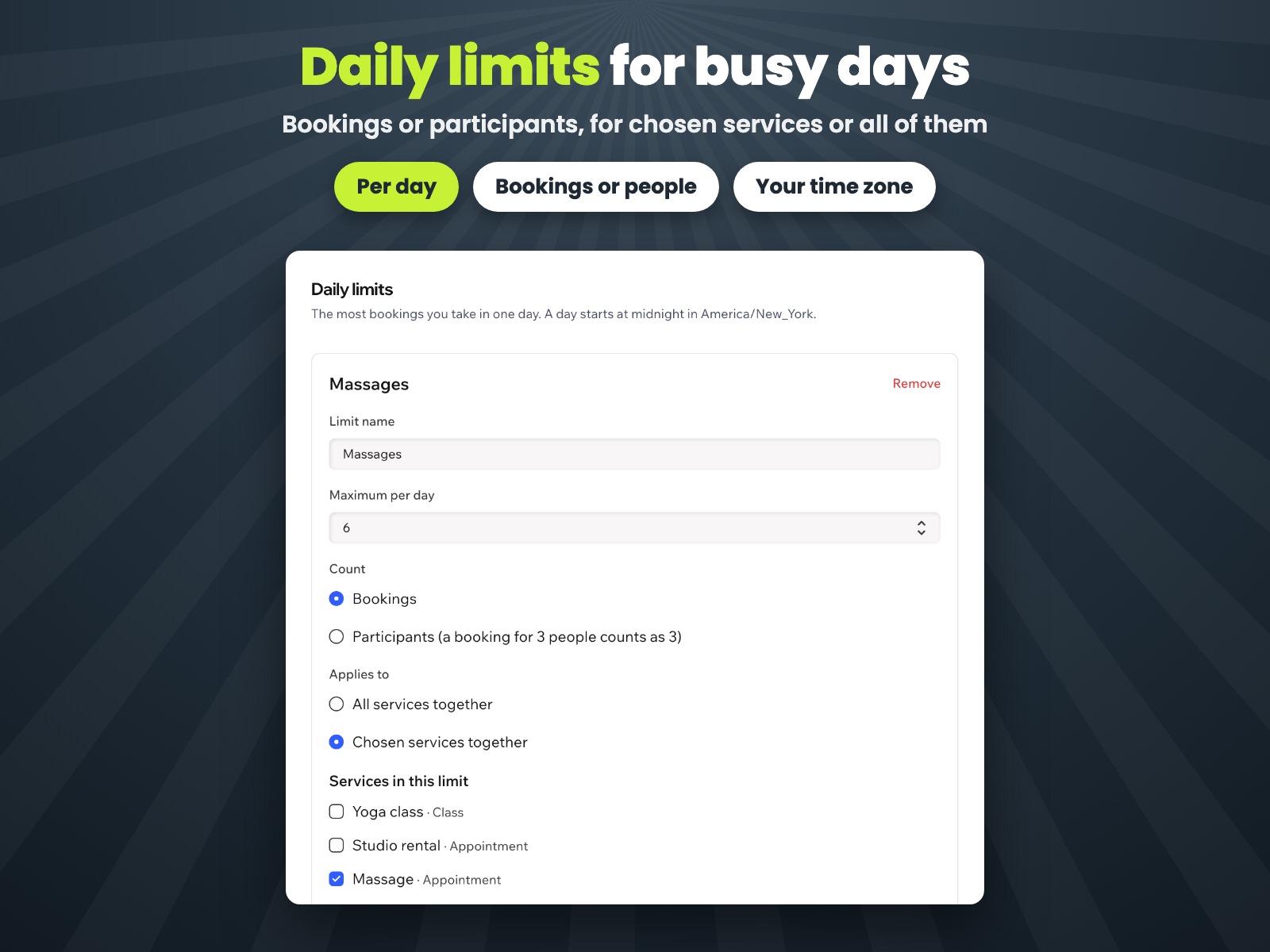
- Daily limits: cap bookings or participants per day for any services
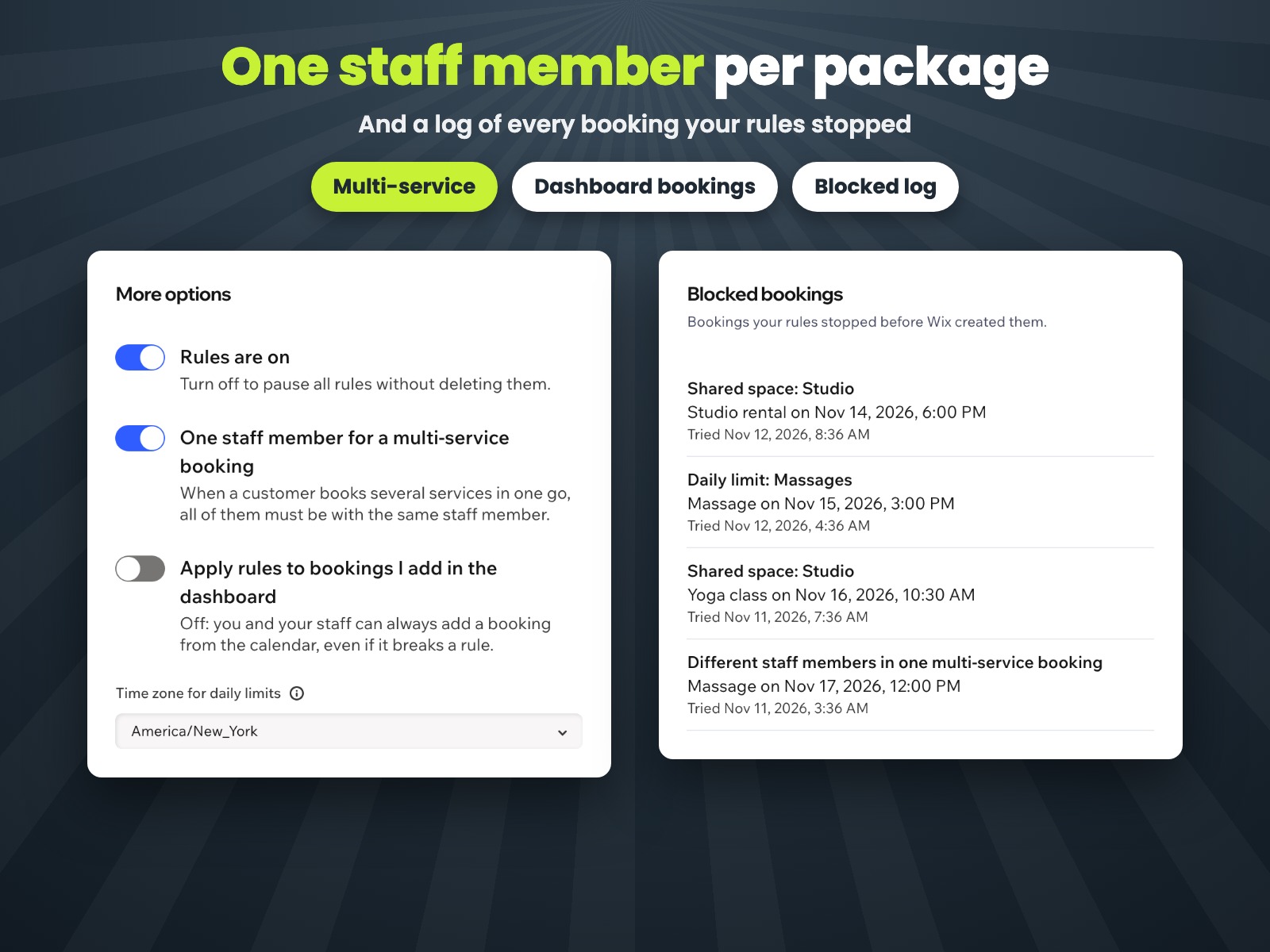
- One staff member for every service in a multi-service booking
Değerlendirme ve yorumlar
Bu uygulama henüz değerlendirme almamış. İlk değerlendiren siz olun.Fiyatlandırma ve ücretli abonelikler
Bu uygulama 7 günlük ücretsiz deneme sunarPro Paketi
$
3
99
/ay
Shared spaces without overlaps
Daily booking limits
One staff member per package
Log of blocked bookings
* Fiyat USD cinsindendir.