

sanal mağaza
Randevu
etkinlikler
Pop-up

Login & Signup Redirects
Sunan:
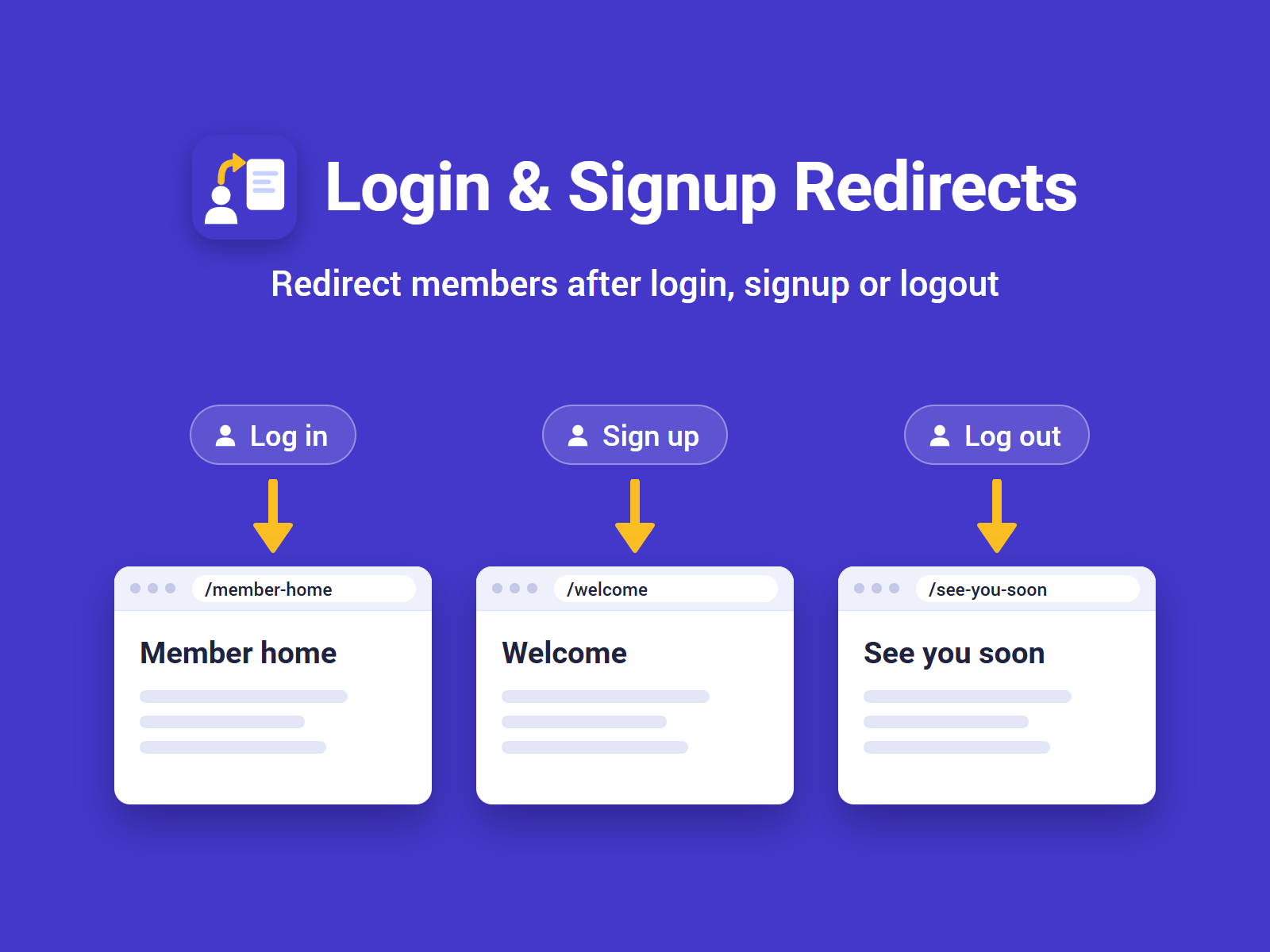
Redirect members after login, signup or logout
Henüz değerlendirme yok
Ücretsiz paket mevcut

Login & Signup Redirects uygulamasına genel bakış
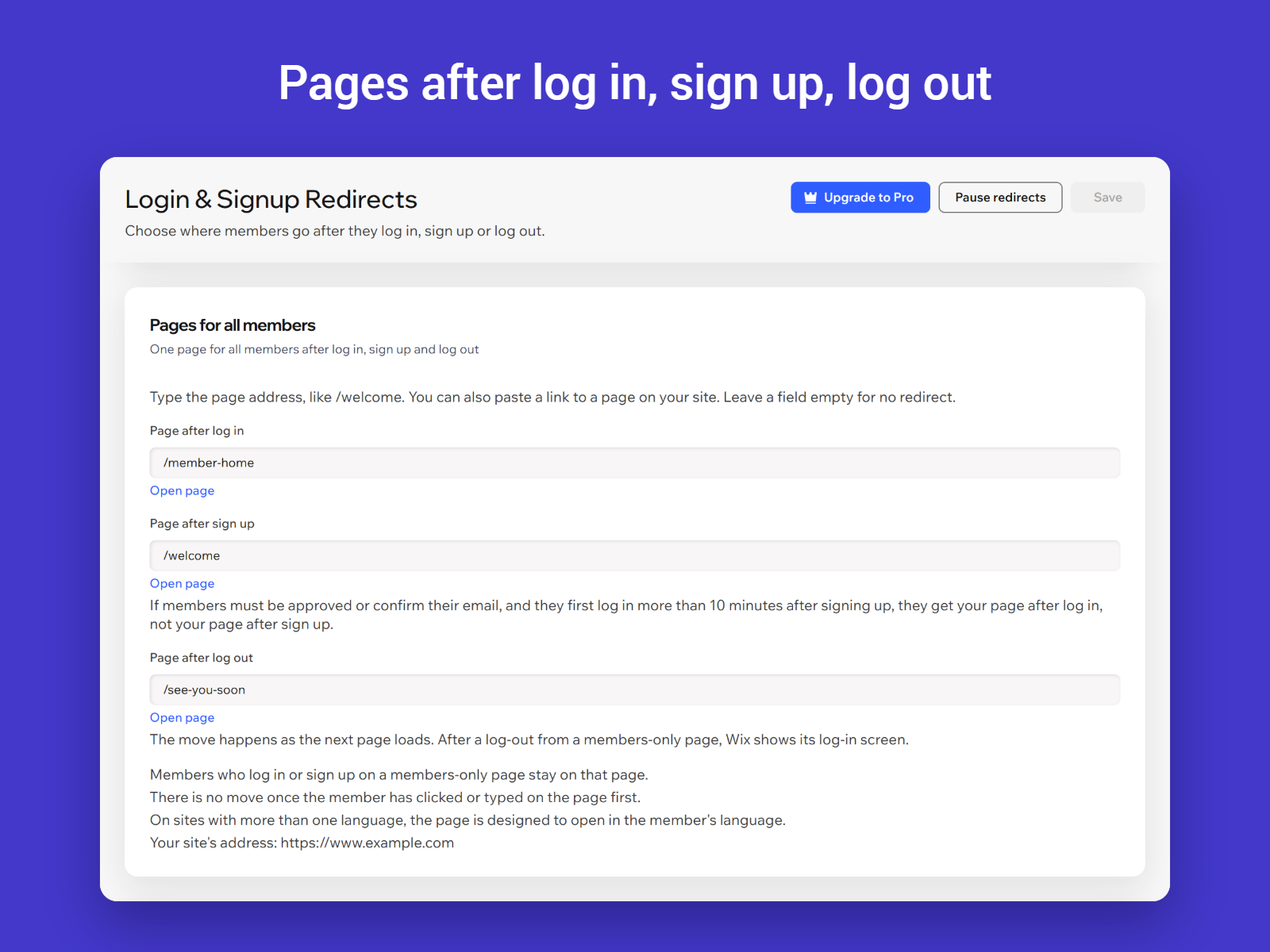
- Pages after log in, sign up, log out
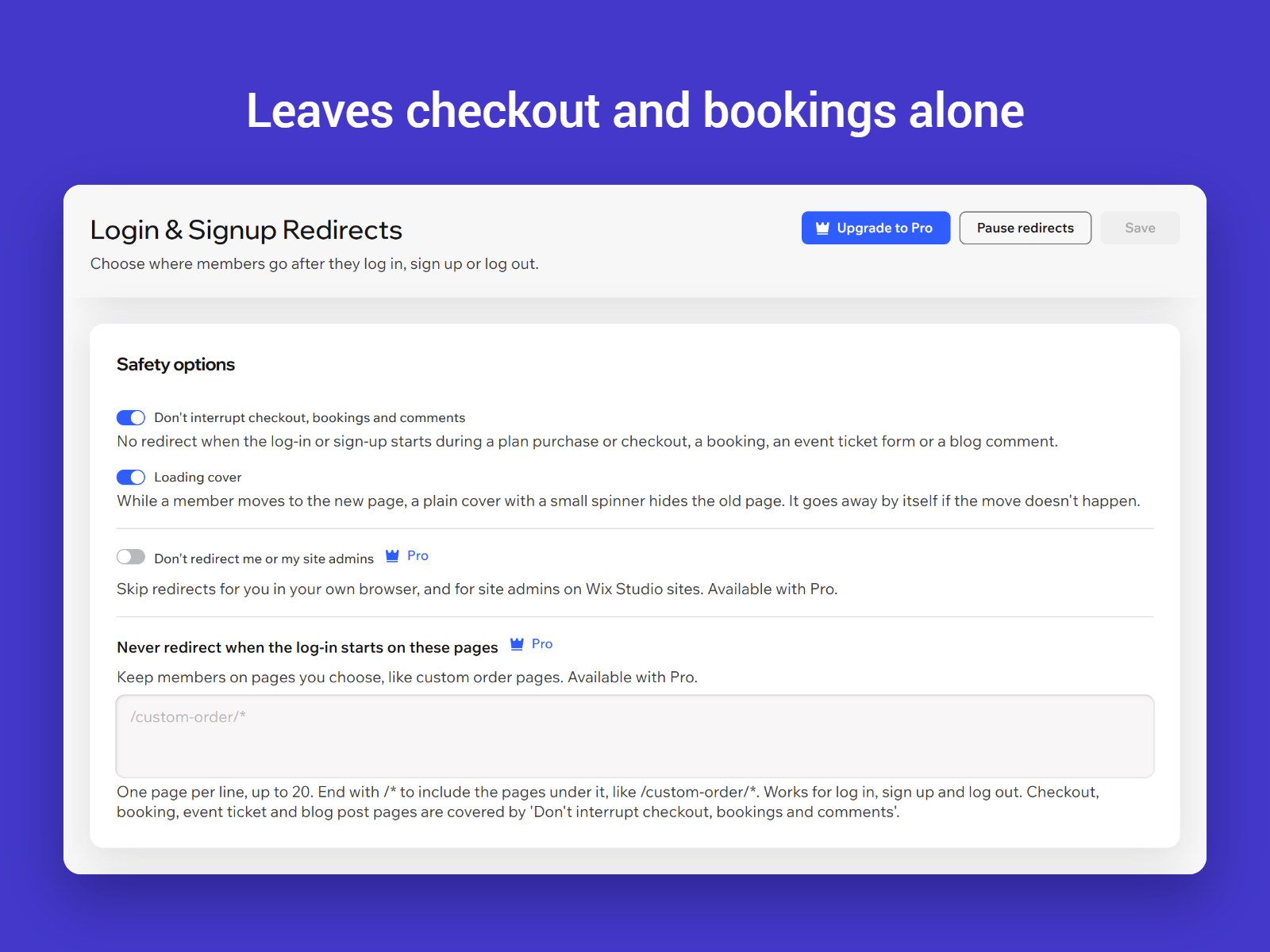
- Leaves checkout and bookings alone
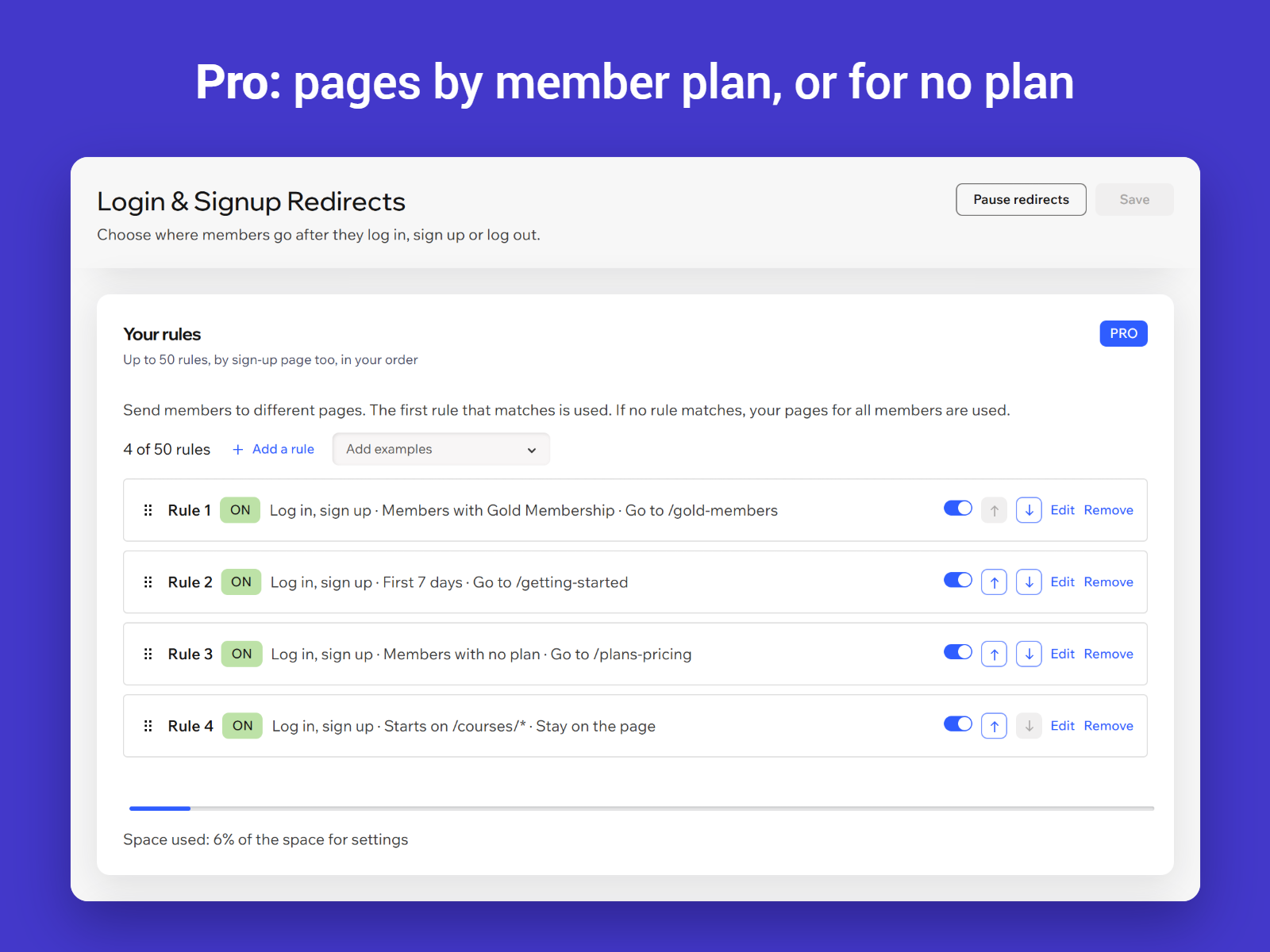
- Pro: pages by member plan, or for no plan
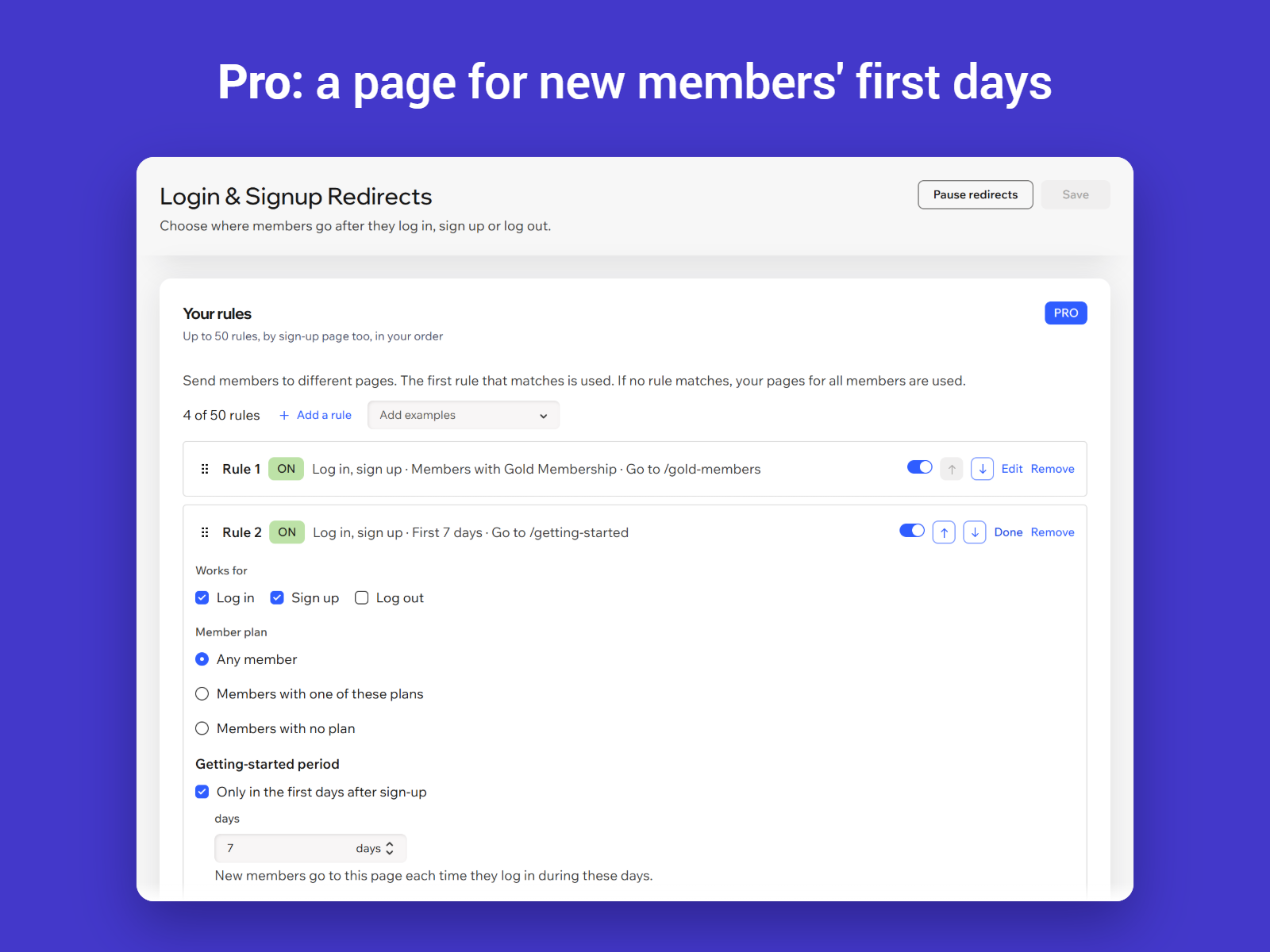
- Pro: a page for new members' first days
Değerlendirme ve yorumlar
Bu uygulama henüz değerlendirme almamış. İlk değerlendiren siz olun.Fiyatlandırma ve ücretli abonelikler
Basic Paketi
Ücretsiz
Pages after log in, sign up, log out
Leaves checkout and bookings alone
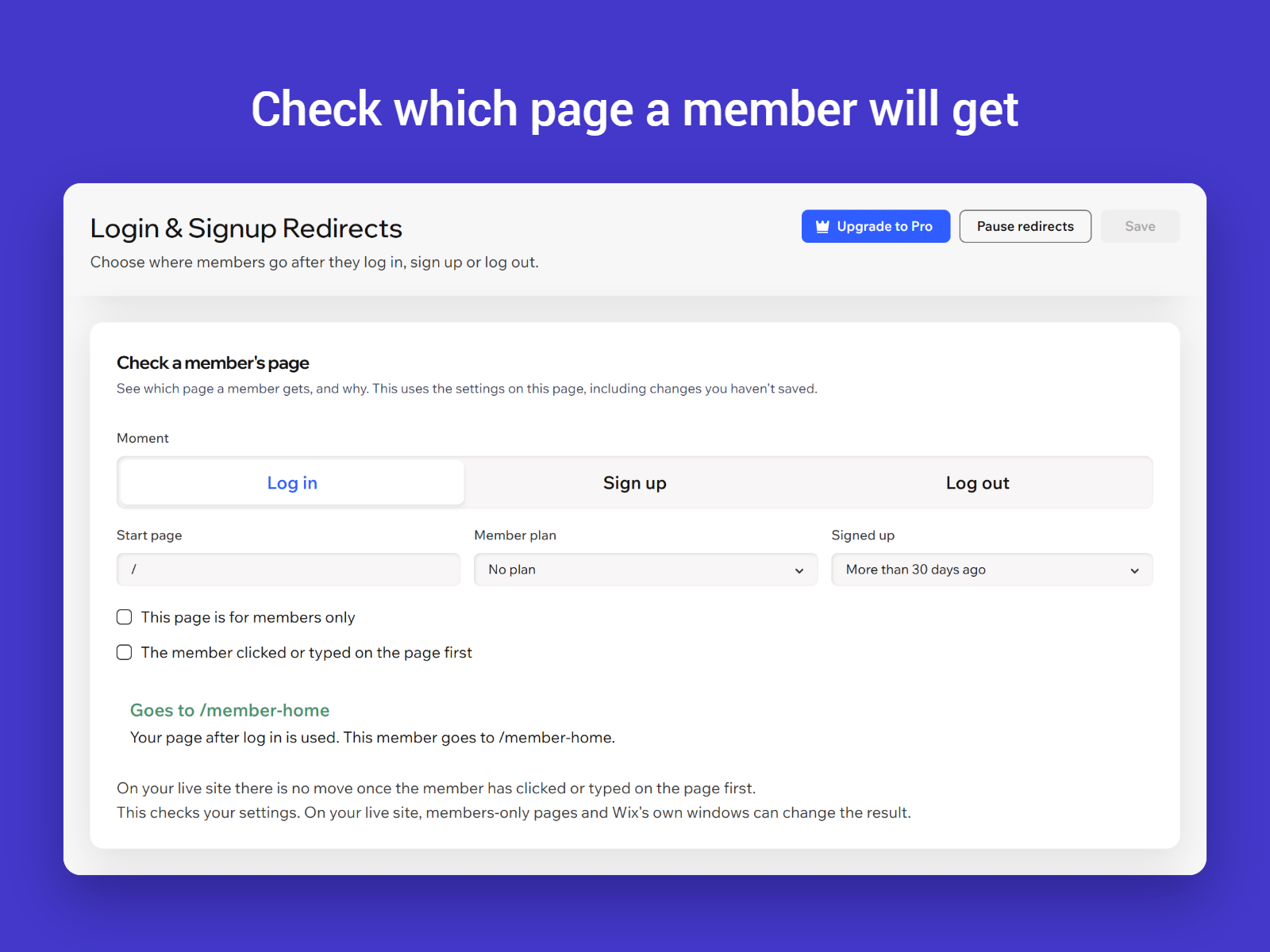
Check which page a member will get
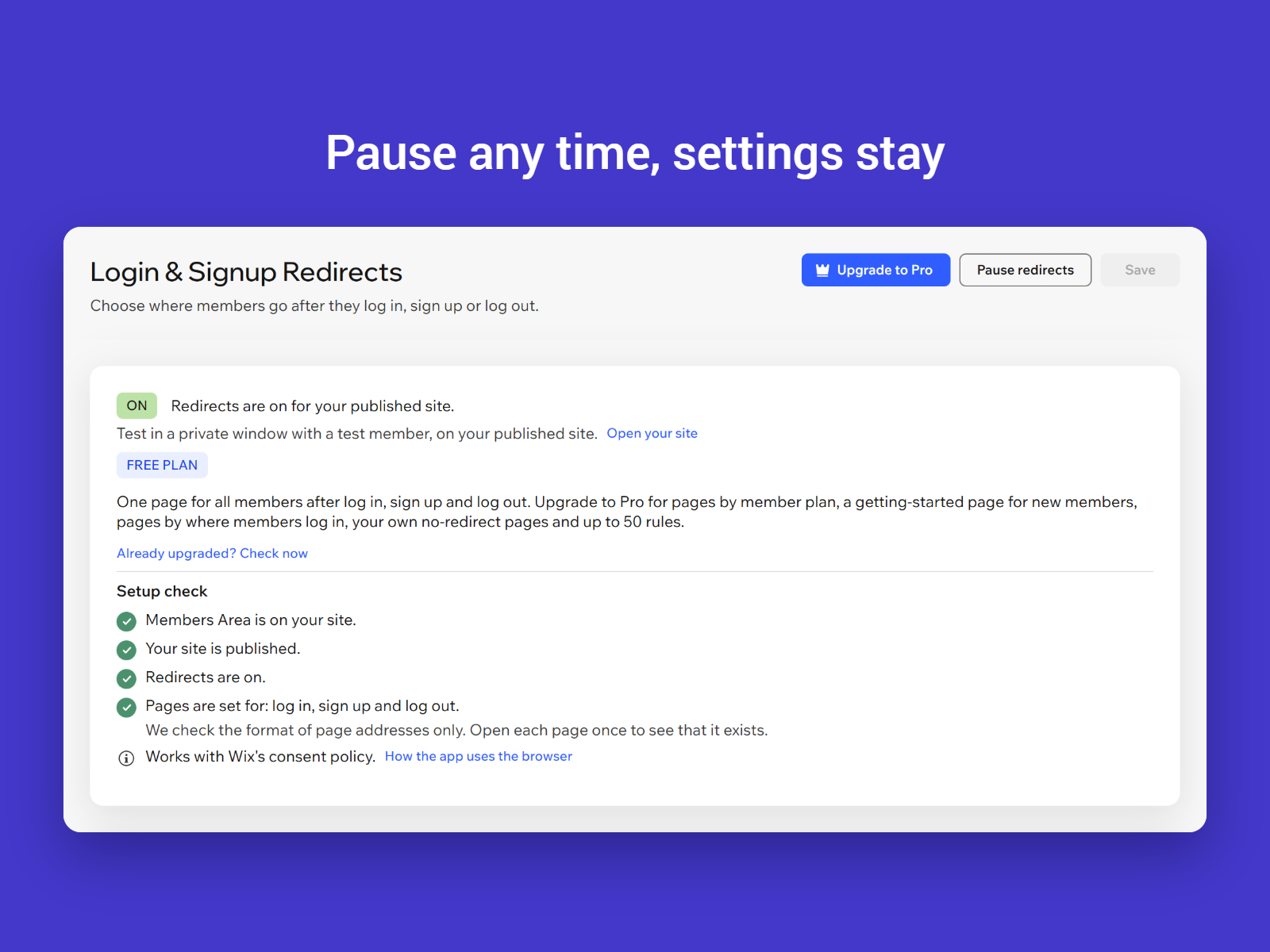
Pause any time, settings stay
Pro Paketi
$
4
99
/ay
Pages by member plan, or for no plan
A page for new members' first days
Up to 50 rules, by where they log in
No redirects on pages you choose
* Fiyat USD cinsindendir.